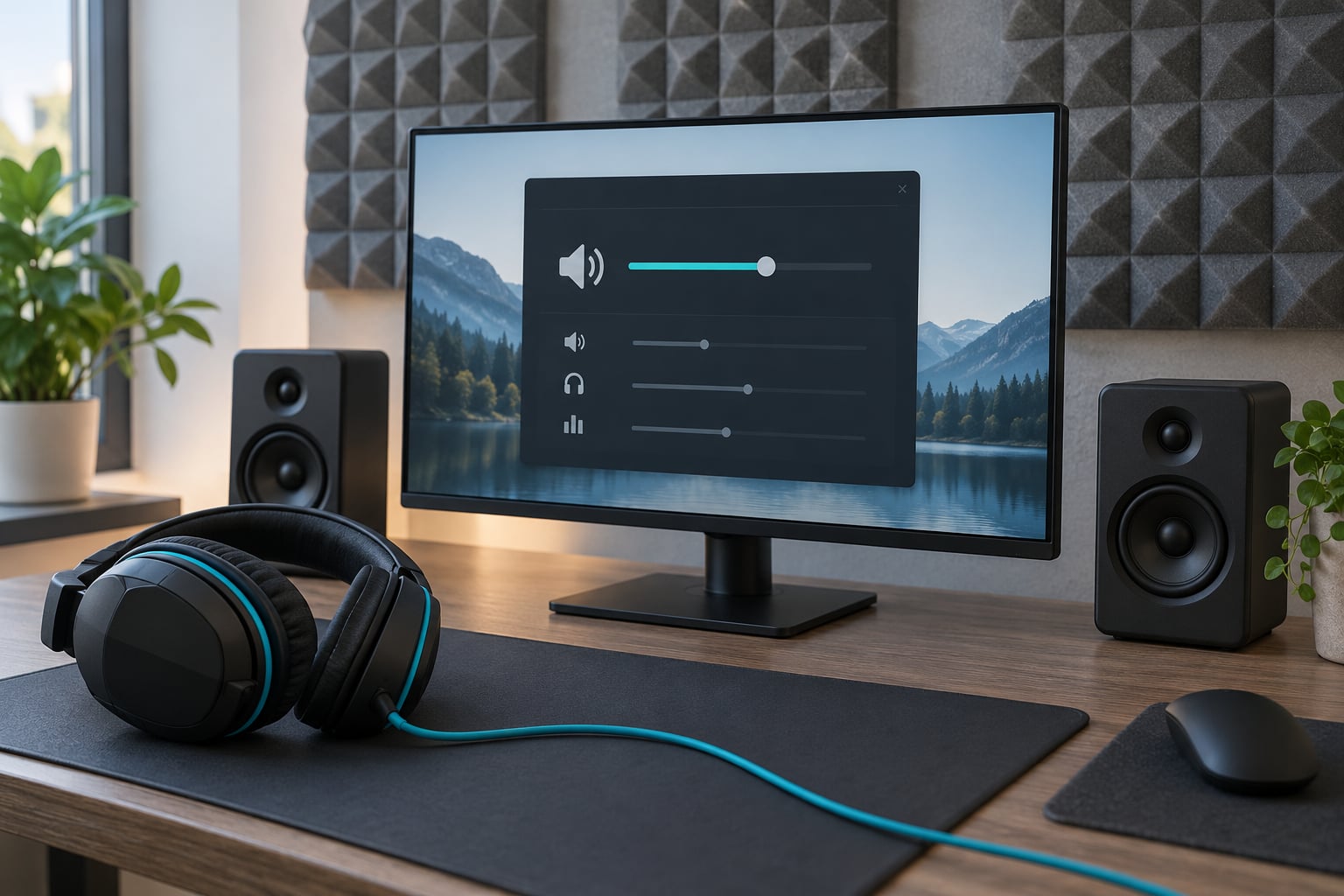
Audio settings affect footstep detection through two separate jobs: volume balance and equalisation decide whether a step is loud enough to register above gunfire and bass, while output mode and spatial processing decide whether you can tell which direction it came from. A setting can improve one without touching the other, which is why plenty of players raise every slider and hear no difference.
There is no single best setup, and any guide that hands you one number for every game is guessing. What you can do is understand where each setting acts in the audio chain, set a comfortable baseline with headroom, and test it in a repeatable way. That is what this walkthrough covers, updated for the audio menus shipped in 2026.
One note before we start. “Footstep detection” also names a branch of signal processing where software identifies footsteps in recorded audio for security or healthcare use. That is not what this article is about — here it means a player picking up movement through an audio cue.
Table of Contents
- What Is Footstep Detection in FPS Games?
- Why the two problems fail in different ways
- How Does the Game-to-Player Audio Chain Work?
- Which Audio Settings Have the Biggest Impact?
- How Audio Settings Affect Footstep Detection in Practice
- Can More Volume Make Footsteps Easier to Hear?
- Do Spatial Audio and Headphones Improve Directional Detection?
- What Settings Should You Use for Competitive FPS Games?
- How Do You Fix Footsteps That Sound Quiet or Distorted?
- How to A/B test your own settings
- Frequently Asked Questions
- Are headphones necessary to detect footsteps?
- Which audio setting improves footstep detection the most?
- Why do footsteps sound quieter on my console or TV?
- Does increasing graphical quality make footsteps easier to detect?
- How can I test footstep detection in my own game?
- Conclusion
What Is Footstep Detection in FPS Games?
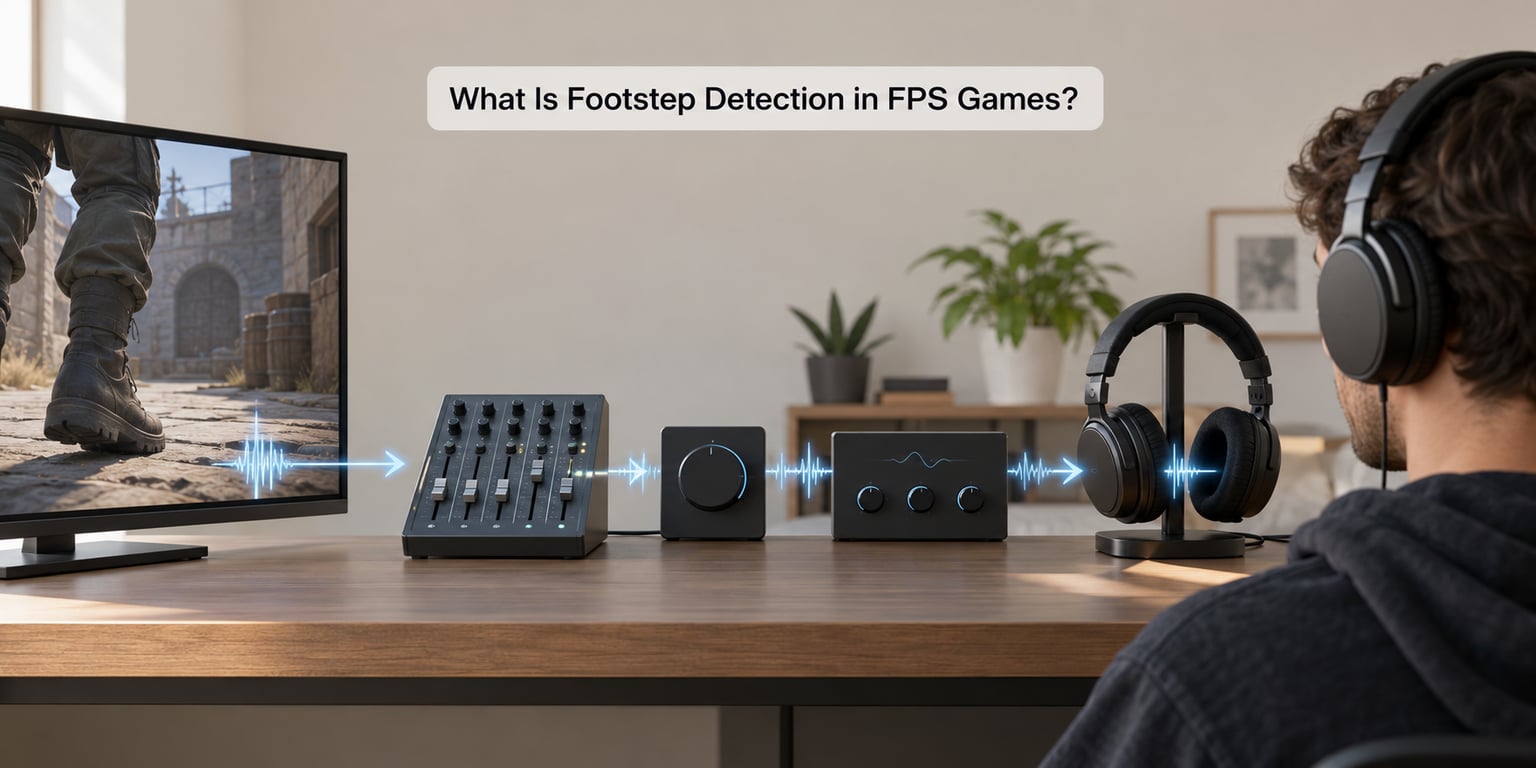
Footstep detection is the ability to identify a character’s movement from audio alone. In a shooter that splits into two problems players constantly blur together: audibility, meaning the step reaches your ear above everything else playing, and locatability, meaning you can point to where it came from.
A footstep can be perfectly audible and completely unplaceable — you know somebody moved, but every direction feels equally likely. It can also be placed precisely and still be inaudible because gunfire covered it. Diagnosing which of the two you have tells you which half of your setup to change.
Because footsteps are usually the earliest warning you get of an enemy, losing either half costs reaction time before you ever have a visual cue. A step you cannot locate is nearly as expensive as one you never heard.
Why the two problems fail in different ways
Audibility fails through masking, dynamic range and simple level. A quiet footstep sits below a gunshot, below a bass-heavy gunshot at that, or below your own breathing. Localisation fails through processing: the wrong output mode, two spatial processors fighting each other, or game geometry filtering the cue into something directionless.
Most published advice mixes them, which is why players end up stuck. Someone raises their effects volume for an audibility problem and their footstep still feels vague, so they try surround next, and the localisation gets worse.
How Does the Game-to-Player Audio Chain Work?
A footstep cue passes through six stages before you hear it. Knowing which stage a setting lives in is the fastest way to work out why a change did nothing.
- The game engine mix. The engine places the sound in 3D space, applies distance attenuation so distant steps fade, and applies occlusion so steps behind walls are filtered and muffled.
- The in-game mixer. Your volume sliders scale whole categories: master, effects or gameplay, music, voice or dialogue, announcer. Some titles also apply their own presets here.
- The output mode decision. The game encodes the 3D audio as stereo, multichannel, or a binaural HRTF render depending on what you selected in the menu.
- The operating system mixer. Windows or your console scales the app, applies enhancements such as Loudness Equalisation, and converts the signal at the selected default format.
- The spatial processor. Optional software from Windows Sonic, Dolby Access or your headset’s own app sits here. This is where double processing happens.
- The DAC and headset. The digital signal becomes analogue in your headset, where a driver EQ or firmware profile may reshape it one last time.
The practical consequence: pulling a slider in the game changes stage two, and nothing you do after that can recover the detail that stage two removed. Turning up the OS volume in stage four cannot restore a frequency the equaliser in stage one already discarded.
Community consensus on the classic chain has been stable for years. In r/GlobalOffensive, a recurring working baseline is disabling 5.1 and 7.1 virtual audio, using the 3.5mm jack instead of a USB dongle, and matching the Windows default format to 16-bit 44100 Hz. Player setups vary widely, but they cluster around the same ideas: one processor, one output mode, no hidden conversions.
Which Audio Settings Have the Biggest Impact?
Ranked by how often they are the actual culprit, not by how exciting they sound. The priority column is the order to work through them.
| Setting | What it changes | Audibility | Localisation | Priority |
|---|---|---|---|---|
| Effects / gameplay volume | Level of footsteps, gunfire, world sound | High | Low | 1 |
| Output mode (stereo / 7.1 / HRTF) | How the 3D mix is encoded | Low | High | 1 |
| Master volume and OS level | Overall signal into the headset | High | Low | 2 |
| Equalisation / sound profile | Relative level of each frequency band | High | Medium | 2 |
| Voice chat level | How much your team masks movement | Medium | Low | 3 |
| Spatial enhancement in Windows or headset software | A second positional pass over the signal | Low | Medium (usually negative) | 3 |
| Dynamic range / Loudness Equalisation | Compresses or expands the range | Medium | Medium | 3 |
| Subtitles and functional toggles | On-screen substitutes for sound | None | None | 4 |
Two rows are worth reading twice. Effects volume is the single strongest lever on audibility because it scales footsteps and gunfire together. Output mode is the strongest lever on localisation, and it does almost nothing for audibility — the exact confusion behind most of the guides you will read elsewhere.
How Audio Settings Affect Footstep Detection in Practice
Six situations cover most of what players describe as broken audio.
- Too quiet. Footsteps sit at a low level in the mix while effects volume is low and master volume is high. Nothing is wrong; the balance is just pointed at the wrong category. Drop music, raise effects, leave master alone.
- Masked by gunfire. A firefight produces far more low-mid energy than a footstep. This is frequency masking, and no volume slider fixes it cleanly — you need to reduce the overlap with EQ.
- Over-processed by an equaliser. A boosted bass shelf and a scooped midrange turn every gunshot into a thump. A boosted treble turns footsteps into hiss. Either way the transient that carries position information is the first thing to go.
- Panned wrongly. The step pans hard to one side when it should be centred, or it sits dead centre when it should be angled. That is the signature of virtual surround applied on top of a game already doing its own panning.
- Played through TV speakers. A console output to television speakers or a soundbar with its own processing loses the fine azimuth differences entirely. On a TV, console and PC audio can differ this much because the console ships with a fixed processing chain.
- Sample-rate mismatch. The game outputs at one rate and the system resamples at another. It rarely removes footsteps, but it adds a thin edge that makes players blame the wrong setting.
One more category is not a setting at all, and it deserves naming because it looks identical from the player’s chair: some titles hardcode part of the mix. A long-running claim in r/PUBATTLEGROUNDS is that HRTF is fixed for footsteps and the visible menu option only governs gunfire. Whether that is true in your build depends on the version, which is exactly why you should verify by ear rather than trusting a thread.
Can More Volume Make Footsteps Easier to Hear?
More volume helps only until you run out of headroom. Headroom is the gap between your loudest moment and the point where the signal distorts. Turn everything up and you close that gap, and the first casualty is the quiet transient you were trying to catch.
Three things are confused here and worth separating:
- Signal strength is how much electrical signal reaches the driver. Raising it makes everything louder, including footsteps.
- Headroom is the room left above that signal before clipping. Less headroom means louder distortion, not more clarity.
- Perceived clarity is how easily a sound separates from its surroundings. This barely moves with volume and moves a lot with EQ and masking.
So raising every slider to maximum usually produces clipping or fatigue, not better detection. Players describe the exact failure in r/GlobalOffensive threads about hearing quieter footsteps: you find a level where steps register, then the first burst fire leaves you reaching for the volume again.
A workable habit is to set master volume where gunfire is comfortable rather than painful, then lift effects within the game so footsteps clear the mix without pushing the physical level up. If you find yourself turning the physical volume down during a match, the balance was wrong at the start.
Monitoring the difference matters if you record or stream. What you capture reflects the same chain, so a capture with clear footsteps usually means the chain is fine and you are losing them to masking or fatigue instead.
Do Spatial Audio and Headphones Improve Directional Detection?
Headphones help because they deliver a left and right signal to each ear with almost no cross-talk, which is exactly what left-to-right position depends on. Speakers put each signal through air and a room, which blurs the same information. That much is not controversial.
What happens after you have headphones is where the arguments start, because three different things get sold under the word surround.
| Mode | How it works | Localisation | Best fit |
|---|---|---|---|
| Stereo headphones | Game pans the sound left and right only | Good side-to-side, poor front-to-back and elevation | Players who want predictability |
| Virtual 7.1 | Software approximates multichannel output with speaker and head models | Adds front-back cues but can smear imaging | Titles with no spatial option of their own |
| HRTF | Per-sound-source binaural render based on a head-related transfer function | Best elevation and front-back modelling, with a steeper learning curve | Titles that ship it, once you are used to it |
HRTF is worth a definition since it is the term most searched alongside this topic. A head-related transfer function is a measured model of how a sound arriving from a particular direction arrives at each of your ears, including the delay, the shadowing by your own head and the filtering of your pinnae. Rendering a sound through that model, per source, is what makes vertical cues plausible rather than guessed.
The catch is that it changes what familiar sounds feel like. A community consensus on the technical side, voiced repeatedly in r/QuakeChampions and r/PUBATTLEGROUNDS, is that HRTF is technically the better approach because it processes each source individually, while software 7.1 approximates it for the whole mix. Approximation is where the smearing comes from.
The most damaging configuration is running both at once. If the game is already rendering HRTF and Windows Sonic or your headset’s own spatial mode is enabled on top, positional data is processed twice and cues blur. Players in r/GlobalOffensive describe disabling virtual audio entirely as the fix when direction felt wrong.
Mismatched output is the other big one. Selecting 7.1 output while using stereo headphones asks the game to place sounds in channels that do not exist, and the result is a degraded signal. Match the setting to the hardware you actually plugged in.
On the question of vertical cues, virtual surround that exposes more channels does add information about stairs and levels that plain stereo cannot carry. That is the one genuine advantage it has, and it is why a title with no HRTF of its own can still be played competitively on 7.1.
What Settings Should You Use for Competitive FPS Games?
Start from a neutral position and adjust from evidence, not from a pro player’s screenshot. Three configurations cover most situations; pick the column that matches your session rather than mixing them.
| Setting | Balanced | Loud and clear | Communication-first |
|---|---|---|---|
| Master volume | Comfortable level for gunfire | Two notches higher, with effects adjusted down | Comfortable level |
| Effects / gameplay | Clearly above music | High, with EQ doing the work | High |
| Music / ambience | Low or zero | Zero | Low |
| Voice / dialogue | Enough to hear teammates | Low | High |
| Output mode | Stereo, or the title’s own HRTF | Stereo or HRTF, no double processing | Stereo |
| EQ | Flat or near-flat | Small presence lift, small low-mid cut | Flat |
| Windows enhancements | All off | Loudness Equalisation only if needed | All off |
On the equaliser question that dominates search results: a small lift in the presence band where footstep detail lives, paired with a modest cut in the low-mids that make gunfire boom, is the widely repeated starting point. In r/GlobalOffensive, players describe the working baseline as a gentle 2-5 kHz boost for transients and a light cut around 200-500 Hz to reduce the mud that blurs placement.
Why those bands, if it comes up. Footstep energy in shooters spreads across several regions, and published claims about which one matters conflict constantly.
| Band | Typical content in a shooter | Footstep relevance | Action |
|---|---|---|---|
| 60-250 Hz | Rumble, explosions, heavy gunshot weight | Low, but strong energy here masks detail | Do not boost |
| 200-500 Hz | Body of gunfire, voice, room tone | Cut a little to unmask steps | Small cut |
| 2-5 kHz | Surface texture and footstep transients | The band that carries position | Small lift |
| 5-10 kHz | Fine detail, fizz, some surface cues | Helpful if your headset reaches it | Leave neutral |
That table reconciles the disagreement in circulation, where some guides put footsteps at 100-400 Hz for one title and others at 2-6 kHz for another. Both are describing the same sound. Different games weight it differently, so check with the frequency response view or an equaliser probe in your own build rather than copying a range from a guide.
Whatever you pick, keep it. Switching profiles mid-session trains you to distrust your own hearing. Consistency across sessions is worth more than a theoretically better curve.
How Do You Fix Footsteps That Sound Quiet or Distorted?
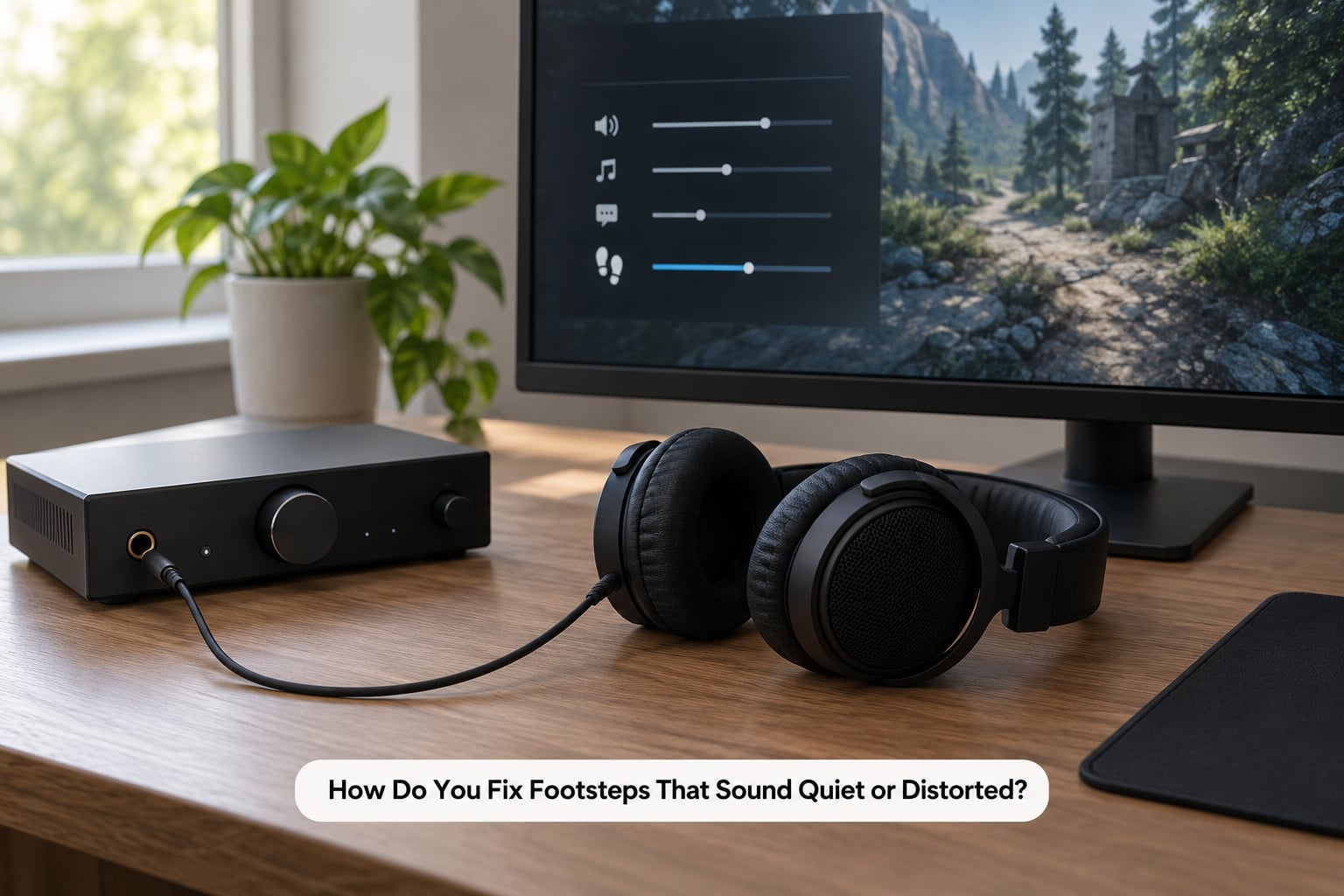
Work down this list in order, one change at a time, and verify after each. Changing four settings at once tells you nothing about which one worked.
- Confirm the output device. The game must be sending audio to the headset, not the monitor, TV or a disconnected dongle. This single cause accounts for more “I hear no footsteps” reports than anything else, and it also covers the case where you hear no sound at all.
- Check mute states in the game, the OS and the headset. Three separate mutes, three separate switches. Verify by playing a menu sound and then a match sound, because games sometimes mute gameplay audio independently of menu audio.
- Match the output mode to the hardware. Stereo headphones means stereo output. Multichannel output on stereo hardware is the most common cause of smeared, unusable positional audio.
- Turn off stacked processing. Disable spatial enhancement in Windows, in your headset’s software, and any third-party equaliser or virtual surround you are not deliberately testing. If the game already does HRTF, the OS and headset layers are redundant.
- Match the sample rate. Set the default format in the OS sound panel to match what the game asks for, typically 16-bit 44100 Hz, and remove the resampling step.
- Rebalance the in-game mix. Effects up, music down, voice set for your session. If footsteps are quiet relative to gunfire, this is the step that moves the needle.
- Flatten the EQ and retest. Before judging any curve, confirm the problem still exists with everything neutral. If a flat setting fixes it, the curve was the cause.
- Rule out the hardware. Test the same game through a different output path. If a second headset on the same software sounds normal, the original hardware is the limit. No setting fixes a driver failure or a cable that only works at one orientation.
- Rule out hearing and fatigue. If everything checks out and quiet sounds are hard to place regardless of settings, that is worth an audiology test rather than another round of tweaking. Volume-driven fatigue is real and it degrades reaction time over long sessions.
Four distinct failure modes produce four different symptom sets, and telling them apart saves a lot of blind changes.
| Symptom | Likely cause | Fix |
|---|---|---|
| Hear a step but cannot tell where | Localisation failure | Fix output mode, remove double processing |
| Steps vanish during firefights | Frequency masking | Rebalance mix, small low-mid cut |
| Steps sound muffled or wrong-shaped through walls | Occlusion working as designed | Nothing to fix; adjust expectation |
| Direction never matches what you see | Reflection simulation or a hardware fault | Verify against a reference setup |
That third row surprises people. Occlusion is not a bug. The engine filters sounds passing through geometry, and developers have confirmed in their own forums that footstep direction is deliberately imitated to be imperfect so that obstacles, reflections and masking feel simulated rather than clinical. A muffled step behind a wall is the game working as designed, not your settings failing.
The reverse complaint also shows up in developer forums: footsteps audible from distances that feel unrealistic, with sprint far louder than walk or sneak. Whether a title’s audibility ladder suits you is a design decision, not a slider you can correct.
How to A/B test your own settings
Pick one map area and one route a known attacker takes. Stand in the same anchor spot, use the same head turns, and replay the same round with a single setting changed. Repeat it three times before judging, because a single pass proves nothing about a cue you are still learning to recognise.
Keep a note of the date and the build version with each test. Audio menus move between updates, and players have reported settings reverting after patches, which invalidates a config you already validated.
Frequently Asked Questions
Are headphones necessary to detect footsteps?
Not strictly, but they matter more for direction than for loudness. Speakers deliver left and right audio through air and a room, which blurs the fine timing differences left-right position depends on. Headphones give each ear a clean, isolated channel. If your setup is speakers, expect left-right cues to work reasonably and front-back cues to be unreliable. Built-in TV speakers are the worst case for both.
Which audio setting improves footstep detection the most?
It depends which problem you have. Effects volume is the strongest lever on audibility, because it scales footsteps and gunfire together, and rebalancing it against music and voice usually changes detection more than any other single slider. Output mode is the strongest lever on direction, and it barely affects audibility at all. If you are unsure, fix audibility first, then localisation.
Why do footsteps sound quieter on my console or TV?
Console and PC audio can differ because of what sits between the game and your ears. Consoles apply their own processing chain that is not user-configurable in the same way as a PC equaliser, and TVs add their own sound processing on top. Speakers also lose high frequencies at low listening levels, so quiet details need more volume on a television than on a headset.
Does increasing graphical quality make footsteps easier to detect?
No. Graphics settings and audio are separate pipelines. Texture quality, shadow resolution and frame rate affect what you see and how smoothly the game runs, not how a sound is mixed, encoded or processed. Raising visual quality may reduce the load on your system in some cases, which can help if audio is stuttering, but it does not change audibility or direction on its own.
How can I test footstep detection in my own game?
Use a repeatable protocol. Pick one map area and one attacker route, stand in the same spot, repeat the same head turns, and change exactly one setting per test. Run each configuration three times before deciding. This matters because the biggest problem is not hearing the step once, it is learning to associate the cue with a direction reliably enough to react in a live match.
Conclusion
Start with four things in this order: confirm the game is actually outputting to your headset, set a comfortable master level that leaves headroom, remove any processing you have not deliberately chosen, then check the effects-versus-music balance. After that, play your repeatable test and change one setting at a time.
If footsteps still go missing during firefights, that is masking, and the answer is a small low-mid cut rather than more volume. If you hear them but cannot place them, that is output mode and double processing. If neither responds, you are down to hardware or a genuine hearing issue, and neither is fixed by a slider.
There is no universal best configuration, and the honest version of this advice is that your ears and your hardware decide the last few percent. What the settings can do is stop working against you.