
You can follow an esports season without watching every match by picking one league, using a schedule and standings tracker for results, following the official highlight channels, and running a short weekly review of what you missed. The whole routine takes about 20 minutes a week, which is less time than most people already spend scrolling social feeds and still not knowing who won.
It works because a season is really just three layers: a schedule, a results table, and a handful of matches that decide the story. You can read the first two in minutes. The third is what you actually watch, live or on a VOD, and there are usually only a few series a week worth the time.
This is aimed at people who work while matches are live, who are in a time zone where the broadcast lands at 6 a.m., or who follow three titles and cannot pretend they follow thirty teams. It also works if you have never played the game. Updated for October 2026.
Table of Contents
- What You Need
- Tracking tools compared by what they are actually good at
- Step-by-Step: How to Follow an Esports Season Without Every Match
- 1. Choose the league and storylines that matter most
- 2. Build a weekly match schedule
- 3. Set alerts for matches, results, and roster news
- 4. Check the standings and recap after each round
- 5. Watch VODs, highlights, and analysis instead of every live match
- 6. Track player form, tactics, and team changes
- 7. Review the season in one weekly session
- Common Mistakes and Tips
- Frequently Asked Questions
- Can I follow an esports league without watching live matches?
- What is the fastest way to catch up on a missed esports match?
- Are highlights and short videos enough to understand a match?
- Which esports games are easiest for new viewers to follow?
- How do I stop esports notifications from becoming overwhelming?
- Conclusion
What You Need
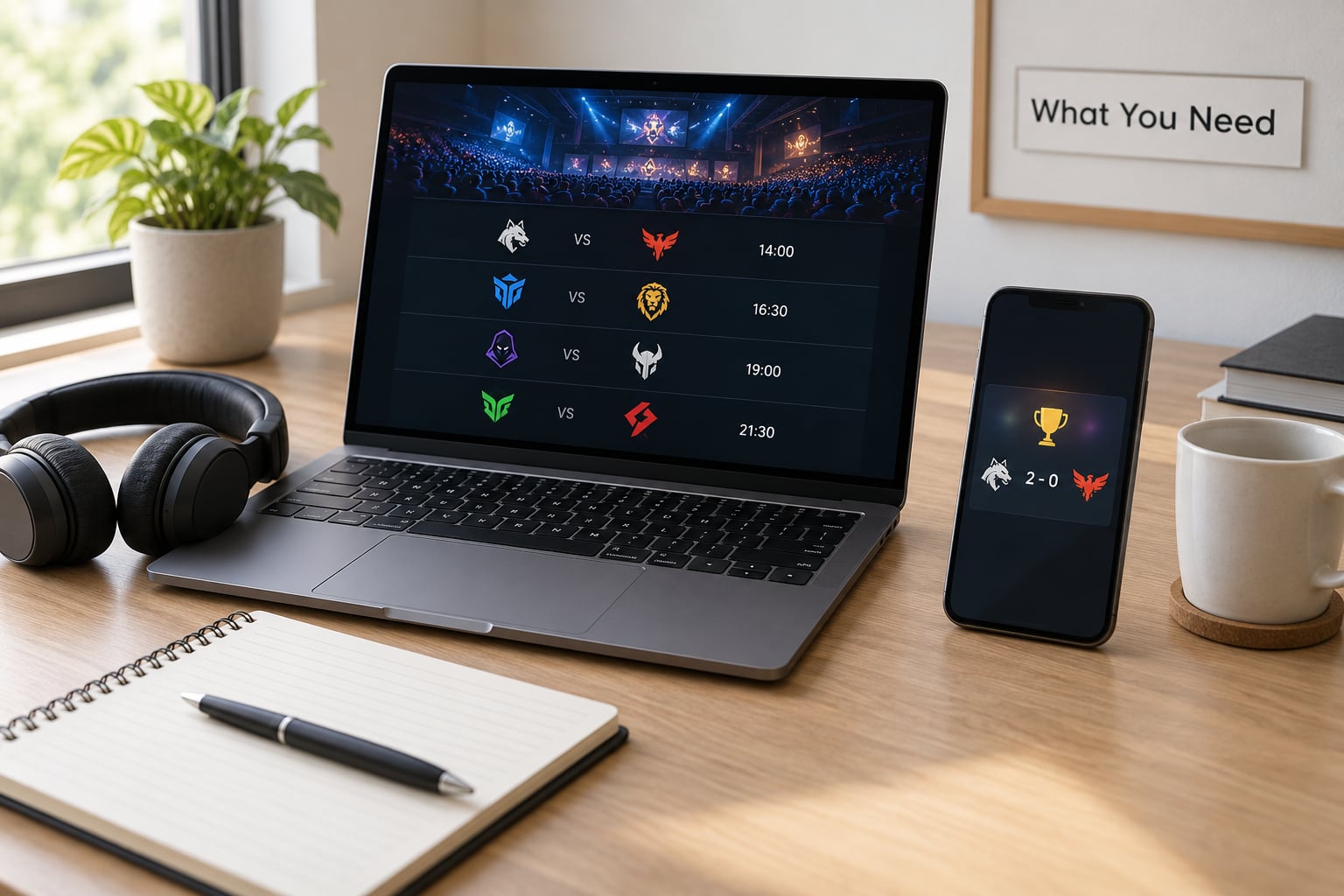
Six things, and four of them are free. That is the whole setup.
- An official schedule source. The league or tournament’s own site. It is the only place that is always right, even if it is ugly on mobile.
- A tracker for standings and results. This is your “what happened while I was asleep” page.
- A VOD and highlight source. Official YouTube channels per league, plus the game’s own spectator client for the games that have one.
- Per-team alerts. Notifications for the two or three teams you actually care about, and nothing else.
- A calendar that accepts a feed or subscription URL. iCal or Google Calendar both do, so match days can land in the calendar you already look at.
- A notes app. Phone notes are fine. Its job is to hold the two or three storylines you are tracking so you do not re-derive them every week.
Tracking tools compared by what they are actually good at
| Tool | Best for | Free? | Coverage |
|---|---|---|---|
| Liquipedia | History, brackets, rosters and player transfers | Yes, free wiki with ads | Dozens of titles |
| Strafe | Following teams and players on your phone | Yes, with a paid tier | 8 titles, 240+ events and 5000+ matches a year |
| VLR.gg | Valorant match and map-level stats | Yes | Valorant only |
| HLTV | Counter-Strike results, maps and rosters | Yes | Counter-Strike family |
| Esports Charts | Viewership numbers and hours watched | Yes, some data gated | Most major titles |
| Official league site | Broadcast links, ticket info, ruling on formats | Yes | That league only |
Liquipedia is the one worth bookmarking first. Fans in the Rocket League and general esports communities describe it as the place to check when they need a fact, not an opinion, and it is free to use. Strafe is the better fit if you want push notifications and a phone-first experience rather than a wiki you have to go and read.
Step-by-Step: How to Follow an Esports Season Without Every Match
Seven steps, set up once in about an hour. After that it is maintenance, not work.
1. Choose the league and storylines that matter most
Pick one title and one league, then write down three storylines you want to be able to talk about. Examples: a team rebuilding after a roster change, a rivalry between two orgs, or the qualification race for playoffs.
Limiting it to three is the part people skip and then regret. A regional league’s second division can have more teams than your entire list of priorities, and following all of them is how you end up behind again next week.
Within your chosen league, sort matches into three buckets: watch live, watch on a VOD, and ignore. Playoff series, rivalry matches and any match where a team is one win from elimination go in the first bucket. The rest sort themselves out.
2. Build a weekly match schedule
Put the league calendar in your real calendar, not in a browser tab you forget about. On Sunday, look at the coming week and mark up to three matches as live. Everything else gets an automatic label instead of a decision.
Most fans I know do this on Sunday night with coffee, and it takes five minutes. The value is that when the week gets busy, the matches you would have dropped are the only ones left to think about.
Add the international events to a separate list with time zone conversion. If a major tournament is happening and it lands at work hours, it goes on the VOD list by default, not the live list.
3. Set alerts for matches, results, and roster news
Turn on notifications for your two or three teams and for playoff brackets. Leave everything else off. This is the step that decides whether you keep following in month four or quietly abandon it.
Practical settings: batch notifications instead of letting them fire mid-meeting, set quiet hours for your sleep, and use one app for results instead of five. If a tool lets you follow per team, use that granularity. If it only offers a blast for every match in a title, turn it off.
Roster news deserves its own alert. A star player leaving changes how you read the next six weeks, and it is the one update that is genuinely hard to backfill.
4. Check the standings and recap after each round
Read four things each week: the win-loss record, the map or game differential, the current streak, and the qualification scenario. That is the whole read, and it takes about three minutes.
The differential is the number people skip and the one that predicts more than wins and losses do. In most formats a team winning 2-1 every week is in more trouble than its record suggests, and the differential is what shows it.
Add tiebreakers to that list, because a team sitting seventh on record can finish above a team on the same record and the difference is decided by head-to-head results or round differential. Nobody explains tiebreakers in the standings page, and this is where people get confused every season.
5. Watch VODs, highlights, and analysis instead of every live match
Substitute coverage instead of skipping it. A two-minute highlight clip from the official channel tells you what happened. A twenty-minute post-match segment or a caster breakdown tells you why. A full VOD tells you what a specific series felt like.
Start at the highlights, then decide if you need more. Most weeks the answer is no, and that is a fine outcome. Save the VOD queue for the series that decide something.
A full match is still worth it when the score was close, when a team is playing well and you want to see how, and when two teams have never met before and there is no history to read. Esports matches also run long, often two to three hours for a series, so budgeting is part of the method rather than an afterthought.
6. Track player form, tactics, and team changes
Keep a short list of players you are watching and check their recent numbers rather than the whole leaderboard. Form shows up in a stat page long before it shows up in a headline.
Roster moves are the big one. Write down who joined, who left, and the date. When results look strange three weeks later, the roster change usually explains it, and it stops you from blaming a coach for a problem that started with a substitute player.
Meta shifts come next. When several teams in a league start drafting or banning the same thing, that is a meta shift, and it changes how you read the next results. One line in your notes app is enough.
7. Review the season in one weekly session
Block 20 to 30 minutes, once a week, at a fixed time. This is the session that makes the rest work, because it converts scattered results into an actual understanding of the season.
The order matters. Results and standings first, so you know what happened. Recap and highlights second, so you know the important moments. VODs last, so the long tail never eats the session. Then update your three storylines and look at next week’s schedule.
If you only have ten minutes, cut the VODs and keep the rest. A ten-minute version that happens every week beats a full version that happens twice a month.
Common Mistakes and Tips
Following every league at once. Six titles means six calendars, six sets of alerts and no time to actually watch. Fix: one title for the first two months, and add a second only when the first is boring you.
Ignoring standings entirely. Results without a table are noise. You cannot tell an important win from a meaningless one without knowing where a team sits and what happens next. Fix: three minutes on the table every round.
Treating social clips as coverage. A thirty-second clip shows you the play, not the game plan, and it is where most spoilers come from. Fix: official highlight channels only, with notifications for clips turned off.
Turning on every notification. This is the most common reason people stop following a league. Forty alerts a day is forty interruptions and zero attention. Fix: per-team alerts, playoff alerts, nothing else.
Never watching a full series. Highlights alone will not teach you why a team keeps losing the same map. Fix: one full VOD per playoff stage, chosen while the stakes are clear.
Starting with a game you have never played. Not a blocker, but you need a glossary. A few terms cover most of it: a series is the whole match, a game or map is one round of it, a bracket is the knockout path, and LAN means the teams played in one room on the same machines.
Two habits that help more than the rest. Search the league name plus “standings” or “today” instead of opening your social feed, which is the fastest spoiler-free way to check a result. And put your catch-up in a queue instead of watching whatever appears, so the long tail never takes over the session.
Frequently Asked Questions
Can I follow an esports league without watching live matches?
Yes. Most fans who do this never watch a game live. They use a schedule and standings tracker for results, official highlight channels for the plays that mattered, and a saved VOD queue for the one or two series a week worth seeing in full. The tradeoff is that you learn the season a few days behind the broadcast, which most people prefer to not following it at all.
What is the fastest way to catch up on a missed esports match?
Search the league name plus the two team names, then open the official league channel for the highlight video. That takes under a minute and covers most rounds. If the result mattered, add the full series to your VOD queue and watch it later. Skipping straight to a full VOD is the slow route unless you want the whole series.
Are highlights and short videos enough to understand a match?
Highlights tell you what happened. They rarely tell you why, so a team can look strong in clips and still have a plan that does not work. Add a post-match analysis or caster segment once a week, and watch one full series per playoff stage. That combination covers the story of a season without the full time cost of live coverage.
Which esports games are easiest for new viewers to follow?
Rocket League comes up most often in community recommendations because a goal is a goal and a two-minute clip still makes sense. Shooter titles like Valorant and Counter-Strike work too, since round structure is easy to pick up, but they carry more jargon. Titles with drafts and map pools take longer because you need the game’s terms before the results read properly.
How do I stop esports notifications from becoming overwhelming?
Follow per team rather than per title, turn on playoff bracket alerts, and leave everything else muted. Batch notifications instead of letting them fire during the day, and set quiet hours overnight. If your tracker only offers an all-or-nothing alert for a league, that league goes on a calendar feed instead, and you check it weekly.
Conclusion
Do one thing tonight: pick a single league, subscribe to its official schedule in your calendar, and pick three storylines to track. Then block 20 minutes every Sunday for the review.
Standings first, recap and highlights second, VODs last. Everything else is detail you can add once the habit is there.