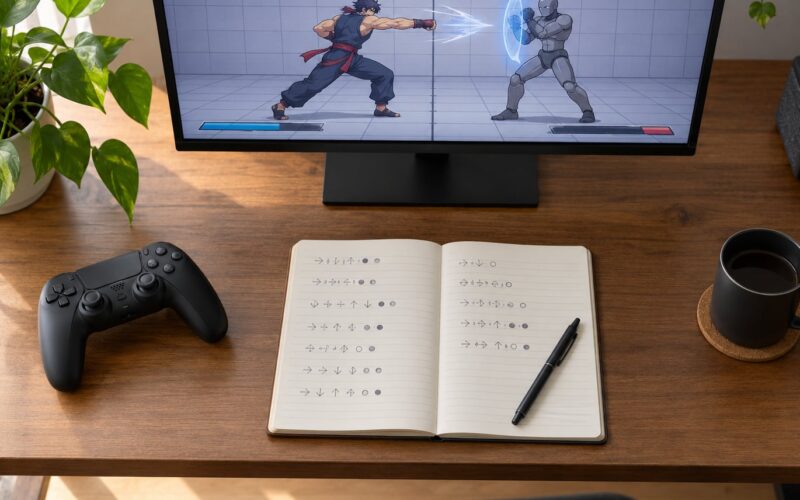
Most players learn frame data the wrong way: they open a wiki, stare at a spreadsheet of numbers, and quit two days later. The better way to practice frame data in fighting games is much smaller. Pick one character, find the frame meter in training mode, record startup, active, recovery and advantage for about eight moves, then drill the punish that follows each one until your hands do it without thinking.
It takes roughly 20 focused minutes a day, and you can feel the difference inside two weeks. This guide walks through the tools, the five-step routine, and the mistakes that keep beginners stuck.
Table of Contents
- What You Need
- Training mode with the frame meter turned on
- Dummy behaviour you can control
- Frame step and input display
- A frame data reference
- Somewhere to write things down
- One character and a small move set
- Step-by-Step
- Step 1: Choose One Character and a Focused Move Set
- Step 2: Record Startup, Active, Recovery, and Advantage
- Step 3: Learn the Punish, Block, and Whiff Windows
- Step 4: Practice Frame Data as a Decision Tree
- Step 5: Test the Data Against Real Opponents
- Common Mistakes
- Frequently Asked Questions
- Do I need to memorise frame data to get better?
- How long does it take to learn frame data?
- Do I need a spreadsheet to track frame data?
- What does -4 on block actually mean?
- Is my arcade stick or internet latency ruining my practice?
- When should I move from frame drills to real matches?
- Your First Session
What You Need
Frame data is not a separate skill from playing the game. It is a description of the same numbers the game is already running, so the tools you need are mostly free and already installed.
Training mode with the frame meter turned on
Every current 2D fighter has a training or lab mode with a frame data display. In Street Fighter 6 it sits at the top-left of the screen. In Guilty Gear -Strive- and Mortal Kombat 1 it is a panel in the training HUD. Tekken 8 hides it behind the frame data display toggle in the training menu, and 2XKO puts it under the training options. The label changes, the idea does not: you want a readout showing startup, active, recovery, on-hit and on-block values.
Dummy behaviour you can control
The default dummy just stands there, which teaches you almost nothing. You want settings for block after first hit, block everything, and stand-up actions such as jump or reversal. Without a dummy that blocks on your heavy attacks, you cannot see your own punish windows.
Frame step and input display
Frame step lets you advance one frame at a time, which is how you catch a three-frame window you would otherwise blow past. Input display shows the last inputs on screen so you stop guessing whether you pressed the button on the right frame.
A frame data reference
Dustloop is the reference most players land on first, with per-game wikis filling in the gaps. Use it to check numbers, not to memorise them. The point of looking a number up is to know what to practise tonight.
Somewhere to write things down
A phone note or a spreadsheet is enough. What matters is that the note survives the session, because most of the value lands in the next one. Write the move, the number, and the one thing you want to do differently.
One character and a small move set
Limit yourself to your main character and roughly eight moves: your fastest normal, your main poke, two heavies, one throw, one anti-air and one special. Eight moves is already more than most beginners can feel in a month.
Step-by-Step
Here is how to practice frame data in fighting games as a repeatable loop rather than an open-ended drilling session. Run the steps in order. Each one feeds the next, and the whole routine fits in one sitting.
Step 1: Choose One Character and a Focused Move Set
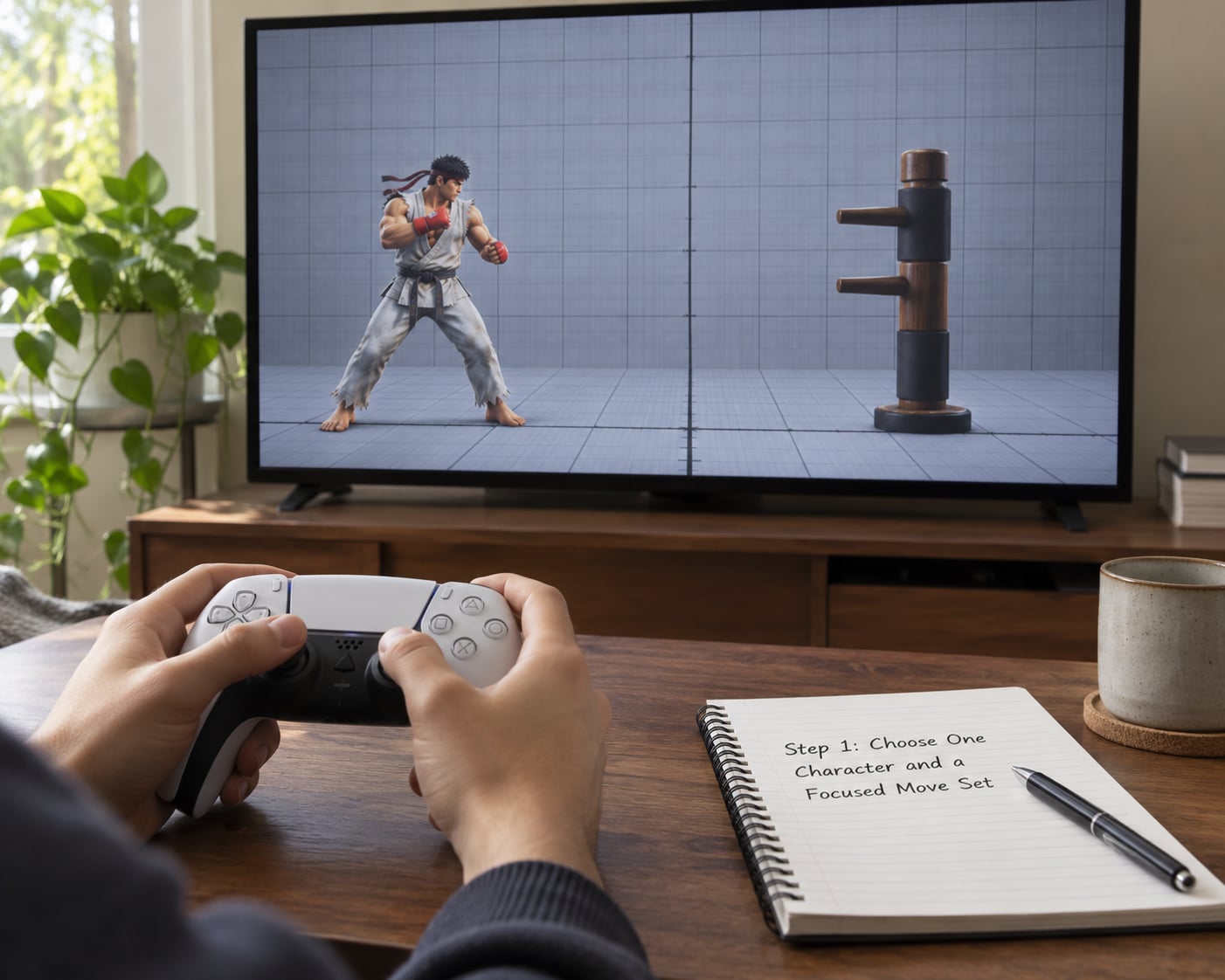
Start narrow. One character, one matchup, eight moves. If you play a character you have never labbed, the first session is about establishing the numbers, not fixing anything.
Pick the matchup from something that actually happened to you. If you lost to a player who kept pressuring you after a blocked heavy, that is your lab for the week. Labbing a matchup that has never come up is wasted time.
How you tell it worked: by the end of the session you could name the move that beat you and the situation it came from. If you cannot name it, the session was too scattered.
Step 2: Record Startup, Active, Recovery, and Advantage
Four values cover most of what you need. Startup is the number of frames between your button press and the hitbox appearing. Active is the number of frames the move can connect. Recovery is everything after it stops hitting until you can act again. Advantage is the difference between your recovery and your opponent’s hitstun or blockstun, written as plus or minus.
One frame at 60 frames per second is about 16.7 milliseconds. A five-frame startup is roughly 83 milliseconds, which is faster than most people react, which is exactly why fast normals hit so often.
- Startup. Frames before the hitbox appears. Tells you how early you can react to it and whether it beats a slow button.
- Active. Frames the move can connect. Tells you how much room you have to punish it on block or on hit.
- Recovery. Frames before you can act again. Tells you whether a whiff leaves you exposed.
- On hit. Your recovery minus their hitstun. Tells you whether you can link, cancel into a combo, or press a button again safely.
- On block. Your recovery minus their blockstun. Tells you whether they get punished after blocking you.
Record them like this: move, startup, active, recovery, on-hit, on-block. Four numbers per move, eight moves, one screen. Then set the dummy to block and check the on-block value against what you wrote down.
How you tell it worked: you read the on-block value straight off the meter without pausing to think about which column it was in. If you still hesitate, keep the meter visible and repeat until the labels stop being a puzzle.
Step 3: Learn the Punish, Block, and Whiff Windows
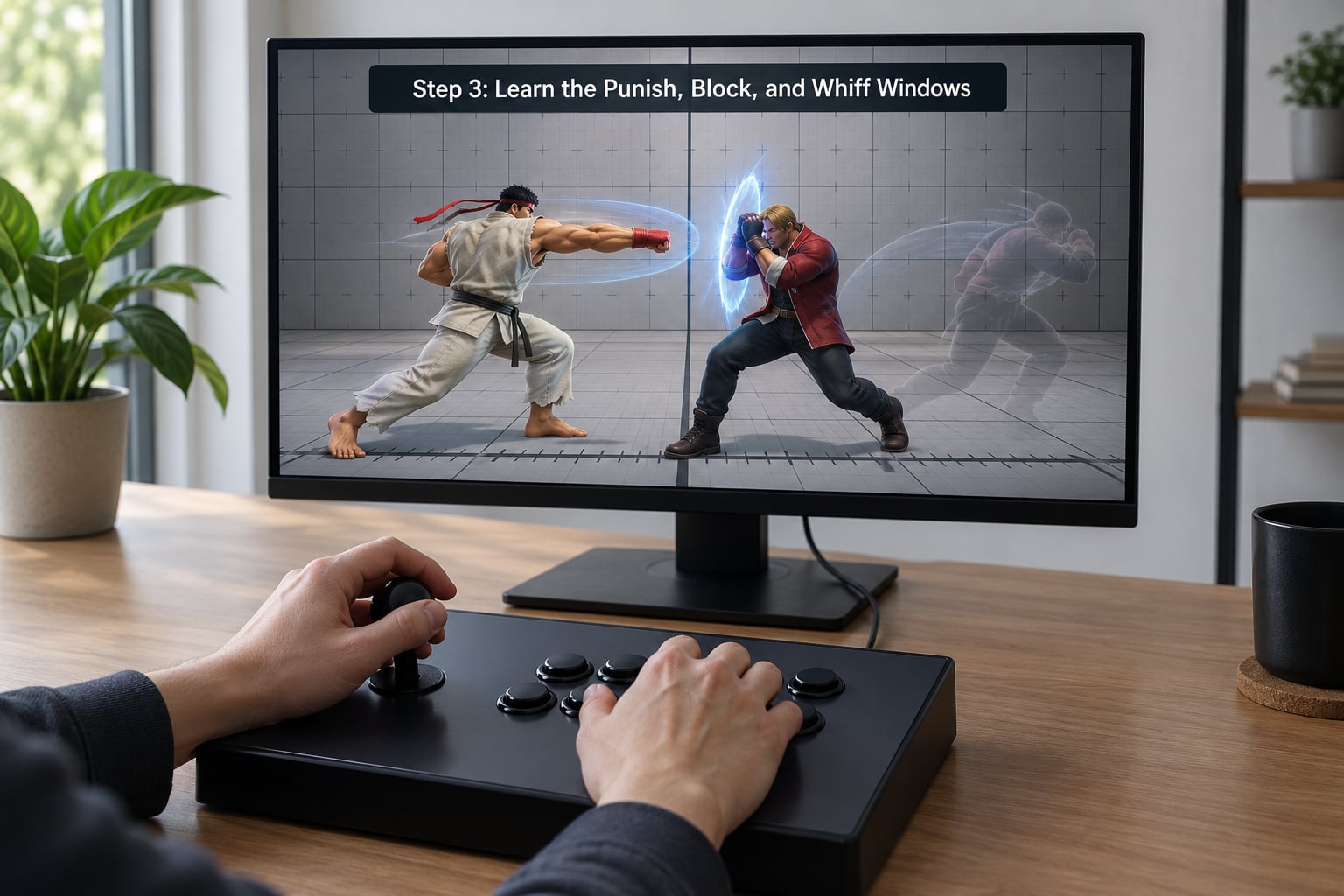
Numbers only matter once they produce a decision. A move that is -4 on block hands the opponent four frames of advantage after you block it. If their fastest button comes out in three, it beats a four-frame gap, so they can punish it.
The rule players argue about online is worth stating plainly: the fastest button you can press is the ceiling. In Street Fighter 6 that button is 3 frames, which is why players say anything at -3 or worse on block is punishable and anything better is not. The principle holds everywhere. Your fastest normal, whatever it is, sets the line between what you can punish and what you cannot.
Whiff punishing is the same maths with a different trigger. If a move has ten frames of recovery and you blocked it on its last active frame, the opponent still has to sit through the rest of that recovery before they can act.
How you tell it worked: you can punish the same move ten times in a row without looking at the meter. If the number only appears while you are reading it, it is not trained yet.
Step 4: Practice Frame Data as a Decision Tree
Raw numbers are trivia until they sit inside an if/then. Write your moves as conditions and responses, then drill the conditions, not the numbers.
- If my heavy is blocked, check the on-block value. Minus means throw or jab, plus means press again or reset.
- If my poke whiffs at range, check the recovery. Long recovery means I am minus on whiff and need to respect the next whiff punish.
- If the opponent whiffs a heavy, check their recovery against my fastest button before I do anything else.
- If I am close and blocking, the decision is often simple: block, then check their recovery, then take my turn.
- If I am hit, decide instantly whether the move was plus or minus on block. That single choice removes most panic in blockstrings.
Drill each line separately with the dummy set to the relevant behaviour. Ten clean reps of one line beats fifty messy ones.
How you tell it worked: you can say the response out loud before you press it. If you need to think about the number mid-decision, the line is not trained.
Step 5: Test the Data Against Real Opponents
Training mode is where you learn the line. Matches are where you find out whether it holds. Play online, stick to your character, and afterwards spend fifteen minutes on the replay looking for the two situations you lost.
That loop is the part most players skip and the reason the same losses repeat. Play, review, lab the specific thing that beat you, write one line about it, then run it back. Two situations per session is plenty.
Write notes in positive form. Stop DPing on wakeup becomes backdash on wakeup more. A negative note describes stopping something, a positive one describes something you can actually do in a match.
How you tell it worked: you recognise one of your lines happening in an actual match and take the option without loading a mental spreadsheet.
Common Mistakes
Memorising numbers without context. A bare -4 means nothing until you know which move, on what, and against what button. Store moves as decisions, not as trivia.
Ignoring conditions. On-hit and on-block advantage are different numbers for the same move. The same move gets a different value against a crouching dummy than a standing one.
Reading the wrong column. Frame meters often show on-hit and on-block side by side. Taking the on-hit number when you mean on-block is the single most common beginner error, and it makes safe moves look punishable.
Forgetting hitstop. On a counter-hit or a clash, the game freezes both characters for extra frames. A punish window that looked like three frames can close if the move was a counter-hit, so always check the value against a neutral dummy first.
Treating plus as a win. Plus on block means you get to act first. It does not mean you hit them. Players who treat plus as automatic damage walk straight into a reversal.
Staying in training mode forever. Hours of drills with no matches leave you with knowledge you cannot retrieve under pressure. Set a ratio you can live with, such as one match block for one lab block.
Blaming your hardware. Roll latency and an old arcade stick make frame-perfect reps unreliable. Practice punish windows a little wider than the theoretical minimum and play online to confirm. Netcode handles the rest, and training mode runs on your machine without it.
Frequently Asked Questions
Do I need to memorise frame data to get better?
No. You need to recognise the situations and know the response, not recite a spreadsheet. At beginner level, learn startup and the on-block number for the moves your character uses most, roughly eight in total. Everything else can be looked up mid-session. Players who try to memorise a full chart before they can block usually burn out and quit.
How long does it take to learn frame data?
Two weeks of 20 minutes a day gets you to the point where punish windows start coming out on reaction. Reading numbers on a screen takes an afternoon. Turning them into reflex takes longer, and it mostly depends on how often you revisit the same handful of moves rather than how many you study.
Do I need a spreadsheet to track frame data?
No spreadsheet is required, but writing the numbers down somewhere is close to essential. A phone note with move, on-block value and one line about your plan is enough. The value is in the writing, not the spreadsheet software, because a note written during a session survives to the next one and a number you only thought about does not.
What does -4 on block actually mean?
It means your recovery is four frames longer than your opponent’s blockstun, so you are still recovering when they can act again. If their fastest button comes out in three frames, it beats your four-frame gap and they get a free hit. Against anything slower than three frames, that same -4 is safe.
Is my arcade stick or internet latency ruining my practice?
It can make frame-perfect reps unreliable, but it does not stop the practice. Set your dummy to block, drill punish windows a frame or two wider than the theoretical minimum, and confirm them in real online matches where netcode smooths most of the jitter. Training mode itself runs on your machine, so input lag there is worth checking with a stick tester before you blame it.
When should I move from frame drills to real matches?
Move when you can punish your own heavy on block ten times in a row without reading the meter. Before that point, matches mostly teach panic. A workable split is one block of matches for every block of lab time, with a short replay review afterwards to pick the next two situations to work on.
Your First Session
Open training mode with one character and a blocking dummy. Turn the frame meter on, record four numbers for one heavy, then practise punishing it ten times without looking. That is the whole first session. Everything after that is repetition of the same loop with one more move added.
If you only do one thing for the next month, make it the note. Write two situations you lost, lab them, and run them back. The numbers get you started, but the loop is what turns practice hours into wins.