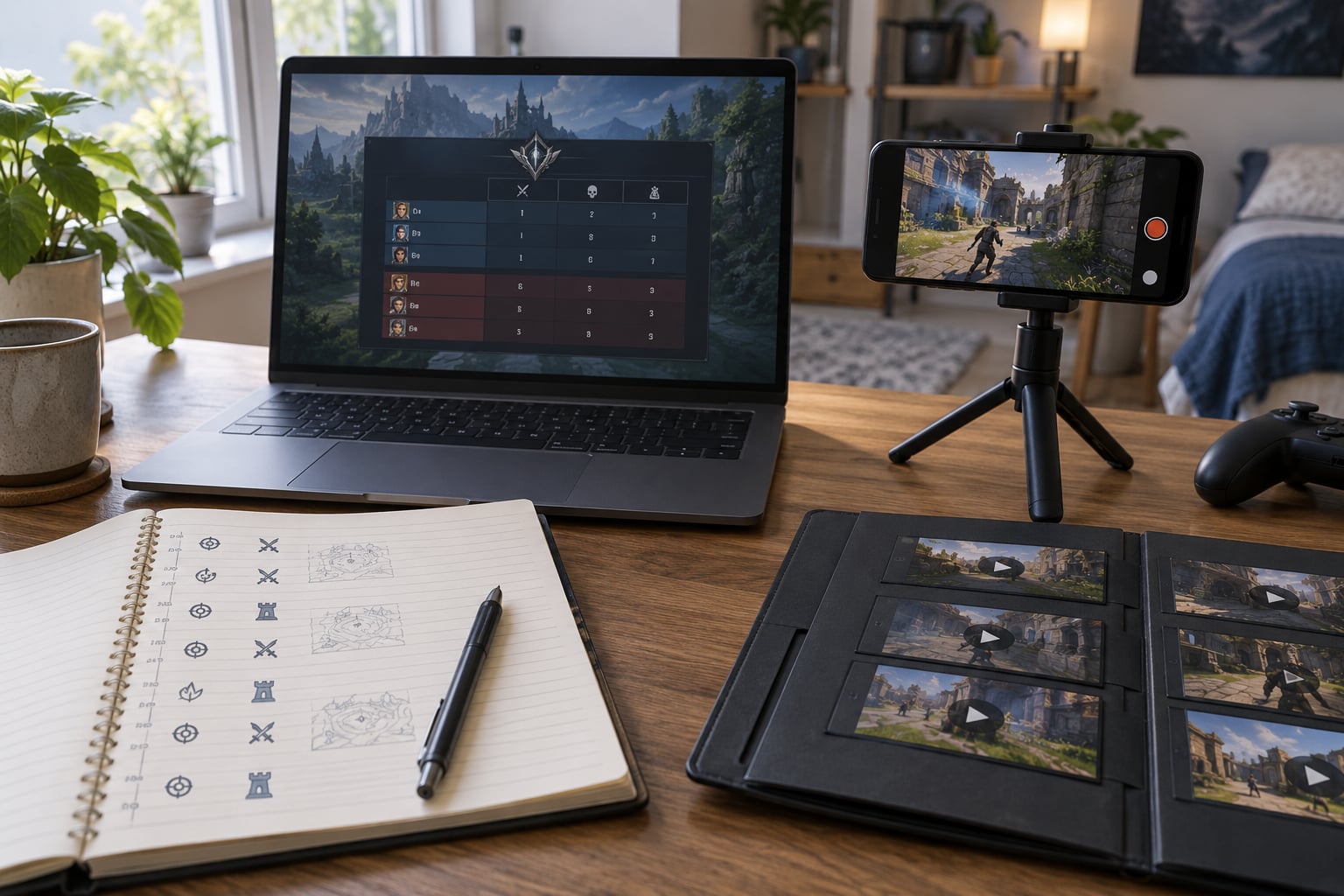
To report a cheater effectively, capture original video of the moment, write down the exact player identifier from the scoreboard, and file an in-game report before you leave the lobby. Then follow it with a support ticket that names the game mode, the match details, the timestamp of the violation and the evidence file you are attaching.
Most reports fail for boring reasons. The clip is a screen recording of a screen recording, the report is four words long, the match ID is missing, and the account name is spelled wrong because the reporter never opened the scoreboard. Ten focused minutes while the match is still fresh solves nearly all of that.
The rest of this guide walks through the whole process, from telling an aimbot apart from unusually good play to writing a report that a human reviewer can actually act on. It works for competitive shooters, survival games, casino and card games, and anything else with a matchmaking queue behind it.
Table of Contents
- What You Need Before You Report a Cheater
- How to Report Cheaters Effectively, Step by Step
- Step 1: Confirm that the behavior is actually cheating
- Step 2: Document the match and the suspicious moments
- Step 3: Choose the right reporting channel
- Step 4: Write a specific, factual report
- Step 5: Submit the report and protect the evidence
- Step 6: Follow up without escalating the conflict
- Common Mistakes That Get Reports Ignored
- Tips for a Strong Cheating Report
- Frequently Asked Questions
- Is there a website to report cheaters?
- Can you get banned for false reporting?
- How long does it take for a cheater to get banned?
- What evidence do I need to report a cheater?
- How do I report a cheater on Steam?
- Will I be told if my report resulted in a ban?
- Conclusion: Document First, Report Once, Keep the Receipt
What You Need Before You Report a Cheater
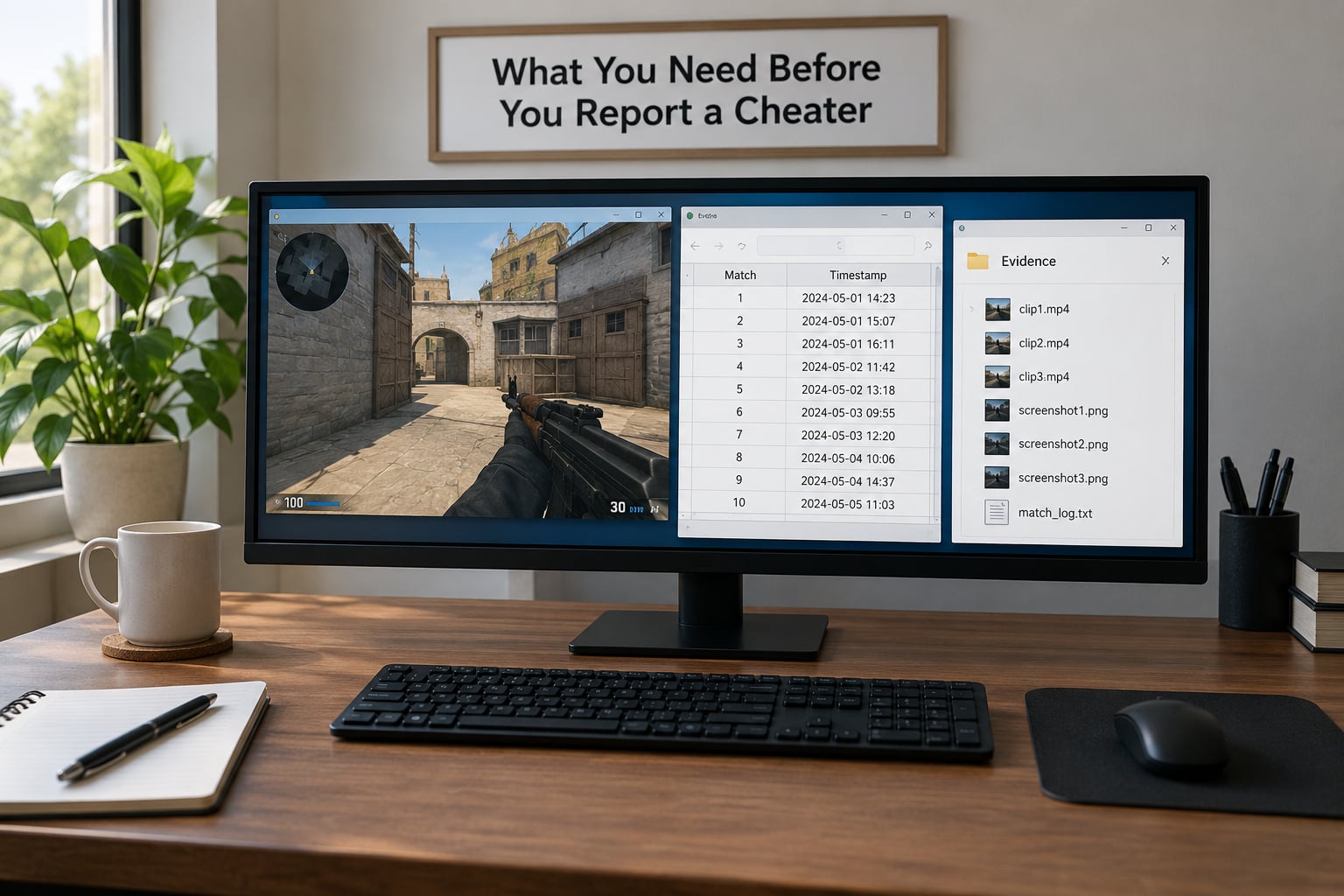
Reporting works when the details travel with the complaint. Gather these before you start typing.
- Player identifier — the in-game name, and the platform account name if it differs. Console games call this the Gamertag or PSN ID, PC games often show a numeric or alphanumeric ID on the scoreboard.
- Match details — mode or playlist, date, rough time, and the match ID or replay code the client shows in the post-match screen.
- The violation itself — clip or screenshots showing what the player did, with the clearest moment at the start of the clip.
- Your own details — your account name, email tied to the account, platform and region.
- Game version — the client version or patch note date, since some exploits are fixed and old clips confuse reviewers.
- Witnesses — anyone who saw the same thing, especially a squadmate who recorded their own clip.
Keep the raw clip untouched. If your recorder offers a separate file, or a screenshot, hold on to everything. Editors crop, trim and re-encode, and a re-encoded file sometimes fails to upload at all.
How to Report Cheaters Effectively, Step by Step

Step 1: Confirm that the behavior is actually cheating
Some of the strongest-looking plays are legal. A player who knows a map by the roof, a streamer with a very high sensitivity, or a teammate using an unconventional strategy will draw suspicion in a ranked match every week.
Before you file anything, ask whether the behavior is impossible rather than just impressive. Walls you cannot see through but they shoot around, a recoil pattern that stays locked while the aim crosses a whole room, or a player standing in a spot they could not have known about are different from someone who simply has excellent aim or great map knowledge.
Also separate cheating from glitches and exploits. If the game itself put a player inside geometry or let them move through a wall, that is a bug report, and reporting it as cheating wastes both your time and the reviewer’s. Same with smurfing, boosting and griefing: real problems, but handled through different report categories, and mixing them weakens your case.
How to report cheaters effectively starts here. A report built on “that was clearly a wallhack” is an argument. A report built on what you observed is evidence.
Step 2: Document the match and the suspicious moments
Write the timeline while you still remember it. A short note beats a perfect memory: mode, map, date, approximate time, the round or match number, and two or three timestamps for the moments that matter.
For the clip itself, start a few seconds before the moment so the reviewer sees the setup, and keep it short. A tight ten to thirty seconds around one clear incident is far more useful than a full match recording. Frame rate and resolution matter less than most people assume, since these reviews are done by humans on normal monitors.
Note anything technical a reviewer would need to reproduce the problem: was it crossplay, were you on console, did the player use a specific operator or character, did the audio give anything away. One Community Manager on the Dead by Daylight forums has pointed out that a crossplay report has to say the reporter was playing on a different platform, because the offender identifier alone does not tell them which queue to search.
Keep originals. Copy the file to a second folder or drive before you do anything else with it.
Step 3: Choose the right reporting channel
Most games want reports sent in a specific order, and using the wrong one is the most common reason a cheater stays in the queue.
- In-game report — always first. It attaches the match data, the player’s identifier and the session automatically, which no external form can do.
- Publisher support portal — the ticket system on the publisher’s own help site. This is where a human reviews your clip and where a cheat that slipped past automated detection can still be caught.
- Anti-cheat or trust and safety team — most large publishers have a dedicated report form for cheating, separate from billing or technical support.
- Tournament or league organizer — the only real channel for competitive play, and often the fastest one to act during an event.
- Platform support — console and store-level reporting covers account issues, boosting services and third-party software, not gameplay violations inside a specific game.
- Developer forums or verified social accounts — useful for confirming a broken exploit, and a poor place to submit evidence. Staff on the EA Apex Legends forum, for instance, routinely point players at the in-game report and the help portal instead.
Crossplay changes the route. Report through the game, not the store, and state your platform and theirs in the ticket.
Step 4: Write a specific, factual report
A good report is short and follows a fixed order: who, what, where, when, how you verified it, what is attached, and what you are asking for.
“Player X, in ranked duos on Fracture, on October 2 around 21:40 UTC, consistently shot enemies through solid cover at long range; three clear moments at 04:12, 09:40 and 14:05 in the attached clip. This is not map knowledge because the crosshair never touches an open sightline before firing. I am requesting a review of the account, not a ban.”
That is a report. It gives the reviewer a searchable identifier, verifiable timestamps and a specific request. It never names a punishment the reporter has decided on, which is the fastest way to get a ticket closed as a dispute.
Separate observation from inference. Write “the enemy was visible through a wall on the minimap” as fact and “this looks like a wallhack” as your read, clearly marked as such.
Step 5: Submit the report and protect the evidence
Use original files, never edited or screen-recorded ones. Console players hit this hard: the default capture format on current PlayStation consoles is not always accepted by a publisher’s support bot, and the upload silently fails. If your file will not attach, convert the container rather than trimming the footage.
Do not publish the accusation while the report is open. A public post naming an account invites retaliation, doxxing, a pile-on of reports from people who never saw the clip, and in some cases a defamation claim. Let the publisher handle it.
Save the confirmation. Every serious support desk issues a case number or bot reference, and it is the one thing that makes a follow-up possible. Screenshot it.
Step 6: Follow up without escalating the conflict
Expect silence, and plan around it. Report review is usually handled by automated detection first and human review second, which is why enforcement tends to arrive in batches rather than immediately. Players on the Apex Legends and Dead by Daylight forums describe ban notices turning up months after the report, for a clip they had long forgotten.
One polite follow-up with a case number is reasonable if you have genuinely new material: another match, a witness clip, or a clearer original file. Keep it short and factual.
Do not resubmit the same report under new ticket numbers, do not organize a public pile-on, and do not argue in voice chat or in the comments. That is how a report turns into a harassment complaint, and the original report gets dropped with it.
Common Mistakes That Get Reports Ignored
- Vague accusations. “He cheated” gives a reviewer nothing to act on. Replace it with the exact moment, the exact behaviour and the timestamp.
- Missing or wrong identifiers. Check the post-match screen and the profile page. Names get typed from memory and are wrong often enough to break the search.
- Edited or re-encoded evidence. Trimming with a filter tool strips metadata and can break upload requirements. Keep the untouched original.
- Sending the report to the wrong desk. Billing support will not action a cheating report, and forum posts are not a support ticket. The in-game report comes first, always.
- Reporting the wrong thing. Boosting, smurfing, griefing and exploiting a bug are separate categories with separate evidence. File each as what it actually is.
- Public pile-ons. Twenty identical tickets from a community thread look like one grievance and slow the review down. One clear report beats twenty copies.
- Skipping the report after the match. Post-match screens expire. If you did not file in the lobby, get to the ticket fast and say so in the description.
Tips for a Strong Cheating Report
Keep it under a screen long. Reviewers read dozens of these a day, and the first two lines decide whether the rest gets read.
Lead with the observation, not the verdict. “Enemy visible through a wall for four consecutive engagements” gets further than “wallhack hacker”.
One clip, one claim. If you suspect three different cheat types, file them separately with their own evidence. Bundled claims get rejected wholesale.
Name witnesses only if they actually saw it. A squadmate who says “yeah he was definitely cheating” without a clip adds noise, not weight.
Ask for a review, not a verdict. “Please review this account for cheating” is a reasonable request. “Ban this account” invites the reviewer to argue with you about severity.
Report even when it feels pointless. Detection systems learn from patterns across reports, and several publishers publish enforcement updates that show that volume of reports moves their numbers. If you want the reasoning behind those numbers, read how anti-cheat programs work in our hardware and streaming coverage rather than guessing from silence.
Frequently Asked Questions
Is there a website to report cheaters?
Usually the game itself is the fastest route, and every major publisher also runs a support portal on its own website with a cheating or account-integrity form. Use the in-game report first because it carries match data automatically, then send the clip through the publisher form. Platform stores handle account-level problems such as boosting services or third-party software, not in-game cheating.
Can you get banned for false reporting?
Yes, it is possible. Report systems weigh reports against a player’s own behaviour, and abusing the report button on someone who is simply better than you can count against your account. It is why the strong version of this process asks you to describe what you observed rather than demand a punishment: a specific, evidence-backed report is far safer for you than a pile of angry ones.
How long does it take for a cheater to get banned?
There is no fixed timeline. Automated detection runs constantly, while human review and enforcement usually happen in waves, so a report filed today may produce a ban weeks or months later, if at all. Many players get no notification at all. That silence is the normal experience, not proof that the report was ignored or accepted.
What evidence do I need to report a cheater?
At minimum an exact player identifier, the mode and date, and one original video clip showing the violation clearly. Add the match ID, your platform and the reporter’s, your account details, and any witness clips. Keep files untouched, because edited or re-encoded video is the most common reason an upload fails or a ticket is closed without review.
How do I report a cheater on Steam?
Report in-game first, then open the offender’s Steam profile and use the report option there, which links the account to the game session. For cheats you caught in a game without an in-game report button, use the Steam support form and state the game, the date and the account profile link. Valve reviews reports in waves, so expect no immediate response.
Will I be told if my report resulted in a ban?
Most systems do not confirm outcomes, and many never confirm that a report was even read. Some publishers send a notification months later when an enforcement wave touches the account you flagged. If you need a definite answer for a tournament or competitive dispute, ask the league organizer directly rather than the general support desk.
Conclusion: Document First, Report Once, Keep the Receipt
Start by confirming what you actually saw, then capture original footage and the exact player identifier while the match is still in your recent players list. Send a short in-game report, follow with one factual support ticket, save the case number, and let the publisher run the process instead of running a public campaign of your own.
That single, well-documented report is the most useful thing you can hand a review system, and it takes less time than the video you were about to post anyway.