Yes, you can play games with one hand. The trick is cutting the number of inputs your hand has to cover at the same moment, either by remapping everything onto buttons you can reach, by turning a game into a single-thumb game, or by starting with titles that never demanded two hands in the first place. Most people never need to buy a specialist controller to get there.
Two very different readers land on this question. One has a permanent limb difference, or is recovering from a stroke, a broken wrist, joint surgery or severe arthritis, and needs a setup that does not fatigue. The other simply has one hand occupied — a baby on their chest, a coffee, a cat on their lap, a long drive. The same ladder of fixes works for both, and nothing below is medical advice; if input hurts, that is a conversation for a doctor or occupational therapist.
Table of Contents
- What You Need
- How to Play Games One-Handed Step by Step
- How to Play Games One-Handed on Your Setup
- Choose Games That Work With One Hand
- Remap Controls on Your Platform
- Use Auto-Fire, Hold Alternatives, or Simplified Modes
- Set Up Touch or Motion Controls
- Test the Setup With a Low-Stakes Game
- Common Mistakes
- Tips for Comfortable One-Handed Gaming
- Frequently Asked Questions
- Can I play regular console games with just one hand?
- What is the easiest controller setup for playing with one hand?
- Are there games designed specifically for one-handed play?
- Can controller remapping make any game one-handed?
- How do I reduce the buttons I need on a mobile gaming screen?
- What should I do if one-handed gaming causes pain or numbness?
- Start With a Short Comfort Test
What You Need
Start with what you already own. Most people need nothing beyond a software change, and buying hardware before you have mapped your inputs is the most common wasted step.
- A game that suits one hand. Not every game can be fixed with a remap, so picking the title comes first.
- Remapping software, which is free on PC and built into every modern console at some level.
- A steady place to sit. A desk, a table, a lap tray. Anything that stops you bracing.
- Optional hardware, only once the software route stalls: a single-stick controller, an adaptive controller with switches, or a phone controller.
Six routes cover almost everyone. Here is how they compare.
| Setup route | Setup cost | Learning curve | Works on | Best for |
|---|---|---|---|---|
| Game’s own remap menu | Free | Low | Most consoles and PC games | Games with a built-in accessibility menu |
| Remapper or launcher (Steam Input, reWASD, AutoHotkey) | Free | Medium | PC | Keyboard and mouse games with no native options |
| Console system-level remap | Free | Low to medium | PlayStation, Xbox, Switch | Setting up a whole library on one device |
| Single-stick or split controller | Hardware | Low | PC, PlayStation, Xbox, Switch | Players who want a purpose-built layout |
| Adaptive controller plus switches | Hardware, plus setup help | High | PC, Xbox, and consoles with USB support | Limited grip strength or range of motion |
| Touch-first games in portrait mode | Free, on hardware you own | Low | Phone or tablet | Situational play with the other hand full |
Hardware is the last step on that ladder, not the first, and the three tiers differ more in setup time than in play quality.
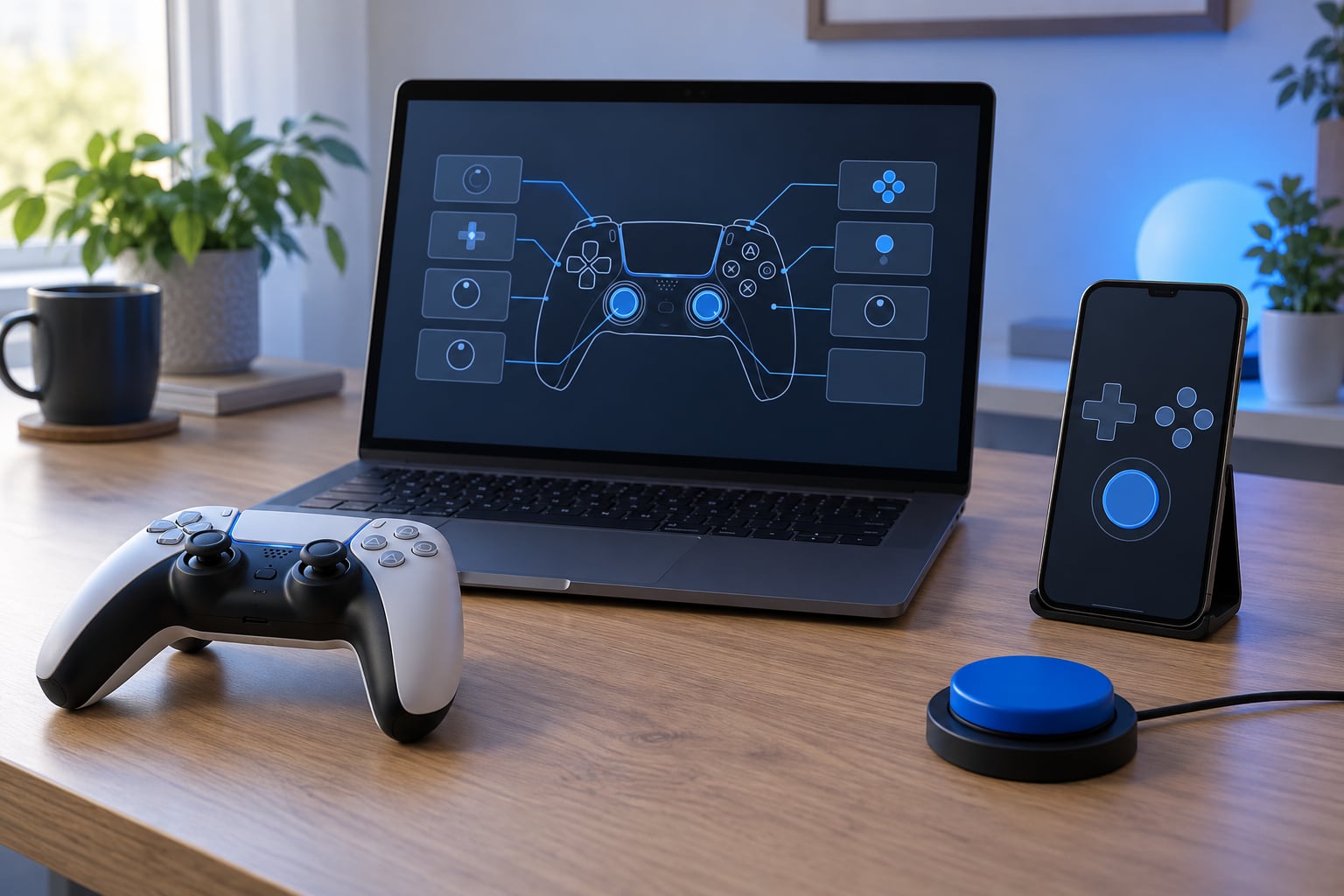
The cheapest tier is a purpose-built single-stick controller with a compact button cluster and a thumbstick under your thumb. Community recommendations in r/disabledgamers repeatedly endorse one of these for PlayStation, Xbox, Switch and custom PC builds, mainly because they work without a support person standing over you. The middle tier is an adaptive controller paired with an adaptive hub and plug-in switches, which turns anything from one large button to two switches into a controller input. That setup takes the longest to configure, and it is the right one when grip strength or range of motion, not button count, is the limit.
The tier most people overlook is the third one: a 3D-printed shell that reshapes a standard controller or cradle for your hand. There are open libraries of these online, and a shell that moves every button into a flatter arc can outperform an expensive controller for a cramped grip.
Whichever tier you land on, the software work still matters. A one-handed controller feeding a default control scheme is a good way to end up with more buttons in reach and still the wrong action on each one.
How to Play Games One-Handed Step by Step
How to Play Games One-Handed on Your Setup
Before opening any settings menu, list every input the game actually demands. Pick up the controls and press each one: move, aim, jump, crouch, sprint, interact, pause. That inventory is your whole problem statement.
Then mark which of those inputs must fire while another is held. Simultaneous inputs are the real blocker, not the button count. A game with ten buttons but nothing pressed at the same time is far easier one-handed than a game with four buttons where jump and use overlap.
Next, find the conflicts and pick a route for each one: remap it somewhere reachable, automate it, or drop the feature. Only when a conflict has no software answer is hardware worth considering. Users on r/disabledgamers describe exactly this pattern in practice — binding the left and right mouse buttons to movement keys and steering with the thumb on a trackpad turns a two-handed PC game into a one-handed one.
Choose Games That Work With One Hand
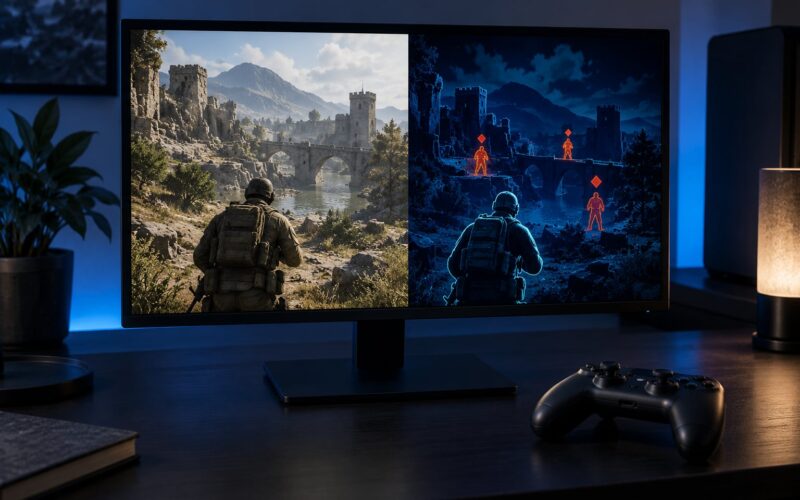
The best one-handed games share a handful of traits. Look for a single stick or a tap-to-move scheme, portrait layouts on mobile, and one-button or bumper-free modes. Turn-based and card games are close to ideal, since nothing has to be held down while something else happens.
Casual and cozy games tend to be forgiving. Solitaire variants, word games and most idle games need one tap at a time. Single-thumb puzzlers and endless runners with portrait support are built the same way. On PC, card games, auto-battlers and management sims are the usual answer, and players on Steam report mouse steering working well in driving sims where the keyboard would be the awkward part.
Some genres fight you. Rhythm and music games need simultaneous accuracy. Twin-stick shooters expect two thumbs on two sticks. Precision fighting games usually need all four face buttons plus movement — though the Virtua Fighter-style bumper-free four-button games are the community answer when someone asks in r/Fighters. Turn-based strategy games can go either way: one player confirmed in r/Dyson_Sphere_Program that double-click movement works, but modifier keys like Shift and R break the pattern entirely.
Also check the menus, not just the gameplay. Inventory screens, camera control and map screens are where supposedly one-handed games quietly demand two hands.
One more route deserves a mention because it works better than people expect: shared control with another player. In a racing game the standard split is gas and brake for one person, steering and gears for the other. The same division works in co-op action games, sports titles and anything with a clear two-role structure, and it turns one-handed play into a social option rather than a compromise.
Remap Controls on Your Platform
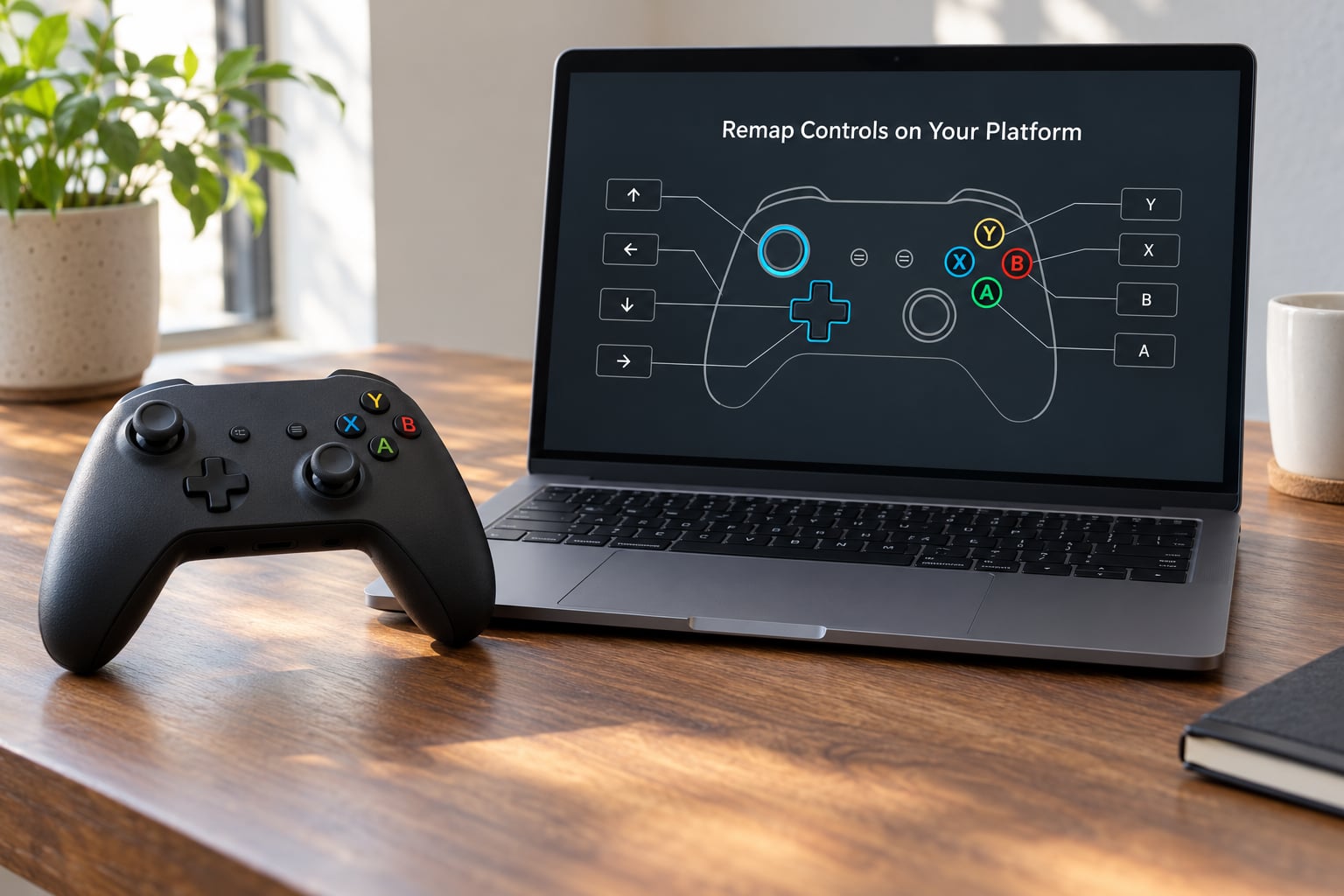
On PC, work through the layers from most specific to most general. Start inside the game, since its own binding screen is always cleanest. Next, use your launcher: Steam Input lets you set per-game configurations, including a keyboard-emulation mode that puts movement on the arrow keys and lets you bind actions to individual keys.
Above that sit dedicated tools. reWASD and similar keyboard remappers handle blocking and swapping keys; AutoHotkey handles longer conditional rules and macros, which is where you can turn “hold to sprint” into “tap to toggle sprint”. For mouse-only play, mouse button binding software or a macro recorder can collapse an entire scheme onto a single hand.
Menu names change with system and game version, so treat these as routes rather than fixed paths. On PlayStation, controller button assignment sits under the game’s accessibility or control settings, with assignment for triggers and separate mapping for the Create and Options buttons. Xbox has comparable per-game assignment plus an Xbox Accessories layer for the controller itself. On Nintendo Switch, the control screen in the game handles button position, and games with stylus or motion support add their own options.
Whichever route you use, build the layout for your actual hand. If you play right-handed, put movement under the fingers that are strongest and actions under the thumb. Configurations transfer between hands if you save separate profiles, so a left-handed setup is the same work reversed rather than a new project.
Left-handed setups carry one honest caveat worth knowing before you buy anything: the mouse is the awkward part. A full mouse is shaped for a right hand, and a left-handed one means a different mouse, not a different config. Keyboard layouts, controllers and on-screen touch positions all mirror cleanly with no extra cost, so a left-handed player should exhaust software first and treat a left-handed mouse as the one purchase that genuinely has no free equivalent.
Use Auto-Fire, Hold Alternatives, or Simplified Modes
Many games already carry accessibility assists that quietly remove the hardest part of one-handed play. Look for an auto-fire option that fires while a direction is held. Look for toggle-to-fire, which flips the trigger instead of requiring it held.
Some games replace a hold with a tap. Others offer one-button or simplified control modes that cut the whole scheme down. Difficulty assists, aim assist, wider timing windows and auto-aim all reduce the pressure of doing two things at once, and they are the difference between a remapped shooter that feels fair and one that never quite does.
The same logic covers auto-running. Any game where movement is a toggle rather than a held direction removes the single most common source of overlap, because your hand is now free whenever you are not steering.
Set Up Touch or Motion Controls
For touch, treat the screen layout as the thing you are remapping. If the game offers control positions or left-handed and right-handed modes, switch it to match your hand. If it offers a control size or opacity setting, raise both — small transparent targets are the main reason touch feels imprecise with one hand.
Tap-to-move options remove the need to hold a joystick, and sensitivity settings let you stop over-correcting with a thumb. Lock rotation to portrait for games designed that way, and turn haptics off if the buzz on the wrong thumb pulls your aim off target.
Check the accessibility section for larger hit areas and reduced motion. Motion controls need care: if your game uses tilt or gestures, make sure sensitivity is low and accidental inputs are disabled, because a controller nudged by a cat is a real problem.
Connecting a controller to a phone runs over USB-C, Lightning, a USB-OTG adapter or Bluetooth, with Bluetooth adding a little input lag. Worth knowing: most phone controllers are still two-handed grips with a phone clamp, so they help with comfort and mounting more than with true single-handed play. Fit is the other common snag, since the padding inside a controller designed for one phone size can sit badly against a larger handset.
If your other hand is occupied rather than limited, add the simplest fix first: portrait lock, brightness down, notifications silenced, and the phone propped rather than held. A nap-trapped parent with a newborn on their chest is the classic case, and the games that survive it are the tap-first ones. Players looking for more in the same category point to short-session, low-cognitive-load games they can drop the instant a hand is needed.
Test the Setup With a Low-Stakes Game
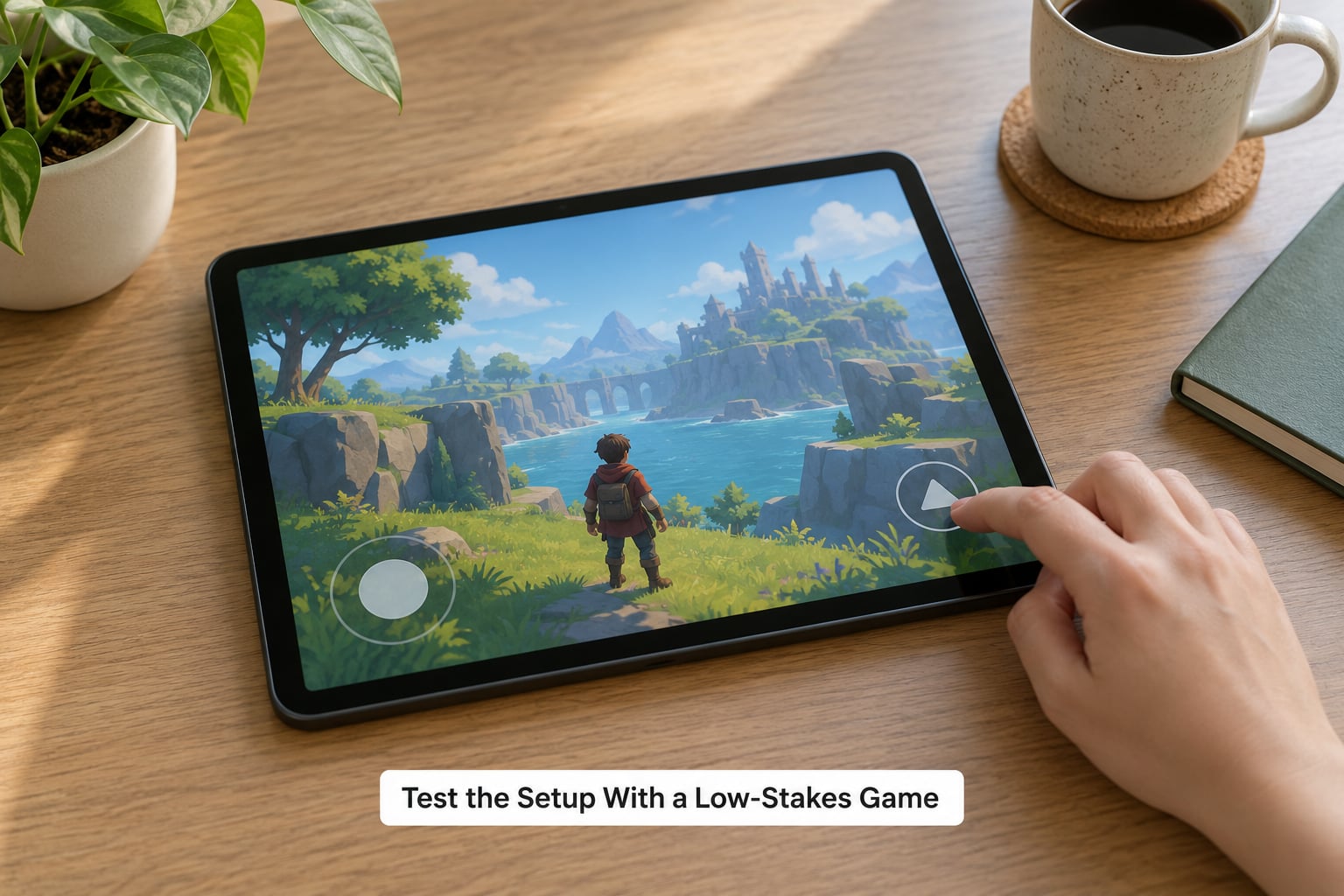
Verify in stages rather than in one long session. Start in menus, where nothing can be lost, and press every remapped input several times to confirm each one registers.
Then open something low-pressure — a puzzle game, a menu-driven title, a card game — and play for several minutes while watching three things: missed inputs, hand tension, and how quickly you get tired. Note which buttons you keep hunting for. Those are the ones to move to a stronger finger or a larger target.
Only then open the game you actually care about. Confirm your progress saves between attempts, since a session lost to a mis-aimed jump is the fastest way to lose patience with a new setup.
Repeat the test after any change, too. Remaps get overwritten by game updates more often than people expect, and a ten-minute check costs less than a ruined run.
Common Mistakes
Saving a remap you never tested in motion. A binding that works standing still often fails while your hand is moving. Test while playing, not while paused.
Putting two essential actions on one finger. If jump and use land on the same key, something has to break. Split them across a finger and the thumb, or drop the less essential action entirely.
Leaving touch targets small. Default control sizes assume two thumbs. Enlarge them, raise the opacity, and move them into your thumb’s natural arc rather than stretching across the screen.
Leaving motion input enabled by accident. A bumped desk sends a character walking into a pit. Turn motion actions off unless the game genuinely requires them.
Applying accessibility difficulty changes to competitive play. Aim assist and difficulty assists are the right call for a solo run and the wrong one for a ranked match, where they change what you are doing. Keep a separate save or profile for each.
Buying hardware first. Mapping your inputs costs nothing and settles most problems. Do that before you spend money or ask someone for help with a switch box.
Tips for Comfortable One-Handed Gaming
Rest your forearm on something rather than holding it in the air. A short session with support beats a long session without it, and support also stops the shoulder taking over the work.
Mount things instead of gripping them. A phone on a small stand, a controller fixed to a table, or switches stuck down with hook-and-loop tape all take weight off your hand for as long as the game lasts.
Turn up text size and contrast if you are leaning closer to read, and lean on audio cues when your eyes are not on the screen. Save often, and build in a break every twenty minutes or so. A game that pauses instantly is worth more here than a better one, because you can put the controller down the moment your hand starts to complain.
If you are recovering from an injury, raise the question with whoever is running your care before changing how you play. They may know which motions to avoid this week, and that answer will save you from undoing progress on your own.
Frequently Asked Questions
Can I play regular console games with just one hand?
More often than people expect. Most console games have a button assignment screen that lets you move any action to any button, and remapping the controls this way is what makes many standard titles one-handed friendly. What limits you is simultaneous input: anything that needs a direction held while a button is pressed. Games built around taps, menus and turn-based actions convert well. Fast action games that rely on two sticks stay difficult no matter how the buttons are arranged.
What is the easiest controller setup for playing with one hand?
Start with the standard controller and a remap, because it needs no new hardware and no help setting it up. Put movement and actions onto the buttons your fingers can hold together without shifting grip, and use a launcher or remapper on PC if the game has no built-in menu. If holding any controller at all is uncomfortable, move to a single-stick layout, then to an adaptive controller with switches. Each step down costs more money and more setup time, so climb the ladder only as far as you need.
Are there games designed specifically for one-handed play?
Yes, mostly in mobile and console form. Portrait-mode card games, solitaire variants, word games, idle games and tap-to-move puzzlers were designed around a single thumb, and several console titles ship a one-button or bumper-free mode. Virtua Fighter-style four-button fighters are the classic answer for anyone wanting one-handed play with other people. Outside those, most one-handed play comes from remapping a game that was built for two hands.
Can controller remapping make any game one-handed?
No. Remapping moves actions around but cannot create a control scheme the game was never built around. Anything requiring true simultaneous input on two sides stays awkward, and rhythm games and twin-stick shooters are the usual examples. Remapping works best when the game mostly taps and holds, or when it lets you toggle movement instead of holding it. If the game has no binding options at all, a remapper at the driver or launcher level can still help, but you are working around the design rather than fixing it.
How do I reduce the buttons I need on a mobile gaming screen?
Use the game’s own accessibility settings first: control position for left or right hand, larger or more opaque controls, tap-to-move where offered, and reduced or disabled motion input. Then cut the count itself. Turn off haptics, disable anything requiring a second thumb such as two-finger camera control, and pick games whose menus also work with one thumb rather than just their gameplay. If nothing on screen fits, a controller connected over USB-C or Bluetooth keeps your hand off the glass entirely.
What should I do if one-handed gaming causes pain or numbness?
Stop and get it checked. Persistent pain, tingling or numbness during play is not something to tune around with a new remap, and it should go to a doctor or an occupational therapist. In the meantime, support your forearm, shorten your sessions, take regular breaks and drop any input that causes sharp pain rather than fatigue. If you are mid-recovery from an injury, ask your care team which movements to avoid before you change anything. A setup that works this week may be wrong next week.
If you are recovering from a wrist, hand or shoulder injury and gaming is how you normally unwind, the goal early on is comfort, not performance. Shorter sessions with more frequent breaks will get you further than one long session that ends with you gripping the controller through pain.
And yes, you can get help building it. Accessible-gaming nonprofits exist specifically for switch placement and controller configuration, and their value is that they do it as advice rather than as a sales pitch, which is why players in r/disabledgamers trust them more than store copy. Community setup threads are good for the software half, where a screenshot of someone else’s binding screen often solves it in one post.
Start With a Short Comfort Test
Your first move is small: pick a low-pressure game, write down every input it needs, and map each one onto the hand you are using. Play for a few minutes and note what you miss and what starts to ache.
Fix those two things, then try something more demanding. Most people who want to play games one-handed never go further than a remap and a good choice of game, and they get there before spending anything on hardware.