Account recovery after a hack is how you prove you still own a compromised account, get back in when someone has changed the password or the recovery details, and shut that person out for good. Understanding how account recovery works after a hack matters because the password reset is the easy part, and it is not what ends the attack.
Platforms verify you with signals the attacker does not control: your recovery email, your phone, devices you have used before, and where you have logged in from. Get those working in the right order and access usually comes back in minutes. Lose them, and you are in a human review queue that can take days or weeks.
The email account is the master key. Fix it before you touch the game, console or social account.
A password change alone does not end access. Sessions, app passwords, connected apps and mail forwarding rules survive it.
Attackers replace the recovery email and phone before you notice, which is what turns a ten-minute fix into a week of waiting.
Recovery checks trusted devices, login locations and account history before it checks any support ticket.
Everything after you get back in is manual: revoking sessions, removing grants, auditing purchases and resetting reused passwords.
Last updated: October 2026
What Happens When a Gaming Account Is Hacked?
Most people find out from a stranger. A friend messages you about a trade you never made, a subscription email arrives for a game you do not own, or you try to log in and the password simply fails.
The signs arrive in three groups, and the second group is the one that matters most.
Login signals: a failed sign-in you did not trigger, a successful login from a city you have never visited, a password reset email you did not request, or an unfamiliar device on your active sessions list.
Settings changes: a new recovery email or phone number, a new two-factor method you did not set up, a changed nickname or avatar, a new linked console or social account, and mail forwarding rules pointing somewhere odd.
Downstream signals: charge notifications for in-game currency you did not buy, messages sent from your account that you never wrote, friends reporting a scam link, and a trade pending that you did not initiate.
Here is the version that catches most people. Your credentials were reused from an old forum breach, someone logged in, changed the recovery email on your mail account, then used that mail account to reset the password on your game profile and spent the wallet balance. You notice two days later, when a trade goes through. By then the recovery email on your game account belongs to them too, and your fastest route back is gone.
How Account Recovery Works After a Hack
Recovery is an identity check, not a password change. The platform runs a series of checks in order, and the first tier it passes decides how long you wait.
Stage 1: stopping the bleeding
Every account you still control gets locked down first, usually by revoking active sessions and trusted devices. This happens before any password reset, because a live session token can survive a password change and keep an intruder signed in.
Stage 2: the self-service signals
The platform offers the fastest paths first: a code to your recovery email, a code to your recovery phone number, a device you have used before, or a backup code. Answer any one of these correctly and you are usually back inside in under ten minutes.
Stage 3: the signals a reviewer looks at
When the quick checks fail, the request goes to a human review queue. Reviewers weigh things like account age, login location and travel history, whether you have used the device now requesting access, how many recovery attempts have failed, the creation date and country on the account, and whether your answers are consistent with everything already on file.
Stage 4: restoration and repair
Access comes back, but the job is not finished. Anything the intruder created while inside stays active until you remove it by hand, which is the part most guides skip.
Requests get denied for predictable reasons. The recovery email no longer belongs to you, the recovery phone was swapped, the answers contradict the account history, the attempt looks like credential stuffing from many locations at once, or too many failed attempts have already been made.
Why changing the password is not recovery
This is the part that catches experienced players out. A password change kills the password. It does not touch an active session cookie, an OAuth grant you gave a Discord bot years ago, an app password issued for an old mail client, or a forwarding rule quietly copying every message you receive.
Adversary-in-the-middle phishing makes it worse. A fake login page relays your code in real time, so even two-factor codes can be handed straight to the person sitting on the other end.
Secure Your Email and Linked Accounts First
Your inbox holds password resets for everything else you own, which is why email recovery comes before game recovery. Get into it from a device you trust, not from a phone that has been behaving strangely.
Change the email password from the official account security page, typed into the address bar by hand.
Revoke active sessions and devices, then remove any device you do not recognise by name.
Restore the recovery email and phone number to your own, and re-save them so the platform trusts them again.
Delete every forwarding rule and any filter that silently forwards mail elsewhere.
Revoke connected apps and app passwords you do not use, especially third-party mail clients and old phone setups.
Turn on an authenticator app or passkey rather than SMS codes, which fall to a SIM swap in minutes.
Protect the platform account, which is the console or PC store sign-in that owns your game library and payment methods.
If an attacker registered their own authenticator app against your account, a correct password will not be enough. Some platforms let you remove an unfamiliar authenticator during the reset flow; where they do not, the request has to go to human review with proof of ownership.
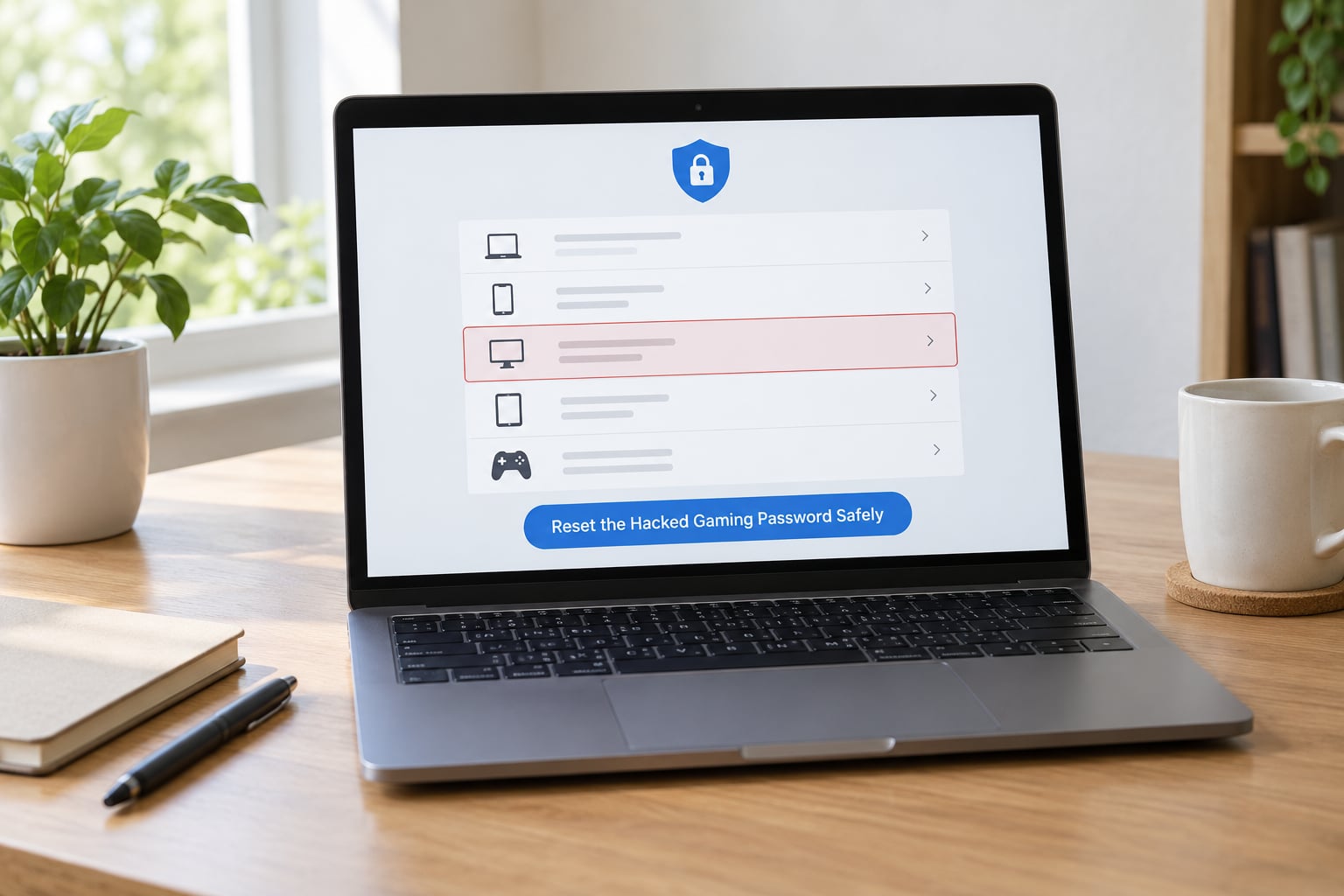
Reset the Hacked Gaming Password Safely
Reset from a clean device and use a password nothing else shares. Reusing one password across a launcher, a store and a forum is how a single breach becomes three compromised accounts.
The sequence matters. Change the password first, then sign out other devices, then revoke sessions on the security settings page, because signing out before the reset can let the intruder sign straight back in.
Check the password manager next. If a saved login was overwritten by the attacker’s version, your device will keep handing the wrong credentials to the site. Update the stored entry manually rather than trusting an autofill suggestion.
Turn on alerts for new sign-ins and password changes before you close the page. If the account is taken over a second time, you want to know in seconds rather than days.
Verify Your Identity and Restore Your Account
When a publisher reviews a recovery request, they are checking continuity, not memory. Details that match records already attached to the account carry far more weight than details you can describe from memory.
Build a small dossier before you type anything: the username and in-game name, the exact email address on file, any older email addresses you have used, the platform and console you play on, purchase receipts with dates and amounts, the approximate account creation date, and the last few places you logged in from.
If the username was changed, keep both the old and new handles. If the email was changed, note the address the confirmation message came from, if you still have it. If a linked social account was swapped, say which one it was and when.
Screenshots taken now matter later. Capture the compromised settings, any unknown devices on your sessions list, and the messages or purchases you did not make.
Be honest about what you cannot verify. A reviewer who can see you guessed at a date is more inclined to help than one who catches a confident but wrong answer.
Review Purchases, Settings, and Security After Recovery
Assume everything the intruder touched is still in place, then walk the account room by room.
Active sessions and devices: sign out everything, confirm no unknown device reappears.
Two-factor methods: remove any authenticator, phone number or security key that is not yours, then re-enroll.
Linked accounts: check console, social and launcher links. Remove anything you did not authorise and watch for silent relinking.
Nickname, avatar and profile bio: reset them if they were changed. Altered bios are a common way to scam your friends list.
Purchases and wallet balance: note every charge, spent currency and trade you did not make, with dates.
Saved payment methods: delete cards the intruder added, and check for a change to your billing address.
Privacy and communication settings: re-check who can message or invite you directly.
Then reset every account that shared the compromised password, starting with banking and cloud storage, then work email, then the launcher and console, then social and streaming. Same password anywhere means same exposure.
Recovery Timelines: What to Expect and When
How long you wait depends almost entirely on which recovery channels still belong to you. The numbers below reflect what people report across support threads and community boards, and they are ranges rather than guarantees.
Situation
Typical wait
Likely outcome
Password stolen, recovery email and phone still yours
Minutes
Self-service reset works. Everything after it is manual.
Only the password changed, session still open
Under an hour
Reset plus sign out everywhere. Attacker returns within minutes if you skip the session step.
Recovery email replaced by the attacker
1 to 7 days
Human review. Community reports range from a couple of days to a full week before a person responds.
Recovery email and phone both replaced, second factor theirs
1 to 4 weeks
Escalated identity proofing. The new SIM route sometimes works faster.
No recovery email or phone ever configured
Often unresolved
Ownership is very hard to prove. Community consensus is that it is close to hopeless.
Recovery form loops with no options
Weeks, sometimes months
Usually means the request is missing a usable signal. Try a different browser, device or network.
One user on r/cybersecurity_help described roughly ten days without access to a laptop, WhatsApp and email before a SIM swap resolved it, when a new SIM on a different network was the missing signal. Times like that are real, so plan for an outage rather than assuming a same-day fix.
Gaming and Console Recovery Paths
Gaming accounts add a layer the general guides skip: the launcher account, the console account and the publisher account are often three separate logins, and the compromised one may not be the one you think.
Platform
Where to start
First action
Steam
Steam Support account recovery
Reset password and API key, then check trade confirmations and recent logins
PlayStation Network
PlayStation account recovery
Verify console and activation records, then check for linked social accounts
Xbox
Xbox and Microsoft account recovery
Review recent sign-ins, purchases and any new security info
Nintendo
Nintendo account recovery
Confirm the linked Nintendo Account ID on the console
Epic Games
Epic Games support
Check linked platform accounts and 2FA methods
Riot
Riot Games support
Look for a new 2FA method before resetting the password
Battle.net
Blizzard support
Review linked Battle.net accounts and recent purchases
One more wrinkle: a stolen gaming account often gets flagged by anti-cheat, and support can treat a compromised account like a cheating account. Console forum threads show appeals over a compromise resolving to an automatic thirty-day lock rather than a person reading the case. When that happens, keep the login records and the recovery correspondence, because they are the evidence that separates a hack from a ban.
Reclaim the console account first. It owns the game library, the purchase history and the payment methods, so it is the strongest proof of ownership you can hand a publisher.
What Account Recovery Cannot Restore
Getting the password back does not undo what happened while the intruder had it. Be clear about these limits before you decide how much effort to spend.
Sent messages. Deleted messages stay deleted, and anything they asked of your contacts has already landed.
Spent funds. Wallet balances, gift cards and currency spent are gone, though some publishers will review refunds for reported theft.
Deleted content. Removed skins, saves, clips and mods are not recovered by a password reset.
Traded items. Completed trades cannot be reversed; only the ones still pending can sometimes be cancelled.
Revoked app access. A connected app you removed earlier has to be authorised again by hand.
Ranks, records and competitive history. Any ban applied to the account usually outlives the appeal window.
That is why the audit in the previous section matters as much as the reset itself. Whatever you find there is also the list of things to argue for in a refund request or an appeal.
How to Prevent the Next Gaming Account Hack
Prevention is cheaper than recovery, and most of it is boring on purpose.
Give every account its own password and let a password manager handle them. Next, prefer a passkey or an authenticator app over SMS codes, and add a hardware security key if your main account is worth the small effort. Turn off autoplay of mail links and type platform login addresses yourself instead of following anything in an email. Keep the console, launcher and phone firmware current, since old builds are a soft target. Treat free in-game item offers, double XP weekends and Discord DMs from strangers as phishing until proven otherwise. Report phishing, suspicious sign-ins and compromised accounts to the publisher rather than quietly fixing it yourself.
Two habits pay off the most. Check your active sessions once a month, and keep your recovery email and phone number current. Both take a minute, and both are the signals recovery depends on.
If you want a reference point for the technical side, NIST SP 800-63B covers authenticator and password guidance, and CISA’s Secure Our World campaign lays out the same basics in plain language.
What To Do When Recovery Fails
A failed recovery request is usually a signal problem, not a decision. The platform is not rejecting you, it is not finding anything it trusts.
Work through this in order. Submit the request from a desktop on a network you have used with the account before, since mobile data and unfamiliar networks weaken the signal. Fill the form out fully, because blank fields look like a guessed request. Vary your answers if the form loops, since identical repeated answers read as automation. Try a new SIM on a different carrier, which is the fix that resolved one long outage on r/cybersecurity_help. Keep a dated log of every attempt, the URLs you used and any confirmation numbers, because support will ask for them.
It also helps to know which failure you are actually looking at. A lockout says too many attempts or a security hold, and it clears on a timer. An outage shows as a service error across every platform account. A compromised inbox still lets you sign in but shows settings you did not touch, which means the reset went through a channel you do not control yet.
One warning. Any service that promises to recover a hacked account for a fee, or that asks you to hand over your password or a recovery code, is the attack. There is no legitimate version of that offer, and no legitimate support agent asks for a code over chat.
Frequently Asked Questions
Is it possible to get your account back after being hacked?
Usually yes, and the deciding factor is what still belongs to you. If your recovery email, phone number or a trusted device is unchanged, most platforms restore access in minutes through self-service. If the attacker replaced those, the request moves to human review, which takes days and needs purchase records, account age and login history. If no recovery channel was ever configured, ownership is very hard to prove and some accounts are never returned.
How long does the account recovery process take?
Minutes if you still hold the recovery email or phone. One to seven days when the attacker changed them, which is the range most people report on community boards. One to four weeks when two-factor methods were also replaced, or when the request needs escalated identity proofing. Requests made entirely from unfamiliar devices and locations can sit far longer, because every signal on them is weak.
What happens during account recovery?
The platform checks signals in order. First it looks at recovery email, phone, trusted devices and backup codes, which can restore access automatically. If those fail, a reviewer weighs account age, login locations, travel patterns, how many previous attempts failed and whether your answers match the account history. Access is then restored, and you still have to remove sessions, app passwords, connected apps and forwarding rules by hand.
Does Apple ID recovery actually work?
It works when you still have a trusted device, a recovery contact or a working recovery email, and the account can be checked from a device Apple already recognises. With none of those, iforgot.apple.com relies on a support request with a waiting period, which can run into weeks. Help from a second factor matters here, so add one before you ever need recovery rather than during the incident.
Will changing my password kick the hacker out?
Only sometimes. A password change ends access that depends on the password, but live session tokens, connected app permissions, app passwords and mail forwarding rules can all survive it. Change the password, then immediately sign out all other sessions and revoke devices, connected apps and app passwords. That second half is the part most people skip, and it is the part that keeps an intruder inside.
Can I recover an account if the hacker changed my recovery email?
Often yes, but not through the fast path. With your recovery email gone you are relying on a trusted device, your recovery phone, backup codes or a human review of account history. Move fast: submit the official recovery request, gather receipts and platform details, and mention the address the confirmation came from if you still have it. Requests that are logged and documented get answered faster than ones that are resubmitted.
Conclusion
Secure the linked email account first, because it holds the reset link for everything else. Then use the publisher’s official recovery path from a device you trust, supply account history rather than memory, and expect anything past the first tier to take days.
Once you are back in, treat the password reset as half the job. Revoke sessions, remove connected apps and app passwords, delete forwarding rules, audit purchases, and reset every account that shared the password. That is the difference between a password you changed and an account you actually own again.