A gaming podcast is an episodic audio show built around video games — reviews, news, esports analysis, retro nostalgia or recorded play sessions — that you publish through an RSS feed so listeners can subscribe in any podcast app. To start a gaming podcast, you need four things: a specific angle, one decent microphone in a quiet room, free editing software, and a hosting account.
The whole first episode can be recorded on a laptop you already own. Most of the work is deciding what your show is and cutting dead air out of the audio, not buying gear.
Is it too late to start a podcast in 2026? No. The barrier to entry has never been lower — free recording software, free hosting and free artwork templates — and the guides that rank for this question were published years ago, so they still describe a world without YouTube discovery, short-form clips or AI assistants answering questions with podcast recommendations. Audio listening did not collapse; how people find shows changed.
Below is the process I would follow when I sit down to start a gaming podcast, in the order that avoids wasted evenings: pick the concept, plan the run, set up the room, record, edit, publish, then tighten the show based on what listeners actually do.
Table of Contents
- What You Need
- The concept, written down
- One microphone, chosen by cast size
- Headphones and a pop filter
- Editing software and a hosting account
- Good enough recording, not perfect
- How to Start a Gaming Podcast: Step-by-Step
- 1. Choose a Specific Gaming Podcast Concept
- 2. Plan Episodes and Create a Simple Content Calendar
- 3. Prepare Your Recording Space and Equipment
- 4. Record Your First Episode
- 5. Edit the Audio and Add Necessary Enhancements
- 6. Publish the Episode and Promote It
- 7. Improve the Show After the First Release
- Common Mistakes
- Frequently Asked Questions
- Is it too late to start a podcast now?
- Do I need a license to start a podcast?
- What are some effective ways to grow my podcast audience?
- What percent of podcasts make 20 episodes?
- Are podcasts declining in popularity?
- Can ChatGPT create a podcast?
- Conclusion
What You Need
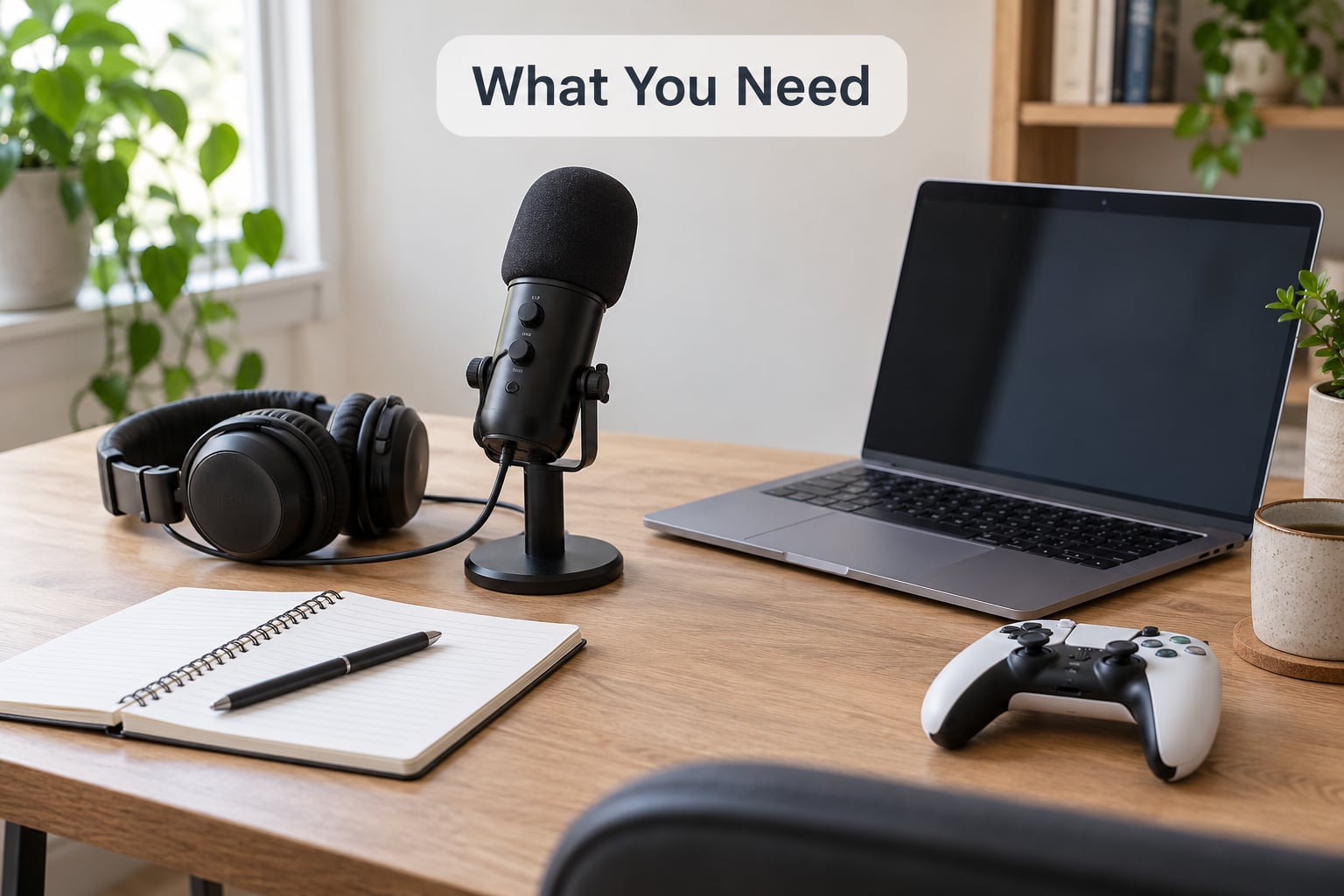
Four things matter more than anything else: a clear show concept, one microphone, a room that is not echoing, and free software. Everything past that is refinement.
The concept, written down
The single strongest piece of advice in the top-ranked advice thread for this topic, on r/truegaming, is blunt: outline your show, give it segments, and print your talking points. A gaming podcast that is “about games” has no reason for anyone to press play. One that covers “every FromSoftware boss fight since 2019” does.
Write the premise in one sentence before you touch a microphone. If you cannot finish the sentence, you are not ready to record.
One microphone, chosen by cast size
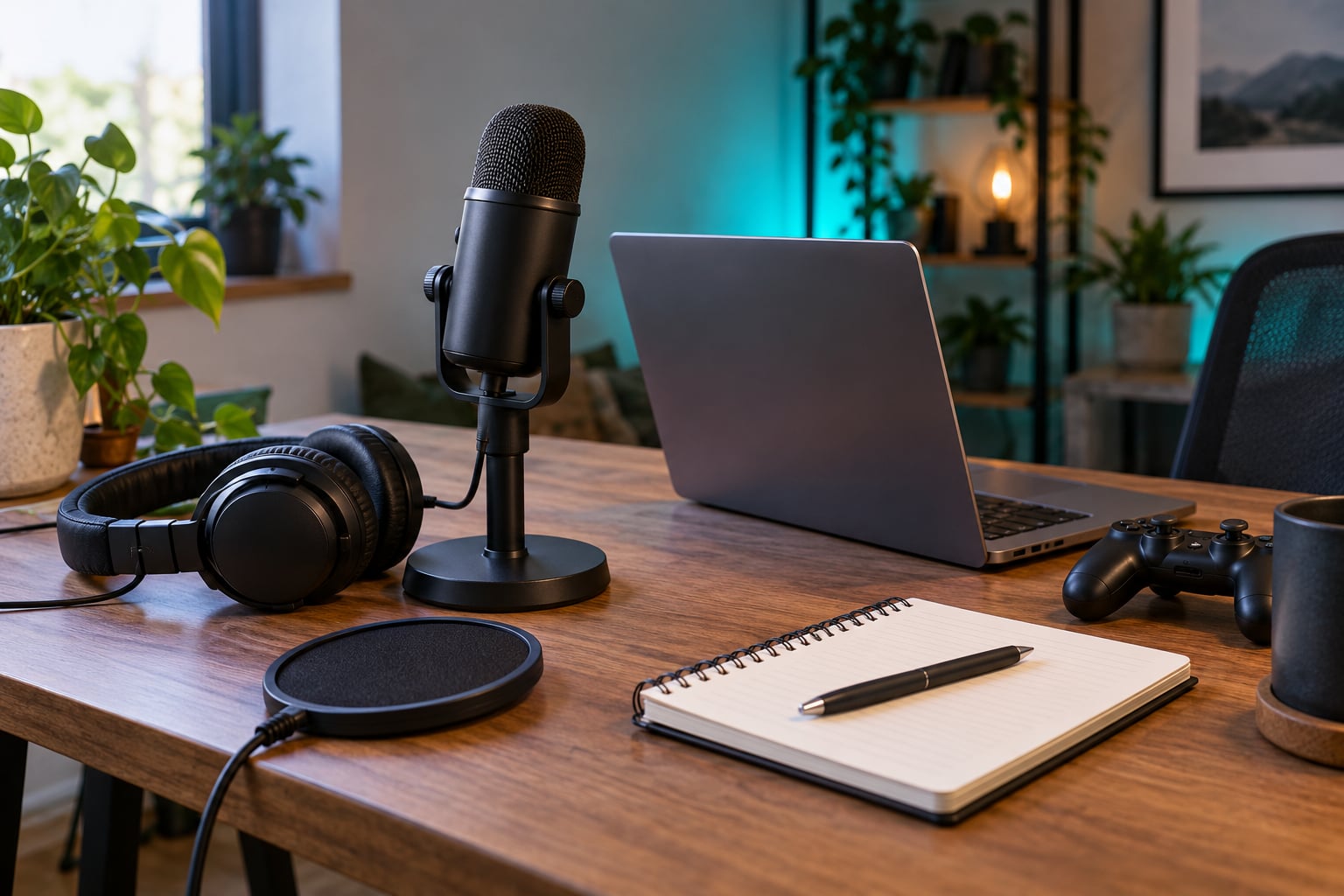
Condenser mics are sensitive and pick up room noise. Dynamic mics reject room noise and handle several people in one space without feedback, at the cost of needing more gain. Match the mic to your situation rather than to a spec sheet.
- Solo or remote, one person per mic: a USB condenser is the easy choice. It plugs straight into the computer and needs no interface. The trade-off is that it will happily record your washing machine.
- Two or three people in one room: a dynamic mic per person. Condenser bleed is the reason group podcasts sound muddy — one host ends up louder than the rest and everyone’s mic catches everyone else.
- Every cast member recording separately: a dynamic or condenser both work, because the room problem is much smaller in headphones-only setups.
For reference, beginners on r/podcasting commonly start with a Samsung Q2U and step up to a Blue Yeti. The same community’s advice is to test what you already own before buying anything, which is sound.
Headphones and a pop filter
Closed-back headphones are mandatory if the microphone is in the same room as a speaker, because game audio leaking into an open-back pair is a feedback loop waiting to happen. A pop filter — the small mesh screen on a gooseneck — costs very little and removes the plosive burst on words starting with “p” and “b” that makes beginners think their mic is broken.
Editing software and a hosting account
Audacity and Reaper are the free standards, and GarageBand comes with every Mac. You will also need a podcast host, which stores your files and generates the RSS feed — the XML document that delivers your show to Spotify, Apple Podcasts, YouTube Music and every other listening app. Free tiers exist at most of the major hosts, so this is not the part to stress about.
Good enough recording, not perfect
Here is the diagnostic that saves beginners the most money: bad podcast audio is almost never the microphone. It is gain staging (turning the input too high and clipping, or too low and burying it in noise) and room noise. Fix those two and a modest mic sounds fine. Buy a better mic when you have already fixed them.
How to Start a Gaming Podcast: Step-by-Step
1. Choose a Specific Gaming Podcast Concept
Pick a recurring format, not just an audience. Four structures cover almost every gaming show that works.
| Format | Effort per episode | Best for | Main risk |
|---|---|---|---|
| Solo narrative | Low — you control every word | One strong opinion, no coordination | Monotone after the first few episodes |
| Co-hosted roundtable | Medium — scheduling and two audio files to edit | Chemistry, banter, disagreement | One quiet host getting buried in the mix |
| News and analysis | High — deadlines, research, sources | Current events, esports, patch notes | The calendar eats your whole week |
| Recorded play / actual play | High — session logistics and table sound | Tabletop and story-driven games, TTRPGs | Scheduling six people for one session |
The most common forum question behind this choice is whether a personality-led show is enough or whether a show needs to be more news-driven. The answer from experienced podcasters is consistent: lead with personality. Anyone can read news; nobody can read your opinion of it in your voice. r/truegaming’s advice thread makes the same point — make your opinion matter as much as the facts, and engage with listeners directly.
Then run the runway test, which is the most useful pre-flight exercise on this whole page: write twenty episode titles before you commit to anything. If you cannot get past title eight without repeating yourself, the idea does not have legs yet. If you reach twenty without straining, you have a season’s worth of runway and a ready-made release schedule. This exercise takes half an hour and it is the difference between a show and a hobby.
Give the show segments with names. “Rapid fire predictions” or “the patch note segment” are recognisable beats a listener can wait for, and named segments make editing faster because you already know where each section starts.
2. Plan Episodes and Create a Simple Content Calendar
Turn the concept into a schedule you can survive. Write down the topic, the recording date, the research task and the publish date for the next six episodes. Anything past six is fiction until episode one exists.
Choose a cadence you can hit on a bad week, not on a good one. Weekly with a two-episode buffer, or fortnightly with a one-episode buffer, are both sustainable. Daily is a trap for beginners because one illness or one bad session breaks the streak and the show never recovers.
Build in at least one repeatable series — a mailbag episode, a retro pick, a “worst thing I played this month” segment. Repeatable formats make planning faster and give regulars a reason to come back.
Time budget, honestly: about an hour of prep, 30 to 60 minutes of recording, one to two hours of editing, and an hour of show notes and promotion for a 30-minute episode. That is most of a day, once a week. If you do not have that day, publish fortnightly instead of burning out by episode eight.
3. Prepare Your Recording Space and Equipment
Room noise kills more beginner shows than microphones do. You cannot soundproof a rental apartment, but you can get most of the benefit by working with what is there.
The cheapest effective booth is a closet. Hang heavy clothes, put a thick blanket behind and around the mic, and record facing into the hanging fabric. One r/podcasting user runs an Audio-Technica ATR2100 dynamic USB mic in a converted closet with no acoustic panels at all — that is the level of treatment that gets you usable audio.
Then do the gain staging properly, because this is the single most cited cause of bad podcast audio:
- Set your gain so your loudest normal speaking moment reaches roughly -12 dB on the meter, leaving a little headroom so a sudden laugh does not clip.
- Say nothing for five seconds and watch the noise floor. If it sits anywhere near your voice level, the room is too live — treat the room, not the mic.
- Record ten seconds of ordinary talking, then play it back. If it sounds like you are in a stairwell, you have a room problem that no amount of editing will fix cleanly.
- Wear headphones during the recording so game audio never reaches the mic.
That ten-second test is the checkpoint for this step. It passes when playback sounds like a room with a person in it, not a bathroom. If it fails, fix the room before you record a full episode.
4. Record Your First Episode
Write a short outline — an intro, your segments, an outro — and keep it next to you. Printed talking points beat a teleprompter for beginners, because eye contact with the screen matters more than perfect phrasing.
Do two practice runs first. The first is to find the boring parts of the outline, the second is to get comfortable hearing yourself. Most stagefright is simply not having heard your own voice played back yet.
If you are recording gameplay commentary, record the commentary separately rather than live over the game. Play the footage back while narrating to it. Your delivery will be far better because you are not performing two tasks at once, and editing the audio no longer means fighting video.
For multiple hosts, the single most important decision is this: each person records locally on their own machine, and you use the call only to talk. If your audio quality depends on the connection, a laggy five minutes ruins the session. When everyone records locally, each person has a clean track, and one fluffed line is a fifteen-second fix instead of a re-record. The Crutchfield team that documents actual-play production notes that roughly 3 GB per person per session is too large to email, which is why a file-transfer workflow matters even more once you adopt local recording. A podcaster on r/podcasting described the other version of this problem clearly: duplicating audio for an edit after recording over a call means one bad take costs you the whole session.
Pick one of three recording methods and know which one you are using before the first session.
| Method | Audio quality | Effort | Verdict |
|---|---|---|---|
| Everyone in one room, one mic per person | Best if the room is treated; feedback risk rises with each voice | Low, but everyone must be physically present | Fine for two or three people, poor beyond that |
| Remote, each host recording locally on their own mic | Consistent and clean; each track edited separately | Medium, including file transfer and level matching | The right default for any distributed cast |
| Remote, recording the internet call itself | Compression, echo and lag baked in permanently | Lowest to set up, worst to fix later | Only for a rough draft you will re-record anyway |
Keep the cast small. Each additional voice multiplies both the scheduling and the editing work, and one scratchy remote feed can spoil an entire episode. Two good voices beat five uneven ones.
Record in sections of about 15 to 20 minutes and save after each one. Then copy every file to a second location the same day. Losing an unsaved session to a crash on the day you planned to publish is more common than anyone admits.
5. Edit the Audio and Add Necessary Enhancements
Editing a podcast is a short, repetitive sequence. Run it the same way every episode so the work gets faster.
- Cut first. Remove mistakes, false starts and the long silences where you were thinking. Dead air is the first thing listeners notice, and this is where the biggest quality jump comes from.
- Reduce noise. Audacity’s noise reduction works well if you capture a two-second sample of pure room tone first. Set reduction conservatively — around 6 to 12 dB — or you get the metallic, underwater artefact everyone recognises instantly.
- Level match the hosts. Solo each track, set peak or loudness consistently, then bring them back. Without this, one person audibly dominates every conversation.
- Trim filler lightly. Cutting every “um” leaves unnatural gaps. A light pass reads as more confident and takes a fraction of the time.
- Add music last, and low. Intro, outro and stingers, mixed well under the talking. If listeners can hear the music’s lyrics while you speak, it is too loud.
- Normalise loudness. Most platforms play shows at a target of about -16 LUFS, and most editors have a loudness normalisation option. Hit it once and you will not be re-normalised into sounding thin next to established shows.
- Export and back up. Export a 128 kbps MP3 for distribution and keep the full-quality master, because a sponsor will eventually ask for the WAV.
That first pass takes about as long as the episode is long. By episode five, with your own templates and keyboard shortcuts, a 40-minute episode is a couple of hours. r/podcasting threads converge on this: the problem is technique, not hardware, and a real digital audio workstation plus learned gain staging beats expensive microphones every time.
6. Publish the Episode and Promote It
Upload to your host, which generates the RSS feed. Submit that feed to Spotify, Apple Podcasts, YouTube Music and the directories worth having — then the episode exists everywhere without you uploading it twice.
Episode titles do a lot of work. “Ep 4” helps nobody; “Why the new patch made everyone quit co-op” earns the click. Write real show notes with a short summary, guest links, and timestamps or chapters for longer episodes, since players use chapters to show progress and a chaptered episode is easier to finish.
On licensing: you do not need a licence to publish a podcast, but you do need the right to use any music or sound effects in it. The most common trap is dropping a favourite track under the intro. Use a track you created, licensed specifically for podcasts, or one from a service that grants that permission — and check whether it also covers video, because you will want to reuse the same episode on YouTube.
Disclose sponsored segments. It is simple honesty and the expectation everywhere.
Your weekly promotion routine can be five short things:
- One short clip per episode, cut from the strongest 45 to 90 seconds and posted as a vertical video with burned-in captions. For gaming audiences this is currently the discovery channel that matters most, and it reuses audio you have already made.
- A post in the relevant gaming subreddit or Discord server, written as a discussion rather than an advert — ask the question your episode answers.
- Share in communities you already belong to and actually read.
- Ask guests to cross-promote, and give them the clip they need.
- Reply to every comment and answer every email. Retention of a small audience is worth more than a spike in a large one.
7. Improve the Show After the First Release
Listen back to episode one with the edit timeline closed, imagining you are a new listener. Note where you lost interest, where the audio was thin, and where you were vague. Those three things are your fix list for episode two.
Collect listener feedback in one place from day one — a shared document, a channel in your Discord, a dedicated address. When someone says an episode was confusing, that is a free edit to the next one.
Expect a slump somewhere around episode ten. Most shows never reach twenty episodes, and the ones that stall usually stall because the format got repetitive, not because the quality dropped. That is when a season break or a format experiment helps: change one thing at a time so you know what worked.
On analytics, two numbers matter — downloads per episode and how many listeners reach the end. Completion rate tells you whether the runtime is right. Region and age breakdowns rarely change what you should do next. You can skip the rest of the dashboard.
And on money, be realistic. At a few thousand monthly downloads, mid-roll advertising pays very little; listener support through a platform like Patreon is the more meaningful path, and sponsorship becomes relevant when a show has consistent download numbers. The honest version, offered on r/truegaming and r/NewTubers alike, is that the first year is about the show, not the revenue.
Common Mistakes
Buying gear before committing to the show. The fix: record three practice episodes on what you already own. A friend-group podcast team listed their real starting kit — two budget USB condensers, a simple mixer, an old phone as a backup recorder and foam wind covers — and that is a perfectly respectable first setup. Test before you buy, which is the consistent advice across every gear thread.
Recording in an untreated room. The fix: the closet, heavy fabric, a blanket behind the mic. Capture room tone and reduce noise conservatively in the edit.
Having no clear format. The fix: write twenty episode titles and give the show named segments before you record. The r/truegaming answer to “what makes a successful gaming podcast” is structure plus direct engagement with the audience, not equipment.
Talking without an outline. The fix: three to four talking points on paper, in front of you. Free, and it removes the rambling you would otherwise cut later.
Recording over an internet call. The fix: have every host record locally and use the call for conversation. This is the single biggest audio improvement available to a remote show.
Using music you do not have the rights to. The fix: podcast-safe licensed tracks or your own. Confirm the licence covers video too, and keep the proof saved with the episode file.
Publishing inconsistently. The fix: drop the cadence before you drop the show. Two good episodes a month beats eight rushed ones followed by silence.
Launching with nothing finished. The fix: have three to five fully edited episodes ready before announcing the show publicly. Crutchfield’s production team calls the absence of a finished backlog their biggest regret, and it is the advice buried in the paragraph rather than the heading on most competing guides.
Starting too many things at once. The fix: audio or video, not both, until one has traction. Then expand.
Frequently Asked Questions
Is it too late to start a podcast now?
No, and starting now is a better time than most people think. Free recording software, free hosting tiers and free artwork templates have removed the cost barrier entirely. The real change is discovery: short-form video and AI assistants now surface shows to people who never open a podcast app, so a new gaming show can find its first hundred listeners without an existing audience. Start with a narrow angle and three finished episodes.
Do I need a license to start a podcast?
You do not need a licence to publish or distribute a podcast, and you do not need one to talk about a game, stream it or review it. You do need the right to use any music or sound effects, including your intro theme, and that permission must cover syndication and often video as well. Sponsored segments have to be disclosed. Use podcast-licensed tracks or music you created yourself, and save the licence with the episode.
What are some effective ways to grow my podcast audience?
Cut one 45 to 90 second clip from every episode and post it vertically with captions, which is the main discovery path for gaming shows right now. Share episodes in subreddits and Discord servers as discussion rather than promotion. Build three to five finished episodes before launching so new listeners find something to binge. Cross-promote with guests, reply to every comment, and pick a niche narrow enough that people describe you to each other.
What percent of podcasts make 20 episodes?
Only a small minority. Most shows start with ambition and quietly stop somewhere in the first ten episodes, usually because the production cycle outlasts the creator’s motivation. The fix is scope, not willpower: publish fortnightly instead of weekly, record in 15 to 20 minute sections, and keep one to two episodes of finished backlog so a bad week does not end the show. Consistency of ten episodes matters more to growth than any single great episode.
Are podcasts declining in popularity?
No. Audio listening has held steady while discovery moved to video and short-form clips, which means a gaming podcast is often found on YouTube or a vertical clip first and subscribed to second. This is also the cheapest growth path available to a beginner: record the episode once, publish the audio to your RSS feed, and cut the same audio into video for the companion channel.
Can ChatGPT create a podcast?
Not a podcast. It cannot record voices, host a conversation, edit audio or publish a feed. It is genuinely useful for the pre-production half: researching a topic, drafting talking points, turning your transcript into show notes, writing episode titles, producing clip captions and summarizing long articles into a rundown. The rule most creators land on is that AI writes the outline and a human makes the show.
Conclusion
Pick one specific angle and write twenty episode titles for it. Test your existing microphone and a quiet corner of your home with a ten-second recording, and fix the gain and the room noise before buying anything.
Then record a short first episode — 20 to 30 minutes, outline on paper, every host recording locally — edit it once with the seven-step sequence above, and publish it through a free hosting feed. That is how to start a gaming podcast without a studio, a budget or a perfect plan. This guide is updated each year for 2026, because the tools move but the process does not.