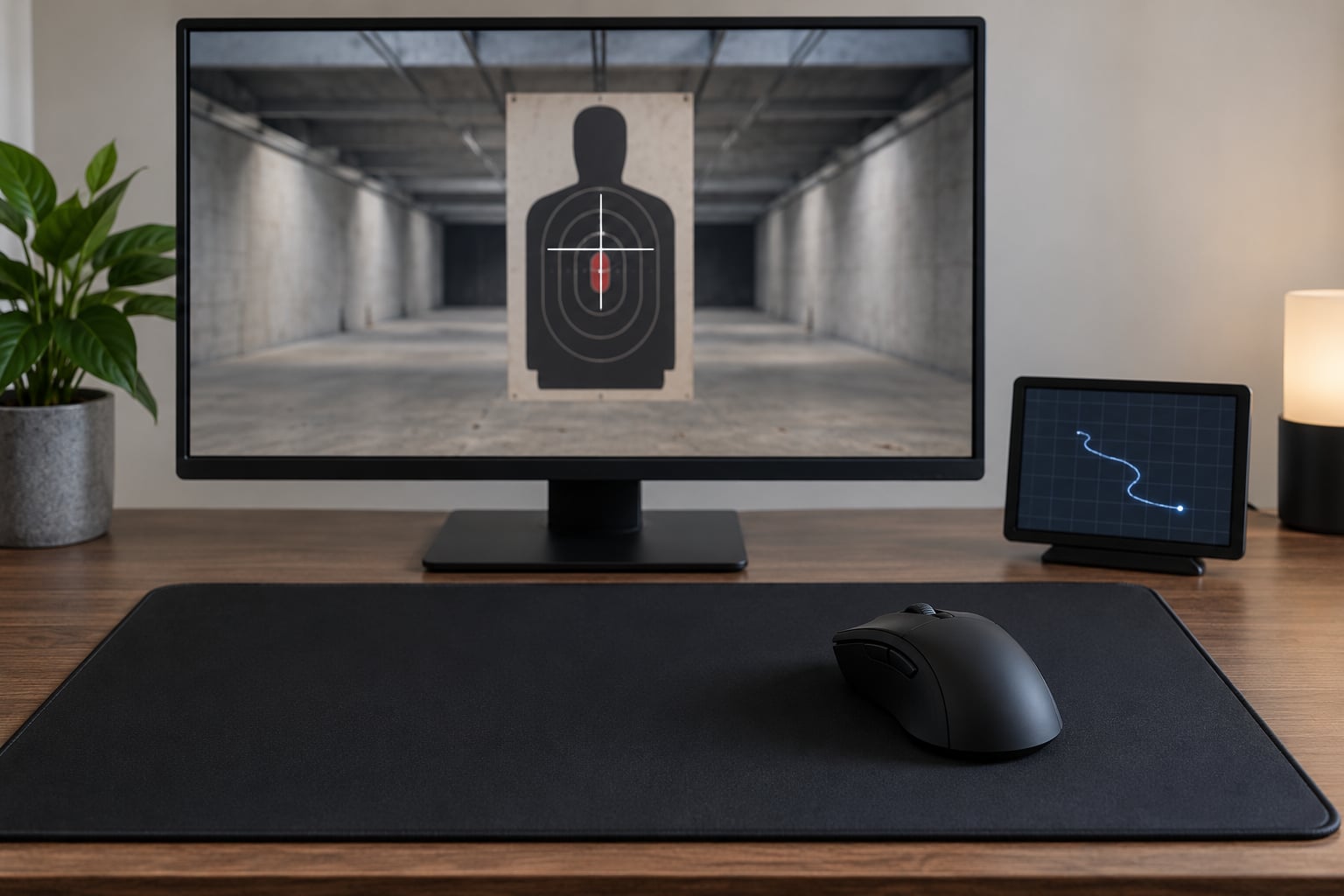
Sensitivity settings set the exact ratio between how far your hand moves and how far the crosshair travels. Your brain learns to aim against that ratio, so when the ratio changes, every flick, correction and tracking motion has to be relearned — which is why how sensitivity settings affect aim consistency comes down to stability, not a single magic number.
Most sensitivity advice misses the part that actually matters. Two players can run completely different DPI and in-game sensitivity values and both aim well, while the same player who switches between them every month never improves. The goal is not to find the correct sensitivity. It is to find one you can hold long enough for your motor system to calibrate to it.
Table of Contents
- How Sensitivity Settings Affect Aim Consistency
- Precision, Speed, and Overshooting
- How DPI, In-Game Sensitivity, and cm/360 Work Together
- Why Field of View Changes the Feeling of Sensitivity
- Hip-Fire, ADS, Scoped, and Alternate Sensitivity
- How to Test a Sensitivity Change Without Randomizing Your Aim
- How to Tell Whether a Setting Is Right for You
- Frequently Asked Questions
- Is lower sensitivity always better for aim consistency?
- Should I use the same sensitivity as a professional FPS player?
- Does increasing mouse DPI make my aim better?
- Should I change hip-fire and ADS sensitivity separately?
- How long does it take to adapt to a new sensitivity?
- How do I know if my sensitivity is too high?
- Start With One Repeatable Test
How Sensitivity Settings Affect Aim Consistency
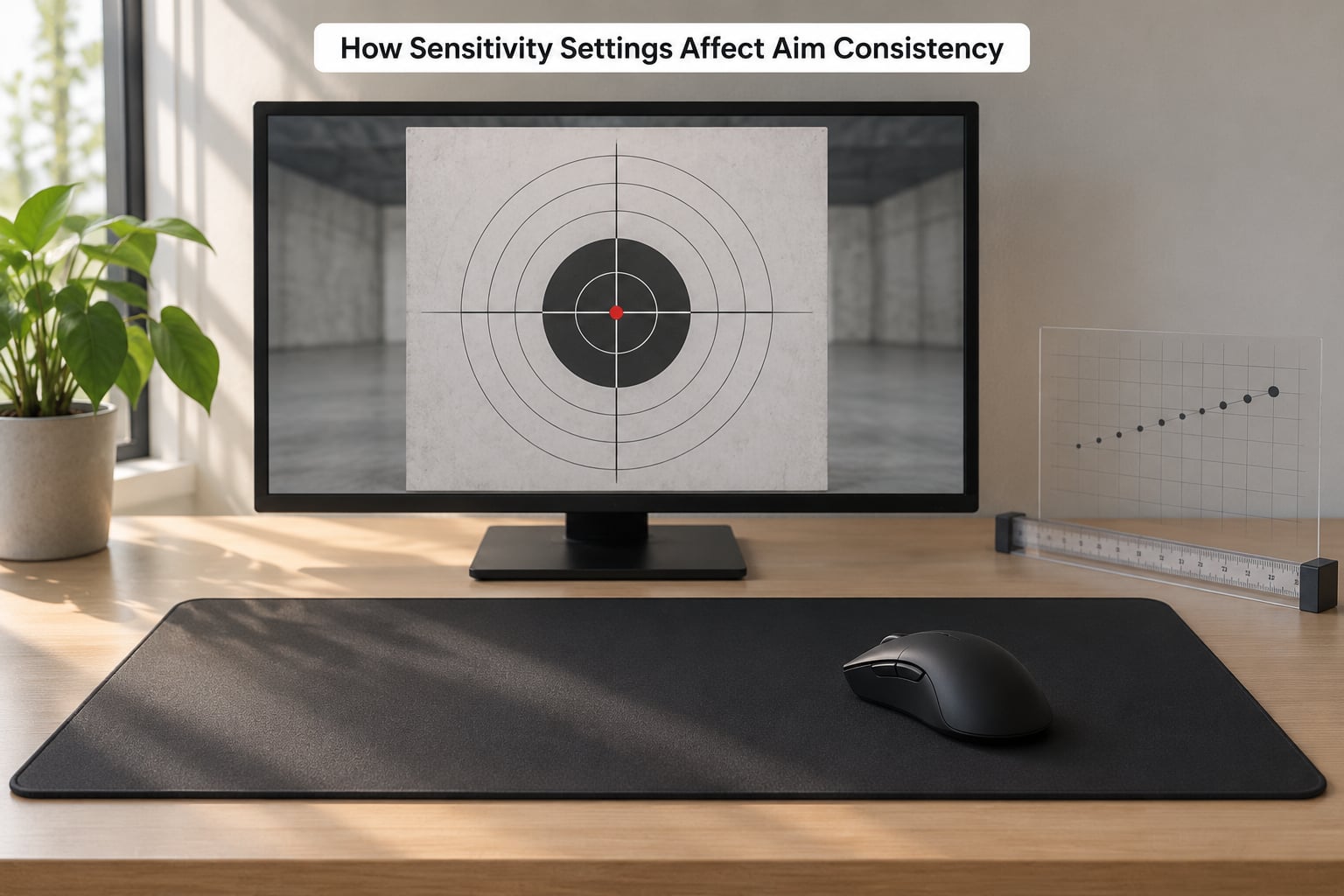
Your mouse sensor counts how many steps it takes per inch of hand movement. DPI scales those counts. In-game sensitivity converts counts into view-angle rotation, and your field of view decides how much of the screen that rotation covers. Multiply the whole chain together and you get the ratio that actually reaches your hand:
Effective sensitivity = mouse DPI x in-game sensitivity x Windows multiplier
That number can be expressed two ways, and both are useful. eDPI is DPI multiplied by in-game sensitivity, which lets you compare settings between games that use different sensitivity scales. cm/360 is the distance your mouse has to travel to turn your view a full 360 degrees, which is the only unit that describes physical movement identically in every game.
Neither figure matters on its own. 1600 DPI at 0.5 in-game sensitivity and 800 DPI at 1.0 in-game sensitivity produce the same eDPI and the same cm/360, so they feel identical in the game despite the very different mouse numbers.
Aim consistency is the repeatability of your crosshair stopping point from shot to shot. It depends on a stable mapping, comfortable movement, and enough desk space to finish the motion. The moment the mapping shifts under you, the same 10 cm swipe lands somewhere new, and shots scatter until the new ratio is learned.
Precision, Speed, and Overshooting
Lower sensitivity buys precision. A smaller physical movement produces a smaller crosshair move, which makes micro-corrections possible and reduces the amount of hand tremor amplified into visible shake. That is why most tactical shooters and most very good players sit in a low range.
The cost is travel. With a low setting, turning around, checking a corner or reaching a target across the screen needs a larger arm movement and more mousepad. A setting around 30 cm/360 means a full sweep across a typical mousepad, and a setting at 50 cm/360 needs a wide pad or a lift-and-recenter habit that most players never build deliberately.
Higher sensitivity buys speed and target acquisition. You can find a target in your peripheral vision and get on it with less hand travel, which matters in tracking-heavy arena shooters where strafing targets move faster than you can drag a crosshair at a slow setting.
The cost is control. At high sensitivity your hand has to execute very small movements very precisely, so tiny over-rotations become visible overshoots, tremor is amplified, and wrist-only aiming starts to strain after a long session. The relationship between DPI and precision is not linear either — short twitchy movements are harder to place accurately than long smooth ones.
Signs your setting is too high:
- Your crosshair regularly sails past a target and needs a second pass to come back
- Small corrections feel like guesses rather than adjustments
- You lift the mouse to re-center far more than a couple of times per round
- Your wrist or forearm aches after a session that used to feel fine
Signs your setting is too low:
- Fast strafing targets slip off the crosshair no matter how well you track them
- You run out of mousepad mid-fight and have to drag your arm back
- You turn 180 degrees with a shoulder instead of a smooth arm motion
- Every correction arrives late because the crosshair is still travelling
How DPI, In-Game Sensitivity, and cm/360 Work Together
Because every game scales in-game sensitivity differently, the number in the settings menu tells you very little on its own. Converting to cm/360 is what lets you compare a CS2 setup, a Valorant setup and an Apex setup honestly.
| Game | Typical cm/360 range | Typical eDPI range | Dominant aim type |
|---|---|---|---|
| CS2 | 40-60 cm | 600-1400 | Flicks and precise peeks |
| Valorant | 35-50 cm | 500-1200 | First-shot accuracy |
| Rainbow Six Siege | 35-55 cm | 500-1200 | Slow deliberate clears |
| Apex Legends | 25-40 cm | 900-1800 | Tracking plus close-range flicks |
| Overwatch 2 | 25-38 cm | 800-1600 | Tracking strafing targets |
| Fortnite | 20-35 cm | 800-2000 | Build fights and tracking |
| Call of Duty | 15-30 cm | 1000-2500 | Fast arcade-style flicks |
| League of Legends | 15-30 cm | 1200-2500 | Point-and-click on a big map |
These bands describe what players actually settle on, not what they should copy. There is no universal best sensitivity, and the useful question is whether your value sits inside a plausible range for the genre and whether you can physically perform the movement it demands.
Two practical rules follow. First, judge the combined physical movement: measure your cm/360 once and use that as the unit across every game. Second, resist the urge to keep DPI and in-game sensitivity in lockstep — changing one and holding the other changes your effective sensitivity, which is why plenty of people raised DPI to fix aim and ended up with a faster setup they did not intend.
| Band | cm/360 | Feels like | Best suited to | Main failure mode |
|---|---|---|---|---|
| Low | 40-60 cm | Arm-driven, deliberate | Tactical shooters, sniping, precise clears | Cannot keep up with strafing targets |
| Medium | 25-40 cm | Arm and wrist combined | Battle royale, mixed engagements | Not tuned for either extreme |
| High | Below 25 cm | Wrist and finger driven | Tracking, MOBAs, RTS, arena shooters | Overshooting and tremor |
One hidden variable sits outside the game entirely. Windows pointer speed multiplies everything you do, and mouse acceleration scales your movement curve so the same distance behaves differently at speed. Set pointer speed to the middle notch, turn off enhance pointer precision, and prefer games with raw input enabled. Players who skip this step sometimes spend weeks blaming sensitivity for what is actually an acceleration curve.
Why Field of View Changes the Feeling of Sensitivity
Field of view changes what your mouse-to-view ratio feels like without changing what it is. A lower FOV narrows the visible scene, so the same view-angle rotation pushes the crosshair across more pixels, targets appear larger, and a familiar sensitivity can feel slow and heavy. A higher FOV shows more world, making the same sensitivity feel quicker and twitchier.
Keep this separate from input speed. Your hand moves the same physical distance and the game rotates the same number of degrees regardless of FOV. What changes is the visual information density and how far targets appear to travel.
Resolution and aspect ratio complicate comparisons further. A wider desktop field of view on a 21:9 monitor versus 16:9 shows more horizontal space at the same vertical FOV, which shifts where players naturally want their crosshair to sit. If you switch monitors or change a stretched resolution setting, expect to re-tune even though nothing about your mouse changed.
Hip-Fire, ADS, Scoped, and Alternate Sensitivity
Most shooters expose separate hip-fire sensitivity, an aiming-down-sight multiplier and scope-specific multipliers. The reason is mechanical: the FOV narrows when you aim, so a multiplier below 1.0 is usually needed to keep the on-screen pace similar to hip-fire. Aim at a target with the same mouse movement and the scope view covers less of the world, so the same multiplier produces a noticeably different distance.
Different games scale these differently. One FPS might have an ADS multiplier that only affects aiming, while another also applies a scoped multiplier on top when a scope is equipped. A value that feels right in one is not transferable to the other, so copy the idea, not the number.
There is one nuance players raise often and almost no guide mentions: on characters or weapons that do not rely on precise pointing, a unified sensitivity matters far less. If your gameplay is about positioning and ability timing rather than crosshair placement, spending your adaptation budget on sensitivity tuning is low value.
How to Test a Sensitivity Change Without Randomizing Your Aim
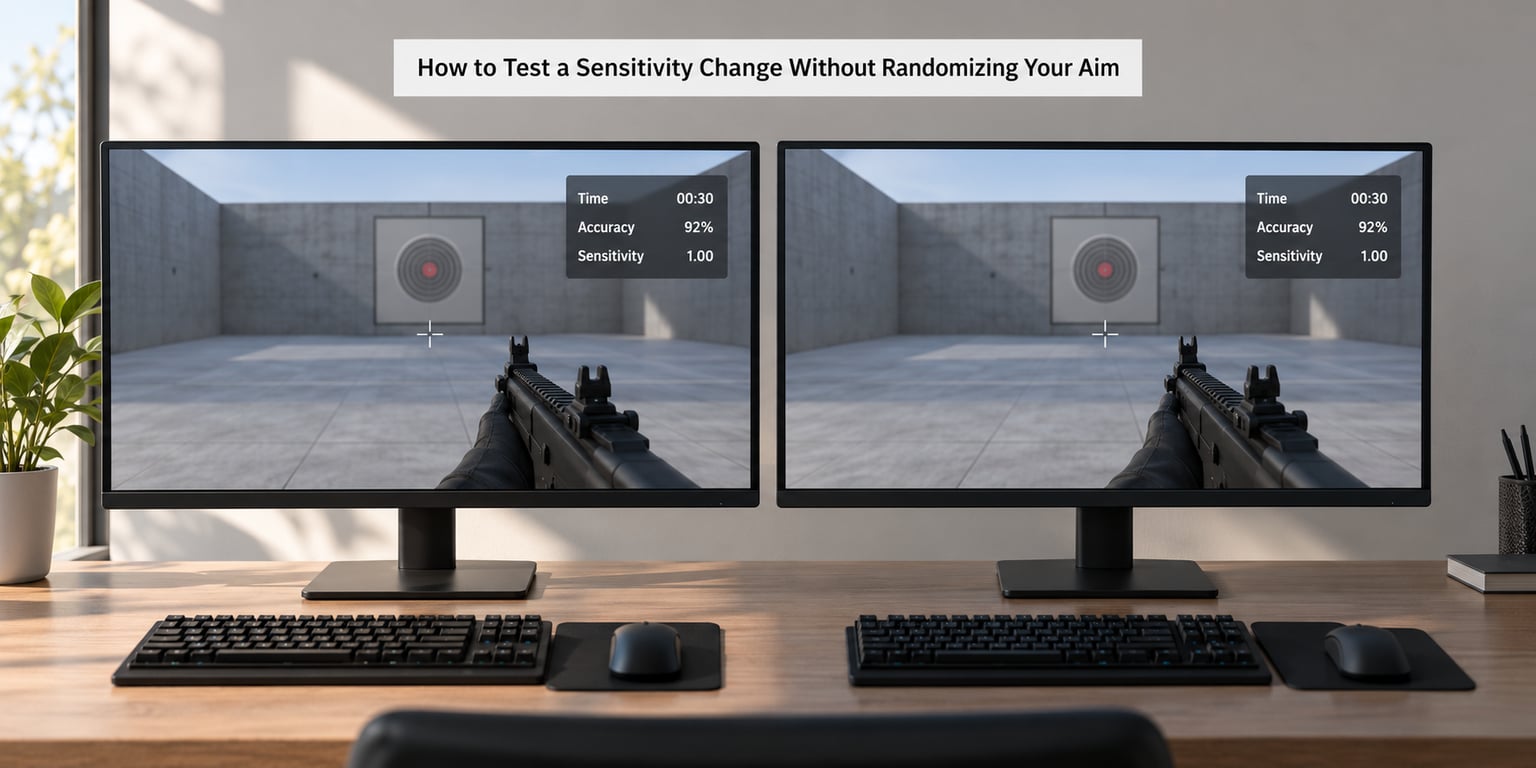
Most players test sensitivity badly because they change several variables, judge after two days and treat a bad session as evidence. A test only tells you something if everything except the variable under test stays fixed.
- Write down your current values first. DPI, in-game sensitivity, Windows pointer speed, grip, mousepad and FOV. If you cannot reproduce a setup exactly, you cannot attribute a result to it.
- Change one variable. Prefer a 5-10 percent change in in-game sensitivity over a DPI swap, so the difference is small enough to adapt to.
- Use a fixed warm-up. The same ten minutes of aim trainer work before you judge anything, every session. Warm-up state moves results more than most setting changes do.
- Run identical drills. Pick two scenarios you repeat exactly — a tracking drill and a flick target drill — and note time and accuracy each session.
- Play real matches anyway. Aim trainers measure a narrow slice. Your ranking, your hit rate in actual fights and how much the mouse work felt automatic are the numbers that matter.
- Hold it for seven to ten days. That is long enough for motor calibration to settle and short enough that it does not cost you a season.
- Roll back if it clearly fails. If overshooting or fatigue is worse after the adaptation window, revert. The change was information, not a verdict.
Telling adaptation from genuine improvement is the hard part. In the first few days a new setting feels worse because your old calibration is still partly in place, and it feels exciting once familiar because you are paying close attention. The signal worth trusting is steadiness: your results across sessions should stop swinging week to week, and the movement should feel like less conscious work rather than more.
Long-term players describe the settled version as automatic. Before that point, every target requires manual correction, which is why a switching habit reads as inconsistency even when raw accuracy has not moved.
How to Tell Whether a Setting Is Right for You
A setting that suits you shows up in movement quality rather than a score. Tracking a strafing target feels smooth without your arm running out of pad. Flicks land near the target and stop without a second correction. Small adjustments settle in one movement instead of a sequence of guesses. You can hold that setup for weeks without thinking about it.
Comfort matters as much as performance. Persistent wrist or forearm ache is a signal to move the setting toward the arm and away from the wrist, and to check your desk height, because a desk that forces wrist-only aiming makes any sensitivity uncomfortable. If pain persists, stop playing through it and get it assessed rather than tuning around it.
One diagnostic worth running before you blame sensitivity at all: play a few rounds on a machine you know is smooth. Inconsistent frame times and drifting latency make aim feel like it is failing when the input path is the problem. Background load, a display set to the wrong refresh rate and a wireless connection that stalls are all cheaper to fix than a week of retraining.
And the habit to break: changing settings after every bad session. Losing streaks, one bad death, a tilt night — none of those are a signal about sensitivity. Change on a schedule you set in advance, based on evidence across a block of sessions.
Frequently Asked Questions
Is lower sensitivity always better for aim consistency?
No. Lower sensitivity makes micro-corrections easier and reduces amplified hand tremor, which is why tactical shooters like CS2 and Valorant tend toward 35-60 cm/360. But low sensitivity costs travel speed, so tracking fast strafing targets becomes the weak point. Consistency comes from holding one value long enough to adapt to it, at any level inside a plausible range for your game.
Should I use the same sensitivity as a professional FPS player?
Copying a pro’s numbers tells you nothing about your own aim. Pros train thousands of hours on one value, so their muscle memory is calibrated to that specific ratio and to their grip, desk and mousepad. Convert your own setup to cm/360 instead, compare it with the range players of your genre actually use, and pick a value you can perform comfortably.
Does increasing mouse DPI make my aim better?
DPI alone does not decide anything. Effective sensitivity is mouse DPI multiplied by in-game sensitivity, so 1600 DPI at 0.5 and 800 DPI at 1.0 behave identically. If you raise DPI and lower in-game sensitivity by the same factor, you have changed nothing but the numbers on your screen. Judge the combined result in cm/360, not the DPI label.
Should I change hip-fire and ADS sensitivity separately?
Often yes, and most shooters require it. Because the view narrows when you aim, an ADS multiplier below 1.0 keeps the on-screen pace similar to hip-fire. Tune each against its own zoom level, since a value that feels right unzoomed can feel slow through a scope. Change both at once only if you are prepared to retrain from scratch.
How long does it take to adapt to a new sensitivity?
Most players need somewhere around a week of regular play, and serious calibration takes a few weeks of competitive sessions. Aim trainers can confirm the motor side faster than matches can. Judge the change on steadiness across sessions rather than on the first two days, which usually feel worse while the old calibration fades.
How do I know if my sensitivity is too high?
Watch for consistent overshooting past targets, corrections that feel like guesses, frequent mouse lifts to re-center, and wrist or forearm discomfort after long sessions. The test is a micro-correction drill: try to nudge the crosshair a few pixels at a time onto a small target. If you cannot make sub-centimeter adjustments without lurching, your setting is above what your hand can control.
Start With One Repeatable Test
Record your current DPI, in-game sensitivity, Windows pointer speed and field of view in one place. Then name the actual problem — overshooting, lagging behind strafers, running out of pad, or a sore wrist — and make a single measured adjustment of five to ten percent in the direction that addresses it.
Test it the same way for seven to ten days with an identical warm-up and drills, and keep it only if your results across sessions improve and the movement stops feeling like constant manual correction. Otherwise roll back. One variable, one block of sessions, one honest verdict — that is how sensitivity settings affect aim consistency in practice, rather than through endless searching for a number that was never the problem.