Speedrunning is finishing a game as fast as possible against a stopwatch, using any route and every trick the game allows. To learn speedrunning a game from scratch, you finish the game once normally, pick a category, study how faster runners route it, set up a timer, practise the hard parts on repeat, then string the whole thing together into a timed run.
Be honest about the volume. You are going to play this game dozens of times, probably hundreds before your first personal best. That is not a flaw in the method, it is the method. Every attempt is one small puzzle you already understand.
This guide walks through eight steps, roughly in the order that works, and the rough time each one takes. Most beginners who follow it land a first timed run in the first week and a first personal best within a month or two of steady practice.
Table of Contents
- What You Need
- The timing setup
- The recording setup
- A split file and a notes document
- Step-by-Step: How to Learn Speedrunning From Scratch
- 1. Choose a Game and Speedrun Category
- Pick a category
- 2. Learn the Game’s Basic Routes and Skips
- 3. Set Up a Repeatable Practice Routine
- 4. Practice One Part of the Run at a Time
- 5. Learn Timing, Execution, and Consistency
- 6. Record, Review, and Improve Your Run
- 7. Complete a Full Run and Set a Personal Goal
- 8. Move Toward Competition
- Common Mistakes
- Copying the world record route
- Comparing your time to someone else’s
- Practising whole runs instead of segments
- Buying hardware before starting
- Using practice tools for submitted runs
- Restarting from zero after every bad session
- Frequently Asked Questions
- What is the easiest game to speedrun for beginners?
- What are Any% speed runs?
- What is a glitch in speedrunning?
- Do I need a capture card to speedrun?
- Can I use an emulator to practise speedrunning?
- How long does it take to get good at speedrunning?
- Where to Start Tonight
What You Need
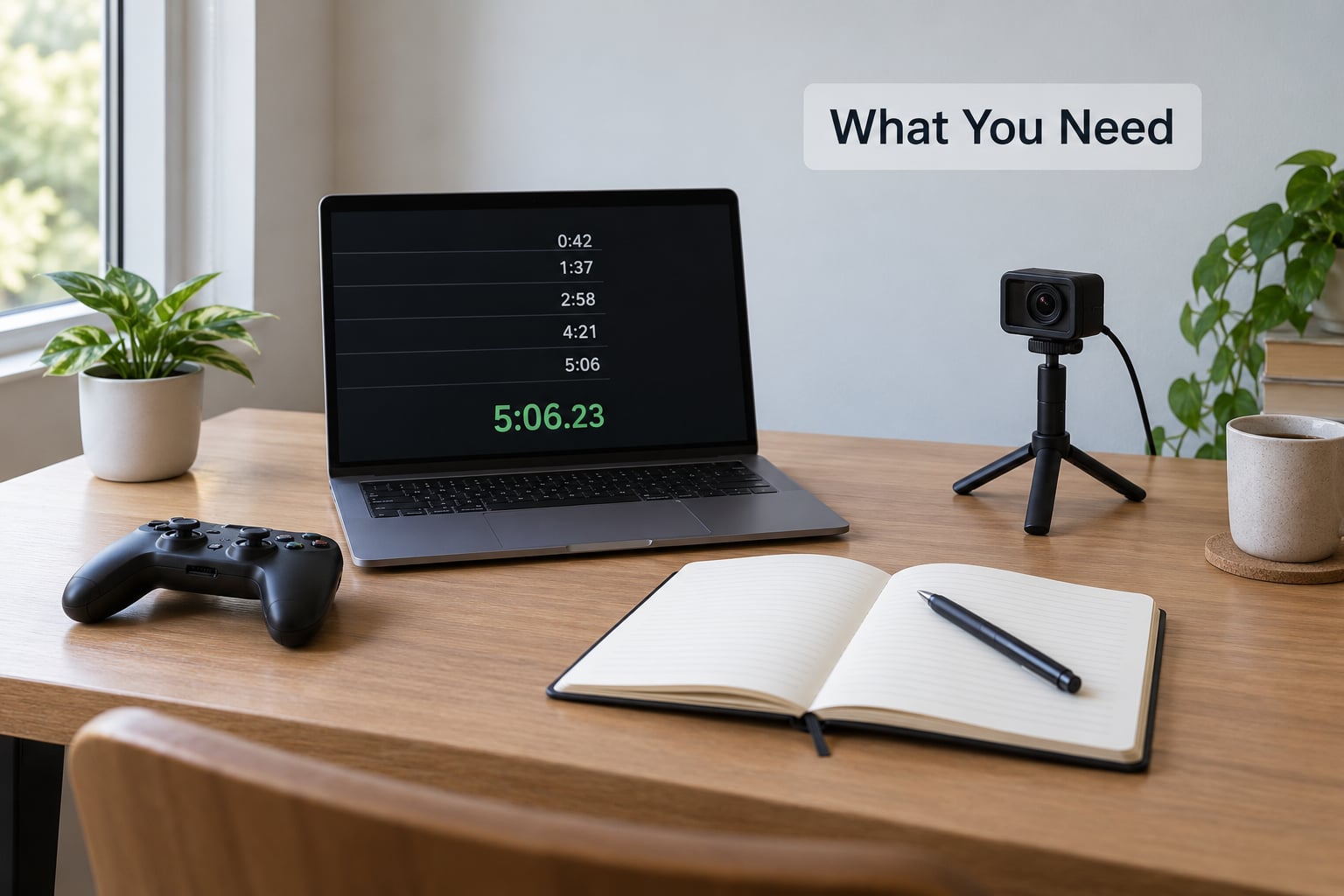
Almost nothing. The whole beginner kit is a way to time yourself, a way to record, and somewhere to take notes.
The timing setup
For PC, install LiveSplit or LiveSplit One from the official LiveSplit site. Both are free, and timer veterans in the community insist on LiveSplit from the official source rather than a repack, partly because antivirus software flags third-party copies.
For console, your platform’s built-in timer overlay usually works, and speedrun.com recognises most of them for the categories that accept console timing. Console runners who want full control later add a capture card and run the PC timer alongside.
The recording setup
Recording matters more than most beginners expect. If you ever want a run verified on a leaderboard, you will need uninterrupted video showing the whole attempt, and timer malfunction should not lose you a good run.
- PC: OBS is free and handles recording and capture cards. XSplit is widely discouraged by runners for local recording.
- Console: the console’s own capture button is enough to learn on. A capture card is a later upgrade, not a first requirement.
- Handheld: most current handhelds can record internally, which makes them the easiest way to get a first submitted run.
A split file and a notes document
Keep one document per game with three things: the splits you plan to use, the segments you are currently grinding, and the time you lost on the last attempt. Speedrun.com game pages usually publish a splits file for popular games, so check before building your own.
| Tool | What it does | Platform | Cost | Beginner difficulty |
|---|---|---|---|---|
| LiveSplit | Splits, segment timing, PB comparison | Windows | Free | Easy once a splits file exists |
| LiveSplit One | Same job, actively developed, cross-platform | Windows, macOS, Linux | Free | Easy |
| OBS | Records gameplay locally, captures the timer overlay | Windows, macOS, Linux | Free | Moderate setup |
| Console built-in capture | Records gameplay and the platform timer | Console | Included | Very easy |
| Capture card | Sends the console signal to your PC for PC timing and recording | Console plus PC | Varies | Moderate |
| Autosplitter | Starts and stops the timer at known moments | Most categories | Free | Easy, but sometimes needs manual setup |
| Practice tool or emulator save states | Practice only, not for submitted runs | PC | Free | Easy, easy to misuse |
Step-by-Step: How to Learn Speedrunning From Scratch
The order below matters more than the individual tips. Skipping ahead to “just do a full run” is the most common reason beginners stall.
1. Choose a Game and Speedrun Category
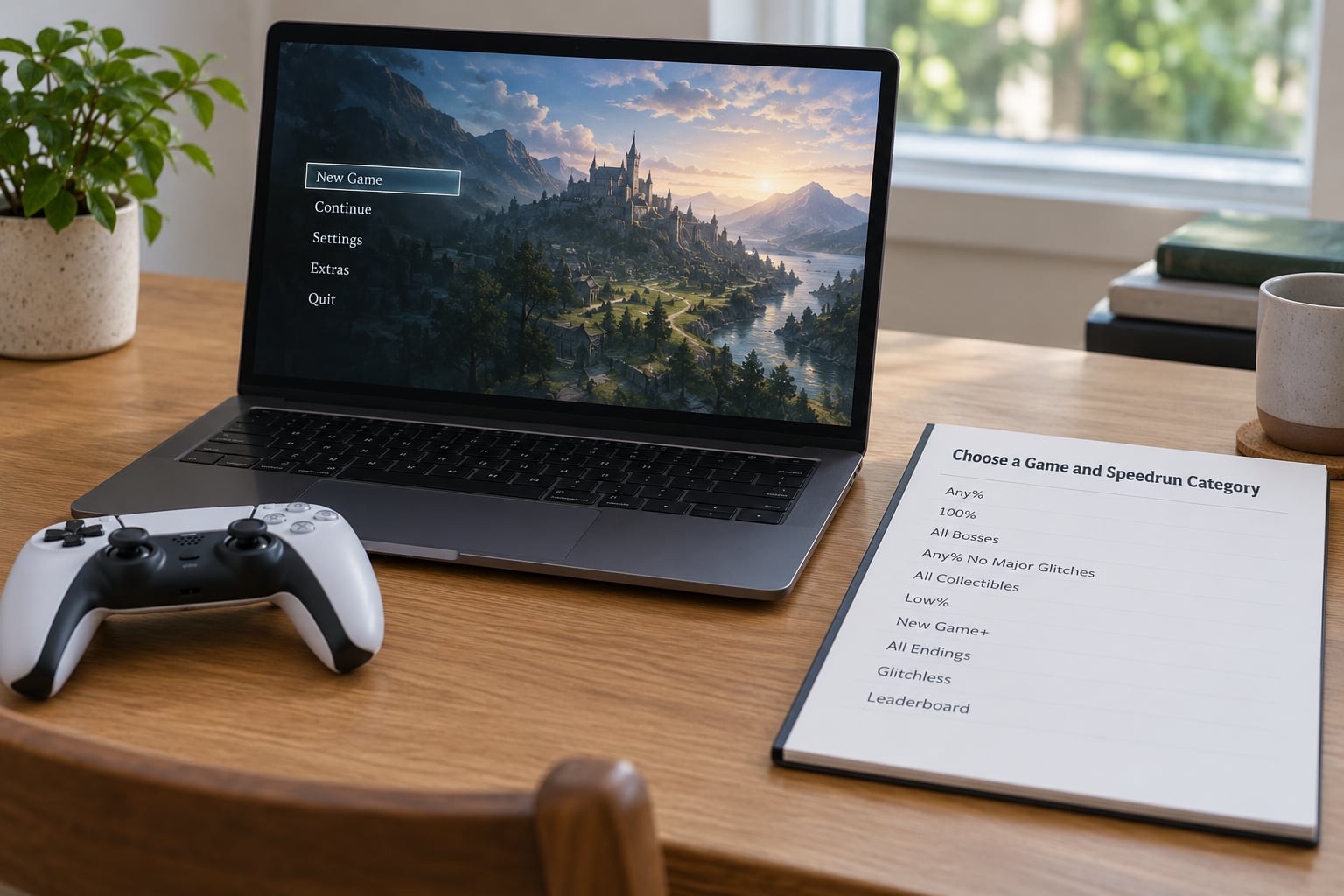
Run the game you already like. The r/speedrun advice is consistent on this: you are going to play it many, many times, and you will not tolerate that if you were bored on the first playthrough anyway. Owning it and knowing how it plays matter more than whether it is considered easy.
Then screen the game against four practical criteria:
- You can finish it. If you have never seen the ending, learn the game first. Routing a game you do not understand is memorising noise.
- It has history. Games with an active leaderboard, existing splits files and a Discord or forum give you routes to copy and people to ask.
- It supports repetition. Games with save-anywhere mechanics, practice rooms or open hub areas are far kinder for segment practice.
- The category you want already exists. Check speedrun.com before committing. Some categories are dead because nobody runs them.
Pick a category
| Category | Goal | Difficulty | Typical run length |
|---|---|---|---|
| Any% | Finish as fast as possible with any glitch or skip | Hardest, most competitive | Short, often under an hour |
| 100% | Collect everything, complete everything | Long and steady | Hours |
| Glitchless Any% | Finish fast without exploiting glitches | Moderate | Moderate |
| Low% | Finish with as few consumable items as possible | Moderate to hard | Short to moderate |
| Individual level | One level or boss as fast as possible | Best beginner entry point | Minutes |
Individual levels are the underrated choice for a total beginner. A two-minute level teaches the entire loop, timer, splits and nerves without a forty-hour commitment.
2. Learn the Game’s Basic Routes and Skips
Watch runs. This is the step beginners underrate, and the community answer is blunt: the best way to learn the route is to watch runs and take notes. Runs are where the strategies live.
Watch twice, for two different reasons. First pass, ignore the details and just track where the runner goes. Second pass, pause at every change of location and write down the strategy in one line: which door, which item order, which reset.
Copy from mid-tier runs, not the world record. World record routes are tuned for a specific runner, usually rely on luck and setup that will not happen twice, and are actively bad first targets. A run placed in the middle of the leaderboard is the same route, executed with far more room for error.
You will also need the vocabulary. These terms show up in every guide, video title and forum post you read:
| Term | Meaning |
|---|---|
| PB | Personal best, your fastest recorded attempt |
| WR | World record, the fastest verified run on the leaderboard |
| RTA | Real time attack, wall-clock time including loads and menus |
| IGT | In-game time, the game’s own counter, loads excluded |
| Split | A checkpoint in the run with its own recorded time |
| Gold split | A split where you beat your best-ever time for that segment, even in an overall slower run |
| Skip | A shortcut that bypasses part of the intended route |
| OoB / OBB | Out of bounds, moving outside the level’s intended geometry, usually through a gap in a wall |
| Glitchless | A category that forbids exploiting unintended game behaviour |
| TAS | Tool-assisted speedrun, played frame by frame by software, not a human run |
A glitch, in plain terms, is any unintended behaviour that lets you do something the developers did not design for. Pushing through a wall, skipping a cutscene, or warping through a floor are all glitches. Whether a glitch is legal depends entirely on the category rules on the leaderboard, which is why Any% and glitchless Any% can have wildly different routes in the same game.
3. Set Up a Repeatable Practice Routine
Consistency beats marathon sessions. Pick a fixed window you can protect, even if it is twenty minutes after work.
One goal per session is the rule that makes practice compound. “Get the boss under thirty seconds” is a session. “Improve” is not. When you sit down, decide the single segment you are attacking and write it at the top of the page.
Reset early when the segment is going badly. A failed attempt that continues past the mistake wastes the rest of the attempt and teaches you almost nothing. Most runners cap a practice run at three or four attempts of a segment before stepping away.
Track progress with split comparisons rather than memory. Run LiveSplit in comparison mode against your Personal Best and let it colour each segment, because a runner can be behind overall and still be ahead on several segments.
4. Practice One Part of the Run at a Time
Whole-run attempts are the worst way to improve. Segment practice is where the seconds actually come from.
Break the route into ten to twenty splits, then drill the worst two or three. Save right before the hard part if the game lets you, so a miss costs you thirty seconds instead of twenty minutes. Games with a built-in practice mode or an emulator with save states make this dramatically faster, and using them to learn is fine, as long as they stay out of your submitted runs.
Two habits pay off quickly. Practice boss fights at low health, since many routes are faster when you eat a hit instead of playing safe. And write down the route as a checklist you can follow mid-run, because decision-making is where the time disappears when you are tired.
5. Learn Timing, Execution, and Consistency
Fast is not the goal. Fast and repeatable is. A runner who reliably finishes in twenty-five minutes will beat a runner who occasionally gets eighteen and usually dies at twenty.
Three things decide whether a run counts. Start the timer at the moment the category rules specify, usually first input or first frame of control, and check that rule rather than assuming. Use the autosplitter when one exists for the category, because it removes your reaction time from the checkpoints, and when it misfires, learn which split is triggering early or late. And check your frame rate and any input lag before recording, because a recording that is not identical to the live game can fail verification.
Resource management counts too. Health, ammunition, stamina and limited-use items are all route decisions. Decide in advance what you are spending and on what, and stop improvising mid-fight.
6. Record, Review, and Improve Your Run
Record every full attempt from the first one. Storage is cheap, and the runs you think were terrible are often the most useful footage you will own.
Review in three passes. First, watch for the obvious: a menu left up, a long pause, a death. Second, check your split comparison to find the two segments where you lost the most against your best. Third, pull one straggling segment back out on its own and drill it.
That third pass is the whole loop. Attempt, compare, isolate, repeat. When a split is coloured green on a run you finished slower than your PB, you have proof the technique works even though the run did not.
7. Complete a Full Run and Set a Personal Goal
Now do the thing. Start the timer, follow the route you wrote down, and do not stop for any reason except a genuine reset condition.
Nerves are the last obstacle and they mostly fade after three or four attempts. Pick a milestone that is genuinely reachable, like beating your first clean run by thirty seconds, because a first personal best often arrives as a small improvement rather than a breakthrough.
Then pick the next target. Maybe the same category with a safer route, maybe the next category down, maybe a different game entirely. Almost nobody stays on one game for long.
8. Move Toward Competition
Casual timing and leaderboard running are different commitments, and the difference is usually verification.
On speedrun.com, a run gets verified against video. A verifier watches the timer, checks that the timing method is permitted for that category, and confirms the run was not spliced or edited. That is why uninterrupted video matters, and why a run recorded on a shaky handheld screen can get rejected on visibility grounds even when it is real.
Before submitting, read the rules for your specific category rather than the general site rules. They state which timing methods count, whether console recording is acceptable, whether mods and glitchless variants are allowed, and what evidence is required.
Beyond submissions, the community side is where most runners get hooked. Local events run seasonal marathons where anyone can enter, most major games have a Discord with a runner channel, and charity marathons run throughout the year. Etiquette is simple: answer questions, share your splits, congratulate people on improvements rather than only records, and remember that most runners are beginners at something.
Common Mistakes
Almost every stalled beginner is making one of these six.
Copying the world record route
The record route is built on a specific runner’s execution and a specific set of lucky conditions. Watch mid-table runs instead, where the same ideas appear with far more repetition and far less fragility.
Comparing your time to someone else’s
Only your own previous attempts are a fair comparison, and every runner worth talking to says it. A time that looks terrible next to a record may be a strong run for a game you played once last week.
Practising whole runs instead of segments
Forty minutes of failing at the same boss teaches you less than six attempts at it with a deliberate goal. Isolate, drill, reassemble.
Buying hardware before starting
Your first personal best needs a timer and an uninterrupted recording, both of which most consoles and PCs already provide. Capture cards, dedicated timers and capture PCs come later, if at all.
Using practice tools for submitted runs
Save states, practice rooms and frame advance are learning tools. A run that depends on them is not verifiable and will be rejected, sometimes after you have already recorded it.
Restarting from zero after every bad session
Progress is invisible in a single attempt and obvious across fifty. Keep the log, keep the recordings, and check back at the end of the week.
Three habits keep people going: keep sessions short enough that you always want the next one, keep the notes, and tell one other person your target time. External commitment outlasts motivation on the bad weeks, and the bad weeks are most of them.
Frequently Asked Questions
What is the easiest game to speedrun for beginners?
There is no single easiest game, because difficulty depends on routing complexity rather than how simple the game looks. Look for a game you already own and understand, one with an active speedrun.com leaderboard and existing splits, and one with save-anywhere mechanics so hard parts can be repeated quickly. Individual level categories are the gentlest entry point because a full run takes only minutes. Learn the game normally once before attempting any route.
What are Any% speed runs?
Any% means finishing the game as fast as possible with any percentage of the collectible content completed, which allows every shortcut, skip and glitch the game permits. It is usually the most popular and most competitive category, so leaderboards are active and route knowledge is easy to find. The trade-off is that Any% routes depend heavily on glitches and specific setups, so it is rarely the easiest category to learn first.
What is a glitch in speedrunning?
A glitch is unintended game behaviour that lets you do something the developers did not design for, such as moving outside a level’s normal geometry, skipping a cutscene, or warping through a floor. Whether a glitch is allowed depends entirely on the category rules. Any% permits them, glitchless categories forbid them, and each has its own route. Always read the rules for your specific category before planning a route.
Do I need a capture card to speedrun?
No. Most consoles record internally, and that recording is enough for many categories and for learning. A capture card becomes useful when you want PC timing software, a timer overlay in your capture, or higher quality video, since it sends the console signal to your computer. Buy it when you have a reason, not before your first personal best. Internal console capture is cheaper and one less thing to troubleshoot.
Can I use an emulator to practise speedrunning?
Yes, and most experienced runners recommend it for practice, because save states let you retry one hard room in seconds instead of replaying an hour. What you learn there transfers directly to a real run. Two cautions: emulator timing can differ from the original hardware, so verify any times on real hardware, and practice tools or frame manipulation have no place in a run you intend to submit.
How long does it take to get good at speedrunning?
Expect a first timed run in your first session and a first personal best within a few weeks of steady practice. Getting genuinely fast is a different question and depends on the game, its routing depth and how much segment practice you do. Forum veterans are blunt about the volume, describing it as a couple of hundred playthroughs rather than a couple. Progress comes in bursts after flat weeks, not smoothly.
Where to Start Tonight
Pick the game you already love, finish it once, and then watch three mid-table runs of a category on speedrun.com with a document open. That is step one and step two done, and everything after it is practice.
Set up LiveSplit or use your console timer with a splits file, do one unremarkable full attempt, and record it. You now have a time to beat and a video to compare against, which is more than most first-week beginners have. From there it is one segment at a time.