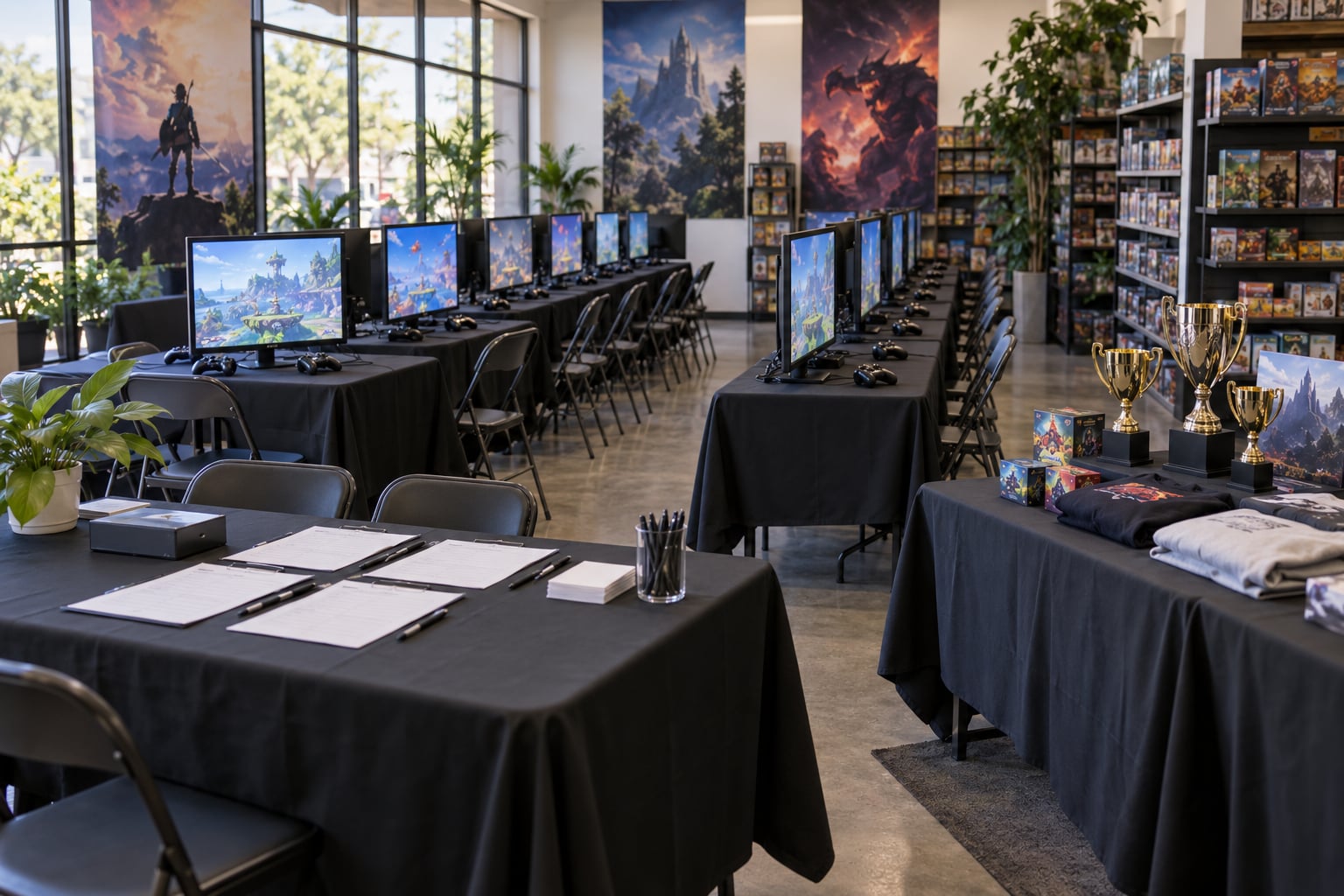
To run a local gaming tournament, lock the format, venue, rules and player cap first, then promote it, staff the stations and run the bracket on software rather than paper. Budget eight to twelve weeks of prep for a first event, and expect the bracket software and published rules to do most of the heavy lifting.
Most first-time organizers lose events to the same handful of problems: too many sign-ups, a rules dispute nobody agreed to beforehand, and a venue that cannot seat the players who showed up. None of those are hard to prevent. They just need to be decided before anyone arrives.
I have watched a lot of small tournaments run, good and bad, and the pattern is consistent. Organizers who write everything down beforehand have calm, fast events. Organizers who plan it in their head spend the second half of the night arguing about a map ban that should never have mattered.
Table of Contents
- What You Need
- How to Run a Local Gaming Tournament Step by Step
- 1. Choose a Goal, Audience, and Tournament Format
- 2. Set the Date, Venue, and Budget
- 3. Select Games and Confirm Tournament Rules
- 4. Choose Software and Build the Bracket
- 5. Promote Registration and Recruit Staff
- 6. Prepare the Venue and Test Every Station
- 7. Run Registration, Seeding, and Player Check-In
- 8. Operate Matches and Resolve Problems Fairly
- 9. Stream, Photograph, and Protect Player Privacy
- 10. Close the Event and Handle the Aftermath
- Common Mistakes
- Frequently Asked Questions
- How many people should be in a local gaming tournament?
- What is the best game to use for a small tournament?
- How much does it cost to host a local gaming tournament?
- Can children participate in a local gaming tournament?
- What tournament format is best for a first-time event?
- Conclusion
What You Need
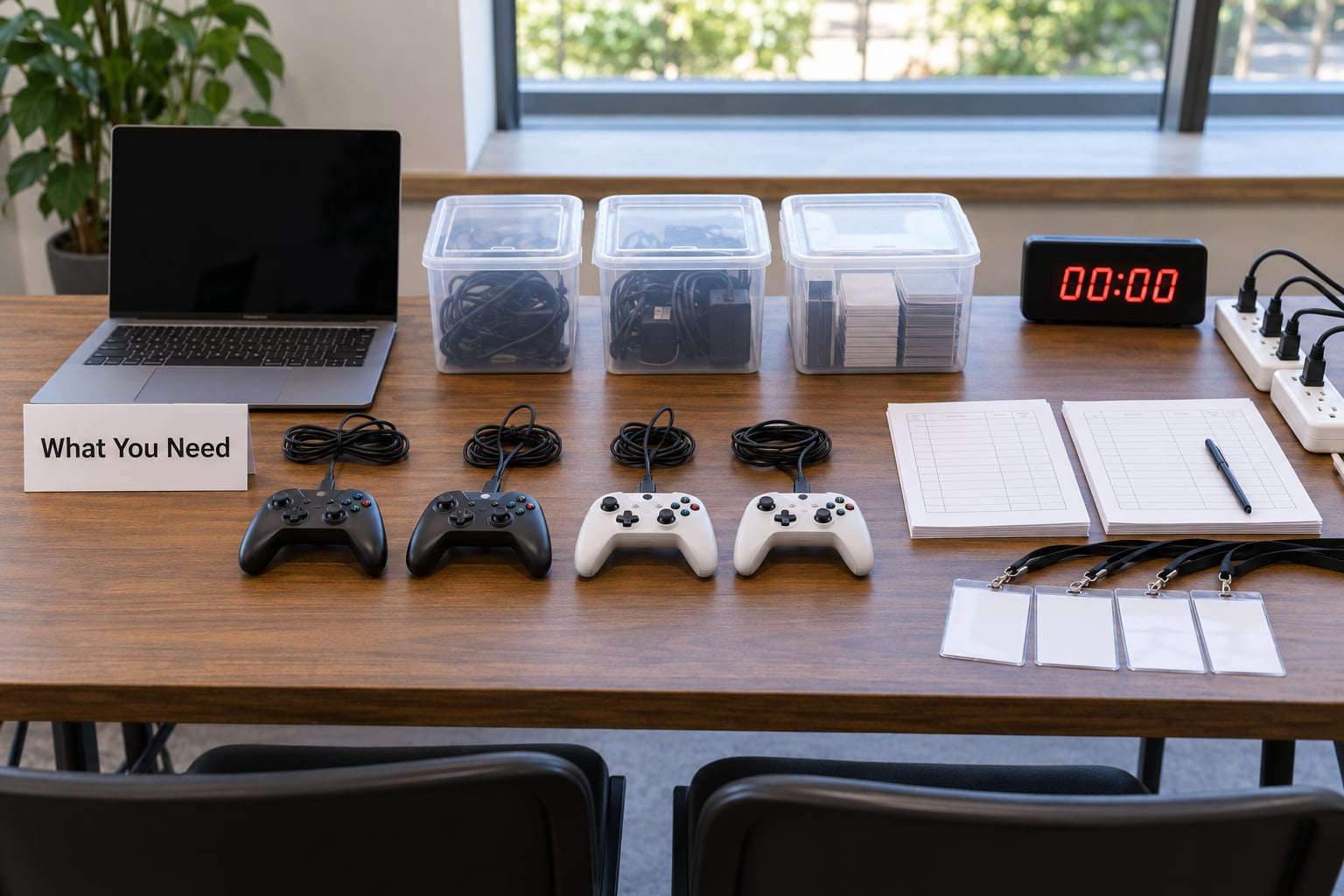
Before you announce anything, work through this list. Items with no owner are items that fail on event day.
- A date and a working budget. A single figure you can defend, plus a small reserve for the thing you did not plan for.
- Games and hardware. Which titles you will run, and enough consoles, PCs, monitors, controllers and headsets that nobody waits on a station.
- Written venue approval. A confirmed date, hours, capacity, power, network access and a named contact on site.
- Staff roles. Someone for check-in, someone who owns the bracket, someone for tech, someone for floor and disputes, and a streamer if you are recording.
- Tournament software. A bracket and match-reporting tool configured and tested with a throwaway event.
- Signage and printed materials. Directional signs, a check-in sheet, competitor number cards, a rules sheet posted at every station.
- Prizes and consolation awards. Something for the winner and at least two more categories, so second place is not the only reason to play.
- Safety provisions. A first-aid kit, a known emergency exit route, a venue address you give to attendees in advance, and a phone charged and reachable.
- A contingency plan. What happens if a console dies mid-bracket, if a player no-shows, or if sign-ups land far below target.
Print the rules. A one-page sheet taped beside each station ends arguments faster than anything else on this list.
How to Run a Local Gaming Tournament Step by Step
1. Choose a Goal, Audience, and Tournament Format
Start with the player experience, not the bracket. If the goal is a fun night that brings lapsed players back into the community, a short single-elimination event with beginner brackets is the right call. If the goal is to identify one champion, you want a longer format that rewards consistency.
Then estimate attendance honestly. If you can realistically fill 16 stations, plan for 16. Promising 64 in a room that seats 20 produces the worst possible version of the night.
Pick a format that matches the count and the time you have:
| Format | Best for | Player count | Matches needed | Main trade-off |
|---|---|---|---|---|
| Single elimination | First events, short nights, mixed skill | 8-32 | Players minus one | One bad loss ends someone’s day |
| Double elimination | Players who travel to compete seriously | 16-64 | Roughly double | Needs a longer window and a losers-bracket station |
| Round robin | Small groups where everyone should play everyone | 6-12 | Every player faces every player | Match count explodes past a dozen entrants |
| Swiss | Balanced schedules without full elimination | 16-64 | Fixed rounds, about 5-6 | No grand final unless you add one |
How you know it worked: you can state the format in one sentence, you know roughly how many matches it creates, and it fits your schedule with a 20 percent buffer.
2. Set the Date, Venue, and Budget
Pick a date that avoids competing events, school exams, holidays and major release weekends. Check the local convention calendar and the big tournament calendars, not just your own community’s chat.
Then inspect the venue rather than reading its website. You want to count outlets yourself, look at the network, and see where a spectator can stand. A game store, community center or LAN cafe with a vested interest in your success is the easiest venue to get, and they will co-promote it for free if you ask.
Build the budget in categories: space, equipment or rental, staff food, prizes, food and drink for attendees, streaming gear, insurance where required, and a contingency line. Request written quotes for anything large. Whatever you commit to, keep the contingency untouched until the event is over.
How you know it worked: the venue contract is signed with hours and capacity in writing, and every budget line has a number attached rather than a guess.
3. Select Games and Confirm Tournament Rules
Choose a title your audience already plays and one your equipment can run at a stable frame rate. Check the publisher’s community competition rules before you promote anything; some require you to file a notice, and rules on entry fees, prize caps and sponsor categories vary by publisher.
Write the rules as plain sentences, then confirm the same text with the people who will enforce it. Cover eligibility and age requirements, exact game version and patch, match settings, map or character bans, best-of format, time limits, the code of conduct, what counts as cheating, how disputes get reviewed, and the exact forfeiture window for a no-show.
Publish those rules when registration opens, not the night of the event. Players who register already knowing the tiebreakers never feel cheated by them later.
How you know it worked: a player who never attended can read your rules page and predict exactly what happens if they lose a match on time.
4. Choose Software and Build the Bracket
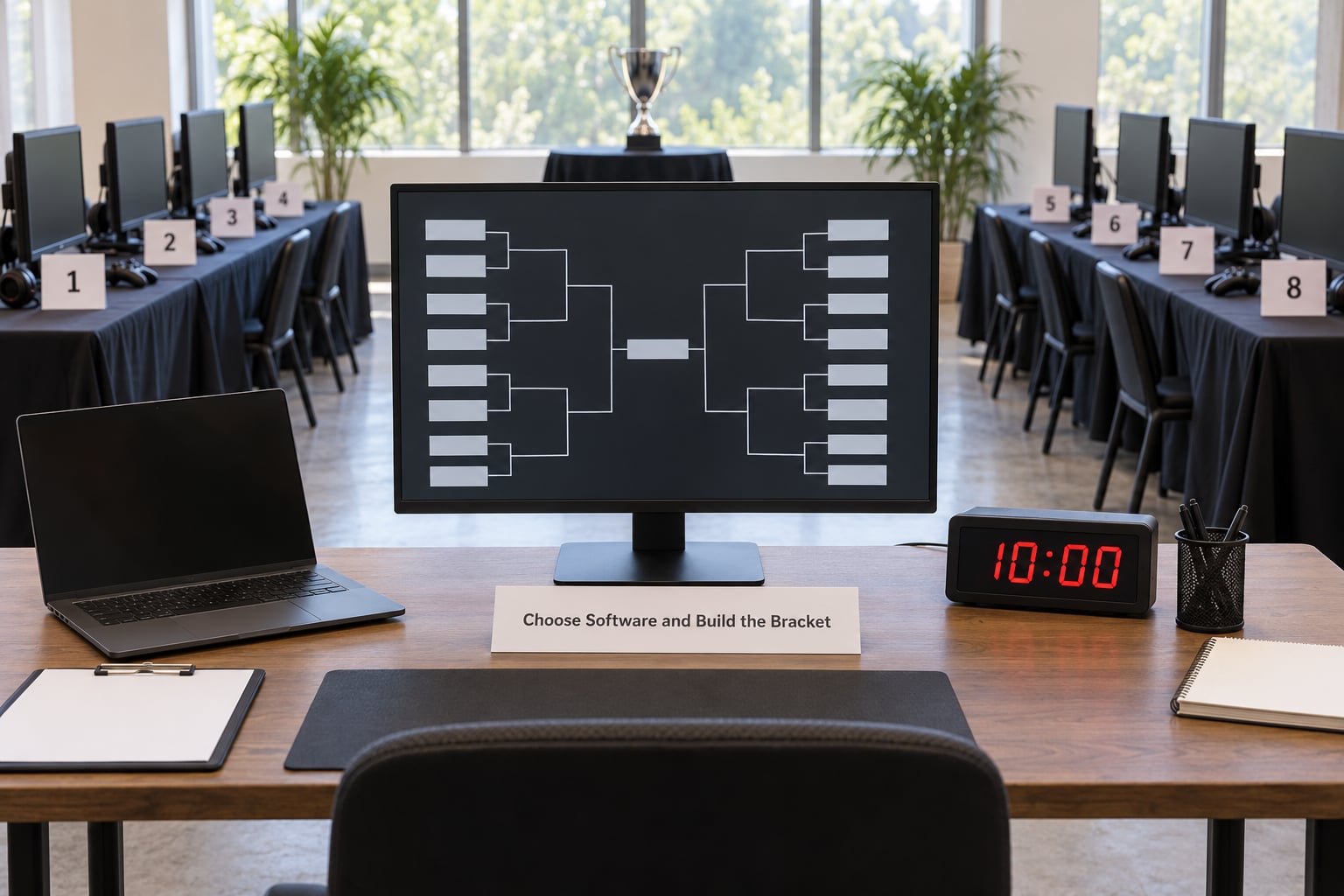
Bracket math done by hand is where local events break. Use a dedicated tool instead. General-purpose platforms like start.gg, Challonge, Battlefy and Toornament handle brackets, seeding and match reporting for many game types, while genre-specific options such as Best Coast Pairings or Smash Ultimate tooling suit community game events with their own conventions.
Set up a test tournament with eight fake names before registration opens. Report a result, correct a result, force a rematch, and confirm the round advances correctly on the public display. Seeding should place expected top players apart in the first round, which means sorting by rank, seed or a signup order you published in advance.
Odd numbers are normal. Give the bye to the lowest seed, place it in the first round, and state that in the rules so nobody argues about it on the night.
How you know it worked: a player you have never met could run the whole bracket from their phone while you are off the floor.
5. Promote Registration and Recruit Staff
Your registration page needs the essentials: game and version, date and call times, venue with travel notes, entry requirements, prize structure, rules link, age restrictions, and a contact for questions. Put it on one page and use the same link everywhere you promote.
Promotion beats a scatter of generic posts. Message individual players you know and expect to attend. Post in the Discord servers, subreddit communities, Facebook groups and local forums where your game actually gathers, and ask the venue to announce you in their own channels. Announce the next date at the end of the current event while people are still engaged.
For staff, six roles cover most events: check-in desk, tournament admin, floor referee, tech support, runner, and stream operator. Give each person a one-page role sheet with arrival time, location, and their three priorities. Recruit more bodies than you think you need, then cut shifts down to what is comfortable.
How you know it worked: every staff member can name the person they report to, and registration has a steady drip rather than a spike on event day.
6. Prepare the Venue and Test Every Station
Walk the room and mark it out. Check-in desk near the entrance, player rows facing the broadcast area, spectator space behind the players, power along each row, restrooms on the route, and exits you have never blocked with a table.
Update every console and PC to a fixed version, install the game, update firmware, and disable automatic updates that will interrupt a match mid-round. Label each station with a number and test every controller, headset and network connection on the actual hardware that will be used, not a spare.
Then run one full practice match from check-in to result reporting, with a real clock running. A dry run that takes 25 minutes instead of the 15 you planned is the cheapest fix available to you.
How you know it worked: every station boots to the correct game version in under three minutes, and no one needs to troubleshoot during the first round.
7. Run Registration, Seeding, and Player Check-In
Open check-in 30 to 45 minutes before start. Verify each registration against your list, confirm eligibility and age requirements, and collect guardian consent forms where minors are involved and your venue or insurer requires them.
Hand out competitor number cards and a printed copy of the rules. Log equipment problems on the spot with the station number so tech can fix them during warm-ups rather than during round one. Note every no-show with the exact time you declared a forfeit, because that timestamp is the evidence in every later dispute.
Publish the seeding before the first match. Players who know their seed and their first opponent can stop asking at the desk, and you can start on time. Handle late arrivals with one published policy applied to everyone, no exceptions for friends of the organizers.
How you know it worked: round one starts on time, and the check-in desk has no players left in its queue.
8. Operate Matches and Resolve Problems Fairly
Announce rounds, keep pairs moving, and post results to the bracket immediately after each match is reported. A slow event is usually a quiet event with no one told what is happening, so a five-minute update between rounds fixes most of the waiting.
Write your dispute procedure before the event: a player has a set window after a result posts to flag an issue, an admin reviews the match notes and the result, and the decision goes into a log everyone can see. Apply published tiebreakers the same way in round one and in grand finals.
For no-shows, use a clear forfeit window, call the player publicly once, and award the match only after the window closes. Enforce the code of conduct with a warning first for minor stuff and removal for harassment, and tell the person why in front of the room so the rule reads as a rule rather than a preference.
How you know it worked: every completed match is on the bracket before the next round is called, and zero disputes are still open at the end of the night.
9. Stream, Photograph, and Protect Player Privacy
Streaming a small event is worth it for the archive, not the audience. Record your own VOD, clip the best matches, and post highlights; expect the live viewership to be small and treat that as normal.
Position cameras and microphones so players are never reaching around them mid-round. Ask for consent to be filmed and photographed at check-in, and post the recording policy with the rules so nobody is surprised later. Display competitor names or handles you have permission to use, never legal names, email addresses, payment details or anything from an account profile.
Assign someone to moderate chat during the broadcast. Delete or block anything that targets a player, and keep your stream description short and accurate about what kind of event this is.
How you know it worked: you can publish clips afterward without chasing anyone for permission, and nobody left the event upset about how they were portrayed.
10. Close the Event and Handle the Aftermath
Verify final standings, award prizes and any sportsmanship or best-newcomer awards, and photograph the grand final. Run the equipment handoff as a checklist against the station numbers, with staff signing off as they go, so missing controllers surface immediately rather than the next week.
Check out both entrants and staff. Write down every incident while it is fresh. Back up the score data and the final bracket to a shared location the same night, because a single file is the only record of how the event ran.
Send a short thank-you with results, photos and the next date, then follow with a five-question survey: what went well, what ran late, what should change, whether you would return, and whether they want to help staff the next one. Follow up personally with anyone who said they would.
How you know it worked: you have a saved bracket, a mailing list of people who want the next event, and a list of volunteers you can call again.
Common Mistakes
Overcommitting on format. Double elimination with 32 entrants needs roughly twice the matches and a clean losers-bracket station. For a first event, single elimination gets everyone home on time and still produces a champion.
Setting the cap after promotion. Decide the station count first, cap registration there, and waitlist. An event that turns away twenty people who travelled is a reputation problem that costs you the next one.
Keeping rules in your head or announcing them late. Publish rules with registration and tape a copy at every station. Every argument about an unexpected rule is a rule you should have written down.
Running the bracket on paper. Do the arithmetic with a tool. Manual scorekeeping is where a wrong score silently advances a wrong player two rounds.
Letting the room go silent. Call every round, post results as they land, and say out loud when a decision is being reviewed. Ten seconds of explanation prevents ten minutes of suspicion.
Ignoring consent and privacy. Ask at check-in, post the policy, and keep real names and handles out of stream overlays and public brackets.
Running without a technical fallback. Keep one spare controller, one spare cable, one spare station and a printed bracket. Know in advance which station you sacrifice first and who decides.
Waiting until the venue to book staff. Volunteers arrange their Saturday around a commitment you have already asked them for. Confirm shifts a week ahead and keep a spare person on call.
Two habits fix most delays: build the schedule backward from the end time, and name one person per decision. When a call is needed on the floor, the tournament admin makes it and records it.
Frequently Asked Questions
How many people should be in a local gaming tournament?
For a first event, plan for 16 players and no more. It is enough to feel like a real competition, small enough that one dropped match does not derail the night, and it fits comfortably in most game stores or community rooms. Publish the station count, cap registration there and run a waitlist. Once you run two events cleanly at that size, raise the cap by eight.
What is the best game to use for a small tournament?
The best game is the one your players already play, your hardware runs smoothly and the publisher allows community events. Check the publisher’s competition rules before you promote, because some require a notice or limit entry fees and prize pools. Fighting game and card game communities tend to bring dedicated crowds, while competitive shooters draw the most beginners. Avoid anything with a punishing queue time for players waiting on station time.
How much does it cost to host a local gaming tournament?
Cost is driven by four things: space, equipment, prizes and staffing. A small event in a game store that lends tables can stay very lean, while renting a hall and bringing in gear raises it fast. Get written venue quotes, price equipment rental separately, and add a contingency line you do not touch. Ask local sponsors and the venue about cost sharing before you assume you will cover everything.
Can children participate in a local gaming tournament?
Yes, as long as you handle consent and supervision properly. Set and publish a minimum age, collect a guardian consent form for every minor, and keep an adult connected to the event at all times. Check your venue’s own policy, since youth rules and insurance terms vary. Keep prize rules equal across ages and provide a non-competitive or coaching bracket so younger players are not eliminated in the first match.
What tournament format is best for a first-time event?
Single elimination is the best starting format. It needs one match fewer than the number of players, fits an evening, produces a clear champion and is easy to explain to people who have never run one. Give the bye to the lowest seed and write that rule down. Once your community grows and players start travelling to compete seriously, move to double elimination or a Swiss schedule.
Conclusion
Running a local gaming tournament comes down to four decisions made early: the format, the rules, the date and venue, and the honest player cap everything else is built on. Get those right and the event mostly runs itself.
So do this next. Write the format and the full rules in one page, then ask a venue for a date with a firm station count attached. Once those two documents exist, promote registration and fill your staff roles in the same week.