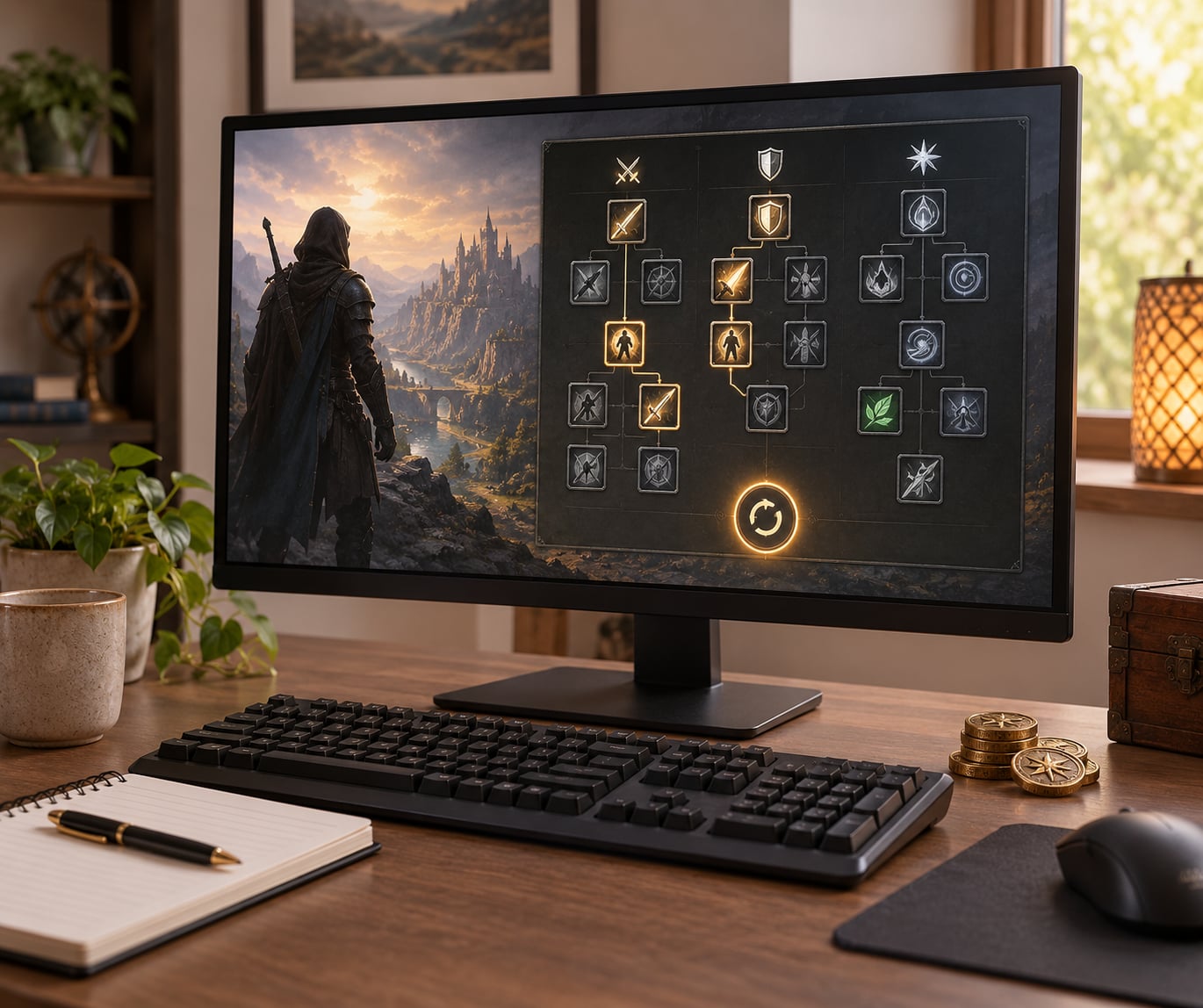
Respecing means resetting your character’s skill, talent, or attribute points so you can spend them again, usually by paying in-game gold or consuming a respec item. Learning how to respec a character without ruining a build comes down to two habits: know exactly what the game refunds, and keep a recorded copy of the build you already have. Almost nothing is lost on the points themselves. The expensive mistakes happen around the reset, not during it.
That is the part most guides skip. They show you the menu, they mention a price, and they call it done. But the damage that actually ruins a build comes from gear you salvaged for parts, abilities you permanently learned, bound items, and quest branches you already locked in. A reset cannot bring any of that back.
The process below works across single-player RPGs, action RPGs, and online games. Menu names, costs, and cooldown rules change from title to title, so treat the mechanics as a checklist rather than a button path.
Table of Contents
- What You Need Before You Respec
- Step-by-Step: How to Respec a Character Without Ruining a Build
- 1. Confirm What Respeccing Will Change
- 2. Record Your Current Build
- 3. Define the Reason for the Reset
- 4. Check the Cost and Reset Rules
- 5. Test a Small Change First
- 6. Rebuild Around a Coherent Plan
- 7. Validate and Save the New Build
- Common Mistakes
- Resetting Without Reading the Confirmation Dialog
- Changing Four Systems in One Session
- Dropping the Skill That Keeps You Alive
- Chasing a Temporary Damage Spike
- Ignoring Gear Synergy
- Deleting the Only Copy of the Old Build
- Spending Your Last Reset Without Testing
- Frequently Asked Questions
- Can I respec a character while in combat?
- Is there a downside to respeccing in Baldur’s Gate 3?
- Can you undo a respec you already committed to?
- What is not refunded when you respec?
- Why is respec so expensive in some games?
- How many times can I respec my character?
- Conclusion
What You Need Before You Respec
Four things. Grab all of them before you touch the reset button, because two of them take time you cannot get back mid-session.
- Access to the reset option. A character menu, a vendor NPC, or a consumable item you have already acquired. Check the tooltip first; some games grey the option out entirely inside instanced content or during a quest.
- Enough currency or materials. Gold, a respec token, a rarer crafting material, or whatever your game uses. Some games scale the fee with your level or your number of resets so far.
- A copy of your current build. A screenshot of every talent page, plus a written note of your gear, gems, and loadout. This is the single step that turns a bad reset into an inconvenience.
- A clear picture of the rules. Whether unused points return automatically, whether the reset is free, and how many you have left this act or difficulty.
Add one more if you play on a platform with cloud saves: confirm the save syncs before the reset. A corrupted or stale save plus a bad respec is a genuinely bad afternoon.
Step-by-Step: How to Respec a Character Without Ruining a Build
1. Confirm What Respeccing Will Change
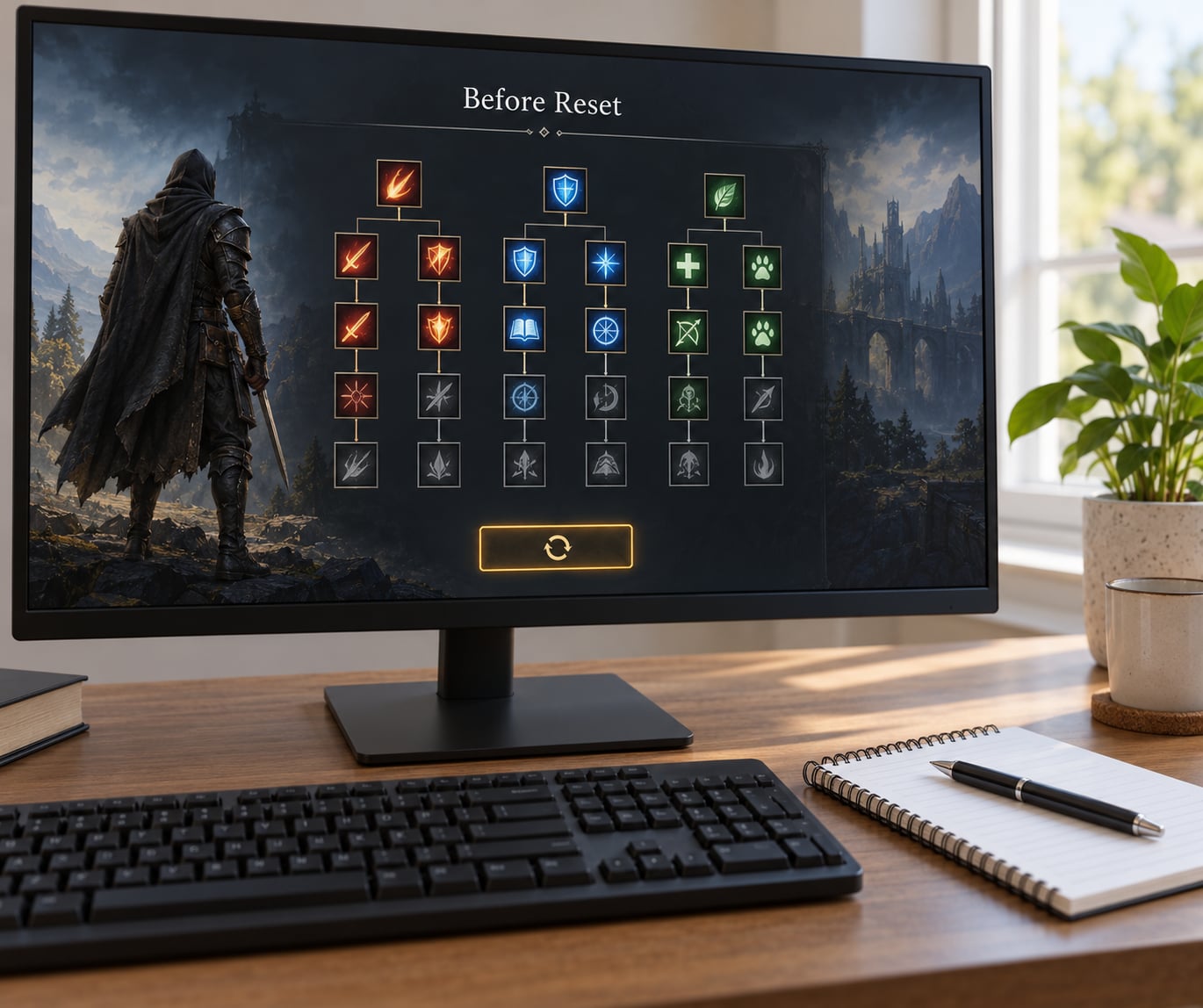
Every respec falls into one of two categories. A free rebuild refunds your points and lets you spend them again from scratch, and nothing else changes. A paid or item-based respec does the same thing but charges you, and sometimes attaches conditions.
What comes back varies by title. Ability points usually do. Stat points usually do. Learned skill ranks often do not, which is the classic complaint in games like World of Warcraft where players report paying to retrain a tree and still having to buy ranks back. Talent trees in some action RPGs refund the tree but not the final capstone, or re-lock a specialization choice you already made.
That distinction is why learning how to respec a character without ruining a build matters more than learning where the button is. Read the confirmation dialog word by word. If it says points return but your abilities stay learned, you are not starting over; you are repointing a character who still carries every spell it has ever cast.
2. Record Your Current Build
Screenshot every page that shows a point you have spent. Talent trees, skill lists, attribute panels, gem sockets, equipment screens. One screenshot per panel, with your character’s name and level visible in the corner so you know which shot belongs to which character.
Then write down the parts screenshots do not capture well: which gems are socketed where, what your active loadout is, and which passives are toggled on in your rotation. Plenty of games also ship an in-game build planner or loadout preset slots, and if yours does, export to that instead. Presets that survive a respec are the cleanest backup you can get.
Write the reason down too, in one line. “Doing better on damage in the second boss room” is useful. “This feels wrong” is not, and it is exactly the kind of feeling that produces a reset with no plan attached.
3. Define the Reason for the Reset
Good respecs fix a specific problem. You are dying to a mechanic your current setup cannot answer, your primary stat is wrong for the role you actually enjoy, or you leveled blind and your points went into a branch that does nothing at endgame.
Bad respecs happen because something felt off. Those tend to end in a character worse off than before, because you replaced a working build with an unfinished one and now have neither.
A useful test: if your reason would not survive being written in one sentence, keep playing and gather more information first. For players who like structure, working through planned point spreads on paper before spending anything catches most early mistakes at zero cost.
4. Check the Cost and Reset Rules
Open the tooltip and check four things: the current fee, whether it scales, how many resets remain in this act or difficulty, and whether unused points come back automatically.
Cost scaling is the most common source of forum anger. Players on Blizzard’s forums describe respec gold as unaffordable for a leveling character, while others defend it as a balance tool, arguing that choices should carry weight. Both camps describe the same system. That tension is why budgeting matters more in some games than others.
Limits bite harder. A one-respec-per-difficulty rule, familiar from the Diablo II and D2R lineage, turns a single misclick into a new character. Specialization locks that re-engage after a reset, reported by Last Epoch players, have a similar effect. If your game has either, treat the reset as a one-way door.
5. Test a Small Change First
Do not rebuild everything at once. Move one connected piece: a single attribute point, one talent branch, or a skill swap that changes your opener. Then play a controlled encounter, ideally the content that exposed the original problem, and compare.
One change at a time is slower per minute and far faster overall. When something breaks at the next stage you will know which decision caused it, which is the whole point.
6. Rebuild Around a Coherent Plan
Build in layers. Start with the role, then the core mechanic that role depends on, then the survival choices that let you use it, and only then the secondary bonuses that multiply your output.
Most ruined builds come from inverted order: a defensive cooldown picked up in act one because it looked strong, then an offensive layer added on top of a foundation that never existed. If you cannot answer what your character is trying to do in one sentence, the points are not doing anything yet.
7. Validate and Save the New Build
Set a number before you start: a damage target, a survival target, or simply clearing the encounter that made you reset. Play until you hit it. A build you have not tested is a theory.
Once it holds up across a couple of sessions, save the new setup separately and keep the old reference for another week. Players who regret respecs usually regret them in the first ten minutes of play, not after a full clear, so give it that long before declaring victory or failure.
Common Mistakes
These are the failures that show up again and again across player communities, with the fix for each.
Resetting Without Reading the Confirmation Dialog
The dialog is where a game tells you what returns and what does not. Skipping it is how people end up with a refunded tree and a set of abilities they still cannot re-learn cheaply. Read every line, especially anything about ranks, capstones, or locked specializations.
Changing Four Systems in One Session
Stats, talents, gear, and skills all at once gives you nothing to isolate. If the result feels bad you have four suspects instead of one. Reset, change one thing, test, repeat.
Dropping the Skill That Keeps You Alive
A defensive cooldown or dodge tool often looks weak and carries the entire fight. Clearing it to fund damage is trading safety for a number that only matters if you survive. Budget one survival layer before any offensive layer.
Chasing a Temporary Damage Spike
Buffs that scale off one specific hit or one weapon type fall off later. If your gain depends on gear you have not found yet, you have made the build harder to finish, not stronger.
Ignoring Gear Synergy
A reset does not touch your equipment, so a build built around gear you have since replaced can be actively worse than the one you just wiped. Check what your items want before you spend a single point.
Deleting the Only Copy of the Old Build
The reset is reversible; your notes are not. Screenshots cost nothing and are the difference between undoing a mistake and rebuilding from memory a week later.
Spending Your Last Reset Without Testing
If your game limits resets per act or difficulty, the last one is precious. Save it. In games with generous free resets there is no such pressure, which is exactly the argument raised in a long-running discussion on r/truegaming, where players with easy respec systems say they stopped following build guides entirely.
Three habits prevent most of this: record before you reset, change one thing, and test before you commit.
Frequently Asked Questions
Can I respec a character while in combat?
Usually not. Most games restrict resets to outside combat, and many also require you to be in a town, safe zone, or out of instanced content. If the option is greyed out, leave combat first and check whether you are inside an instance. A few titles allow mid-fight changes through a consumable, so read the item tooltip rather than assuming.
Is there a downside to respeccing in Baldur’s Gate 3?
There is no gold cost, and levels, experience, and gear are untouched. The real downsides are opportunity and story state: some dialogue options and quest branches close permanently the moment you commit, and respeccing a companion after a story trigger can lock their arc. Do story-sensitive resets before you start, not after.
Can you undo a respec you already committed to?
In most games, no. Once the points are refunded and re-spent, the game treats the new allocation as the only one. What you can recover is your time, using the screenshots or build planner export you made beforehand. That is the entire argument for treating a pre-respec backup as a required step rather than an optional one.
What is not refunded when you respec?
Points come back; almost everything else does not. Gear you salvaged for materials is gone, bound items stay bound, quest flags and completed story branches remain completed, and abilities you have already learned frequently stay learned with ranks you must pay for again. Stat floors tied to your origin or class can also cap what you can put back where you started.
Why is respec so expensive in some games?
Because the fee scales, usually with your level or with how many resets you have already used. Designers treat it as a balance tool, arguing on the official forums that choices should carry consequences. The practical consequence for players is that early resets are the most painful ones, which is a good reason to spend the first few levels without a guide and commit later.
How many times can I respec my character?
It depends entirely on the title. Some games allow unlimited free resets, some charge a scaling fee each time, and others cap resets per act or per difficulty, where running out effectively forces a new character. Check the reset menu tooltip or the in-game guide before your first reset, because discovering the limit after you have spent it is a bad way to learn it.
Conclusion
Start with your current build, not the reset. Screenshot every panel, note your gear and gems, and write down one sentence explaining what you are trying to fix. Then open the reset menu and read what it says it refunds and what it charges, including any per-act or per-difficulty limit.
When you have that on record, make one deliberate change and test it in the content that caused the problem. Keep the old screenshots until the new setup has held up for a few sessions. That is how to respec a character without ruining a build, and it holds up in any game that lets you move a single point.