If you have ever closed your game to drop thirty arrows and a bundle of wood, you are not bad at the game. Knowing how to manage inventory in open world games is a system you pick up once and reuse everywhere, and it takes about five minutes to set up properly.
This is about video game inventories — encumbrance, loot priority, stash space and vendor runs. Nothing here involves warehouse software, stock counts or business inventory tracking, which is where most search results for this phrase go.
Start with the honest part. A player on r/Breath_of_the_Wild posted that they were spending 15 to 20 percent of each session in menus dropping items, and asked whether they were approaching the game wrongly. They were not. Open worlds hand out loot faster than anyone can use it, and they cap what you can carry, so every pickup is a small trade-off. What you need is a repeatable way to make that trade instead of deciding it case by case while aLynel is standing behind you.
Here is the routine: set a carry-weight target, split items into four fixed categories, protect anything tied to an active objective, and keep a loadout small enough to fight with. It works in Breath of the Wild, Skyrim, Elden Ring, New World, Palworld and anywhere else with a grid of slots.
Table of Contents
- What You Need
- Step-by-Step: Build a Lightweight Inventory System
- 1. Set Your Carrying-Capacity Goal
- 2. Create Four Practical Item Categories
- 3. Sort by Type, Rarity, and Usefulness
- 4. Keep Mission-Critical Items Separate
- 5. Create a Small Combat and Travel Loadout
- 6. Sell, Dismantle, or Store the Right Loot
- 7. Recheck Inventory After Every Major Area
- Common Mistakes
- Inventory Management Tips for Busy Players
- Frequently Asked Questions
- Why is my inventory full even though I have not collected many items?
- Is it safe to sell everything I do not recognize in an open world game?
- How should I decide whether an item is better than my current equipment?
- Can I discard quest items without completing that quest?
- What is the easiest way to reduce crafting-material clutter?
- Do inventory-management methods work the same way in every open world game?
- Conclusion
What You Need
Nothing to download, install or buy. The whole system runs on information your game already shows you, and you need to read six things before you touch your inventory once.
First, your current carry limit and how the game measures it — total weight, a slot count, or a tiered capacity that grows in steps. Second, whether exceeding that limit applies a penalty such as slower movement, a stamina drain or nothing at all. Third, how item rarity is displayed, since that colour on the icon tells you more than the name does.
Fourth, which items are locked to an active quest. Fifth, what vendors near you can do — buy, repair, dismantle, or all three. Sixth, where your crafting stations are and how far the fast-travel points are from them.
Get those six answers and the rest of the routine takes ten minutes. A player on r/newworldgame described the same thing from the other side: veteran crafters stop managing one giant bag and split their materials across several storage locations instead.
Step-by-Step: Build a Lightweight Inventory System
The steps below are in the order that actually saves time. Exact button names and menu labels change between titles, and so do the rules for what counts as encumbered, so use the logic rather than hunting for a matching icon.
1. Set Your Carrying-Capacity Goal
Pick a number and treat it as a ceiling, not a suggestion. Half your capacity is comfortable, three quarters is workable, and the last quarter is where most of your trouble starts.
Open your character screen, find the current total against the limit, and decide your target before you pick up anything. Learning how to manage inventory in open world games really starts with this number, because every pickup decision afterwards is a subtraction from it.
Confirm it worked by leaving a settlement and watching the readout as you walk uphill for a minute. If the number climbs faster than you expected, your target was too generous for the terrain you are crossing. Adjust the ceiling once and it holds for the rest of the playthrough.
2. Create Four Practical Item Categories
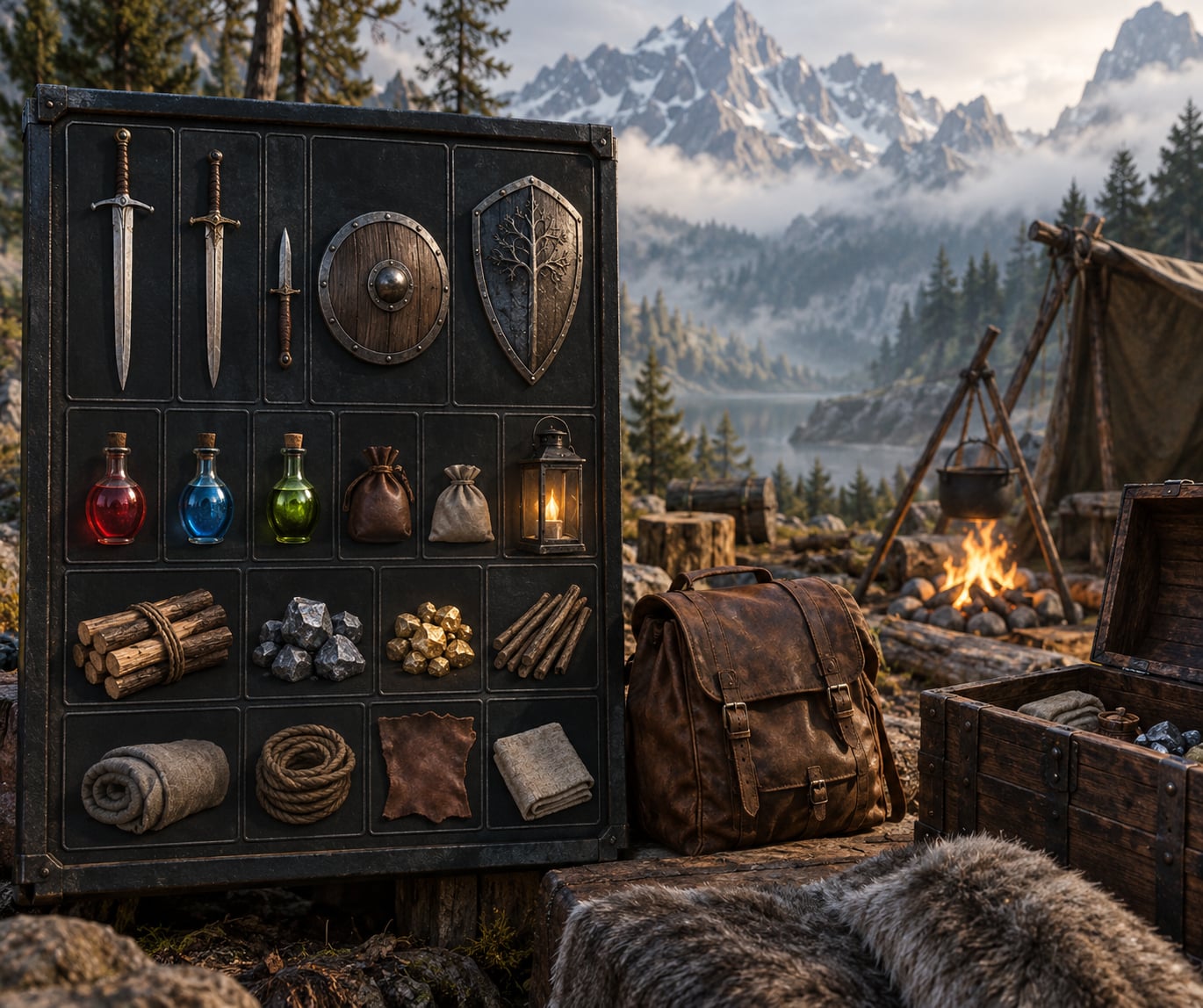
Four categories cover almost every open world inventory. Weapons and armour sit in one, consumables in a second, quest and crafting materials in a third, and valuables or miscellaneous loot in a fourth.
Use the game’s own tabs where they exist. Where they do not, build the separation yourself with whatever the game offers: labelled chest sections, a dedicated slot near your quick-select wheel, or simply a mental order you apply every time the menu opens.
A fifth category for unsellable items helps in the specific case where a vendor will not take certain drops. Pull those into one place so you can compare their value against the cost of carrying them, which usually settles the question fast.
3. Sort by Type, Rarity, and Usefulness
Every game ships a sort command somewhere, and using it beats doing it by hand. Sort by type first, then by rarity, then by value where the game offers it.
Then fix what the sort got wrong. Unfamiliar icons land next to near-identical neighbours, two items with different names share one silhouette, and a common-look item can carry a rare effect that the colour never told you about. Five seconds of manual correcting saves a wrong sell later.
Sorting options differ by title — some games sort by recent pickup, others by weight, others ignore the order entirely. Try each available option once and keep whichever matches how you think about loot.
4. Keep Mission-Critical Items Separate
Quest items, keys, access tokens and the crafting component an active objective needs should never sit in the general pile. Put them in their own pocket of the inventory where a single sell action cannot reach them.
Check three things before you sell anything unfamiliar: read the active objective text, look for a quest marker on the item’s tooltip, and check whether the game protects quest items from sale at all. Several titles simply grey the item out, which is your clearest signal.
When a game does not protect anything, assume nothing is safe until the objective is complete. The most expensive mistake in this genre is selling a progression item and then grinding to replace it.
5. Create a Small Combat and Travel Loadout
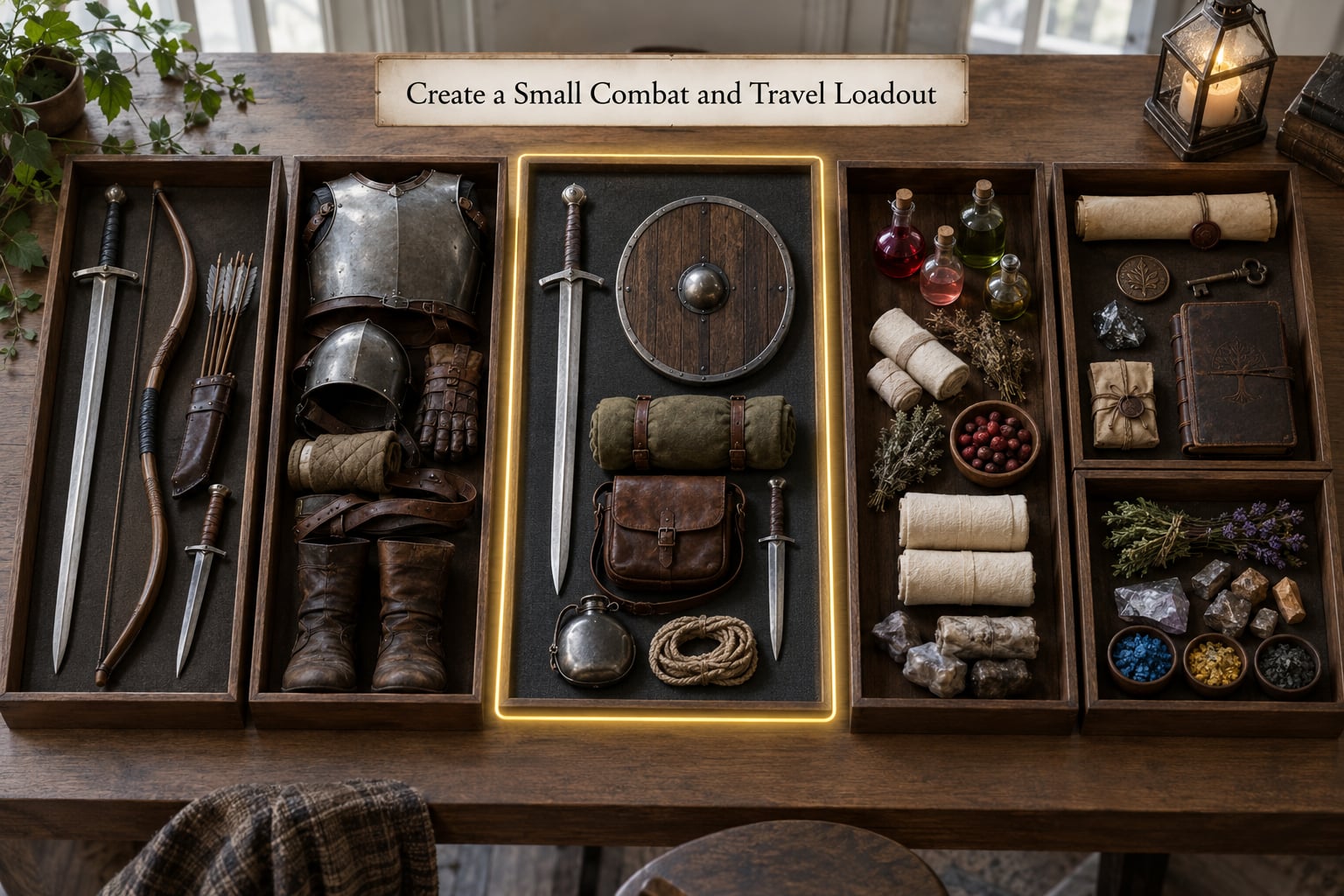
Carry only what the current area asks for. A workable baseline is one primary weapon, one backup, basic healing, and enough crafting materials to handle one emergency repair.
Everything else stays behind. A ranged weapon for a region with no ranged enemies, armour for a climate you left an hour ago, and a full stack of consumables for a boss you are not fighting yet are all weight with no return.
Test the loadout by asking one question: if a fight started right now, could I finish it without opening the menu? If not, trim until the answer is yes.
6. Sell, Dismantle, or Store the Right Loot
Five outcomes exist for any item: keep it, sell it, dismantle it, donate it, or store it. Deciding which one is a comparison, not a feeling.
Compare the item against what you are already wearing rather than against a number. A weapon with better damage that breaks faster may still be worse for the region ahead. Same logic for armour — check whether the upgrade changes a stat you actually use.
Preserve rare upgrades even when they look worse, because a mod or set bonus on them may not exist elsewhere. Sell vendor trash in batches rather than one item at a time, since most merchants only charge a real fee when you hit a bulk threshold. When storage is tight, the home chest takes the items you have no plans for and the merchant takes the ones you will never use.
7. Recheck Inventory After Every Major Area
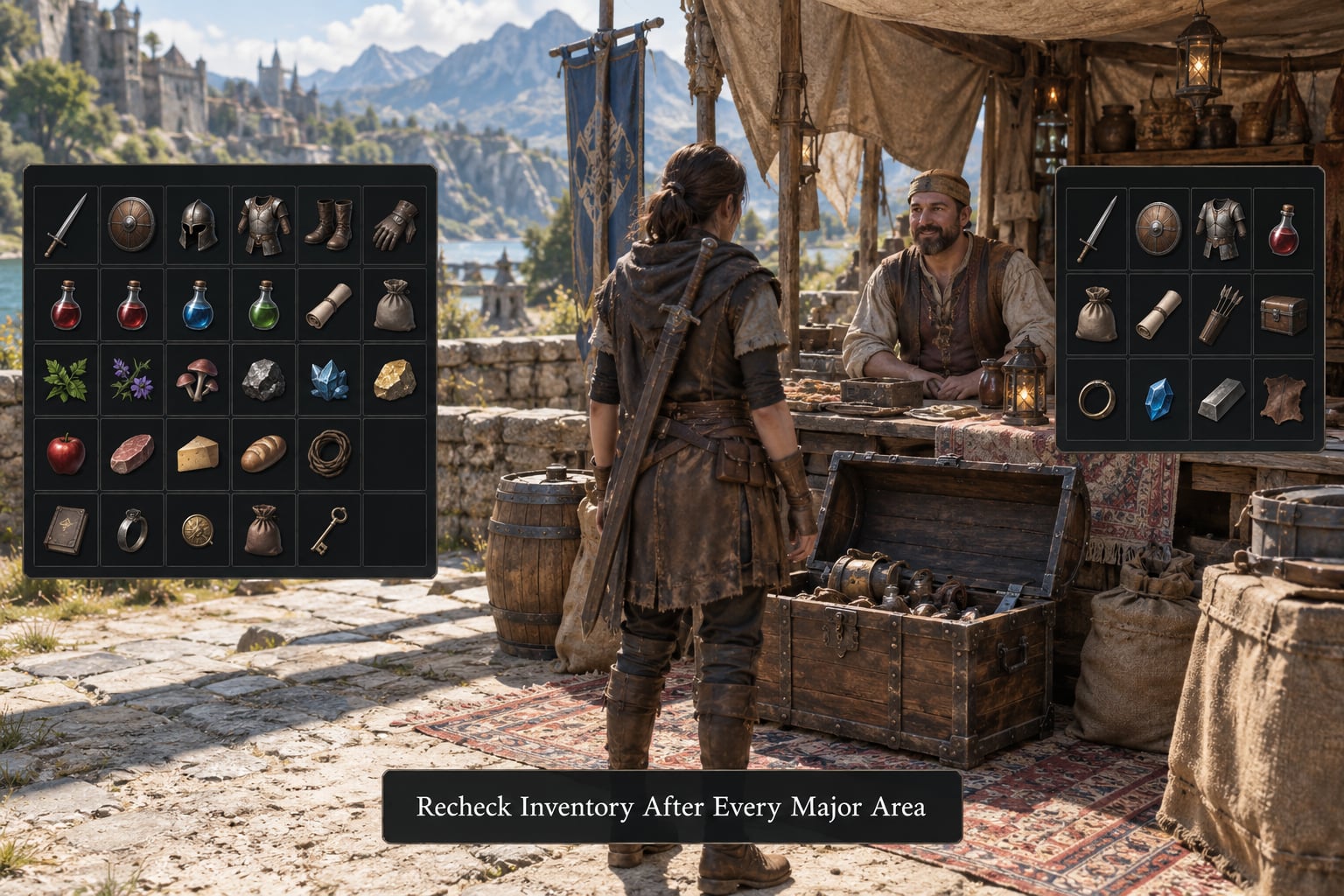
Sort on a trigger, not on a timer. Quest completion, a dungeon run, a merchant visit, a crafting session and a region change are all natural stopping points, and each one is a moment when the contents of your bag have changed enough to be worth reorganising.
The check takes five minutes. Confirm the quest advanced and the quest item left your protected pocket. Confirm your carry weight is back under the ceiling. Confirm nothing in your equipped gear was outclassed by what you just looted. Confirm the materials for your next upgrade are in the bag rather than still lying in a ruin. Then confirm the next area’s threats and make sure your loadout matches them.
Never sort in the open. The world does not pause for a menu, and a player on r/ConanExiles described the ideal experience as one where you equip, adjust and get back to playing without leaving the action. Open a chest or stand in a settlement for the full sort.
Common Mistakes
Keeping unlimited spare consumables. Fix: cap healing at what one tough fight might need, plus a small buffer.
Hoarding low-value loot. Fix: an item needs to beat your current gear or fund a specific upgrade to earn a slot. One widely quoted rule from the genre is to pick up only what is worth clearly more than the space it takes or directly improves your kit.
Dismantling quest-related items. Fix: read the objective text before breaking anything down, and dismantle last, never first.
Ignoring set and upgrade bonuses. Fix: check whether a lesser item completes a set before you sell the piece you already have.
Selling all your healing. Fix: keep a base amount permanently assigned to a quick-select slot so the option is always one button away.
Trusting rarity colour alone. Fix: read the item description; a common item can carry an effect a rare one lacks.
Carrying more than you can use. Fix: if the item does not change an outcome in the current region, it does not travel with you.
None of this is a skill test. A portion of the friction is the game’s interface, and players complaining about the menu design in No Man’s Sky are describing a real design problem, not a personal failing.
Inventory Management Tips for Busy Players
Name your four categories the same way in every game you play. Once the labels are fixed in your head, sorting becomes automatic and you stop reinventing it per title.
Drop non-stackable trash only after checking its sell value. One vendor pass is faster than carrying forty pounds of scrap to a town you were not visiting anyway.
Learn each region’s vendor and storage limits, because a settlement with no container nearby turns a sorting session into a hike.
Where a game supports it, automate the boring part. A popular r/Palworld mod intelligently stows your inventory into chests that match item filters — set a chest to ore and the ore goes there on its own. No Man’s Sky players on the Steam forums ask for the same thing in their own game’s terms.
Keep a short written list of the materials the next upgrade needs. Anything not on that list and not in your loadout is a sale candidate the moment you reach a vendor.
If you genuinely dislike the system, minimising is a legitimate strategy rather than a failure. Carry the essentials, never pick up decorative loot, and let the stash hold everything else.
Frequently Asked Questions
Why is my inventory full even though I have not collected many items?
Most games measure a mix of slot count and stack size, so a handful of bulky items can fill a grid that looks nearly empty. Equipped gear, your current armour load and items assigned to a hotbar all count toward the total. Check the readout rather than the number of icons, and remember that durability adds items you did not pick up on purpose: broken weapons often remain in the bag until you clear them.
Is it safe to sell everything I do not recognize in an open world game?
No. Quest keys, access tokens and progression components are frequently indistinguishable from junk until the objective updates. Before selling an unfamiliar item, read the active quest text, hover the tooltip for a marker, and check whether the game greys it out as protected. When in doubt, store it at your base chest rather than selling it, because replacing a lost progression item can take hours of grinding.
How should I decide whether an item is better than my current equipment?
Compare it to what you have equipped, not to a number in a tooltip. Better raw damage can still be the wrong choice if the item breaks faster or requires a different resource to repair. For armour, check whether the upgrade changes a stat you actually rely on during fights. Keep an older item when it completes a set or carries a bonus you cannot find elsewhere, even if the newer one reads slightly higher.
Can I discard quest items without completing that quest?
Some titles protect quest items completely, so the discard option is simply greyed out. Others let you drop or sell anything, and the objective then becomes impossible to finish until you find the piece again. Dismantling is the riskiest of the three actions because it destroys the item outright. Read the objective text and the item description before using any of them on something you do not recognise.
What is the easiest way to reduce crafting-material clutter?
Keep one written list of the materials your next upgrade actually needs, and treat everything else as surplus. Sort your stash by category and material type rather than by pickup order, so a stack you are saving sits next to the recipe that consumes it. Many players also spread crafting supplies across two or three storage locations instead of one shared chest, so a raid or accident cannot take everything at once.
Do inventory-management methods work the same way in every open world game?
The logic transfers, the controls do not. One title limits you by total weight, another by slot count, a third by a capacity tier that grows in steps, and the encumbrance penalty ranges from a movement slowdown to nothing at all. Menu labels, sort options and quest-item protection also change between games. Learn the system once, then spend two minutes at the start of any new title confirming which capacity model and protections it uses.
Conclusion
Start with three things the next time you load a game: check your carry weight and set a ceiling below the maximum, move every active-quest item into a protected pocket, and build a loadout of one weapon, one backup, healing and one repair’s worth of materials.
Once those four categories exist, the menu stops being the place where you lose an evening. How to manage inventory in open world games is a five-minute habit repeated on a trigger, not a talent, and it stops working the moment you leave it to judgement calls made in a hurry.