Cross progression is how your save file follows you between devices. When a game supports it, your levels, unlocks and story progress live on the developer’s servers under one account instead of sitting on a single console’s hard drive, so signing in on another platform picks up where you stopped. It works on some titles and not others, and it covers different things for different games, which is where most confusion starts.
I have moved the same save between a console and a PC more times than I would like to admit, and the failures are almost always the same handful of problems: unlinked accounts, a version mismatch, or a cloud conflict that quietly resolved in the wrong direction. This guide covers the mechanism, the setup, and what to try when a sync refuses to happen.
Table of Contents
- What Is Cross Progression?
- Why players started asking about it
- How Cross Progression Works Across Platforms
- Step by step: how cross progression works across platforms
- Do you have to be online?
- What if you play on both at once?
- Why a local save file alone will not do it
- What Game Data Can Move Between Platforms?
- Do I have to buy DLC twice?
- Do You Need the Same Game Version on Every Platform?
- Patch level and expansions
- Cross-generation moves
- Different stores, same game
- Beta and experimental branches
- Carrying progress into a sequel or prequel
- What a version mismatch looks like
- How to Link Your Game Account and Check Eligibility
- The general linking routine
- What to do if you already played on both platforms separately
- Which account actually carries the save
- Before you switch platforms: a short checklist
- When a game does not support it at all
- Does cloud streaming count?
- Cross Progression vs. Cloud Saves vs. Cross-Play
- Common Cross Progression Problems and Fixes
- Why is my cloud save not working?
- A save conflict says two versions exist. What should I choose?
- Cross-save syncs one way and then stops
- My rank and achievements did not come across
- Game Pass console and PC builds show different saves
- My cloud saves are corrupted
- Region and account mismatches
- Why it is still not universal
- Myths worth dropping
- Frequently Asked Questions
- Can I cross progression from my Xbox to my PC?
- How can PS5 and PC play together?
- Why is cross-progression not on every game?
- Steam Cloud conflict: what should I choose?
- Why is my cloud save not working for cross-progression?
- Do cross-progression accounts share DLC and purchases?
- Conclusion
What Is Cross Progression?
Cross progression, also called cross-save, lets your saved game progress carry between two or more platforms. The levels you earned, the weapons you unlocked and the story you finished on one device are there when you sign in on another, because your progress is tied to an account rather than to a piece of hardware.
It is not the same thing as cross-play, which is about who you play with. Cross-play puts PS5, Xbox and PC players in the same matchmaking queue. Cross-progression is about where your progress lives. A game can support one without the other, and plenty of games ship cross-play with two completely separate save lines.
It is also not the same as a plain cloud save either, though the two overlap more than most people expect. More on that comparison shortly.
Why players started asking about it
The interest used to come from hardware generations. When the PS5 and Xbox Series X|S launched, anyone moving up from a PS4 or Xbox One wanted their hundreds of hours to come with them rather than restart. Console launches still trigger it, but the bigger driver now is simply owning more than one device: a console for the couch and a PC for the desk.
There is a longer history behind it too. Quake III Arena ran on PC and Dreamcast with the same name in 1999, and Final Fantasy XI spread a single account across PS2, Xbox 360 and PC years later. Those were rare exceptions. The shift that mattered was developers moving player data off the disc and onto their own servers, which made a portable save an architectural decision rather than a stunt.
How Cross Progression Works Across Platforms
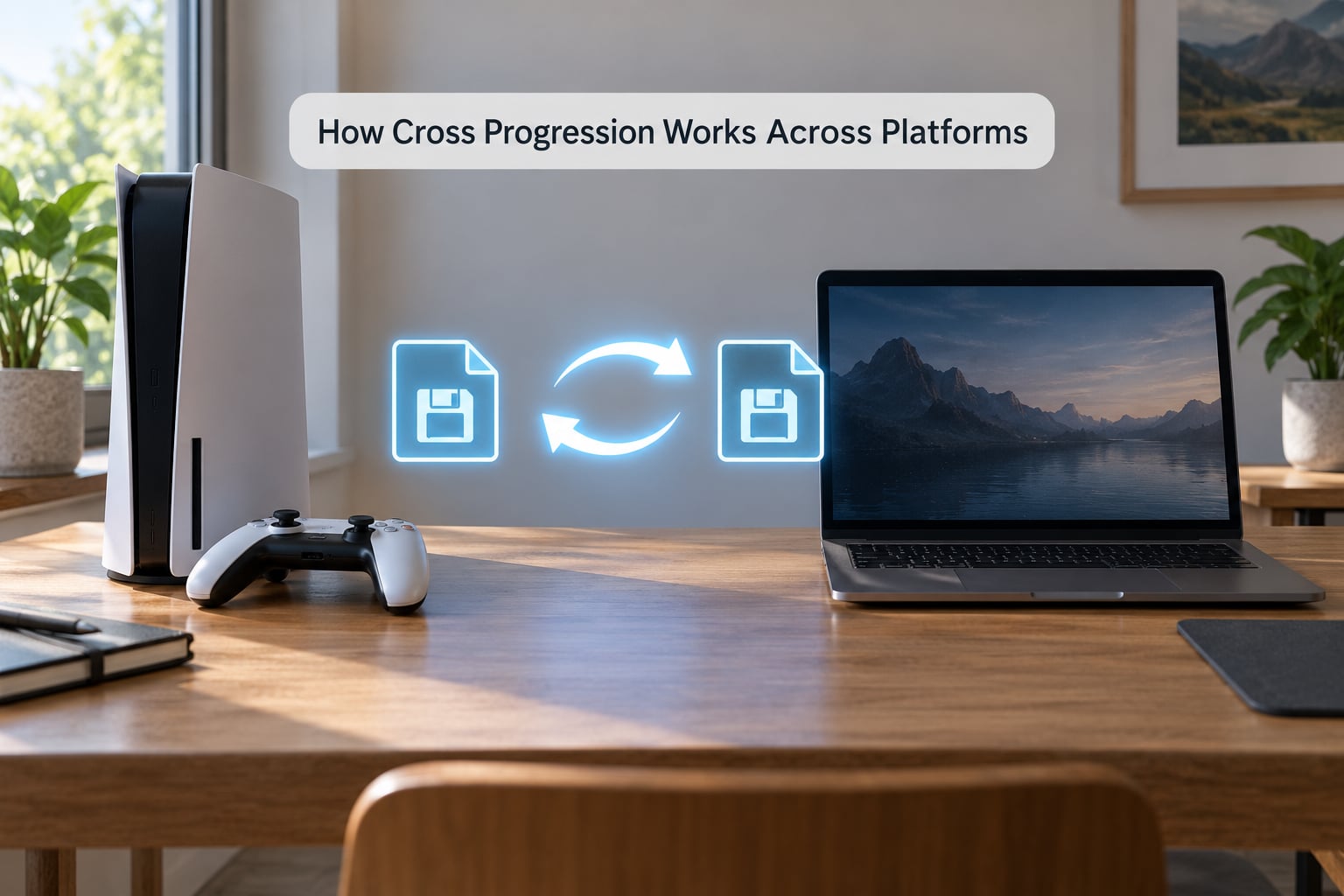
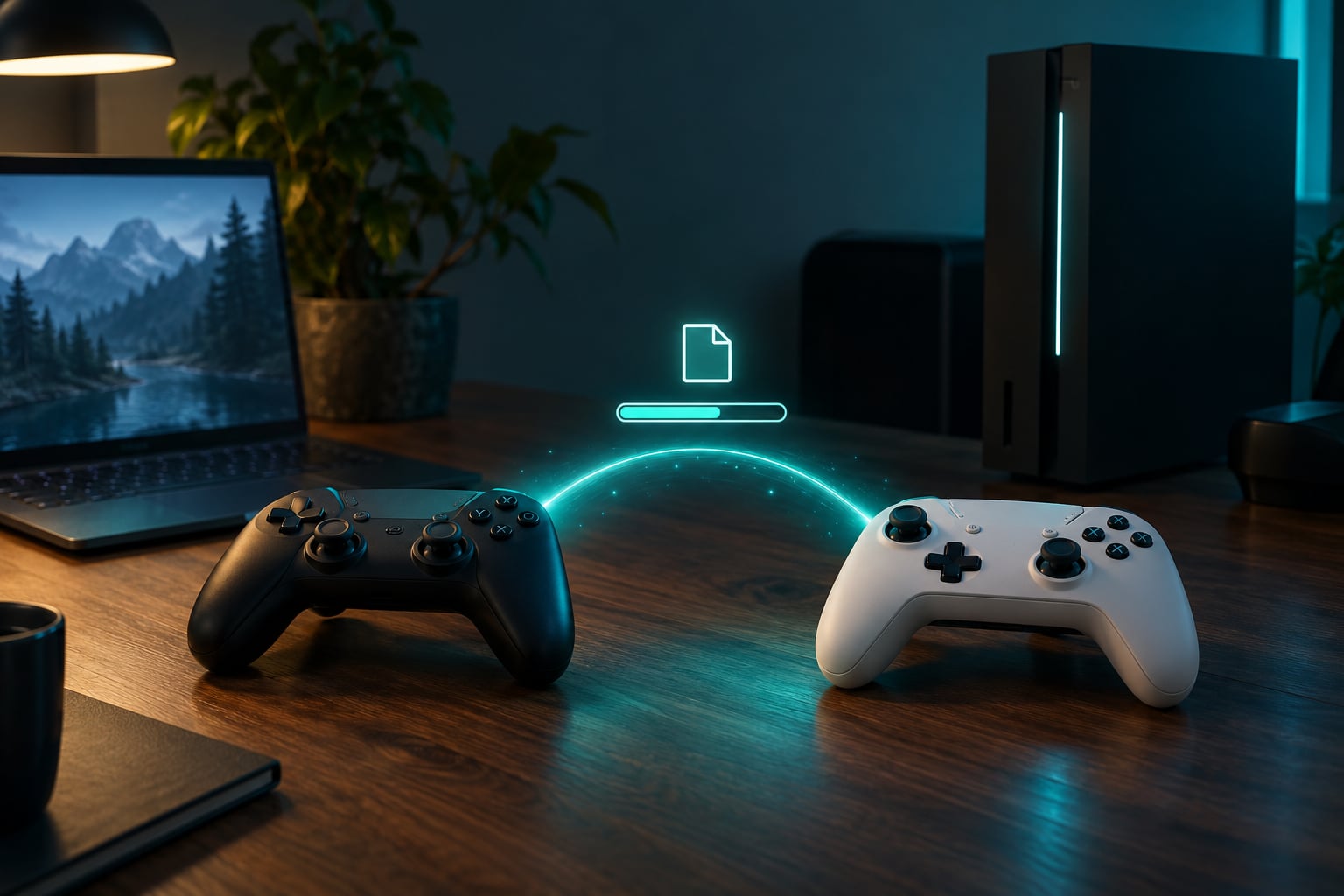
Here is how cross progression works across platforms in practice: your progress is stored on a server the developer controls, your identity comes from the platform or publisher account you sign in with, and the game reconciles a local copy with that server copy every time you log in. No account link, no shared progress.
Step by step: how cross progression works across platforms
- The data lives on a server, not on the console. A cross-progression game stores your character, inventory and unlocks in the developer’s backend. The console only holds a cached copy that gets refreshed at login.
- The server knows who you are. That identity comes from the platform sign-in, such as a PlayStation Network sign-in on PS5, a Microsoft account on Xbox, or a publisher account like Ubisoft Connect. The game asks the platform who is signed in and uses that ID as the key to your save.
- The game asks your permission to read it. On first launch you usually get a screen asking whether to link the game to that account. Skipping it is the single most common reason two devices show two separate saves.
- Your save is downloaded. The newest stored version is pulled down to the new platform, so your level and unlocks show up before you play a minute.
- You play, and the newest save wins. Progress is written back as you go, or at the end of a session. Games running online generally sync continuously, which is why a disconnect near a boss fight can cost more than you’d expect.
- You sign in on the old device again. It now pulls the newer version and carries on. From that point the two devices read from the same place.
Do you have to be online?
Usually yes for the moment it matters. The reconciliation step needs a network round trip, so a console in airplane mode will often refuse to offer a linked save at all, or fall back to the local cache it already has. Once loaded, some single-player games play fine offline, but your progress may not reach the server until you reconnect, and some titles require you to be online simply to verify the account.
What if you play on both at once?
Games handle this with a single-active-session rule: signing in somewhere new usually closes the older session so you cannot have two versions of the same character saving at once. You will get a message on the first device saying a new session started, and your console credentials can change too, since the sign-in carries a token that expires.
Why a local save file alone will not do it
An older model kept a character on a memory card or a folder of files. Anyone with a text editor could rewrite those numbers, and there was nowhere for a game to check two versions of a competitive rating. Moving the file to another operating system also meant translating formats, path names and encryption. Moving progress to a server solved all three problems at once: the developer controls the file, can compare two copies by timestamp, and reads the same record no matter which operating system asks for it.
The platform sign-in works as a universal identifier because each console and store already guarantees there is one account per person. That is why most publishers do not build a separate login for the game, and why linking is usually a one-tap prompt rather than a form to fill in.
What Game Data Can Move Between Platforms?
Most of what people care about moves. What tends to stay behind is anything the platform or publisher controls rather than the developer.
| Usually transfers with cross-progression | Often stays on the original platform |
|---|---|
| Character level and stats | Trophies and achievements |
| Story and campaign progress | Competitive rank or rating |
| Unlocked abilities and weapons | DLC bought on another store |
| Cosmetics and inventory | Real-money wallet balances |
| World state, bases and collectibles | Progress on a beta or experimental branch |
| Currency earned by playing | Platform points or subscription perks |
| Quest and mission flags | Friends list entries on that console |
The split is logical once you see who owns the data. Rank sits on the developer’s matchmaking service and is usually scoped to a platform group or a game mode. Trophies are recorded by the console itself and stay with that console, because there is no way for a PS5 to write to an Xbox trophy list.
Do I have to buy DLC twice?
That is the most common question, and the honest answer is game-specific. If you buy a piece of DLC on the PS Store and the same DLC exists on the Xbox or PC storefront, the purchase is tied to the store you used, so the entitlement does not follow your character automatically. The character data carries over. The license key usually does not.
A few games solve this with a shared publisher wallet or by granting entitlements across stores. Check the specific title’s store page, because “cross-progression supported” in a review often refers only to the save file.
Do You Need the Same Game Version on Every Platform?
Close enough, yes. Cross-progression requires both installs to run compatible builds of the same game, and a mismatch is a common cause of one-way sync failures.
Patch level and expansions
If the console copy is behind the PC copy on content, the older install may not know how to read the newer save and will refuse it. Bring both installs to the latest version before you start, and make sure any expansion or chapter pack is present on both sides.
Cross-generation moves
Moving between console generations is its own category. Some games push a PS4 save to PS5 through the same platform cloud storage, others require the developer to write a migration tool, and some offer nothing beyond starting over. Console storage sync and cross-progression are not the same system even when both live under the same account.
Different stores, same game
Steam, Epic, the Xbox PC store and GOG can each ship a separate build. Many developers key saves to the publisher account so the saves are compatible, and some key them to the storefront instead, which quietly produces two save lines on your own devices. The store page or the game’s own support notes usually say which.
Beta and experimental branches
This is where people lose work. A test branch usually saves separately from the public build, and joining or leaving one can fork or reset a shared save. If a game has an experimental version on one platform, keep it off until you have finished what you care about.
Carrying progress into a sequel or prequel
A related question is whether a save can move into the next game in a series. That is a separate feature, sometimes offered as an unlockable bonus rather than automatic, and it usually moves a subset of things: levels carry more often than inventory does, and unlockable equipment often transfers while consumables do not. Check the sequel’s own listing, because support varies game by game even within one franchise.
What a version mismatch looks like
The usual symptoms are specific. The new platform starts a fresh character, the game reports that the save belongs to a different version, or progress syncs from the newer build to the older one but refuses the reverse. That last symptom is the confusing one, because it looks like a bug in the sync system rather than a compatibility limit.
How to Link Your Game Account and Check Eligibility
Before you move anything, confirm the game supports cross-progression for the exact pair of platforms you own. Not “this game has cross-play.” The publisher’s page, the store listing or the game’s support site is the only reliable source, and support is decided per title and per platform pair rather than by the console maker.
The general linking routine
- Sign in to your platform account first. PlayStation Network on PS5, your Microsoft account on Xbox, or your PC store account. Cross-progression rides on that sign-in.
- Sign in to the publisher account if the game has one. Ubisoft Connect, the EA App, Battle.net, Epic Games and similar services hold a second layer of identity.
- Launch the game and accept the link prompt. It usually appears on first run or in the account or profile section of the main menu.
- Play a little, then quit properly. Progress has to upload before it can travel anywhere.
- Open the game on the second device and check for the same level. If the number matches, the link works. If it starts at zero, the link did not take.
- Keep both devices signed in to the same accounts. Signing one out or switching profiles can silently re-identify you as a new player.
What to do if you already played on both platforms separately
This is recoverable more often than people expect. Each platform will hold its own save under the same account, and the game may show both once it can see them together. Ask the developer which one is supported, note exactly what each version has, and keep the weaker one as a backup until you have confirmed the merged save. Expect this to take a support ticket rather than a settings toggle, because merging two divergent records is a decision the developer has to make rather than a setting they can expose.
Which account actually carries the save
| Platform or store | Account usually attached to the save |
|---|---|
| PS5 and PS4 | PlayStation Network sign-in, plus a publisher account where the game uses one |
| Xbox Series X|S | Microsoft account, including Game Pass profiles |
| Steam | Steam account, and Steam Cloud for local files the developer has mapped |
| Epic Games Store | Epic Games account |
| GOG, Xbox PC store and other PC stores | Usually a publisher account first, then the store entitlement |
| Nintendo Switch | Nintendo account, though Switch titles rarely support PC or console cross-progression |
Before you switch platforms: a short checklist
- Confirm the game lists your second platform as supported for cross-progression.
- Link accounts on both devices while both are online.
- Update both installs to the newest version and match expansion content.
- Reach a milestone you would hate to lose, such as a completed chapter or a level cap.
- Quitting the game normally so the save uploads.
- On the new device, launch and confirm your level matches before you play further.
That last check takes thirty seconds and saves hours. Forum threads about lost progress almost always describe someone who moved a hundred hours across without confirming the first sync.
When a game does not support it at all
Some categories almost never offer it. Single-player games built around local save files often have no server component to extend. Older ports and remasters of games that predate accounts rarely bother. Games where competitive play is the point sometimes split progression by platform pool on purpose, so a PC player is not ranked against console players. And any title published under agreements that keep each version separate can be technically capable and still ship two save lines.
Reading the pattern helps. If a game has a cross-play toggle, in-game invites across console and PC, and a dedicated seasonal event across all platforms, it very likely also handles cross-progression. If it ships with a cross-play switch but no mention of saves, assume separate progress until the publisher says otherwise.
Does cloud streaming count?
Streaming services run the game on hardware you cannot see, and the question depends on which account the service signs into. When your own platform account carries the session, your save comes with it and it behaves like any other device. When the service uses a separate session or a shared demo tier, progress stays inside that service. Check what your subscription’s own documentation says, because this one varies by service.
Cross Progression vs. Cloud Saves vs. Cross-Play
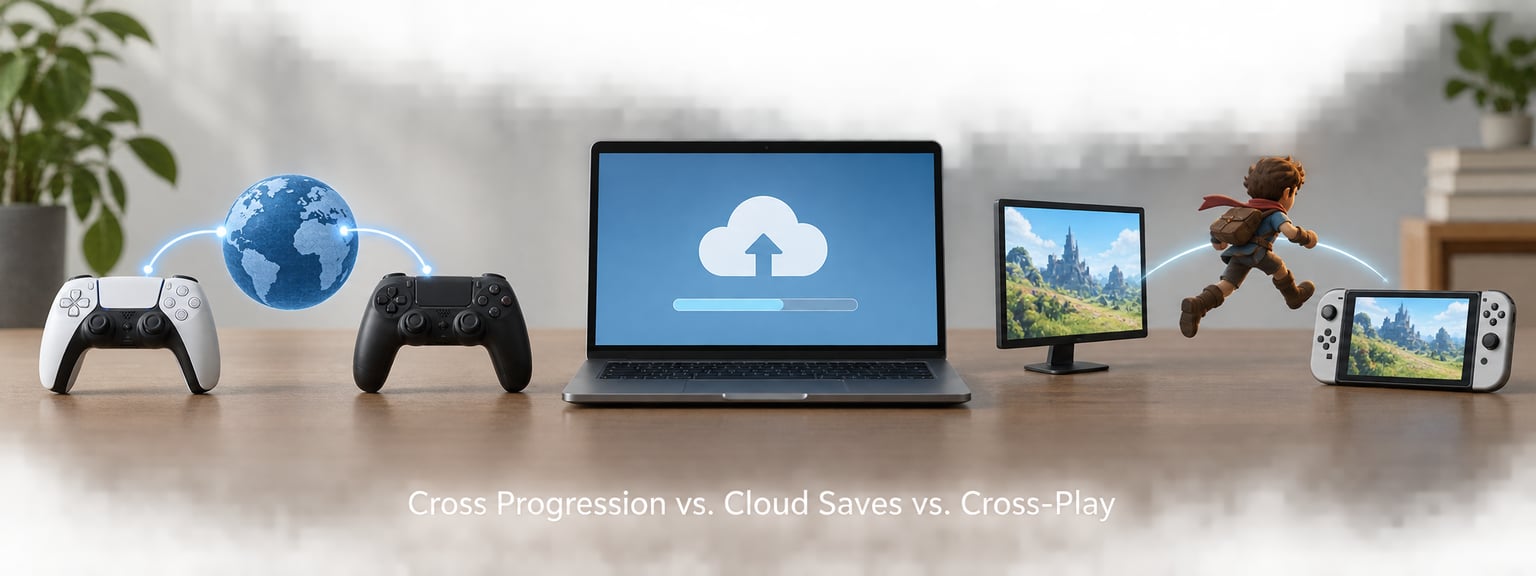
The three terms get used interchangeably, and they answer different questions. Cross-play is about playing with other people. Cloud saves are about one device backing up files. Cross-progression is about your whole character moving between platforms.
| Feature | What it shares | What it needs | Who benefits |
|---|---|---|---|
| Cross-play | Matchmaking sessions with players on other platforms | Shared servers and a cross-play setting on each device | Friends on different consoles |
| Cloud save | A backup of local save files for one device | The platform’s own storage, such as Steam Cloud or console storage | Recovering after a reinstall |
| Cross-progression | Character progress, unlocks, inventory and world state | Server-side progress plus a linked account on each platform | Players who own more than one device |
| Cross-generation | Progress between an older and a newer console in the same family | Developer support or platform save migration | Console upgrade switchers |
| Cross-buy | Buying once and playing on a different platform or device | A publisher or publisher-linked store that honors it | Players switching ecosystems |
A plain cloud save rarely travels between a console and a PC, because each ecosystem keeps files in its own format. Cross-progression is the feature that gets your progress across ecosystems, and it usually piggybacks on server-side data rather than on a file upload.
Common Cross Progression Problems and Fixes
Work through these in order. The first three cause most of the failures, and stopping at the obvious one wastes an afternoon.
Why is my cloud save not working?
Most often the account was never linked on one side, or the link prompt was skipped. Confirm the game shows the same account name or ID on both devices, sign out and back in on the new device to force a fresh identity check, and make sure both installs are fully updated. If the game uses a publisher account, link that too, since it is often the layer that holds the save.
A save conflict says two versions exist. What should I choose?
Choose the version with the more recent play time, and check what it contains before overwriting anything. A conflict usually appears after playing offline on one device while the other uploaded newer progress. Note your level and any recent unlocks on each version, pick the further-along one, and confirm the other device can see it afterwards. If the older version holds something unique, capture what you can before replacing it.
Cross-save syncs one way and then stops
One-way sync usually means the older side is still working from a local copy. Players report the pattern of a save moving from PC to console while the reverse direction fails. On the device that is not syncing, sign out of the platform account fully, sign back in, relaunch the game and let it reach the menu before starting a session. If that fails, the versions probably diverged, and both installs need updating to the same build.
My rank and achievements did not come across
This is expected in most titles and not a sync failure. Achievements and trophies belong to the console’s own system, and ranked tiers are frequently scoped to a platform pool or a game mode. Check the game’s competitive settings to see whether your mode supports cross-progression before assuming anything broke.
Game Pass console and PC builds show different saves
This one catches people because both builds sit under the same subscription. Console and PC versions of a Game Pass title can be separate installs with separate entitlements, and they only share a save if the developer built them to. Confirm the game lists both under cross-progression. If the store page is vague, the game’s own support documentation is the place to check.
My cloud saves are corrupted
Do not overwrite anything yet. Note your last known level and unlocks, then work down this order: close the game on every device, restart the platform’s cloud sync by signing out and back in, and try loading the cloud version rather than the local one. Most platforms keep a rolling history of recent uploads, so an older but working version can be restored. If the game has its own support channel, send them the timestamps, because developers can often repair a profile server-side where you cannot.
Region and account mismatches
Accounts created in one region or under a child family profile sometimes create a separate save identity. Signing in with a different region account on the new device is enough to start a fresh profile. Confirm you are using the same region, the same profile, and the same account type on both devices.
Why it is still not universal
Servers cost money to run, and a platform-agnostic backend means supporting every version the game ships on rather than the one the developer controls. Licensing terms complicate it further, since a console version may come with rules about where its data lives. Competitive titles have a harder problem: mixing player skill across platforms changes matchmaking and rank, and some studios decide the risk outweighs the audience.
Anti-cheat is the other quiet one. Anything that affects competitive outcomes has to live where it cannot be edited on a player’s machine, which rules out a file sitting on your hard drive regardless of what the label promises.
Myths worth dropping
Three beliefs come up constantly and none of them hold. Turning cross-play off does not get you banned, and it does not put you in worse matches by itself. Cross-play is not what causes lag on its own; input methods and physical distance matter far more, and games apply their own rules to address that. And linking accounts cannot corrupt a save on its own, which is the fear that keeps people from doing the one step that would make a platform switch safe.
Frequently Asked Questions
Can I cross progression from my Xbox to my PC?
Sometimes, and only when the game lists both versions. Your Microsoft account signs you in on both, so the identity is shared, but the developer still has to store progress server-side and let the PC build read it. Game Pass titles vary widely here, since both builds sit under one subscription but can be separate installs. Check the game’s own support page for that exact title and platform pair before you move a save.
How can PS5 and PC play together?
You need a game with cross-play support, then you join friends using their in-game invite or platform invite while cross-play is enabled on both sides. Your PS5 must be signed in to PlayStation Network and your PC to the same publisher account the game expects. Cross-play gets you in the same match; whether your character comes along depends on separate cross-progression support.
Why is cross-progression not on every game?
Because it costs money and creates risk. Progress has to live on the developer’s servers rather than on the disc, that backend has to scale across every platform’s user base, and competitive titles have to decide how ranking behaves when player skill mixes across ecosystems. On top of that, console licensing rules and storefront economics have historically pushed publishers toward separate versions.
Steam Cloud conflict: what should I choose?
Choose the version with the more recent play time, and open the details first if you can so you can confirm it holds your current level and unlocks. Conflicts usually mean you played offline on one device while the other uploaded. After picking, make sure the other device syncs down the same version before you play on it again.
Why is my cloud save not working for cross-progression?
The usual cause is an unlinked or differently linked account on one device. Verify both devices show the same platform and publisher account, sign out and back in on the device that is missing progress, and update both installs to the same version. Version mismatches are the second most common cause, since an older build often cannot read a newer save.
Do cross-progression accounts share DLC and purchases?
Usually not. Your character and unlocks travel, but a DLC purchase is tied to the store you used, so entitlement does not follow automatically unless the publisher runs a shared wallet. Real-money balances and platform points stay put for the same reason. A few games grant entitlements across stores, so check that specific title before buying anything twice.
Conclusion
Your first move is to check the game’s official page and confirm it supports cross-progression for the exact two platforms you own. Cross-play support is not the same answer, and a console cloud save is not a substitute either.
Then link the accounts before you play, keep both installs updated, and verify on the second device that your level matches. That thirty-second check is the difference between a smooth move and losing a hundred hours to a conflict you could have seen coming.