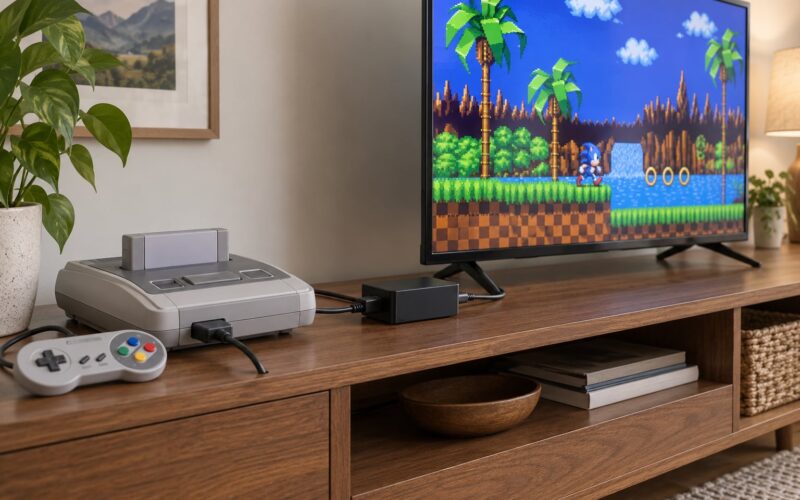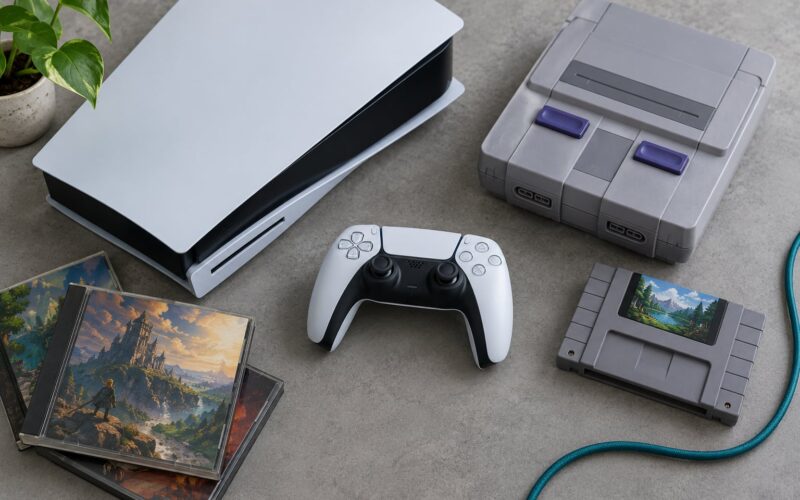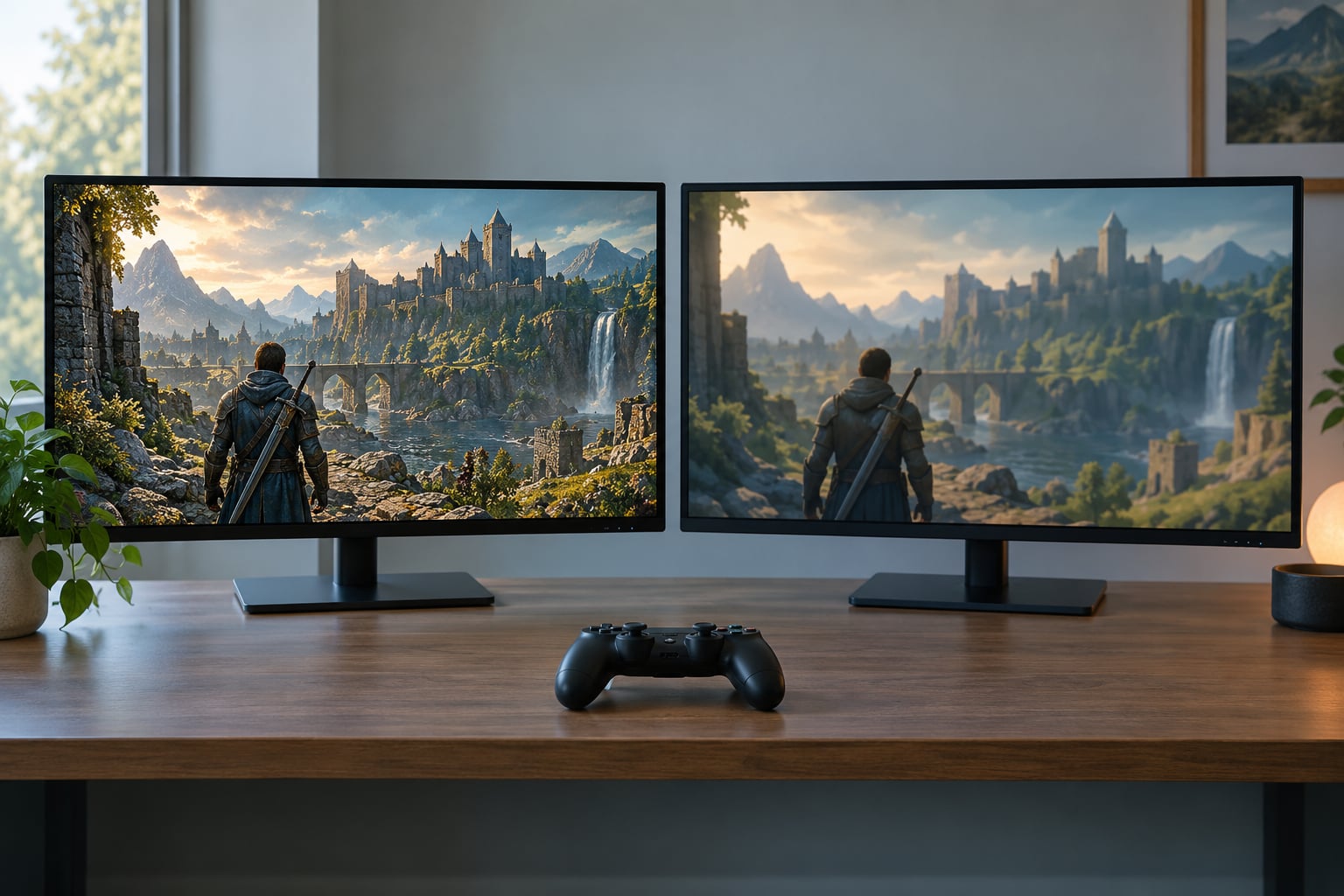
Emulation accuracy is about how closely a software re-creation of a console reproduces the behaviour of the real machine: its timing, its video signal, its audio and its response to controllers. Emulators are often astonishingly close, but closeness is not the same as identity, and the two fail in completely different ways. Hardware is limited and inconsistent; emulation is flexible and occasionally wrong.
The interesting part is that neither side wins outright. An emulator gives you a clean signal, perfect frame pacing and instant load times that real hardware never offered. Real hardware gives you the exact silicon behaviour, including the odd hardware quirks nobody has reverse-engineered yet. Understanding how emulation accuracy differs from original hardware mostly means understanding which of those differences you can actually see, hear or feel.
Table of Contents
- How Emulation Accuracy Differs from Original Hardware at a Glance
- What Counts as Emulation Accuracy?
- Graphics and Visual Fidelity
- Why a clean screenshot proves very little
- Timing, Frame Pacing, and Input Delay
- Sound, Music, and Audio Latency
- CPU, Memory, and Peripheral Emulation
- Why rare combinations expose deeper errors
- Compatibility Does Not Always Mean Accuracy
- Why the Same Emulator Can Be Inaccurate in Different Ways
- How to Judge Accuracy Without Original Hardware
- Which Should You Choose?
- Frequently Asked Questions
- Is cycle-accurate emulation better than standard emulator accuracy?
- Why does an emulator look sharper than a game on original hardware?
- Does matching the original frame rate guarantee accurate emulation?
- How can I tell if emulator audio differs from the original?
- Do save states make an emulator less accurate?
- Can emulation ever be more accurate than original hardware?
- Conclusion
How Emulation Accuracy Differs from Original Hardware at a Glance
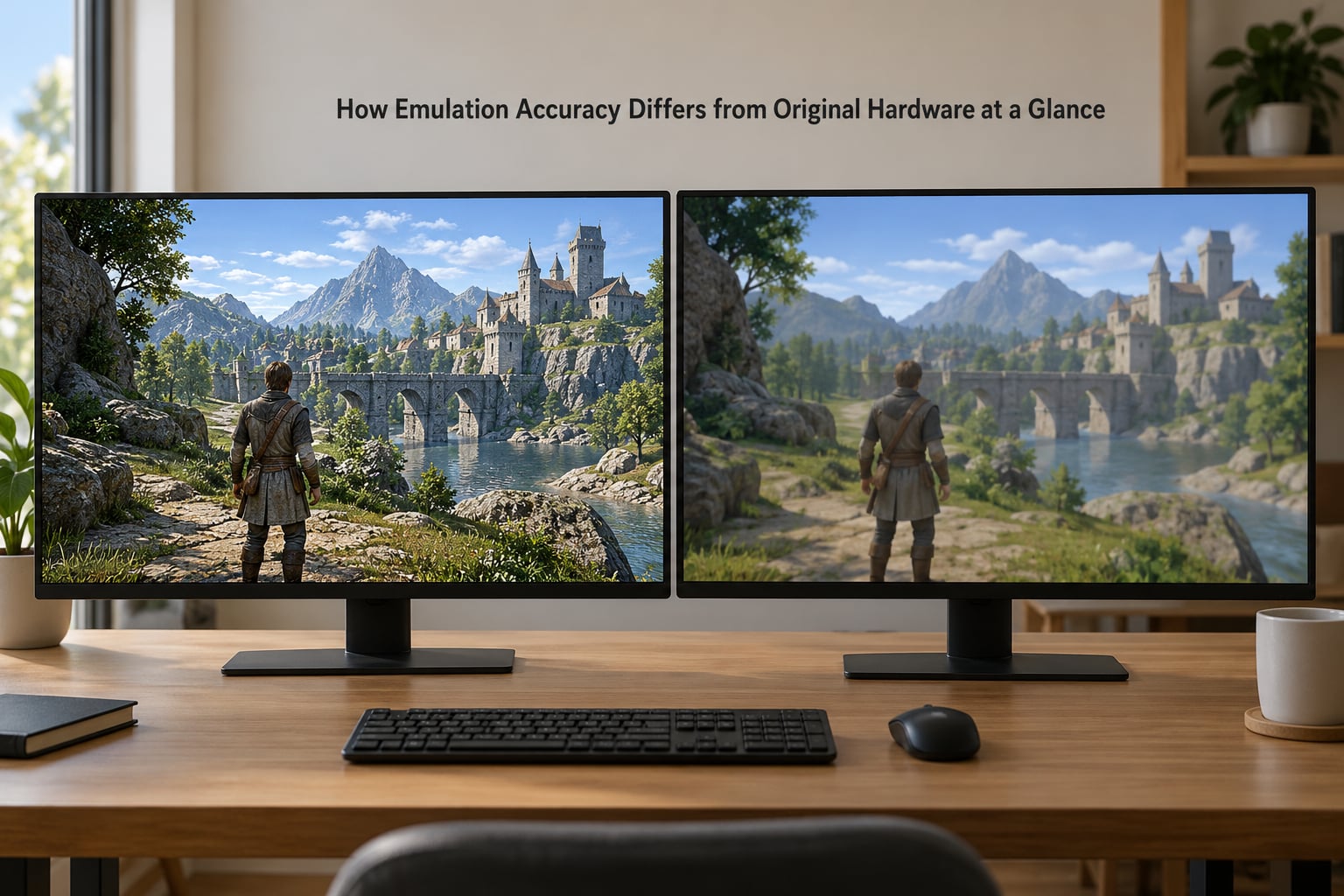
The table below compares the same aspects on real hardware and in a typical emulator. The short version: emulators match output more often than timing, and they usually lose on add-ons.
| Aspect | On original hardware | In an emulator | How close emulators usually get |
|---|---|---|---|
| Graphics | Fixed pipeline, fixed quirks | Renderer chosen by you | Very close for 2D, good but not identical for 3D |
| Frame rate | Locked to the console’s refresh rate | Locked to the same rate when frame pacing works | Exact rate, occasionally uneven delivery |
| Timing | Real clock cycles | Counted, approximated or ignored depending on core | Ranges from extremely close to deliberately loose |
| Audio | Fixed synthesis chip or DSP | Software mixer plus your sound card | Very close in tone, slightly different in latency |
| Input | Polled by the console, one poll per frame | Polled, sampled, queued and passed through your stack | Same polling, usually 1 to 3 frames more delay |
| Expansion support | Needs the real add-on present | Often approximated with partial or invented behaviour | Rough for peripherals that were never documented |
| Loading | Minutes, cartridge included | Seconds | Far better on emulation |
| Game compatibility | Whatever runs on that unit runs | High, but some titles never start | Better on 2D, patchier on later 3D consoles |
What Counts as Emulation Accuracy?
Accuracy is not one number. Four separate ideas get bundled together in everyday conversation, and an emulator can be strong in one and weak in another.
Cycle accuracy means reproducing what the original chips did on every single clock cycle, including the cycles spent doing nothing. It is the strictest standard and the most expensive one to hit.
Instruction accuracy executes every CPU instruction but does not care precisely when each one started or finished. Most games cannot tell the difference; a few timing-sensitive ones can.
Timing accuracy cares about when things happen in wall-clock terms: how long a frame takes, when an interrupt fires, how long a disk read stalls the CPU. It can be right while cycle accuracy is wrong.
Compatibility is the weakest and most confused term. A core can boot your game, run it at full speed and let you finish it, and still produce different video, audio and timing from the real machine. This is the distinction that comes up constantly in homebrew and preservation communities: producing the same output as hardware for one known program is compatibility; producing the same output for unknown programs, because the underlying behaviour is right, is accuracy.
Graphics and Visual Fidelity
Emulators are usually closest on 2D consoles and diverge on 3D ones, because 2D output is a direct function of memory contents while 3D output depends on a long chain of maths.
On a 2D system the emulator is reading sprite and tile data and writing it out. What you see should be pixel-identical, and for well-behaved titles it usually is. The differences that show up are filter-related: bilinear smoothing, anti-aliasing and CRT shaders all change the look, and none of them are what the console emitted.
3D is where it gets interesting. Geometry, texture sampling, transparency sorting, lighting falloff and fog all depend on floating-point rounding, and rounding differs between the original chip and your modern hardware. A one-bit difference in a depth test can flip a polygon’s visibility. Games from the 32-bit and 64-bit eras also relied on add-on chips for anti-aliasing, filtering and transforms, and those are the parts emulators most often approximate rather than reproduce.
The framebuffer itself is another gap. Some effects render straight to video memory with no filtering at all, some pass through a texture unit first, and some rely on the display chip blurring during the scanout. An emulator that renders everything through one modern-style pipeline can get a clean, consistent look that no original unit ever produced.
Why a clean screenshot proves very little
A screenshot captures one frame, after upscaling, with whatever filters you enabled. Two emulators can produce identical frames while their timing, audio and controller behaviour differ substantially. Visual inspection is the weakest accuracy test available, which is why it is the one most people rely on.
That is also why asking how emulation accuracy differs from original hardware rarely gets settled by comparing stills. Two machines can agree on every pixel of a paused frame and disagree on everything you actually play against.
Timing, Frame Pacing, and Input Delay
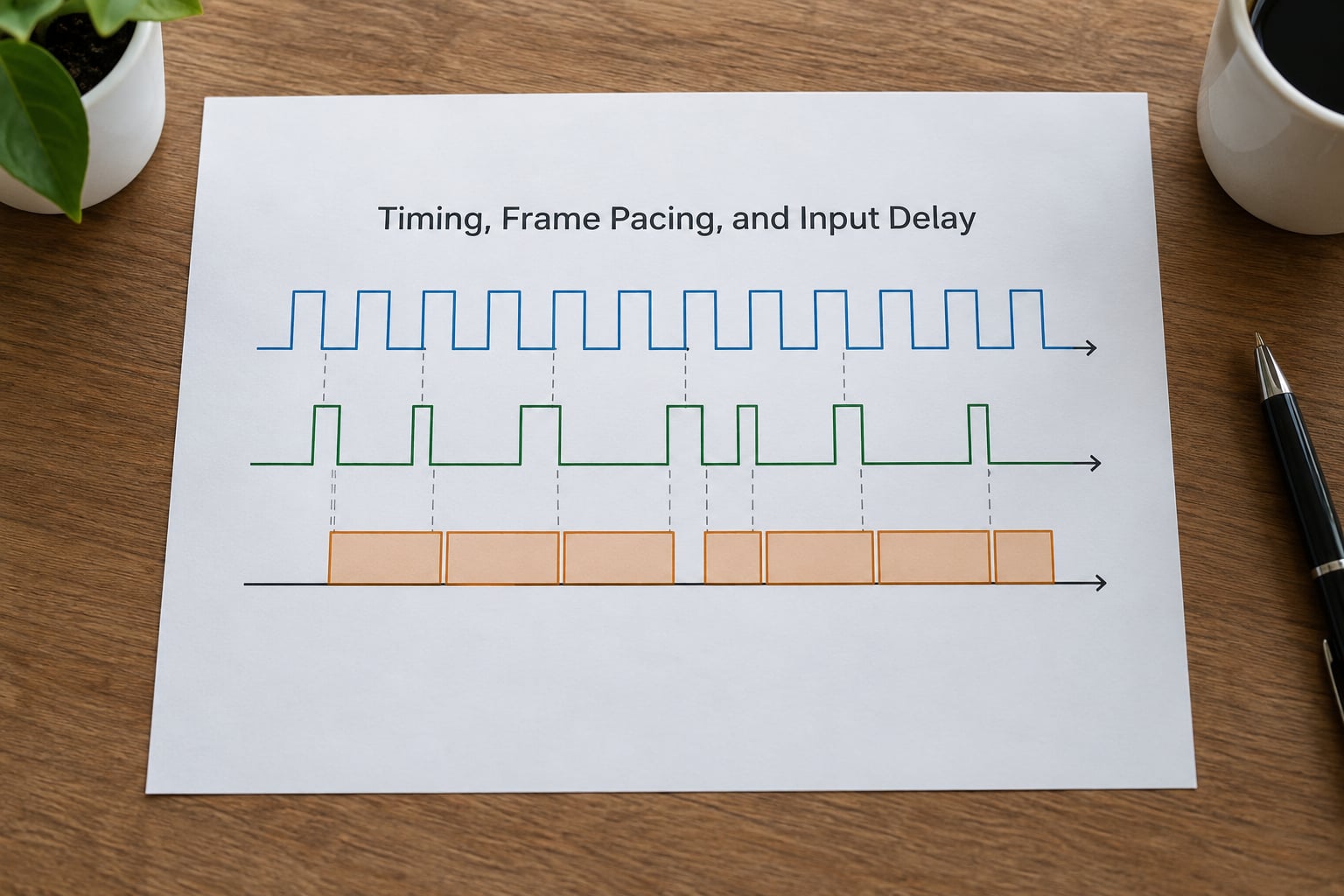
Timing is where the original hardware wins most clearly, and it is the difference you feel rather than the one you see.
On a real console the game decides how long a frame is. The console displays at whatever rate that implies, and the timing chain from your thumb to the screen is short and fixed. An emulator has to reproduce that variable frame time, hit the same refresh rate, and then push the result through your graphics pipeline and display, all while the audio buffer stays in step.
Frame pacing is where it often falls apart. If the emulator does not deliver frames at a steady interval, you get uneven motion even though the frame rate counter says everything is correct. Late frames also mean late input response.
Most emulators add somewhere between one and three frames of delay compared to a console connected straight to a display. Handheld systems emulated on a laptop or phone routinely hit far worse numbers, and rhythm and fighting games punish that immediately. Users in retro-gaming communities point out regularly that this lag, not graphics quality, is the main practical reason competitive players still reach for the real thing.
Some emulators also overclock or underclock deliberately. Running a game faster than the original clock changes timing-sensitive behaviour, and the game can behave differently as a result. An emulator showing a higher frame rate than the console is not more accurate, it is just faster.
Sound, Music, and Audio Latency
Original consoles produced audio through dedicated sound chips, so the mixer model was fixed and every copy of a game sounded the same. Emulators rebuild that mixer in software, and then hand the result to your sound card through resampling.
The tone is usually very close, because the synthesis algorithms are known well enough now that the character of the sound hardware comes through. What changes is latency and the occasional artefact.
- Crackling and clicks usually come from a buffer underrun when the emulator misses a deadline, or from a host sound device that cannot keep up with the requested sample rate.
- Missing effects happen when a sound driver is not fully modelled, so reverb, filters or pitch modulation are dropped instead of approximated.
- Drifting sync happens when audio and video clocks disagree and nothing corrects the slip over time.
- Extra latency is the normal case, because audio sits in a buffer that smooths it out. A console with a CRT has its own delay, but a different amount.
The practical test is not “is it the same waveform” but “does it stay in step, and do the timing cues that the game relies on still land where they should”. Rhythm games and anything driven by the audio stream will tell you quickly.
CPU, Memory, and Peripheral Emulation
Emulators generally run the CPU in one of two ways. An interpreter executes one instruction at a time, which is simple and slow. A just-in-time recompiler translates blocks of code into native instructions at run time, which is far faster but adds complexity, and occasionally introduces subtle differences when a block cannot be translated and falls back to the interpreter.
Memory emulation is where the hardest console problems live. Recreating a memory management unit accurately means modelling page tables, block address translation caches and direct memory access behaviour, because games that rely on those units break in specific ways when the model is wrong. Floating-point behaviour is the other classic trap: rounding modes and fused multiply-add instructions differ between implementations, and one incorrect rounding step can cascade into a desync minutes into a game.
Peripherals are the weakest area overall. Controllers are usually fine because their behaviour is well documented. Memory cards, rumble motors, light guns, link cables, expansion paks and arcade boards are harder, especially when the original hardware had undocumented quirks that games accidentally depended on.
Why rare combinations expose deeper errors
Most software never touches the strangest corners of a system. Load a game that mixes an expansion peripheral with unusual memory access patterns and you reach code paths that were rarely tested, and emulation errors there show up as crashes, corrupted saves or gameplay that drifts. That is a sign of the emulator’s limits, not of the game’s.
Compatibility Does Not Always Mean Accuracy
A core that runs every game and a core that reproduces the hardware exactly are close to opposite goals, and the trade-off is deliberate. Many emulator front ends are built for play, so they favour speed, forgiveness and features over cycle-level fidelity, and they add conveniences like save states and netplay that do not exist on hardware.
This is why a highly compatible core can still be visibly inaccurate. It may skip a frame here, approximate an unmodelled chip there, and still let you finish the game, because finishing the game is what most people want from it.
The reverse also happens. Some of the most accurate cores are the slowest and least convenient, and they may refuse to boot a title that a looser core runs happily. Accuracy is a spectrum with a cost attached, not a checkbox.
Why the Same Emulator Can Be Inaccurate in Different Ways
If two people run the same emulator and see different results, that is normal. Several variables shift the output.
- Version. Accuracy fixes land in releases, so an older build is measurably less accurate than a newer one.
- Renderer or backend. Different video backends handle filtering and rounding differently, which changes output on some games.
- Core choice. Front ends often ship several cores for the same system, ranging from fast and loose to accurate and demanding.
- Settings. Aspect ratio correction, widescreen hacks, filtering, frame skip and latency options all change either the picture or the timing.
- Host hardware and operating system. Frame pacing behaviour varies with the graphics driver and the power management settings on the host.
- Peripheral configuration. Changing controller type, region, BIOS or expansion emulation can alter how a game behaves.
When someone asks why an emulator looks wrong, the answer is often one of these six things rather than a broken core.
How to Judge Accuracy Without Original Hardware
You can get a long way without a console in the room, as long as you know what each source is worth.
- Reference video captures. Good for frame-perfect comparison of video and audio, provided the capture came from a real console with the original output path. Captures from other emulators prove nothing.
- Hardware behaviour documentation. Developer notes, homebrew community reference material and reverse-engineering write-ups are the strongest sources for timing, register behaviour and undocumented quirks.
- Timing tests. Test ROMs that read the hardware clock and draw known patterns can expose timing errors that are invisible in a screenshot.
- Official manuals. Useful for expected frame rates, controller polling behaviour and peripheral requirements, though manuals describe intent rather than implementation.
- Known hardware quirks. Community lists of cartridge behaviour, video degradation and timing oddities are often more accurate than marketing descriptions of what a console “should” do.
Know the limits of each source. A video upload may have been recorded with a scaler or a filter applied, so it tells you about the picture as processed, not about the raw signal. A forum answer from a knowledgeable developer is more trustworthy than a general blog, but every forum claim still deserves a check. If your only comparison source is another emulator, you are comparing emulators.
Which Should You Choose?
How emulation accuracy differs from original hardware settles this more than any spec sheet does. Work out what the gap is actually costing you: a frame of input lag in a tournament matters, a slightly soft sprite on a CRT you do not own does not.
Pick real hardware when the audiovisual and physical experience matters most: original controller feel, the display characteristics a CRT gave you, peripheral behaviour and the reassurance that you are seeing what a player saw. Hardware also wins for anything where timing and latency are the point, and for research into how a system actually behaved.
Pick a standard emulator when you want to play, not study. It loads in seconds, works on the display you already own, gives you save states, rewind, netplay and filters, and supports controllers you would never find for the original machine. For 8-bit and 16-bit games, most people cannot tell the difference in ordinary play.
Pick specialised accuracy modes when the difference itself is the subject. Preservation work, competitive and speedrunning play, compatibility testing and emulator development all justify the extra setup and the lower frame rate. Either way, check the current settings for your console before you commit, since accuracy options move between releases.
Frequently Asked Questions
Is cycle-accurate emulation better than standard emulator accuracy?
Cycle-accurate emulation reproduces the original chip’s behaviour cycle by cycle, so it is better at matching timing, interrupts and timing-sensitive effects. It also costs far more CPU power and usually runs slower. For most 2D games the difference is invisible, and for rhythm or fighting games it can be obvious. Better here means closer to hardware, not better to play.
Why does an emulator look sharper than a game on original hardware?
Two reasons. The original signal was usually composite, S-video or RGB sent to a CRT, where blur, scanlines and phosphor spread softened everything. Your emulator is likely rendering at native resolution and scaling it to a modern flat panel, which removes all of that. Many players also enable filtering or a CRT shader deliberately. The result can look better than the original without being more accurate.
Does matching the original frame rate guarantee accurate emulation?
No. Frame rate is the average number of frames per second, and emulation can hit it while delivering frames at uneven intervals. Original consoles also vary their frame time per scene, and an emulator must reproduce that variation, not just the average. Accurate timing needs the right cycle counts and interrupts as well. A steady frame rate with the wrong frame pacing feels wrong even though the counter looks right.
How can I tell if emulator audio differs from the original?
Listen for missing effects, crackling and drift between sound and action. Crackling usually means the host audio buffer underran, missing reverb or filters mean the sound driver is not fully modelled, and drift means the audio and video clocks are slipping apart. Compare against a capture from a real console through the original output path, and test a rhythm game, which reacts badly to any of these.
Do save states make an emulator less accurate?
The emulated hardware is just as accurate either way, since a save state only stores a snapshot of memory and hardware registers. What changes is the surrounding experience: you can rewind, reload and retry things that never happened on a real console, and long practice sessions stay sharp instead of wearing the player out. Competitive and speedrunning scenes usually ban save states for that reason rather than an accuracy problem.
Can emulation ever be more accurate than original hardware?
In narrow ways, yes. Emulators give perfect frame pacing, consistent refresh rates, instant loading and access to the internal state of a machine you cannot open. On a real console a worn cartridge, a dying capacitor or a drifting clock can make a game behave worse than it ever did in the laboratory. That is a different question from whether the emulator reproduces the machine correctly, and the honest answer there is rarely a simple yes.
Conclusion
Emulation accuracy differs from original hardware mostly in timing, audio buffering, input delay and add-on behaviour, not in the picture most people judge by. Before you decide an emulator is wrong, check those four things rather than resolution or smoothness. If they hold up and the game plays correctly for your purposes, the differences are largely academic.