When game servers shut down, the online half of a game stops existing. Multiplayer, login, matchmaking, live events and anything the publisher stored on its own machines disappear at once, and on always-online titles the whole game becomes unplayable. Modes that run entirely from your console or PC usually keep working, along with your settings, screenshots and clips.
What you lose depends far less on the game than on how the publisher built it. That is why two titles that closed in the same year can leave players with completely different outcomes.
Table of Contents
- What Happens When Game Servers Shut Down?
- What a permanent shutdown feels like from your chair
- Why Do Game Servers Shut Down?
- Why do game servers shut down for good?
- What Players Lose and What Stays on Your Device
- What is stored server-side
- What is stored on your device
- How the Shutdown Process Usually Works
- Can a Shut-Down Game Be Restored?
- What Can You Do Before a Server Closes?
- Frequently Asked Questions
- Why can I still play a game after its online servers shut down?
- Do I lose everything when an online game closes its servers?
- Can I play a shut-down online game on a private server?
- Can I get a refund after a game shutdown is announced?
- How long do developers usually leave online games available after shutdown?
- Can a game return after its servers have been permanently closed?
- Conclusion
What Happens When Game Servers Shut Down?
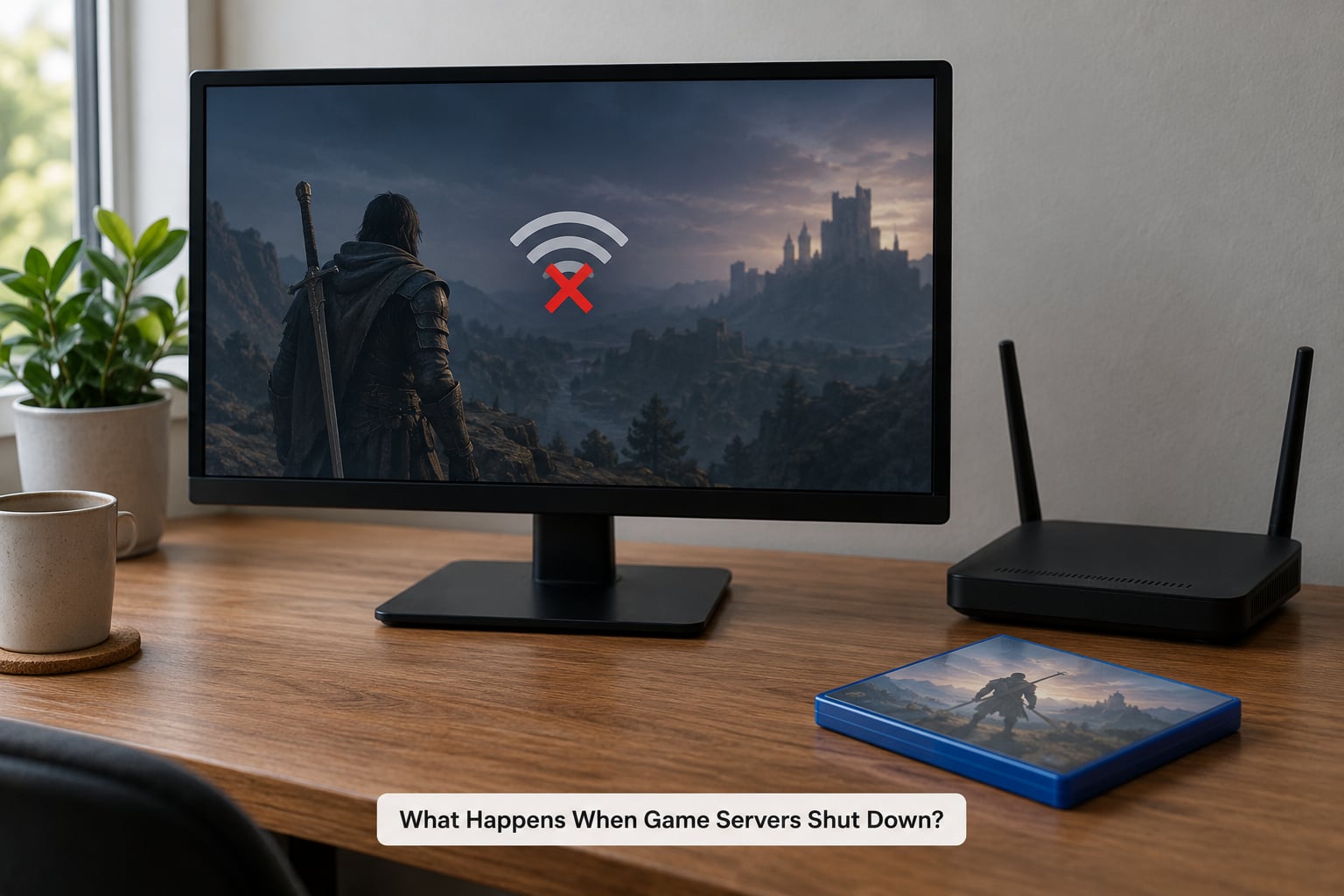
Every online game is really two things: the copy on your machine and the machines the publisher runs in a data centre. When game servers shut down, the second part is switched off, and everything that lived there goes with it.
It helps to separate three situations that often get reported under the same word.
- A temporary outage. The servers come back. Queues, matchmaking and logins might fail for hours, and you lose nothing.
- A permanent shutdown. The backend is decommissioned and the game is patched to stop talking to it. This is the case this guide is about.
- A delisting. The game leaves the store and stops being sold, but the servers keep running for existing owners.
Those three are easy to mix up because they often arrive in the same announcement email, with different effective dates.
What a permanent shutdown feels like from your chair
The last session usually ends quietly. Matchmaking stops returning opponents, invites to friends never arrive, and the client quietly stops reaching the backend.
- The login handshake fails and the game falls back to the platform’s own sign-in.
- The matchmaking queue spins forever, then returns an error or an empty lobby.
- Matches that did start drop players back to the main menu mid-round.
- The in-game store shows as unavailable, often weeks before the servers go.
- Cloud save syncing stops without warning, which matters if your progress lived there.
On the very last day, most players get one clear error screen instead. After that, the client either refuses to start the campaign or drops straight into a main menu with an empty friends list.
Why Do Game Servers Shut Down?
Publishers treat a backend like any other running cost. It has to be paid for every month of every year, whether or not anyone logs in, and the bill does not care how much goodwill the game earned.
- Player numbers fall away. Once a game loses most of its population, matchmaking suffers for the players who stayed, which pushes more of them away.
- Hosting gets expensive. Bandwidth, support staff and patching scale with the size of the game, not with the revenue it brings in.
- The studio changes hands or closes. Acquisitions routinely end the projects the buyer had no plans for.
- Licences and partners expire. Some backends depend on third-party authentication or licensing that the publisher no longer holds.
- A sequel arrives. Keeping a live game healthy competes with launching its replacement, and old players are steered to the new one.
- Cheating or a security problem. A serious exploit that cannot be patched on live infrastructure sometimes ends with the servers closing instead.
- Legal or regulatory pressure. Data-handling rules and age restrictions have forced changes in how services are run.
- Platform decisions. Store holders occasionally retire online features for their own hardware or policy reasons.
Why do game servers shut down for good?
The pattern is almost always the same economics. A small game with a loyal few thousand players still needs engineers, a server contract and moderation time. Once revenue falls below that, the cheapest fix is to close it, and the decision sits with a publisher balancing a portfolio rather than with the community attached to one game.
What makes a shutdown final rather than temporary is that nobody owns the decision to bring it back. Restoring a backend is a fresh project, not a switch someone can flip.
What Players Lose and What Stays on Your Device
The split is simple: data stored on the publisher’s machines disappears, and data stored on your hardware stays. Most of what players care about lives on the wrong side of that line.
What is stored server-side
- Characters, levels, inventories and progression.
- Cosmetics, battle pass tiers and seasonal rewards bought with real money.
- Ranks, leaderboards and anything competitive that needs a central record.
- Friends lists, guilds, chat history and social features.
- In-game currency, which often becomes unusable when the store closes, before the servers do.
- Your profile itself, since the account record lives with the publisher.
What is stored on your device
- Settings, key bindings, video options and control layouts.
- Screenshots, clips and recordings you made yourself.
- Manually saved single-player files, if the game supports local saves.
- Installed game data and any offline campaign content already downloaded.
Anthem is the hard version of this story. EA switched the servers off without an offline mode, so the campaign went down with the multiplayer and the game became permanently unplayable. Evolve is the soft version: the dedicated servers died, but the retail build kept single-player and peer-to-peer multiplayer alive as a legacy version, and players kept every monster, hunter and skin they had bought.
How the Shutdown Process Usually Works
Shutdowns are rarely a single moment. Most follow the same sequence, and the dates are often spread across several months.
- The announcement. A support post or in-game notice sets out the reason and a list of dates. This is the only reliable source, and official notices published in 2026 spell out each stage rather than just one.
- Store and currency closures. The in-game store usually goes first. Anything unspent is effectively gone from that moment, even though the servers are still running.
- Reduced service. New seasons stop, events end early and matchmaking queues get slower as players leave.
- Read-only or partial mode. Some games let you log in and browse but block progression. Others cap what you can do to protect the data they are about to delete.
- Final login window. The last day or two are for grabbing screenshots, spending balances and confirming that your records are still there.
- Server retirement. The machines are decommissioned and traffic is pointed somewhere else. Backups are eventually deleted too.
- Removal from the store. The game leaves sale on its platform, and downloads become unavailable to anyone who does not already own it.
Players often report the awkward middle of this window, where errors appear days before the stated date and nobody says whether it is finished or just wobbling.
Can a Shut-Down Game Be Restored?
Sometimes, but each route has a catch.
An official relaunch is the rarest and the cleanest. A publisher decides the game is worth rebuilding, which usually means rebuilding the backend from archived code. Expect a trimmed version rather than the live-service experience, with old accounts carried across and seasons gone for good.
A licensed rerun happens when the rights holder revives the game on a smaller scale, sometimes years later, to move it onto current hardware or platforms.
A community private server is where fans run their own backend for an old game. It has worked, most visibly in World of Warcraft, where private realms have run for years. The obstacle is legal: the rights holder owns the service, and in some cases has acted to stop it.
Emulation and preservation keep a game runnable on hardware that no longer exists, but they depend on copies you already have and on how much of the game was server-side in the first place. A multiplayer game emulated with no backend is a single-player experience at best.
The Crew is the example worth remembering here. After the servers closed, Ubisoft went on to revoke licences on accounts that had owned the game, which removed the legal ground fan servers were working on. A shutdown and a licence revocation are separate events, and the second one can undo the first.
Wildstar and Battlefield Heroes show the other extreme: strong followings, no offline path, and no way back.
What Can You Do Before a Server Closes?
This is the list to work through as soon as you hear about a shutdown, because several of these windows are short.
- Spend your in-game currency. Once the store closes, the balance is unusable even if the servers are still up.
- Claim and download everything. Download owned DLC, any free content, and anything tied to an account rather than a disc.
- Screenshot your record. Achievements, ranks, stats, battle pass tiers and rare cosmetics. Screenshots are the only copy you will control afterwards.
- Export your cloud saves. Save locally where the game allows it, and note where cloud saves are stored in case the provider wipes them.
- Write down your account details. Usernames, platform IDs, linked accounts, support tickets and purchase receipts, all in a folder you will still have in ten years.
- Back up local install data and media. A download tied to your store account is not yours to keep once the store takes it down.
- Check the refund window now. Platform rules often allow refunds on recent purchases regardless of the reason. Rumbleverse opened refunds to everyone who had played, but that was a publisher decision, not a standard entitlement.
- Save your friends list and community contacts. Guilds and chat servers usually go dark first, and the people in them are the easiest part to lose.
Frequently Asked Questions
Why can I still play a game after its online servers shut down?
Because only the online parts need a server. Single-player campaigns, local co-op, settings and your own screenshots live on your console or PC, so they keep working. Evolve is the clearest case: the dedicated servers closed, but the retail build kept single-player and peer-to-peer multiplayer running as a legacy version.
Do I lose everything when an online game closes its servers?
Characters, inventories, ranks, battle pass progress and cosmetics are stored on the publisher’s machines, so they go with the servers. Anthem is the hard example, as EA closed the game without an offline mode. Rumbleverse handled it far better, offering refunds to anyone who had played.
Can I play a shut-down online game on a private server?
Sometimes. Fan-run private servers have kept older games playable for years, with World of Warcraft the best-known example. The catch is legal and practical: the publisher owns the rights, and Ubisoft revoked licences after The Crew shutdown, which shut fan projects down with it. Expect bugs and version drift.
Can I get a refund after a game shutdown is announced?
Not by default. A store refund depends on the platform’s rules and your purchase date, so a game bought in the last couple of weeks may qualify on those grounds alone. Some publishers also run goodwill refunds, as Rumbleverse did. Others, including EA with Anthem, offered nothing at all.
How long do developers usually leave online games available after shutdown?
Notice periods vary widely. Battlefield Heroes ran around six years as a free-to-play shooter before closing, while Rumbleverse lasted roughly six months in total. Most developers give weeks to a few months, and several close the in-game store before the servers, which leaves currency useless while the game still runs.
Can a game return after its servers have been permanently closed?
It happens, but it is rare and rarely the same game. A relaunch means rebuilding the backend from archived code, which usually costs more than keeping a small community online. Outlast Trials shipped as an always-online release with no announced offline mode or preservation path, and Wildstar never came back.
Conclusion
A permanent shutdown is not a bug and not a temporary outage. When game servers shut down for good, anything stored on the publisher’s machines stops existing, and on always-online titles that takes the single-player campaign with it.
So act early. Read the official notice rather than the forum thread, spend your in-game currency while the store is still open, screenshot your achievements and stats, back up local saves and write down your account details and receipts. Check whether your purchase date puts you inside a refund window before the store disappears.
And stay away from unofficial services offered first. Private servers and downloads sold to players after a closure carry legal risk and security risk, and the owners of those services are rarely accountable to you.