Game patches get big because a patch is not a list of text changes, it is a fresh copy of whatever changed at the file level, and modern games store their content as bundled, high-resolution asset archives that get rewritten far more often than their file names suggest. Add platform parity, engine rebuilds and the extraction space launchers insist on, and a 40 GB download can be entirely reasonable. This guide walks through each cause, what it costs you in bytes, and what you can check before hitting download.
I have spent more time than I would like staring at launcher progress bars and free-space warnings than reading patch notes, and the same questions came up every time. So here is the mechanism, without the marketing spin.
Table of Contents
- What Makes Game Patches So Big?
- How Game Patches Get So Big: Common Causes
- Delta patching only works if the studio built the game for it
- Asset bundling forces whole-archive replacement
- Textures, meshes and audio are the payload
- Rebuild pipelines regenerate more than the change
- Platform parity and depot overhead
- Metadata and chunk padding
- Why Do Studios Replace Files Instead of Sending Tiny Changes?
- What Changes Usually Create the Largest Downloads?
- How Patch Sizes and Download Requirements Are Measured
- Why Compression Does Not Always Make a Patch Small
- How Platform Limits Lead to Chunked Patches
- What Players Can Check Before Installing a Patch
- Frequently Asked Questions
- Why can a small game update require several gigabytes?
- Does a large patch always mean the update contains many new features?
- Why does my required free space exceed the patch download size?
- Are large patches usually slower to install than small ones?
- Can I skip a patch segment or install only the files I do not have?
- What to Check First
What Makes Game Patches So Big?
Short answer: patch size is the difference between the build you have installed and the build the server is about to give you, compressed for transfer. That difference is large whenever assets get rebuilt rather than edited, whenever files are bundled into archives that have to be rewritten whole, and whenever the content itself is high-resolution audio, video and textures.
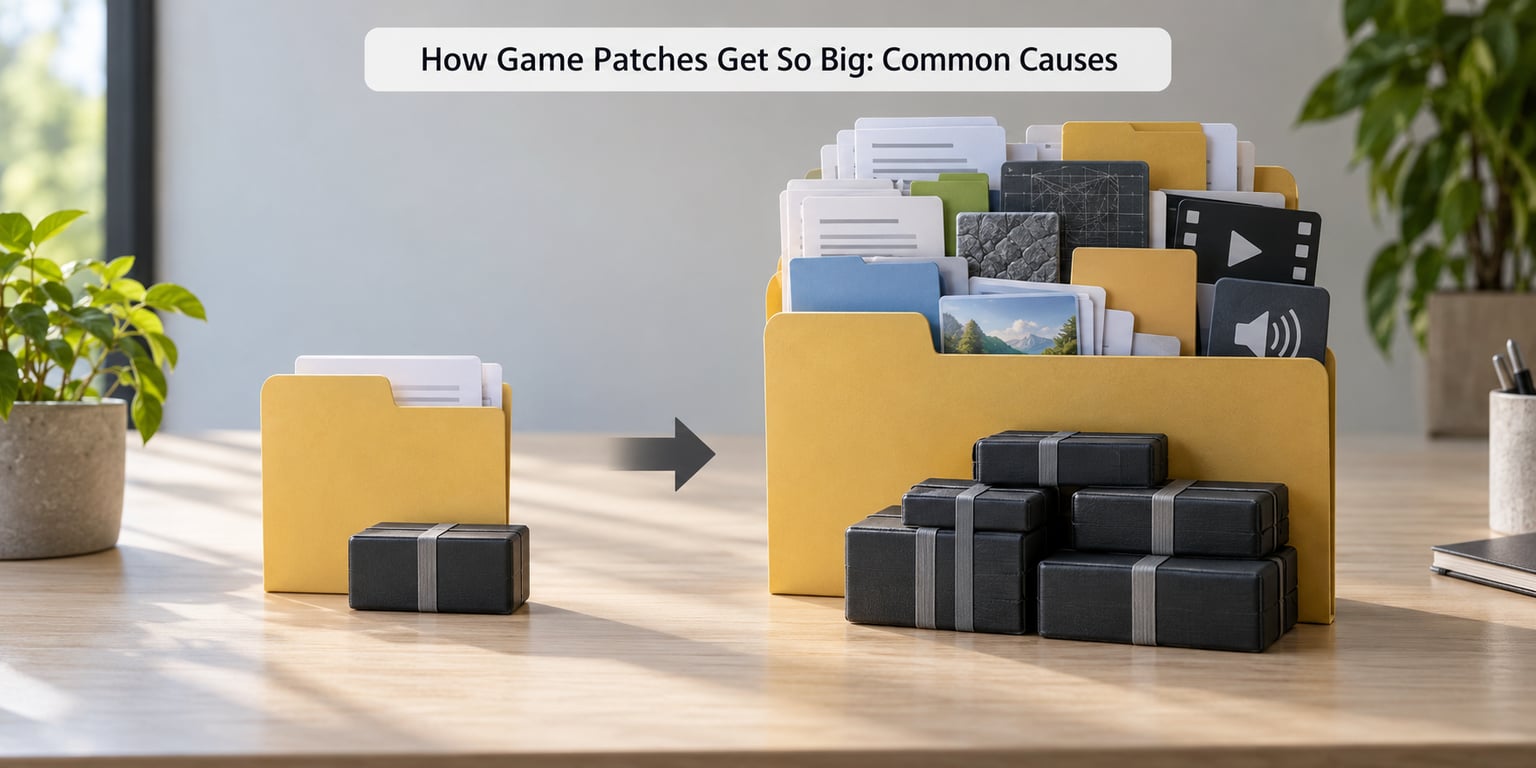
The six drivers, in rough order of how often they explain a big number:
- Assets rebuilt instead of edited, so a one-line fix ships inside a freshly generated archive.
- Bundled archives, where files are packed together for fast loading and cannot be patched individually.
- New content payload, which is just what it is: new maps, new skins, new audio banks.
- Engine and runtime rebuilds, which replace large shared libraries even for small gameplay edits.
- Platform and build parity overhead, where one update has to serve console, PC and cross-play players from the same depot.
- Metadata and chunk padding, a small but constant tax from splitting files into fixed-size download pieces.
Nobody deliberately pads a patch to fill a content pipeline. The size comes out of the architecture.
How Game Patches Get So Big: Common Causes
Delta patching only works if the studio built the game for it
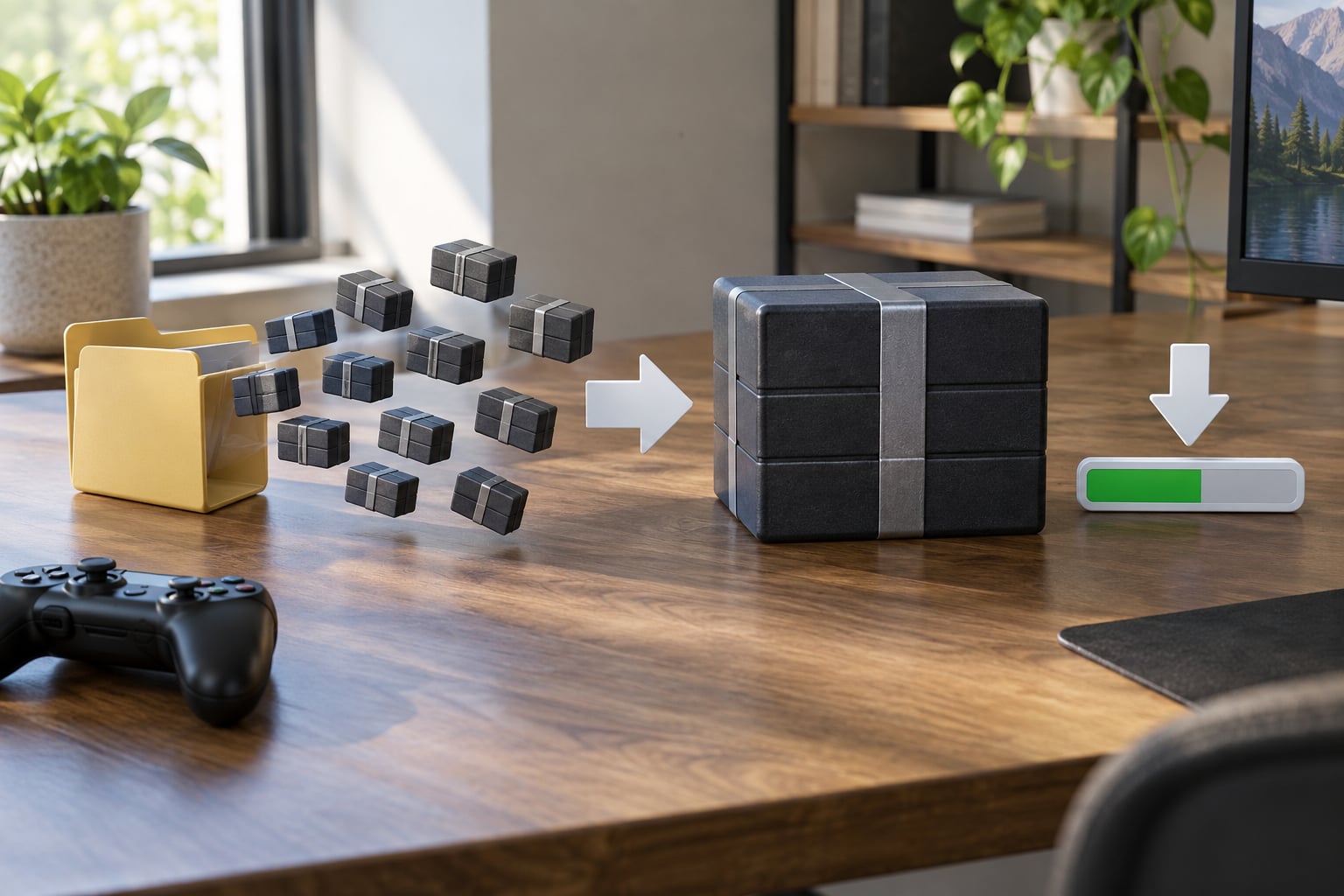
A delta patch sends you the bytes that differ between two versions, not the whole game. Steam is the most widely documented example: files are split into chunks of roughly one megabyte, each chunk is hashed, and the client compares the new build’s chunk list against the hashes it already holds. Only chunks whose hashes are new or different get transferred.
That system is efficient when it works and useless when the underlying files changed wholesale. If a hundred chunks were regenerated because an artist re-exported a material, there is nothing for the chunk comparison to match. Players on the Steam subreddit ask constantly why the delta system still produces enormous downloads, and the honest answer is that chunking only dedupes identical bytes, not similar ones.
Asset bundling forces whole-archive replacement
Game engines pack assets into archives because streaming one large, indexed file is faster than opening thousands of tiny ones. That decision, made at build time for load performance, is exactly what turns a small change into a large patch.
Change one mesh inside an archive containing 400 MB of level geometry and the archive has to be rebuilt and re-shipped in full. The old archive cannot be patched byte by byte, because the rebuilt archive differs almost everywhere after that point.
Textures, meshes and audio are the payload
When people ask why game file sizes are so big, the answer is usually resolution. A modern character texture set can run to several megabytes per character at 4K, with additional maps for materials, normals and roughness. Mesh density, HDR environment maps, ray-tracing data and audio banks add up on top.
If your update includes new or re-exported art, the byte count is not a mystery. It is the content.
Rebuild pipelines regenerate more than the change
Cooking a game build regenerates shaders, compiled geometry, lighting data and platform-specific binaries. Studios frequently ship a full cook rather than a partial one because partial cooks are fragile: a missing dependency produces a broken install, and a broken install generates support tickets.
Diablo IV players noticed this pattern when the launch-day patch landed at 33.30 GB and forum posts asked whether a fix really needed a third of the game. A rebuild-everything pipeline is one plausible answer.
Platform parity and depot overhead
The same update can differ substantially between storefronts and platforms. One studio’s Cyberpunk 2077 patch measured roughly 2 GB through one storefront and about 5 GB through another for the same content, because each build packs its own archives differently. Console updates also carry pre-rendered video and platform-specific assets that PC builds handle another way.
Cross-play adds more. When one build has to serve every platform from one depot, the update is the union of what each platform needs.
Metadata and chunk padding
Fixed-size chunks, manifests, signature data and alignment padding add up to a few percent. It never explains a huge patch on its own, but it explains why the same update reports a slightly odd number.
Why Do Studios Replace Files Instead of Sending Tiny Changes?
Because file-level diffing has a hard ceiling. Binary diffing works well on text-like data that keeps its structure, where one changed line leaves the rest of the file byte-identical. Compiled engines, compressed archives and generated asset containers do not behave that way. Change the order of entries in a packed archive and every byte after that point shifts.
Here is the worked example. A developer fixes a bug in one material constant, which changes one value inside a level asset. That asset lives in a packed archive. The archive is rebuilt, its internal ordering shifts, its checksum changes, and its contents no longer resemble the old file at any offset. A byte-level diff of old against new finds almost no matches, so the full archive has to travel.
The fix was 2 KB. The download is not, because the pipeline that produced it does not support surgical edits. This is a build architecture decision made years before the bug was found, not a decision anyone makes on patch day.
What Changes Usually Create the Largest Downloads?
| Patch type | Typical scale | Why it costs that much |
|---|---|---|
| Code-only hotfix | Megabytes to a few hundred MB | Only executables and scripts change, and delta patching handles binaries well when structure is preserved |
| Balance and quest tuning | Small | Mostly data tables, which are text-like and diff cleanly |
| Seasonal content drop | Several GB | New maps, rigs, textures and audio shipped as new assets |
| Graphics or resolution overhaul | Large | Every texture set and lighting bake is regenerated |
| Day-one or parity rebuild | Large fraction of install size | Full cook across platforms after a broken launch or a new console target |
| Engine migration or remake | Effectively a new install | New runtime, new archives, reimported content |
One long-running complaint on gaming forums is patches of 40 to 50 GB on slow connections, where players report spending more time downloading than playing. Nothing about that is a bug in the downloader. It is a full content package arriving on a line that moves 3 GB a night.
Weekly live-service updates are a different pattern. Elder Scrolls Online players note that most patches outside the six-week content cadence are small, and that the large ones line up with big file changes, which matches this table.
How Patch Sizes and Download Requirements Are Measured
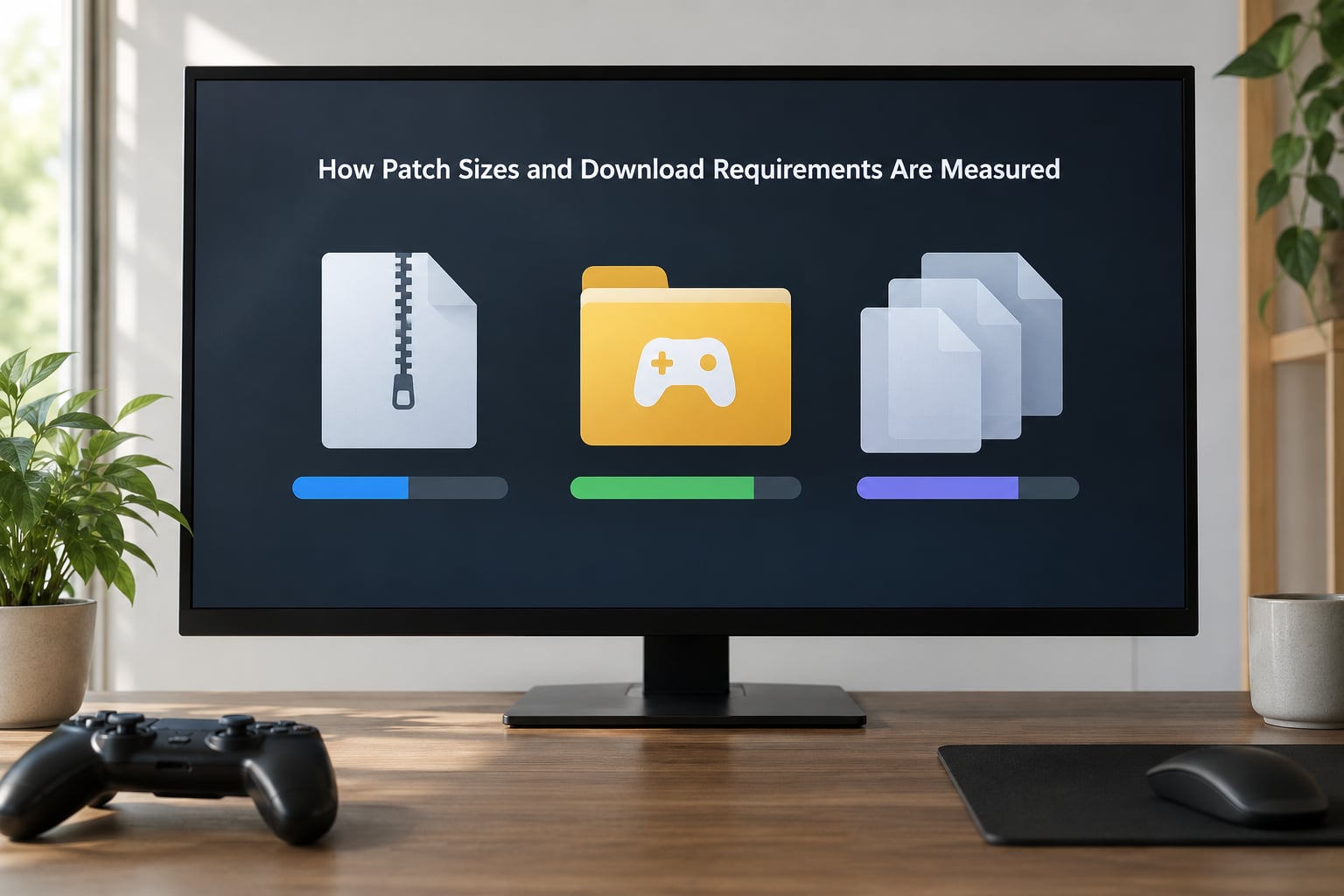
Five different numbers get called patch size, and they are not interchangeable.
| Number | What it means | Example |
|---|---|---|
| Compressed download size | Bytes transferred over the network | What the launcher progress bar counts |
| Installed size | Space the new build occupies on disk | Often far larger than the download |
| Required free space | What the launcher demands up front | Old build, new build and staging space combined |
| Temporary extraction space | Workspace needed while the update unpacks | Freed only after install completes |
| Optional preload | Early download before you commit | Charged against your data cap all the same |
That is why your required free space can exceed the download. The launcher wants room for the new files and somewhere to unpack them before the old ones are removed. With compression that gets you a smaller transfer but a larger installed footprint, so a modest download can still demand 30 GB free.
Launchers also report confusing figures. Some show the full build size rather than the delta, some round aggressively, and players have reported a launcher claiming 29 MB and then transferring several gigabytes. The number on the downloads screen is a rough indicator, not a promise.
Why Compression Does Not Always Make a Patch Small
Compression is already inside your game files. Textures, video and audio arrive in formats that are effectively pre-compressed, so running a general-purpose compressor over them buys very little and can make them larger.
Signed and encrypted containers cannot be compressed piecemeal at all, because any change to a byte invalidates the signature. A build that must ship signed archives ends up with alignment requirements that round file sizes up.
There is a runtime cost too. Games decompress on the fly to stream assets, and pushing the ratio harder means more CPU work per frame and slower random access. Studios trade compression ratio against load times, and load times win, because load time is what players actually notice.
Compression also cannot deduplicate. Two identical texture files take up two texture files’ worth of space no matter how well you squeeze the archive, unless the storage layer is chunk-based, which is the same idea delta patching uses.
How Platform Limits Lead to Chunked Patches
Updates get split into packages for practical reasons, not stylistic ones. A multi-gigabyte single file is awkward to resume, awkward to verify and impossible to fetch in parallel, so launchers break them into a manifest that lists what changed, chunk data for the changed pieces, and separate media packages for video and audio.
Manifests describe the build. Chunks carry content. Media packages carry the bulk assets. Each is verified by hash after download, which is how a launcher knows a corrupted piece did not get written to your disk.
This is also why you cannot install only the files you lack. The client fetches what the manifest says is missing or mismatched, and it decides that, not you. On some titles you can pause and resume, and on most you can preload, but partial manual installs are not a supported path.
Console updates follow the same logic under different storage rules, with packages sized to fit how the platform’s storage expects to be written.
What Players Can Check Before Installing a Patch
A two-minute check saves a failed 40 GB download on a capped line.
- Read the download number and the free-space number separately. They measure different things and you need both to fit on your drive.
- Check the patch applies to your installed version. Skipping versions or rolling back leaves the client unsure which files it holds, and it will re-fetch more than necessary.
- Look for a preload option. It moves the download to a time when you are not competing for bandwidth, but the bytes still count against a data cap.
- Confirm the platform. Console and PC builds of the same update differ, so the figure on a console store page may not match your PC download.
- Expect a restart. Many patches cannot be applied while the game is running, and the ones that can may still need a relaunch to load new asset indexes.
- Plan for extraction headroom. Reserve more than the install size, not less, or the install stalls partway through.
If your connection is the constraint, installing to an SSD is not optional in practice. Large asset sets turn a slow drive into a bottleneck where the game stutters while it streams.
Frequently Asked Questions
Why can a small game update require several gigabytes?
Because the patch ships rebuilt files, not edited lines. If one asset inside a packed archive changes, the whole archive is regenerated and re-shipped, and archives with many assets can run to hundreds of megabytes each. Compressed, split into chunks and re-signed, that becomes several gigabytes of download for a change that was tiny in the source code.
Does a large patch always mean the update contains many new features?
No. Patch notes describe intent, not file layout. Balance changes, save format migrations, shader recompiles and engine library updates can produce large downloads with a short list of player-facing changes. Conversely a big content drop sometimes ships cheaply if the art was already staged on your drive. Byte count and feature count are only loosely related.
Why does my required free space exceed the patch download size?
Because the download is compressed and the free space requirement covers three things at once: the new build on disk, the old build until it is deleted, and a staging area for unpacking the update. A 20 GB download can require 40 GB free. The requirement usually drops after the install finishes and old files are cleaned up.
Are large patches usually slower to install than small ones?
Almost always, and on an HDD the penalty is worse than the download itself. Installing means writing the new build, verifying hashes, updating asset indexes and deleting old files. On an SSD that runs at drive speed, on a hard drive it can stall for hours. Scheduling the install overnight is the cheapest fix most players have.
Can I skip a patch segment or install only the files I do not have?
Not reliably. The client compares its stored hashes against the build manifest and decides what is missing or mismatched itself. Manual file deletion usually makes the situation worse, because a missing file with no matching chunk triggers a larger re-download. Clearing the local cache and letting the client rebuild is the safer route when space is tight.
What to Check First
Before you press download, compare the launcher’s two numbers against each other: the download size it reports and the free space it requires. They describe different things, and the second is usually the larger one.
Then confirm the update applies to the version you actually have installed, and to the platform you actually play on, since console and PC builds diverge. If your drive is close to full, clear space beyond the stated requirement so extraction does not stall halfway.
Patch size is a measure of build architecture and asset resolution, not of how much care went into the update. The techniques described here have changed since the delta systems first shipped, and they will change again, so treat any specific figure you read as a snapshot of one game on one day.