Because stutter is a frame delivery problem, not a graphics power problem. A strong graphics card lifts your average frame rate, but it cannot stop the processor, a slow drive, a shader compiling mid-frame or a badly configured frame-rate limit from making those frames arrive in uneven bursts. The average FPS counter keeps reading healthy while the game feels awful.
If you have been staring at an FPS number and wondering why the game still hitches, this guide is the diagnostic order I would follow. It works on Windows 11 PCs, and most of the steps take under an hour.
Table of Contents
- What Does Game Stutter Mean?
- Is the Graphics Card Actually the Problem?
- Why Do My Games Stutter Even With a Good Graphics Card?
- How Do I Diagnose a Stuttering PC Game?
- How Do CPU Bottlenecks Cause Stutter?
- Why Does Storage Speed Affect Stutter?
- Can Drivers, Games, and Windows Updates Cause Stutter?
- How Do I Fix Uneven Frame Pacing?
- What Should I Check on Consoles and Handheld PCs?
- Frequently Asked Questions
- Can a good graphics card still cause stutter?
- Is stutter the same as getting low FPS?
- How do I know whether my CPU or GPU is causing stutter?
- Should I disable V-Sync if my game is stuttering?
- Why does lowering graphics settings make stutter worse?
- Do I need to upgrade my PC, or can I fix this in software?
- Conclusion
What Does Game Stutter Mean?
Stutter is uneven frame timing. Each frame should take the same amount of time to build and display, and stutter is what happens when one frame takes far longer than the ones around it. Your eyes are very good at spotting that irregularity, which is why a 200 FPS average with terrible 1% lows can feel worse than a steady 90.
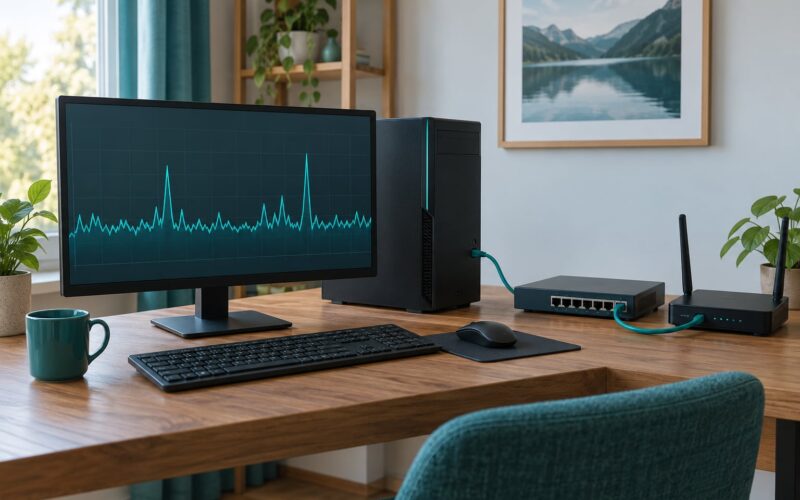
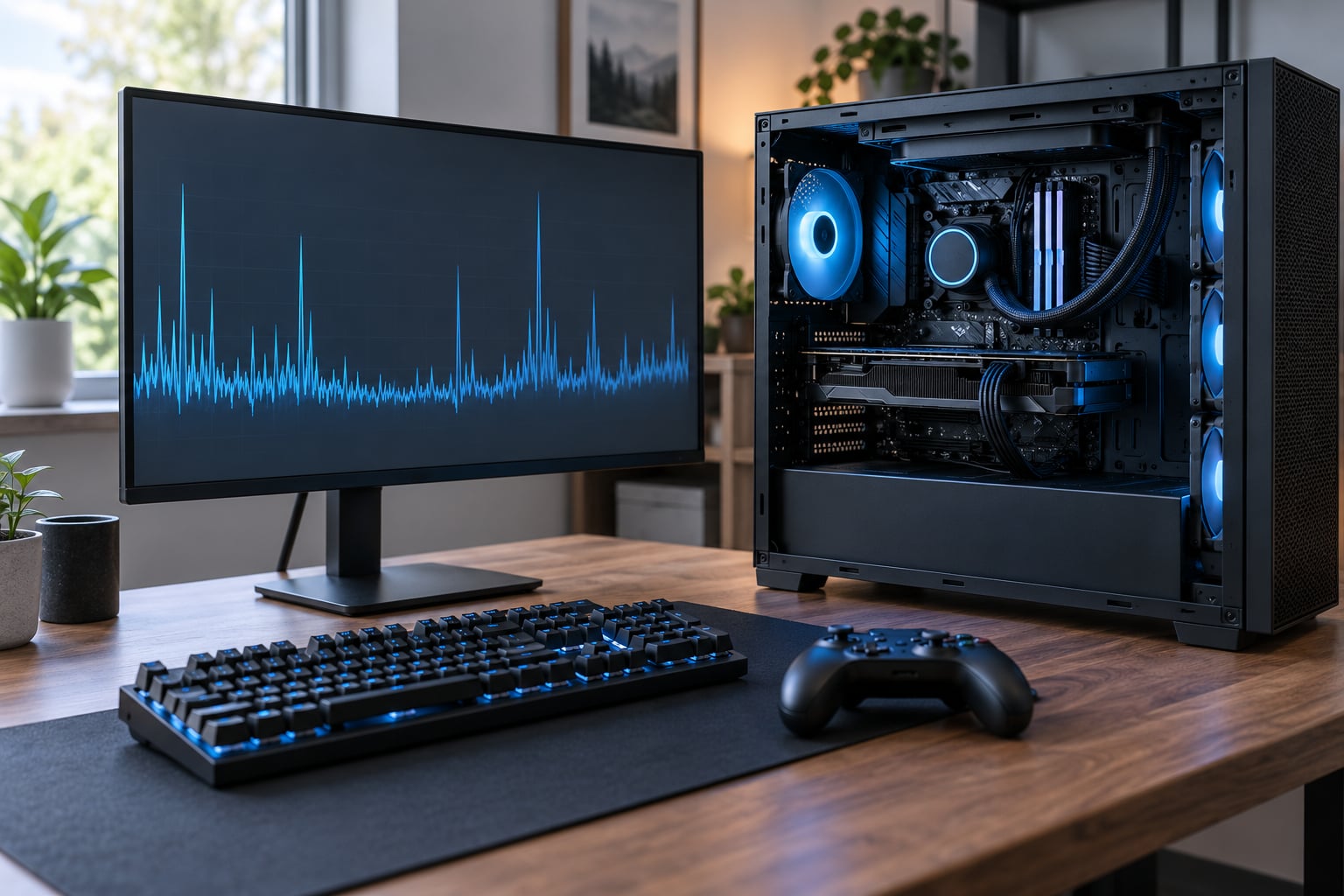
Frame time is the honest version of the FPS number. At 60 FPS each frame gets 16.7 milliseconds, at 120 FPS it gets 8.3 milliseconds, at 240 FPS it gets 4.2 milliseconds. A 1% low tells you the frame rate during the worst 1% of frames, which is where the hitching you feel actually lives.
Not every problem looks like stutter. Network lag, input lag and low frame rate get lumped in with it constantly, and chasing the wrong one wastes a whole evening.
| What you see | What it actually is | How to test it |
|---|---|---|
| Motion pauses for a fraction of a second, everything else feels fine | Stutter, a frame-time spike | Watch a frame-time graph in CapFrameX or MSI Afterburner |
| Whole game runs smoothly but feels like it responds half a second late | Input lag | Move the mouse in a desktop menu, with no game running |
| Characters teleport, shots miss, enemies warp around | Network lag, not stutter | Check ping and packet loss, everything is smooth locally |
| Consistently low but smooth frame rate | Low FPS, not stutter | Frame-time graph is a flat line at a low value |
| Small hitch, once every few seconds, in one game only | Shader compilation or asset loading | Happens on every fresh launch of that game |
Is the Graphics Card Actually the Problem?
Usually it is not, and proving that in five minutes is the single most useful thing you can do before spending money. Here is the test: uncouple the frame rate, turn V-Sync off, and watch GPU utilization while the stutter happens.
If the game is truly limited by the graphics card, utilization will sit at 95 to 99 percent and the frame times will be uneven because the card is saturated. If utilization drops to 40, 60 or 80 percent during a hitch, the card is idle and waiting for something else, and the bottleneck is upstream.
Users on r/Borderlands4 describe exactly this test, and it is the most repeated piece of advice across the forums. One r/computers user was sitting at 90 percent GPU usage and still got diagnosed with CPU throttling and a high-priority background process stealing main-thread time.
Check the other half of the equation too. Watch CPU usage per core, GPU temperature, GPU clock speed against boost clock, and what the disk is doing. Those five numbers together tell you which component stalled.
Why Do My Games Stutter Even With a Good Graphics Card?
In rough order of how often each one is the actual culprit, here are the causes behind why do my games stutter even with a good graphics card. A capable card removes one link in a chain of several, and any other link can stall it.
- CPU limits and main-thread hitches. The processor runs game logic on one or two threads, and a single slow frame of logic produces a visible stutter even when the GPU is barely working.
- Shader compilation. The game compiles new material shaders while you play, which blocks frames until compilation finishes. Common in DirectX 12 titles.
- Frame pacing misconfiguration. V-Sync, G-Sync, FreeSync and frame caps fighting each other, or a frame limit far above your refresh rate.
- Slow, full or failing storage. Asset streaming stalls when a drive cannot hand over a texture or model in time.
- Memory configuration. RAM running at default JEDEC speed instead of its XMP or EXPO profile, or running single-channel.
- Drivers, overlays and background software. Driver regressions, screen recorders, Discord, Xbox Game Bar, MangoHud, sync clients and antivirus hooks.
- Thermal or power throttling. A hot card, a hot CPU or a laptop switching between power modes mid-session.
- BIOS settings. Resizable BAR and Above 4G Decoding left disabled, which is exactly what caused the longest-running stutter thread on the Tom’s Hardware forums.
How Do I Diagnose a Stuttering PC Game?
Work through these in order and change one thing at a time, otherwise you will never know which change helped. The whole process takes about an hour on a quiet evening.
- Record the symptom. Note whether it happens in one game or every game, whether it started suddenly, and whether it is worst in dense areas like towns, cities or raids.
- Measure frame time. Install CapFrameX, or use MSI Afterburner with RivaTuner Statistics Server for an on-screen overlay. Look for spikes, not averages.
- Check utilization during a hitch. Open Task Manager with Ctrl+Shift+Esc, go to Performance, and watch GPU, CPU and disk at the exact moment the game stutters.
- Test in a menu or a stationary scene. If the stutter disappears when you stand still, the cause is load-dependent, which points at the CPU or storage.
- Check storage health. Run CrystalDiskInfo. Look at the drive the game is installed on, not just your best drive.
- Test memory. Run MemTest86+ for a full pass. Overclocked memory that is not fully stable produces stutter that looks exactly like a driver problem.
- Check recent software changes. Did Windows, a GPU driver or a game patch land in the last few weeks?
- Check the BIOS. Enable Resizable BAR and Above 4G Decoding, and confirm your memory profile is on.
This table is the shortcut version of the same process.
| Symptom | Likely cause | How to confirm | Fix |
|---|---|---|---|
| Stutter only in cities, towns or raids | CPU main-thread limit or asset streaming | GPU utilization drops during the hitch | Cap quality, close background apps, move the game to a faster drive |
| Hitch on every fresh launch, then smooth | Shader compilation | Second session in the same game is clean | Let the game pre-cache, or use the vendor pre-cache tool |
| Stutter in every game, started suddenly | Driver or Windows update | Date matches the change | Clean driver install, or roll back one version |
| Sawtooth frame times with VRR on | Frame cap too far above refresh rate | Removing the cap makes it smooth | Cap a few frames under refresh rate |
| Lower settings made it worse | Change in which pipeline or asset path is used | Reverting restores the old stutter | Revert, then fix the real bottleneck |
| Stutter plus slow load times | Slow or nearly full drive | CrystalDiskInfo warning, or a mechanical disk | Free space, then move the game to an SSD |
How Do CPU Bottlenecks Cause Stutter?
Because game logic runs on one or two main threads, and a single slow frame of logic shows up as a stutter no matter how good your graphics card is. GPU utilization below 90 to 95 percent while frame times spike is the classic signature, and it is why the thread on the Tom’s Hardware forums about a Ryzen 5 5600X and an RX 6750 XT kept pointing at the processor rather than the card.
That user held 75 FPS on average while 1% lows collapsed to roughly 18 FPS inside cities, and the same rig ran 3DMark and FurMark perfectly. Benchmarks stress the hardware evenly, so they will not reproduce a single-thread stall.
Strategy games, city builders, simulations and large open worlds are the worst cases. If your stutter shows up when a screen is full of people, vehicles and physics objects, that is draw calls and AI logic, and no amount of texture quality changes it.
Why Does Storage Speed Affect Stutter?
Because games stream assets as you move, and a frame that waits on a disk read waits on a variable time. A spinning hard disk can take tens of milliseconds to fetch one model, which is a visible hitch.
Counterintuitively, a faster graphics card can make this worse. One user on the NVIDIA forums who upgraded from a 1070 Ti to a 2070 Super got more stutter, and the theory was sound: the card was rendering faster than the Firecuda hard drive could feed it. A stronger GPU exposes a storage limit that was previously hidden.
Also worth checking: a drive that is nearly full, a drive reporting health warnings in CrystalDiskInfo, and a mechanical drive used for the Windows page file. Free up 15 to 20 percent of the drive, move the game, and keep the page file on the fastest drive you own.
Can Drivers, Games, and Windows Updates Cause Stutter?
Yes, and this is the branch to take when the stutter started all of a sudden. A new driver can regress frame pacing, a Windows update can change scheduling, and a game patch can invalidate a working shader cache overnight.
Shader compilation deserves its own mention. When a game meets new terrain, lighting or enemy types, it compiles shaders on the fly and the frame waits. In DirectX 12 titles this is common, and users on r/Overwatch and r/pcmasterrace repeatedly traced recurring stutter to it, while r/Games users traced load stutter in the Elden Ring PC port to shader loading specifically. Let each game finish pre-caching after a fresh launch, and the second playthrough is usually clean.
Then check the quiet offenders. A user on r/cachyos removed stutter entirely by disabling MangoHud, with the GPU only at 40 to 60 percent, which points at overlay overhead on the main thread rather than a graphics limit. The same applies to Discord, GeForce Experience or Adrenalin overlays, the Xbox Game Bar background recording, cloud sync clients and antivirus real-time scanning.
For a driver fix, use a clean install rather than an over-the-top update. In the NVIDIA Control Panel or AMD Adrenalin, choose a clean install during setup, or use DDU in safe mode if the problem persists. Then verify game files through the launcher.
How Do I Fix Uneven Frame Pacing?
Frame pacing is the even spacing of delivered frames, and V-Sync, G-Sync, FreeSync and frame caps all change it. The fix depends on whether you have a variable refresh rate display, because VRR changes which combination behaves well.
With a variable refresh rate monitor, turn V-Sync off inside the game, enable VRR in the monitor’s own menu and in your graphics driver, then cap the frame rate a few frames below your refresh rate. Without VRR, V-Sync with a sensible cap is the smoother option, and an uncapped frame rate above refresh rate is the worst one.
NVIDIA Reflex and AMD Anti-Lag reduce input latency, but they do not fix stutter. Beating down graphics quality is a similar trap. The Tom’s Hardware user who solved their two-year stutter problem found that turning settings down made the hitches happen more often, because the game switched load paths and got slower, not smoother.
What Should I Check on Consoles and Handheld PCs?
On a PlayStation or Xbox, the graphics card is fixed, so the causes are narrower. Install pending system updates, verify the installed game rather than downloading it again, close capture and broadcasting features, and check the TV’s game mode, which is the console-side equivalent of frame pacing.
On handheld PCs and gaming laptops, power mode is the first suspect. Plugged in and on performance mode, the processor and graphics card hold their boost speeds; on battery or a balanced profile they shift constantly, and that shifting feels exactly like stutter. Hybrid graphics switching and a mismatched driver on the integrated chip are the other common causes.
Frequently Asked Questions
Can a good graphics card still cause stutter?
Yes, and it is the normal case. A powerful card raises average frame rate but cannot control frame pacing, CPU limits, shader compilation, storage stalls or a bad frame cap. The decisive clue is whether GPU utilization drops during the hitch: a card sitting below 90 percent while frame times spike is waiting on something else, not the bottleneck itself.
Is stutter the same as getting low FPS?
No. Low frame rate means the game is producing relatively few frames per second, and the motion is consistently slow. Stutter means frame delivery is irregular even when the average looks acceptable. A machine holding 120 FPS with 1% lows at 25 will feel worse than one holding a steady 90, because the pauses are what your eyes catch.
How do I know whether my CPU or GPU is causing stutter?
Watch both processors during the same hitch. High CPU usage with GPU utilization below roughly 90 to 95 percent suggests a CPU or main-thread limit. A consistently saturated GPU at 95 to 99 percent with high frame times suggests the graphics card is genuinely the limit. Turn V-Sync off and uncap the frame rate first, or the cap will hide the reading.
Should I disable V-Sync if my game is stuttering?
Not automatically. V-Sync prevents tearing and can improve perceived smoothness, but an unlimited frame rate above your refresh rate produces uneven pacing, and some VRR combinations are worse than none. Test it: turn V-Sync off, cap a few frames below your refresh rate, and see whether the frame-time graph goes flat. Then decide with evidence.
Why does lowering graphics settings make stutter worse?
Because some settings change which code path the game uses. Lower quality can shift load toward the CPU, or toward a path that streams more assets, and the bottleneck moves without improving anything. One user on the Tom’s Hardware forums found their stutter got more frequent at lower settings and only stopped after enabling Resizable BAR and Above 4G Decoding in the BIOS.
Do I need to upgrade my PC, or can I fix this in software?
Start with software. Clear overlays and background recorders, do a clean driver install, verify game files, enable Resizable BAR and Above 4G Decoding, confirm your memory profile is active, and check drive health. Upgrade only after measurement shows a real hardware limit, and the CPU or the drive is usually the right upgrade before a faster graphics card.
Conclusion
Start by measuring, not buying. Watch a frame-time graph through an actual hitch, note CPU and GPU utilization, check temperatures and disk health, and look at what changed recently in Windows, your driver or the game itself. If GPU utilization drops during the stutter, your graphics card is not the problem, and the fix will be in the processor, the storage, the frame-pacing settings or the BIOS.