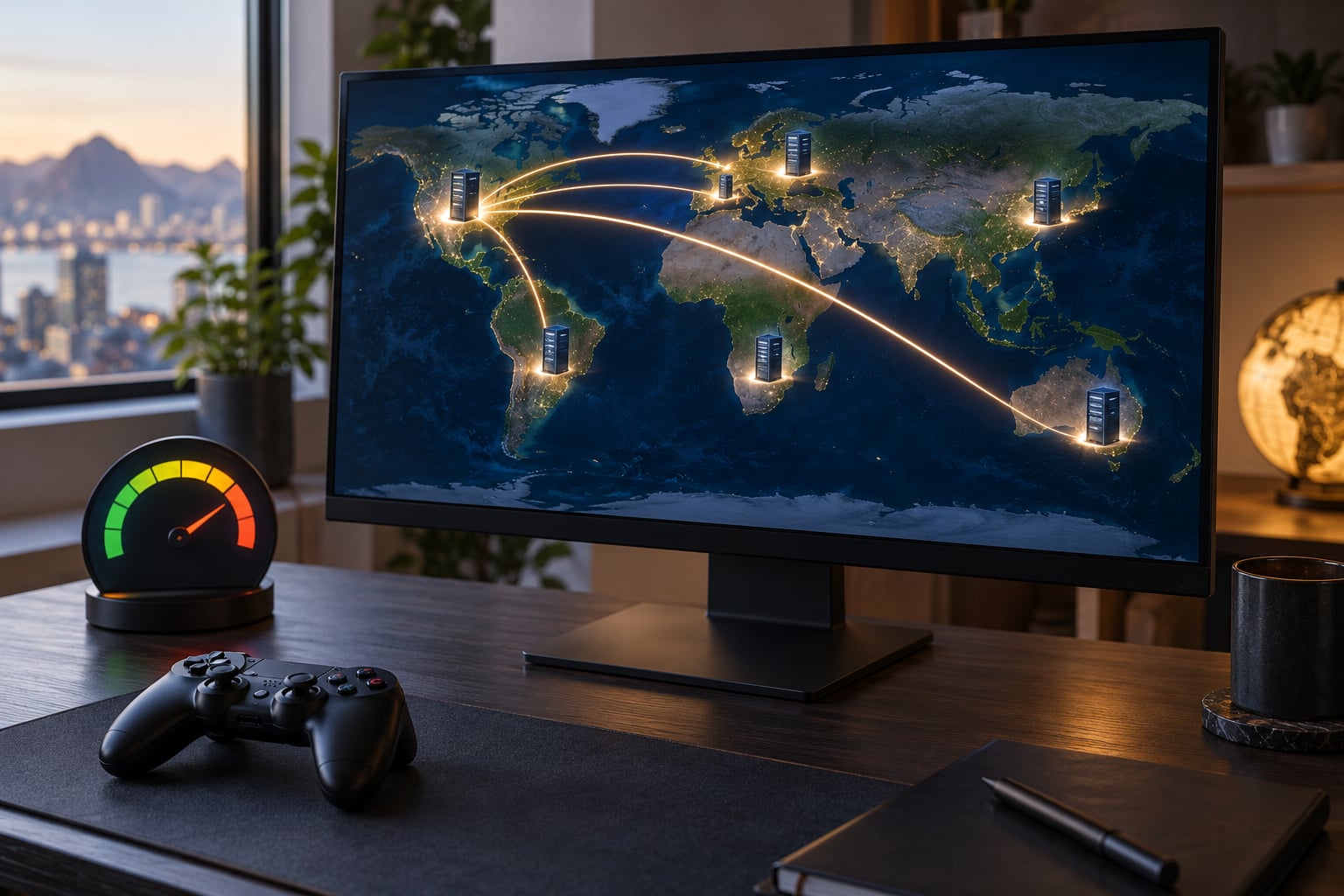
If you have ever moved between regions in the same game and watched the ping number swing by 80 ms without changing anything on your own setup, you have seen server regions affect your ping first-hand. A region is a cluster of machines in a real datacenter, and your inputs have to reach those machines and come back before anything happens on screen. Distance sets the minimum time that trip can take; routing and load decide how far above that minimum you actually land.
This guide walks through what ping measures, how many milliseconds each extra thousand kilometers costs, why a region labeled “close” is sometimes the slower option, and how to measure every candidate region yourself before you settle on one. It takes about ten minutes of actual testing, and it removes most of the guesswork people argue about in forums.
Table of Contents
- What Is Ping in Online Gaming?
- How Server Regions Affect Your Ping
- How Much Does Distance Increase Ping?
- How to Choose the Closest Server Region
- Other Network Factors That Affect Ping
- How to Test and Reduce Your Ping
- Why Can a Distant Server Have Better Ping?
- When High Ping Is Not the Server Region’s Fault
- Frequently Asked Questions
- Does server distance affect ping?
- Why is my ping so high in my own region?
- Is 40 ms latency good for gaming?
- Is 70 ping bad for gaming?
- What does 400 ping mean in a game?
- Does a VPN reduce ping to game servers?
- What to Do First When Your Ping Is High
What Is Ping in Online Gaming?
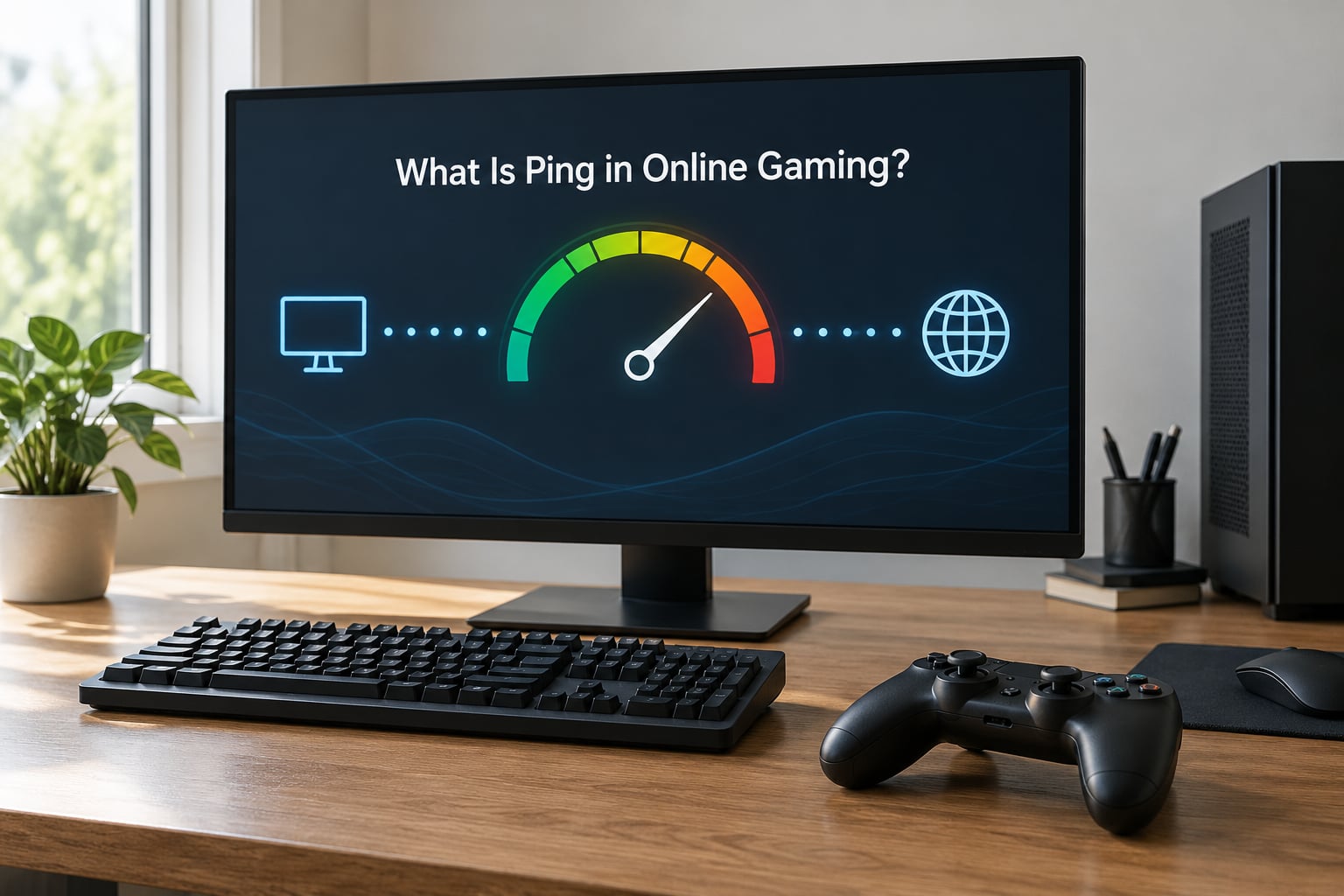
Ping is the round-trip time for a small packet: how many milliseconds it takes for a packet to leave your machine, reach the server, and come back. Nothing else is included in that number. It does not measure how fast your download is, how many frames you are rendering, or how busy the server is.
That distinction matters because fast internet and low ping are unrelated. A gigabit fiber line can sit at 180 ms to a distant server, and a modest cable connection can hold 20 ms to a nearby one. Bandwidth tells you how much data moves at once. Latency tells you how long a single packet waits.
Three related terms show up constantly and are worth separating out. Jitter is the variation between consecutive pings. Packet loss is a packet that never arrives at all. Rubberbanding is the in-game symptom where your character snaps back to where the server thinks you were.
Here is how the numbers translate into actual play:
| Ping | What it feels like | What it is fine for |
|---|---|---|
| Under 20 ms | Input feels connected, almost local | Competitive shooters, fighting games, anything timing-based |
| 20 to 50 ms | Imperceptible for most players | Most competitive play, MMO boss mechanics, co-op |
| 51 to 100 ms | Slight delay, noticeable on peeks and trades | Open world games, MMOs, most co-op shooters |
| 101 to 200 ms | Clear input delay, whiffs and desync start appearing | Single-player, casual multiplayer, strategy |
| Over 200 ms | Combat feels detached, teleporting enemies | Mostly single-player content |
A steady 60 ms plays better than a 35 ms number that keeps jumping to 200. Predictability matters more than the headline figure, which I will come back to below.
How Server Regions Affect Your Ping
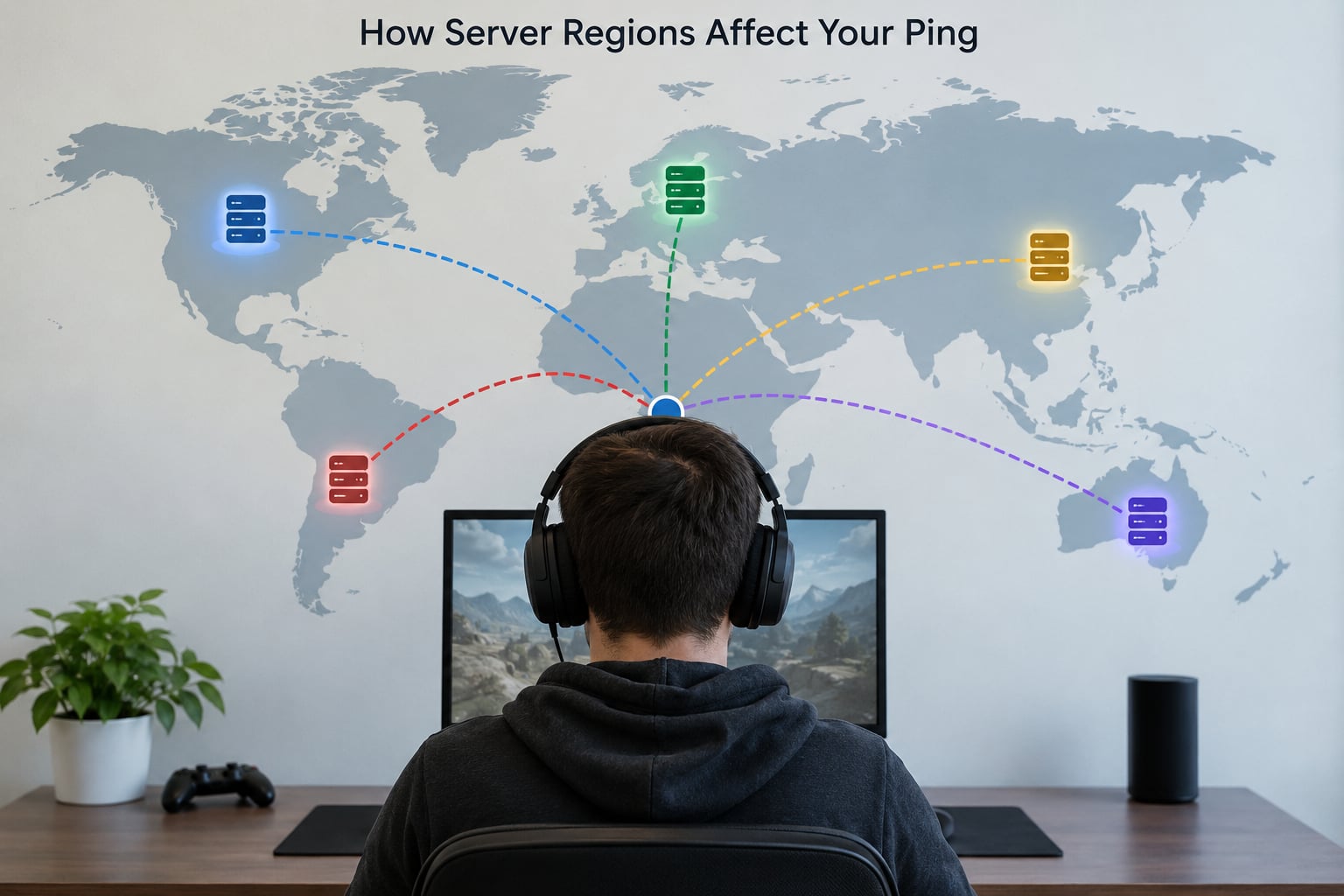
Server regions affect your ping because your data physically travels to that region’s datacenter and back. Every extra kilometer adds milliseconds you cannot remove with a faster connection. Switching regions changes that travel distance, which changes your round-trip time, and how much it changes depends on routing, congestion and server load on top of the raw distance.
What actually changes when you switch a server region:
- How many kilometers each packet travels, and how many network hops it crosses.
- Whether your ISP has a direct peering agreement with the network hosting that region.
- How much traffic shares your path, especially during evening peak hours.
- The processing delay the server itself adds under load.
- The size of the player pool, which decides queue times and matchmaking quality.
That last one is why ping alone is a poor decision rule. A 25 ms region with 8-minute queues is worse than a 60 ms region where matches start in twenty seconds.
How Much Does Distance Increase Ping?
Light travels through fiber optic cable at roughly 200,000 kilometers per second, about two thirds of its speed in a vacuum. Ping measures a round trip, so the distance counts twice.
Here is the arithmetic. One thousand kilometers of fiber each way, 2,000 km total, divided by 200,000 km per second, gives exactly 10 milliseconds of travel time. That is the physical floor. No router, no plan, no amount of money moves it.
| Distance to the server | Minimum round trip in fiber | Typical real ping |
|---|---|---|
| 500 km | about 5 ms | 10 to 25 ms |
| 2,000 km | about 20 ms | 35 to 70 ms |
| 5,000 km | about 50 ms | 80 to 130 ms |
| 10,000 km | about 100 ms | 150 to 250 ms |
Real pings run two to three times the light-speed floor because packets rarely travel in a straight line. Each router, switch, and exchange point a packet passes through adds processing time, typically under a millisecond, but there can be fifteen or twenty of them.
The 10,000 km row explains a lot of frustration. Players in Southeast Asia and Oceania connected to North American servers see 150 to 250 ms, and that is not a broken setup. That is the arithmetic of the route. Games with no region picker force exactly this, which is why those complaints fill regional forums so consistently.
So is 1000 ping a one-second delay? Roughly, yes, and that is the whole problem. Anything above about 300 ms stops being a game of skill and turns into a waiting simulator, because an opponent’s action reaches you a full second after you committed yours.
How to Choose the Closest Server Region
The word “closest” is where most guides go wrong, because region labels are loose buckets rather than addresses. “EU West” might mean a datacenter in France, the Netherlands or London. “Asia” in one game is Singapore, in another it is Tokyo, in a third it is Sydney. “North America East” has sat in Virginia and in Montreal depending on the title and the year.
Use the label to build a shortlist, never to make the decision. If a game does not let you pick a region at all, nothing in this guide changes your latency. You are limited to local fixes, and the only real options are a different game, a different platform, or accepting the ping you are given.
Here is the method I use:
- Shortlist two or three regions that include the nearest labeled option. Skip anything obviously out of your continent unless it is the only one with a live player pool.
- Find the in-game ping display. On PC, most shooters have a netgraph or a connection panel in the settings. On Xbox, the network test in Settings, Network, Network Settings, Network Diagnostics and the connection status icon in the guide show packet loss and latency. On PlayStation, Settings, Network, Network Status reports connection quality and upload bandwidth.
- Run each candidate during your normal play hours, not at 4 am. A region that looks best in an empty network at dawn can be the worst option at 9 pm.
- Watch the graph, not the average. Note the low, the average, and the highest spike across a few matches.
- Test a second evening before committing. Routing changes, and one good night proves little.
- Factor in the player pool. Check the queue time on each region and where your friends or clan play.
- Lock it in. Once a region gives you a stable number and acceptable queues, stop re-testing every week.
Compare a nearby region against a distant one and the result is often not what the map predicts. That is the subject of the next section.
Other Network Factors That Affect Ping
Geography is the largest single factor and still only one of several. These are the others worth knowing about.
ISP routing. Your provider picks the path your traffic takes to reach the game’s network. One ISP may hand traffic to an internet exchange point two cities away; another peers directly with the same network and sends it straight there. Where your provider’s office physically sits matters far less to ping than its topology does.
Peak-hour congestion. Residential lines are usually oversubscribed. Between 7 pm and 11 pm, packets queue behind everyone else’s video calls and downloads, and your ping climbs even though nothing on your end changed.
Wi-Fi. A wireless link re-transmits and competes with every other device on the channel. Neighboring networks, microwaves and Bluetooth all interfere. A wired Ethernet connection removes that variable entirely, which is why it is the first fix anyone tries.
Connection type. Fiber, cable, DSL and satellite have different latency profiles, mostly measured in how far the signal physically travels. Satellite is the extreme case, with hundreds of milliseconds before your traffic ever joins the regular internet.
Background traffic. Uploads matter more than downloads. One cloud backup or a large game download saturating your upload capacity delays your own outgoing packets, which is where your input travels.
Server load and tick rate. A crowded region queues your packets on top of everyone else’s. A game with a low tick rate updates the world infrequently regardless of your ping, which can look like latency even when the number reads well.
Your own hardware. A machine that cannot hold frame rate produces input delay that no network change fixes. CPU-bound games stutter even at 8 ms ping.
A quick symptom check before blaming your connection:
| Symptom | Most likely cause |
|---|---|
| Fine on one region, bad on another, same setup | Distance and routing to that region |
| Fine until evening, bad all night | Congestion on your ISP’s line |
| Average looks fine but the game stutters | Jitter and packet loss |
| Smooth on other games, bad on one title | That region’s path or load |
| Stutter with a low number and high frame rate | Frame drops on your hardware, not network |
| Smooth on Ethernet, bad on Wi-Fi | Wireless interference or distance to router |
How to Test and Reduce Your Ping
Measure before you change anything. The whole procedure takes about ten minutes.
On Windows, open Command Prompt and run ping [server address] -n 20. On macOS, open Terminal and use ping -c 20 [server address]. Twenty samples give you an average, a minimum and a maximum, which is far more useful than a single reading from a website.
Two caveats. A ping to a random address tells you about that address, not about your game server, which is why the in-game netgraph is the number that actually predicts your experience. And console games do not expose a command line, so the platform’s own network diagnostics are your only option there.
Once you know where you stand, these are the changes that help:
- Go wired. Connect by Ethernet if you can. It removes wireless contention and usually cuts spikes immediately.
- Stop uploading. Pause cloud sync, game downloads, and video calls before playing.
- Restart the router and the modem. Occasionally the router holds onto a poor path until it is cycled.
- Use QoS on your router if your model has it, prioritizing the game traffic. The feature is cheap and underused.
- Update router firmware, which sometimes includes routing table improvements.
- Ask your ISP about routing. A provider can often confirm whether your path to a specific network is degraded.
- Re-test after any change to your setup. A new router, a new plan, or a firmware update can change the picture entirely.
Two popular fixes deserve plain answers. Changing your DNS can make a domain resolve faster, which shaves a small amount off the connection setup time, but it does not shorten the round trip to a game server once connected. A gaming VPN can help when your ISP’s path to a particular region is genuinely bad, since it can give you a different entry point into the destination network. It cannot beat physics, and routing your traffic through an extra server often adds latency rather than removing it.
Why Can a Distant Server Have Better Ping?
Because straight-line distance is a floor, not a forecast. The path taken can be longer, more congested, or more expensive to traverse than the geographic alternative.
Peering. Networks hand traffic to each other at internet exchange points, and the quality of that handoff is a commercial arrangement. If your ISP has a direct peering agreement with the network hosting a region 2,000 km away, your packets may take a clean route straight there. If it does not, those same packets might get handed to a transit provider, cross an ocean, and come back.
Where the cable lands. Submarine cables have landing points, and a route that looks short on a map may physically detour to reach one. Players in the UK have long reported that a region labeled EU West sits in mainland Europe and returns a high number, because the cable and the backbone head south.
Congestion on your side. A nearby server sharing your ISP’s congested evening path can lose to a distant one on a clean circuit.
Server-side processing. Part of the ping you see is added by the server, not the network. A well-equipped facility in a farther city can beat an oversubscribed one nearby.
Two players sitting in the same city can see ping differences of 40 ms or more on the same game, for exactly these reasons. If your region’s number looks wrong, run a traceroute to the game’s address and see how many hops it takes and where they go.
When High Ping Is Not the Server Region’s Fault
Before you spend an evening switching regions, it is worth confirming the region is the problem at all.
Consistent high latency is the region. The number sits roughly flat and high across every match, every hour. Distance and routing explain this.
Jitter looks different. Your average is fine but gameplay stutters in waves. Spikes usually trace to congestion, a background upload, wireless interference, or a server under load.
Packet loss shows as a warning in many games, or as objects that simply refuse to move. One percent loss is enough to cause visible problems even at low latency.
Desync and input delay with a low number point at your hardware or the game’s tick rate rather than your connection.
Locked regions mean the decision was made for you. Console accounts tied to a region and games without a selector remove the variable entirely, leaving only local fixes.
A simple test covers most of this: play the same game on a second network, such as a phone hotspot, for twenty minutes. If the ping stays high, your connection is not the cause and switching regions is the only lever left.
Frequently Asked Questions
Does server distance affect ping?
Yes, directly. Ping is round-trip time, so the full distance to the server is traveled twice. In fiber, each 1,000 km adds about 10 ms of pure travel time before any routing or equipment delay. That is the hard floor: a server 10,000 km away cannot return anything faster than about 100 ms no matter how good your connection is.
Why is my ping so high in my own region?
The label is probably not telling you where the hardware sits. Regions named after an area can host their datacenter far from part of that area, and your ISP’s routing to that network may take an indirect path. Compare your number against the distance table, then run a traceroute to the game’s address to see how many hops your traffic really takes.
Is 40 ms latency good for gaming?
40 ms is comfortably good. It falls in the band where almost no delay is perceptible, and it is well inside the range competitive shooters and fighting games are played at. Below 20 ms is the ideal ceiling of what most players can perceive. The number worth watching is not the average but how far it spikes during a match.
Is 70 ping bad for gaming?
It depends on the genre. In a competitive shooter, 70 ms costs you trades and peeks because the server sees your actions late. In an open-world game or an MMO, 70 ms is comfortable and most players stop noticing it. If you play one genre and not the other, judge the number against what that genre demands rather than against a universal threshold.
What does 400 ping mean in a game?
Roughly four tenths of a second each way. That is past the point where combat is competitive: opponents see your moves after you have committed to them, hits land noticeably after the screen shows them, and movement often desyncs. Games remain playable at 400 ms for story content and slow strategy, but any reflex-based fight becomes a guessing game.
Does a VPN reduce ping to game servers?
Sometimes, but not for the reason people expect. A VPN cannot make a distant server closer. It can help when your ISP routes traffic to that game network badly, by giving you a different entry point, and it can hurt by adding an extra hop through the VPN provider. Test with and without it on the same region before deciding, since the result varies by ISP and by game.
What to Do First When Your Ping Is High
Start here, in this order. It takes fifteen minutes and covers most cases.
- Read the region name and the ping number from your in-game network display.
- Compare the number against the distance table to see whether it is worse than the physical floor.
- Switch to the nearest region you have not tested and measure it during your normal play hours.
- Connect by Ethernet, pause uploads, and measure again.
- Compare the graph rather than the average, and check the queue times on both regions.
- If the latency stays high everywhere, ask your ISP whether their route to that game’s network is degraded.
Distance sets a floor you cannot buy your way out of. Routing, congestion and load decide how close you get to that floor, and all three are things you can measure yourself in about ten minutes.