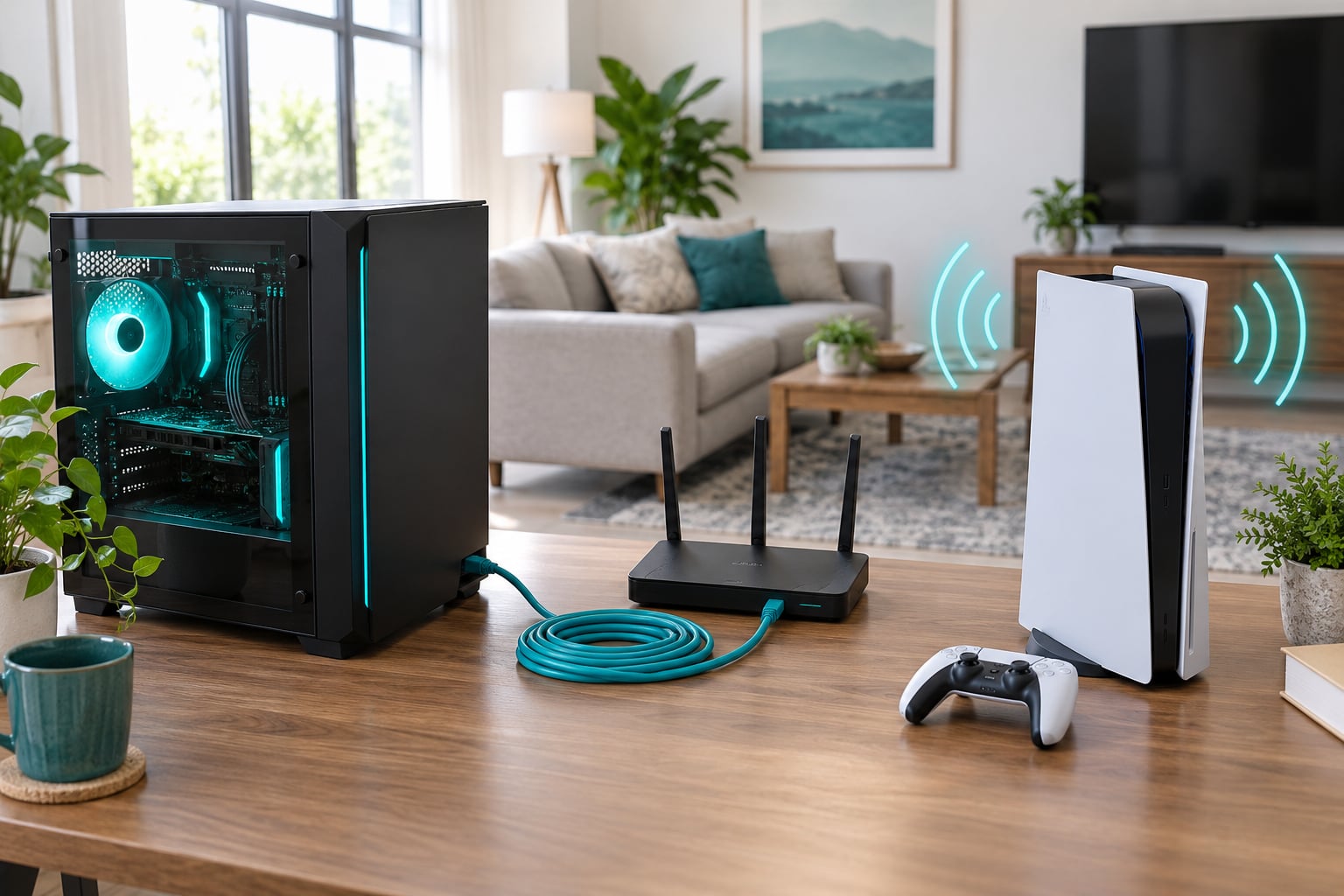
Wired internet affects gaming by making latency predictable, not usually by lowering the number in the corner of your screen. A cable removes the wireless hop, so you lose the jitter, the lag spikes and the silent stutter that comes with distance, walls and crowded airwaves. Your average ping is set mostly by the route from your ISP to the game server, which no cable in your house can change.
That single distinction explains almost every thread arguing about Ethernet versus Wi-Fi. People expect a cable to drop their ping from 40 ms to 15 ms. It usually does not. What it does is stop the 90 ms spikes that lose duels.
Table of Contents
- How wired versus wireless internet affects gaming at a glance
- What does wired internet do to gaming latency?
- Do you get 0 ms ping with Ethernet?
- Why your ping did not drop after you plugged in
- How does wireless internet affect gaming performance?
- Why wireless internet affects gaming even when ping looks fine
- Wired or wireless: which is more consistent during a match?
- Does wired internet always have faster download speeds?
- How much bandwidth do you actually need?
- How much do interference and router placement matter?
- Which Ethernet cable should I buy?
- Five ways to cut lag spikes when you cannot run a cable
- Which connection should you choose for gaming?
- Frequently Asked Questions
- Is Ethernet better for gaming than Wi-Fi?
- Does Wi-Fi cause lag even when your internet speed is high?
- Do you get 0 ping with Ethernet?
- Why did my ping not improve after I plugged in Ethernet?
- Is 5 GHz or 6 GHz Wi-Fi better for gaming?
- Which Ethernet cable should I buy for gaming?
- Bottom Line
How wired versus wireless internet affects gaming at a glance
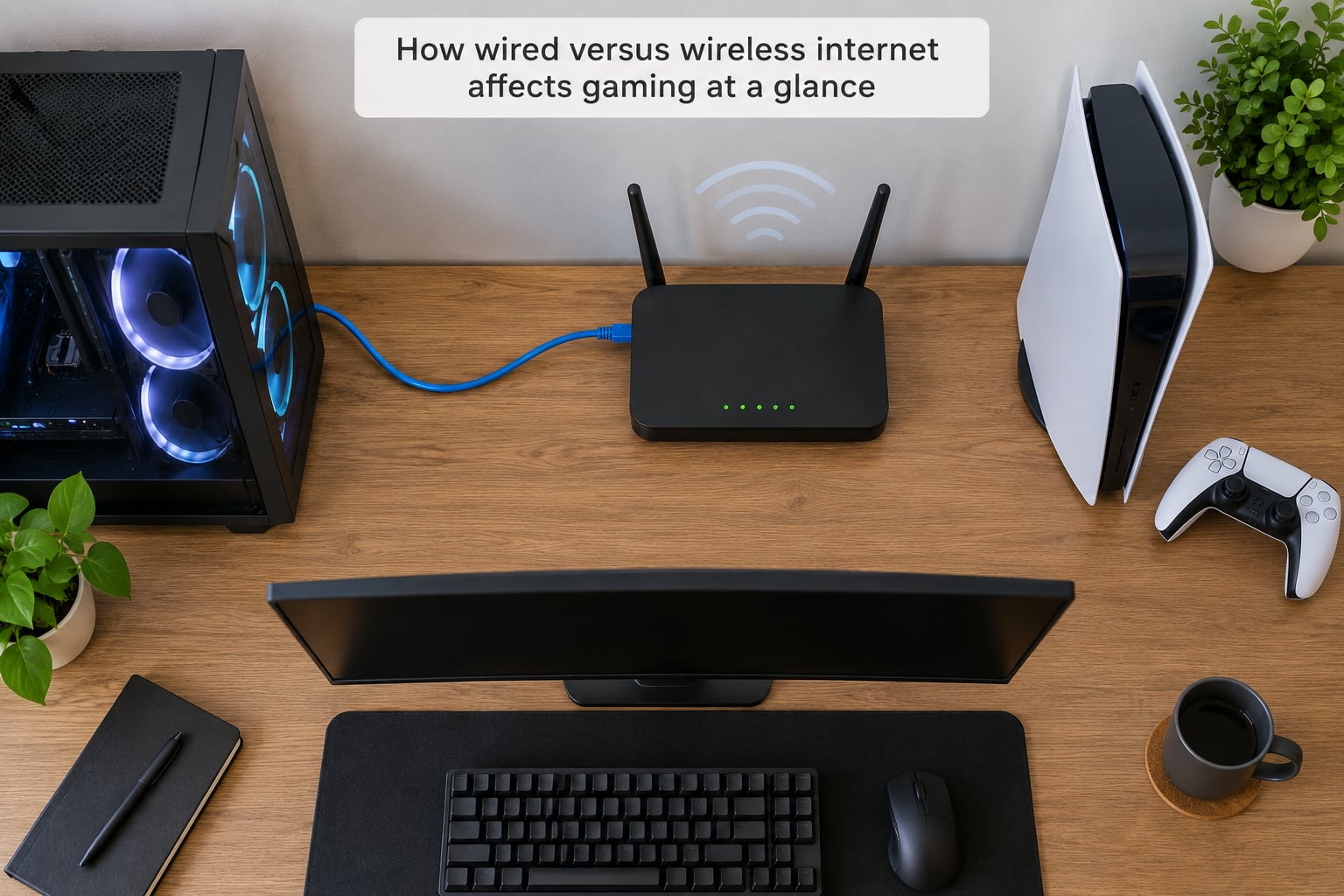
This table is the whole argument in one place. Read the jitter and consistency rows more carefully than the speed row, because that is where the difference actually lives.
| Factor | Wired (Ethernet) | Wireless (Wi-Fi) |
|---|---|---|
| Average ping to the same server | Usually the same as Wi-Fi when sitting next to the router | Usually the same as Ethernet when sitting next to the router |
| Jitter (variation in ping) | Near zero on a healthy cable and port | Variable, and rises with distance and congestion |
| Lag spikes during a match | Rare | Common in apartments and busy homes |
| Packet loss | Effectively zero on a good run | Noticeable on weak or crowded links |
| Throughput to a nearby device | Matches the port speed, gigabit and up | Depends on band, distance and signal noise |
| Susceptible to interference | No, copper is isolated | Yes, from walls, neighbours, Bluetooth and microwaves |
| Other devices can interfere | No, each cable is its own path | Yes, everything shares the same airtime |
| Setup effort | Run a cable, possibly through a wall or under a floor | Join the network and go |
| Device flexibility | Only where a cable reaches | Anywhere in range |
| Best for | Competitive shooters, fighting games, MMOs, ranked play | Couch play, laptops, handhelds, rented rooms |
What does wired internet do to gaming latency?
Every input you make travels a fixed route: controller to console, console to router, router to modem, modem into your ISP’s network, then to the game server. Each hop adds milliseconds. A wired connection removes exactly one of those hops, the wireless one, along with all the waiting that hop involves.
Wireless is a shared, polled medium. Before a frame goes out, the radio listens, waits for a free slot, and contends with every other device on that channel. Add interference and retries, and a packet that should take 2 ms can take 20. Across a two-hour session those stalls are the difference between a game that feels tight and one that feels like it is arguing with you.
Do you get 0 ms ping with Ethernet?
No. Zero milliseconds would mean the data never leaves your machine. Ethernet gets you the shortest and steadiest local leg, typically a millisecond or two on modern hardware, but your total ping is dominated by distance to the server and the quality of your ISP’s route. If a server sits 40 miles away, physics sets the floor for how fast a round trip can be.
Why your ping did not drop after you plugged in
This is the most common complaint on networking forums: someone buys a cable expecting a better number and gets the same reading. Usually nothing is wrong. The local hop was never the slow part. In-game ping measures a server that is often hundreds of miles from your house, and that leg is out of your control.
So judge the cable by the graph, not the average. A player on r/BattlefieldV put it plainly: if you were not already seeing lag spikes or jitter, you probably will not notice a difference. Those spikes were the problem, and a cable removes them. Another thread in r/CODWarzone had the same outcome, with the in-game number barely moving after the switch.
There are cases where Ethernet does lower the average. If your Wi-Fi was two rooms away behind a wall, or your router was overloaded, the local hop was genuinely slow. A few milliseconds come back. If the console is 30 feet through two walls on a 2.4 GHz link, you can lose 20 ms or more before a single byte reaches your ISP.
How does wireless internet affect gaming performance?
Wi-Fi performance is a moving target. Your average ping in the lobby may be 22 ms, and your match may still feel terrible, because the interesting number is how much that ping wanders.
Why wireless internet affects gaming even when ping looks fine
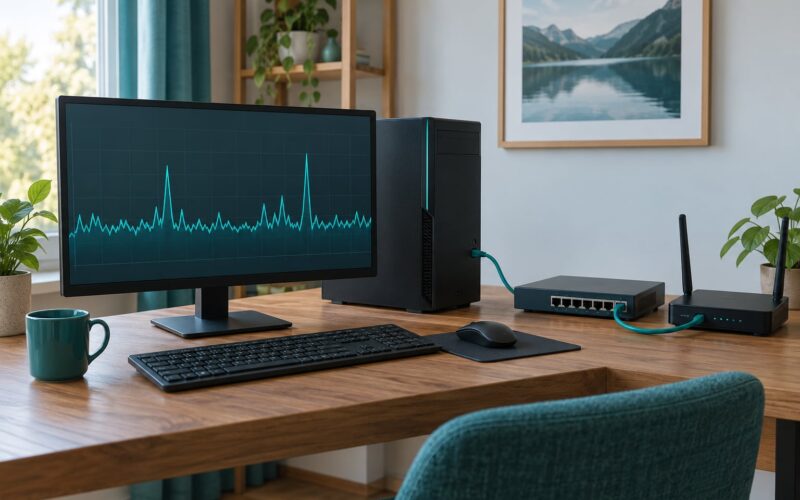
Games display a rolling average, which smooths out exactly the moments you care about. A link that sits at 22 ms and spikes to 80 ms three times a minute averages out to a number that looks respectable while you eat instant deaths you cannot explain. Jitter is the width of those swings, and packet loss is the frames that never arrive at all.
Users in r/HomeNetworking described it accurately: Wi-Fi does not necessarily add much latency, you get jitter and stutters instead, and the game feels laggy anyway. Anyone who played on both will recognise the sensation, characters teleport slightly during strafes and inputs land a beat late.
Four things drive it:
- Distance and walls. Signal strength falls off fast through masonry, foil-backed insulation and mirrors. Weak signal makes the radio crank transmit power, and that raises retransmissions.
- Neighbouring networks. In an apartment building you are sharing the same channels with dozens of routers. Airtime contention means waiting turns, and a busy channel adds delay to every packet.
- Other household devices. A 4K TV streaming on the same band, a video call, a cloud backup, a console downloading a title. This is the single most common cause of lag spikes during a good evening, and it is also the easiest to fix.
- The band you are on. 2.4 GHz reaches further but is crowded and slower. 5 GHz is faster and cleaner but shorter-reaching. 6 GHz is fast and quiet but has the shortest reach of the three.
Add Bluetooth, wireless headphones and a microwave in the kitchen to the 2.4 GHz band and you have a genuinely busy piece of spectrum. It is not unusual for household congestion to be the whole problem, which is why pulling the console onto a cable often fixes things that no router upgrade would.
Wired or wireless: which is more consistent during a match?
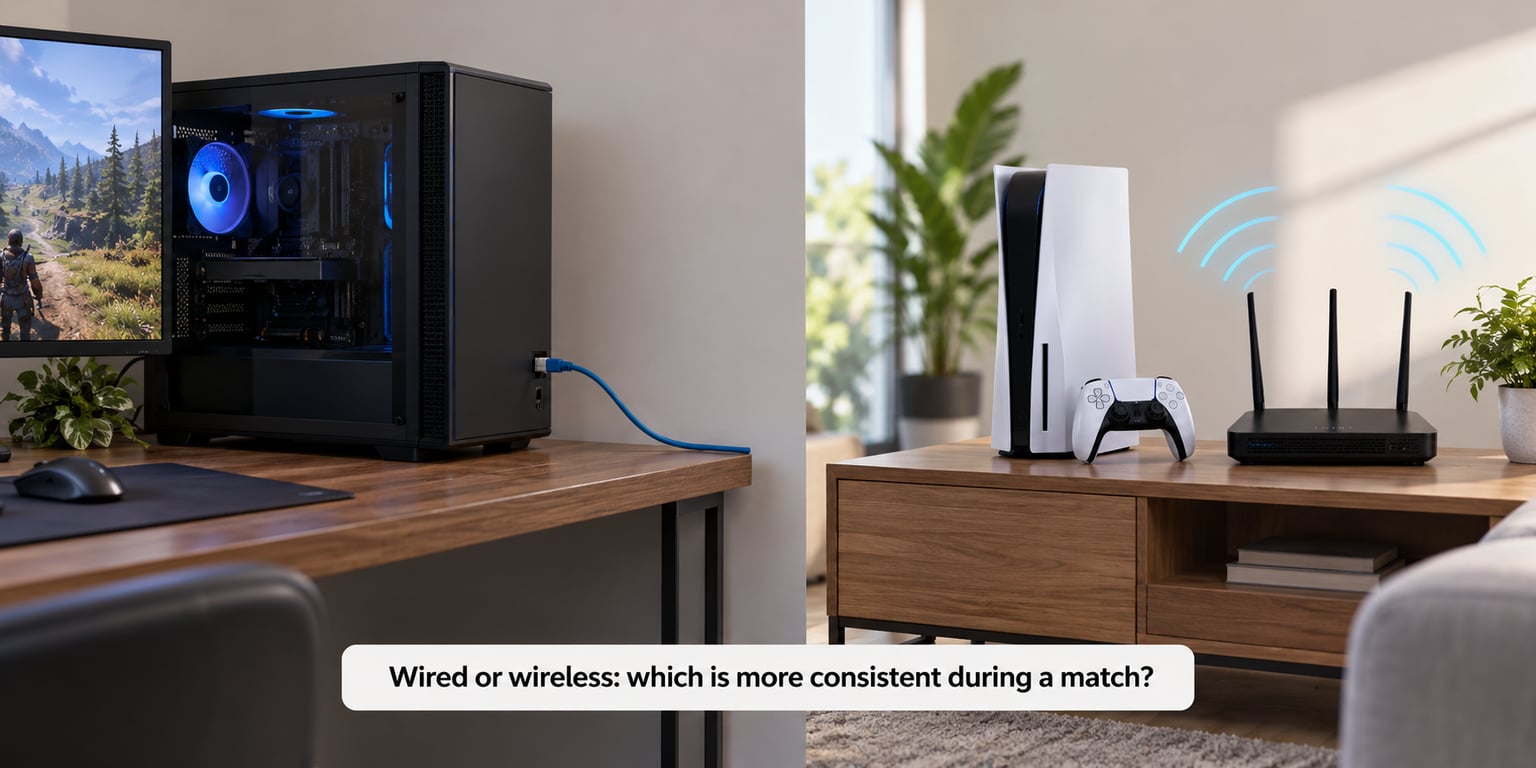
On a quiet Tuesday with the router two metres away and nobody else online, a modern Wi-Fi 6 setup on 5 GHz can be genuinely good. Consistency, though, is a claim about behaviour over hours and under load, not about the best result you saw once.
Ethernet is consistent because it is boring. A cable either works or it does not, and when it works the path is the same length every time. Nothing shares the copper, nothing changes channel, no microwave in the next room can lengthen a packet’s journey.
Wi-Fi is consistent only when conditions hold. That is not nothing, because the conditions can be arranged. But they change without warning: someone starts a download, a neighbour’s router wakes up, the signal drops a bar as a door swings open. Each event is brief, and each one costs you a moment of control.
Consider the evening test rather than the lab test. Play two matches on each setup at the same time of day, with the same household activity. If both feel the same, Wi-Fi is meeting your bar. If the wired sessions are visibly calmer, the spikes were real even if the average never moved.
Does wired internet always have faster download speeds?
No, and this is where a lot of marketing muddles itself. Internet speed comes from your plan and your ISP’s line. Both a wired PC and a Wi-Fi laptop on the same plan receive the same service. What differs is the last few metres between the router and your device.
On that last stretch, a gigabit Ethernet port delivers what the port can deliver, consistently, at any hour, regardless of what else is in the house. Wi-Fi throughput depends on band, distance, signal noise and how many devices are queued on the channel, so the same laptop can measure 900 Mbps beside the router and 180 Mbps in the back bedroom.
Wi-Fi speed tests also flatter themselves. A large parallel download is exactly the workload Wi-Fi handles best, because it can ride out a brief interruption and keep the link busy afterwards. That result tells you very little about a 40 ms packet arriving on time during a firefight.
How much bandwidth do you actually need?
For online play itself, remarkably little. Match traffic is a fraction of a megabit most of the time. What you need headroom for is everything else running on the same connection.
| Home connection | What it comfortably supports |
|---|---|
| Under 50 Mbps | One console or PC playing online, with light browsing elsewhere |
| 100-200 Mbps | A household of gamers, one 4K stream, cloud saves, no large downloads mid-match |
| 500 Mbps | Several 4K streams, simultaneous downloads and two online players without contention |
| 1 Gbps | Everything at once, plus room for a household that never closes its downloads |
Usable thresholds are worth memorising, because they turn a vague complaint into a target. Under 20 ms to a server feels excellent. Under 50 ms is comfortably playable. Above 100 ms is where input feels disconnected. Jitter under 5 ms is steady, and spikes into the 30-50 ms range are what players notice. Packet loss under 1% is background noise; above 2% you will see it.
How much do interference and router placement matter?
On Wi-Fi, placement often matters more than the router itself. A unit broadcasting from a corner cabinet at floor level, behind a television, is giving away most of its range before your controller even wakes up. Moving it onto an open shelf, off the floor and away from metal and appliances costs nothing and frequently does more than a hardware upgrade.
Distance is the other half. Signal strength, not link speed, predicts trouble, so a fast connection on weak signal performs worse than a modest connection on strong signal. In apartments, channel congestion is the third factor, and it is the one you cannot fix alone, though choosing a less crowded channel in the 5 GHz range helps.
Which Ethernet cable should I buy?
Almost any working cable beats a bad Wi-Fi link, and the category matters far less than people expect. If a device works, the cable is usually not your bottleneck. When you do need to buy, this is the short version:
| Category | Max speed | Max length | Worth it for gaming? |
|---|---|---|---|
| Cat5e | 1 Gbps | 100 m | Yes, entirely |
| Cat6 | 10 Gbps at 55 m | 100 m at lower speeds | Yes, the sensible default |
| Cat6a | 10 Gbps | 100 m | Yes, for in-wall runs |
| Cat8 | 40 Gbps | 30 m | No, no gaming benefit |
Cat6 is the one to buy for almost everyone. Shielded Cat6 helps only if you are running the cable next to power lines or through a noisy utility space, and unshielded is easier to terminate. The hard rule to know is the 100 metre, 328 foot limit for a permanent run, which is where copper Ethernet stops working. Beyond that you need a switch, a fibre run, or a different plan entirely.
Five ways to cut lag spikes when you cannot run a cable
Some homes simply will not take a cable: you rent, the walls are lath and plaster, the landlord will not allow drilling. In that case work down this list.
- Get the console onto 5 GHz or 6 GHz. A 6 GHz link on a Wi-Fi 6E or Wi-Fi 7 access point is quiet air in most homes and noticeably steadier than a crowded 2.4 GHz one.
- Move the access point, not just the router. An extra access point backhauled to the main router over Ethernet gives a strong signal in the far room without a long in-wall run. Repeaters and range extenders that rebroadcast over Wi-Fi add latency, which is why networkers keep telling people to wire them back.
- Stop the household competing with you. Pause downloads and cloud syncs before a match, and if someone is streaming in 4K, remember the console is sharing the same airtime.
- Use a wired connection for what you can. A desktop PC on cable and a console on Wi-Fi is a much better use of your time than trying to make everything wireless work.
- Use quality of service settings. Most modern routers can prioritise a device or a specific type of traffic, and gaming routers tend to expose that more clearly. It does not beat a cable, but it helps on a busy network.
Powerline adapters and MoCA adapters over coax are options when walls win, though both depend on your home’s wiring and neither is a guaranteed improvement over a clean 5 GHz link.
Which connection should you choose for gaming?
For competitive shooters, fighting games, MMO raids and anything ranked, plug in. The cable is cheap relative to what a consistent connection is worth, and it removes the spikes that decide fights you did not think you lost.
For a living-room console where the router sits in another room, a good 5 GHz or 6 GHz link is genuinely fine. The base latency might be a few milliseconds higher, and the trade is worth it for the convenience.
For laptops, handhelds and Steam Deck-style devices, wireless is the only realistic option and the hardware is built around it. Focus on band choice and router placement instead of fighting it.
For a shared household, the question changes from which connection is better to who can get the cleanest one. Give the competitive player the cable and let the rest run on wireless.
For renters and anyone who cannot run cable, treat an access point on a wired backhaul as your wired option. It is the closest thing to the real thing, and it works with a normal cable run of a few metres.
Whichever you pick, fix the weakest link first. A cable cannot rescue a congested neighbourhood channel, and a brand new router will not fix a bad ISP route to the server.
Frequently Asked Questions
Is Ethernet better for gaming than Wi-Fi?
Usually, yes. A wired Ethernet connection is unaffected by distance, walls, neighbouring networks and household wireless congestion, so latency stays predictable and packet loss is close to zero. Wi-Fi can be perfectly playable when conditions are good, but its ping wanders, and those swings are what cause stutter and sudden lag spikes.
Does Wi-Fi cause lag even when your internet speed is high?
Yes. High download speed says nothing about low ping or steady jitter. A crowded or distant Wi-Fi signal makes data wait its turn on the channel and arrive inconsistently. Moving closer to the router, moving to the 5 GHz or 6 GHz band, and pausing other household downloads removes most of the problem.
Do you get 0 ping with Ethernet?
No. Zero milliseconds would mean data never left your device. Ethernet makes the local hop to your router the shortest and steadiest part of the trip, usually a millisecond or two. Your total ping is set by how far away the game server is and by the quality of your ISP’s route to it, neither of which a cable can change.
Why did my ping not improve after I plugged in Ethernet?
Because the local hop was never the slow part of the route. If your Wi-Fi was strong and close to the router, the wireless segment was already adding only a few milliseconds. The cable still helps by eliminating jitter and spikes, so judge it on stability rather than on the average number in the corner of the screen.
Is 5 GHz or 6 GHz Wi-Fi better for gaming?
5 GHz is the practical balance for most homes, offering decent range with far less congestion than 2.4 GHz. 6 GHz gives you clean, wide channel space and lower interference, which helps in crowded buildings, but it has the shortest reach and needs a compatible router and client. Closer is better than faster band on any of them.
Which Ethernet cable should I buy for gaming?
Cat6 is the sensible default and covers every gaming need, with Cat5e also fine if it already works. Cat6a is worth it for permanent in-wall runs, and Cat8 offers nothing for gaming. Remember the 100 metre, 328 foot limit for a single copper run, and note that a cable only helps if the rest of the route is healthy too.
Bottom Line
Use Ethernet when stable, low-latency play matters, because what you gain is predictability rather than a lower number. Choose a good 5 GHz or 6 GHz Wi-Fi setup when flexibility matters more and place the router well. Either way, fix the weakest part of the route first, and measure jitter rather than trusting the average ping.