Subtitles and audio cues improve gameplay by putting the same critical information into more than one channel: subtitles put speech on screen as readable text, and audio cues flag events like footsteps, gunfire, reloads and approaching hazards as sound, on-screen indicators or haptics. Because the two carry overlapping but different details, a player who can hear only part of a fight, or see only part of a conversation, still gets the full picture and reacts faster.
The useful distinction is what each channel actually transmits. Subtitles are strongest for wording, speaker identity and tone. Audio cues are strongest for where something is, how urgent it is and when it happens. Games that only do one of the two leave a real gap, and that gap is where missed dialogue, wrong targeting and late reactions come from.
Table of Contents
- How Subtitles and Audio Cues Improve Gameplay
- How Subtitles and Audio Cues Improve Comprehension
- What Subtitles Add to a Game
- What Audio Cues Tell Players
- How Sound Direction Helps in Fast-Paced Games
- Why Timing Cues Can Prevent Mistakes
- When Subtitles and Audio Matter Most by Genre
- How to Choose Subtitle and Audio Settings
- Why Some Players Need These Cues More
- Frequently Asked Questions
- Can subtitles replace audio cues in a game?
- Do audio cues really help beginners learn faster?
- Why are audio cues important for accessibility?
- Are headphones necessary to understand directional sound?
- What should I do if subtitles or sound cues are inconsistent?
- Conclusion: Use Every Reliable Signal
How Subtitles and Audio Cues Improve Gameplay
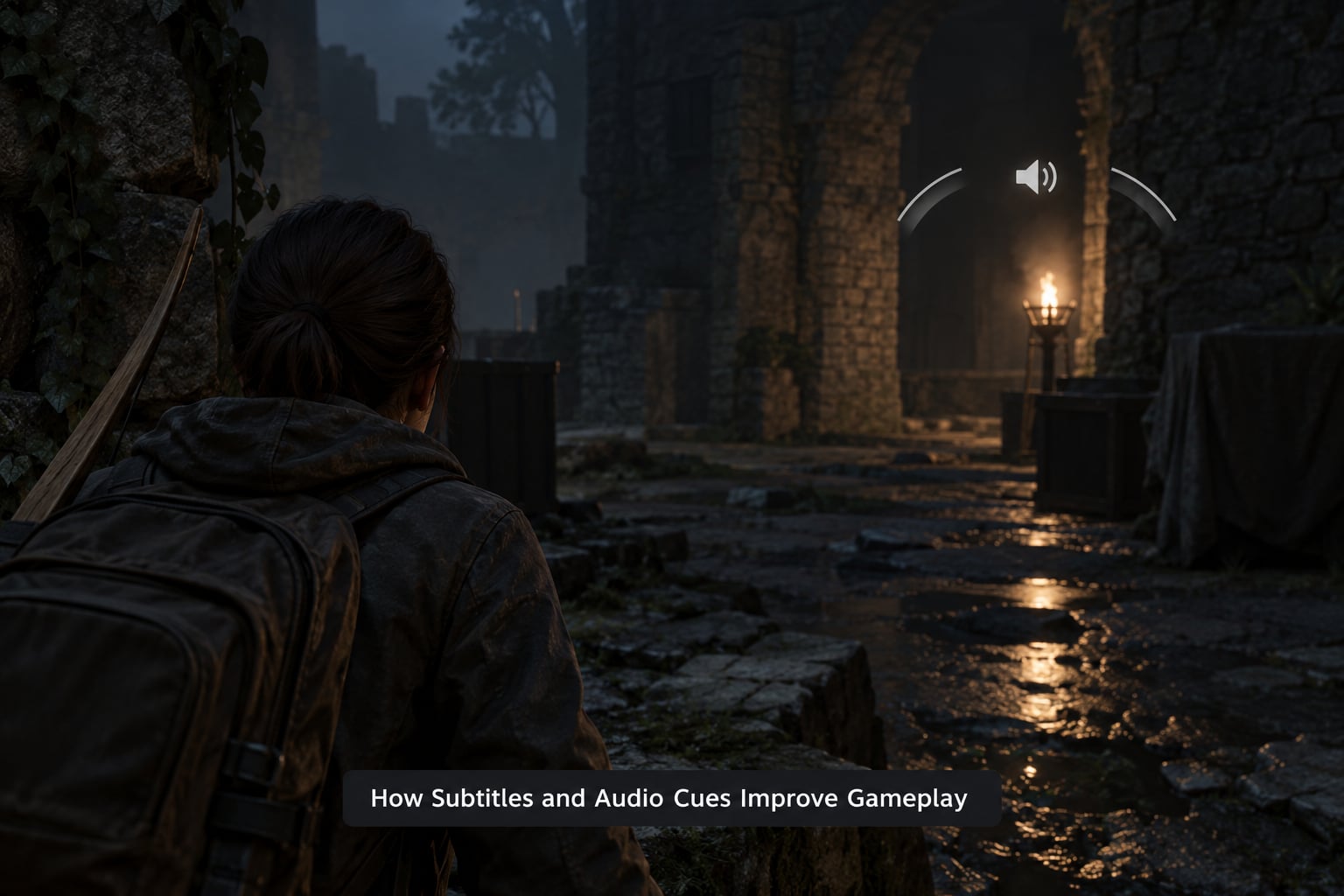
Redundancy is the whole trick. A footstep heard through a wall and the matching caption arriving at the same moment give two chances to register the same fact. Miss one and you still have the other. That is why how subtitles and audio cues improve gameplay is really a question about reliability rather than convenience, and it is why a caption system can rescue a fight that audio alone would have made unfair.
Sound carries information text cannot: distance, direction, texture and material. Footsteps on gravel sound different from boots on steel grating, and no subtitle tells you that. Text carries what sound handles badly in a noisy moment: exact words, names, numbers and the emotional register of a line. A character who says “I never touched it” flatly reads very differently from the same words shouted.
Put together, they shorten the chain between an event happening and the player understanding it. That chain is usually where time is lost. A shooter opponent who rounds a corner, a boss that telegraphs an attack, a teammate calling a grenade are all cases where a cue arriving early gives the player a beat to turn, dodge or reposition.
How Subtitles and Audio Cues Improve Comprehension
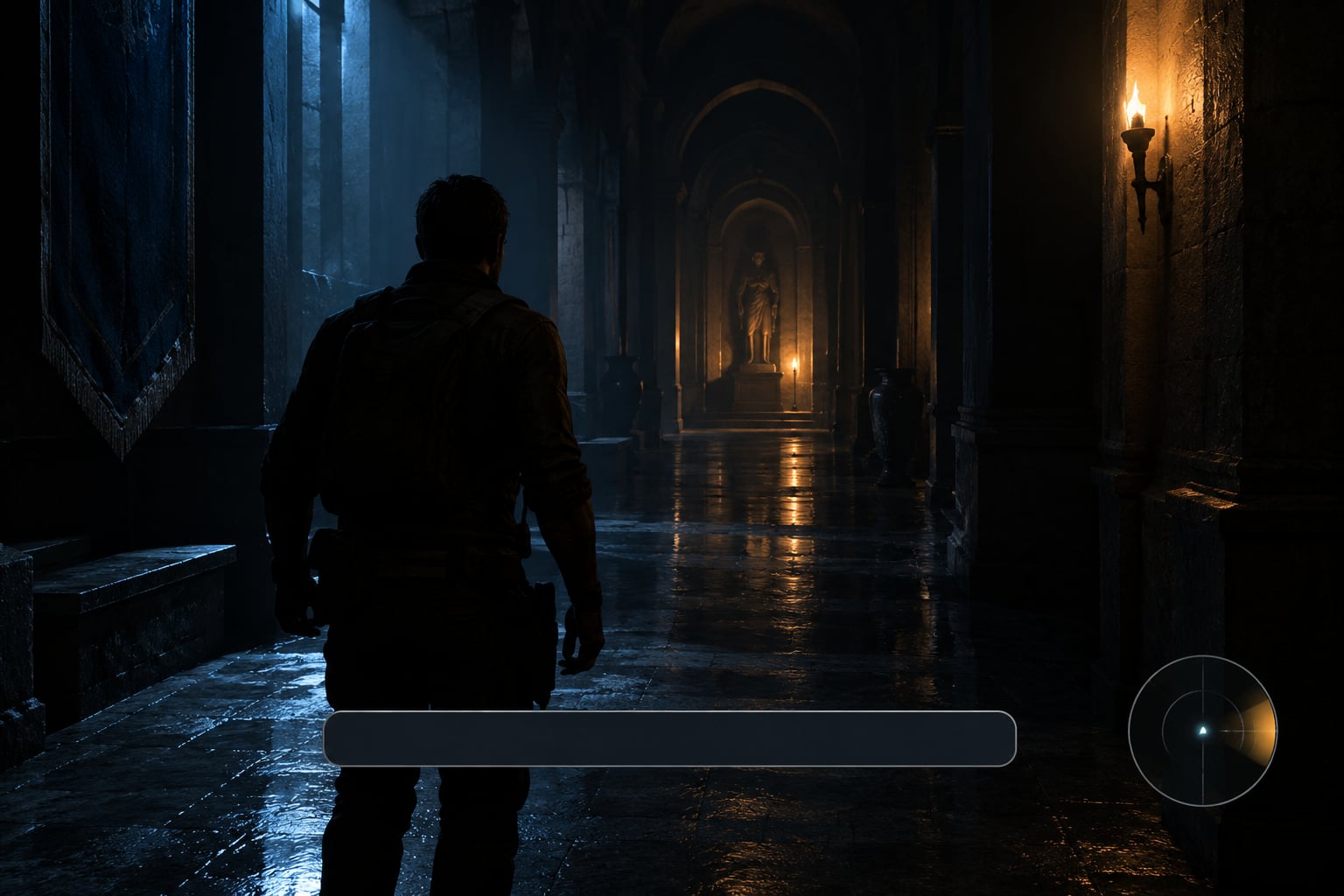
Identifying who is speaking. In a squad shooter with five voice lines overlapping, a caption tagged with a speaker name removes the guessing. A player who cannot resolve voices now knows that the warning came from the teammate behind the wall rather than the enemy ahead.
Keeping narrative context. Story-heavy games lose plot details that go unheard. A subtitle line about a stolen map during a fight still registers, which means the later conversation lands instead of feeling arbitrary.
Locating threats. Most competitive shooters already pair a sound with a directional indicator for gunfire, footsteps and incoming attacks. The sound tells you a fight exists; the indicator tells you which way to turn. Remove either one and the encounter becomes guesswork.
Reading the environment. Doors, alarms, weather shifts and machinery changes are audio cues that mark state. Subtitle or caption systems built for gameplay events can surface those too, so a player learns that a hum means power is back on rather than a generator is about to fail.
Connecting cause and effect. When a warning is captioned and the thing it describes appears a second later, the player builds a correct mental model. Without the caption, the second event is noise; with it, the second event confirms the first one.
What Subtitles Add to a Game
Subtitle systems come in a few flavours, and mixing them up is the most common source of confusion in this whole area. Dialogue subtitles show spoken words. Gameplay captions add non-speech events that matter mechanically. Closed captions extend that further to background and environmental sound. Knowing which one a game ships tells you what a player is losing when the volume is down.
| Format | What it shows | What it cannot do |
|---|---|---|
| Dialogue subtitles | Spoken words from characters and voice chat | Direction, distance, or non-speech events |
| Gameplay captions | Footsteps, gunfire, reloads, impacts and other mechanical events | Tone or speaker emotion in most implementations |
| Closed captions | Dialogue plus identified background sounds and speaker labels | Spatial position of the sound source |
| Audio cues | Directional sound, visual indicators and haptics for key events | Wording, unless the game pairs it with captions |
| Audio description | Narration of visual detail during cutscenes | Gameplay information outside cutscenes |
Colour and speaker labelling matter more than most players expect. A small switch that renders each speaker in a distinct colour, or prints the name before the line, turns a wall of text into a conversation you can track. One player reviewing a title on Can I Play That described subtitles that were small, stylised and rendered without a darkened background, so contrast problems made them harder to read even with the setting switched on. That is the practical lesson: a caption system nobody can read is the same as no caption system at all.
What Audio Cues Tell Players
Audio cues are organised around function. Once you know what a cue is doing, you can decide whether you need it on, louder, or represented visually instead.
| Cue function | What it communicates | Gameplay implication |
|---|---|---|
| Spatial direction | Which side or above or below the sound came from | Turn to face the threat instead of scanning every angle |
| Distance | How far away the source is | Decide whether to push, hold or retreat |
| Urgency | How soon something matters | Cancel an action and defend in time |
| Identity | Who or what made the sound | Treat a teammate reload differently from an enemy reload |
| Movement | Whether something is moving and in which direction | Track a flanker that crossed behind cover |
| Interaction | Whether a door, pickup or objective can be used | Skip the search for a lever you already know is there |
| Environmental context | Changes in weather, lighting or machinery state | Prepare before the wave, storm or lockdown starts |
None of that needs to come through a speaker. Games increasingly pair each cue with a visual indicator, a controller rumble, or both, which is why a cue is now often described as multi-channel rather than purely auditory.
How Sound Direction Helps in Fast-Paced Games
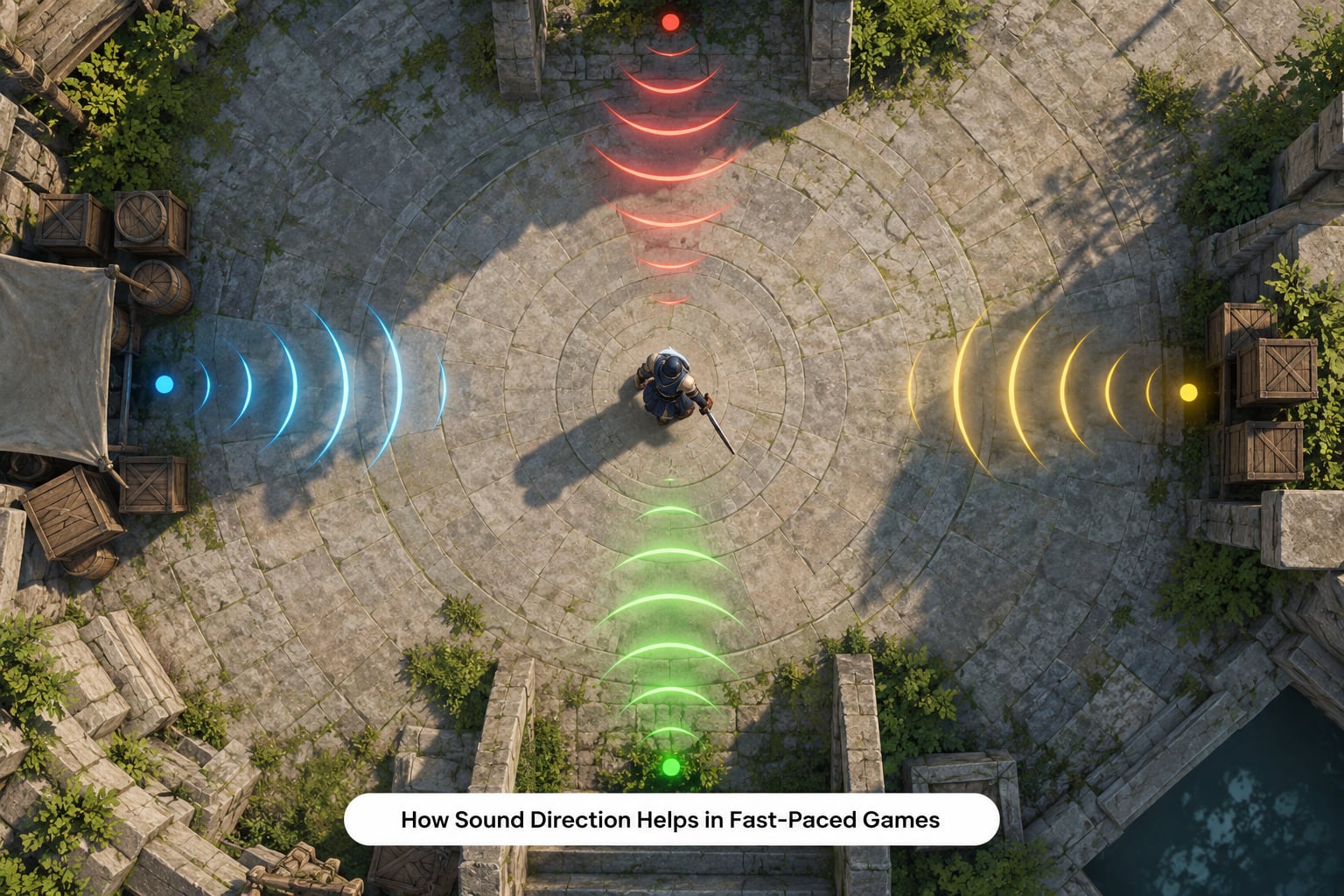
Left and right channels do most of the work. An opponent circling to your right lands in the right ear, so you can turn without a visual scan. Vertical cues work the same way, though far fewer games implement them well, which is why hearing something above you often reads as ahead of you.
Distance and occlusion add the second half. A footstep down a long corridor fades and gets duller, and a sound through a wall is filtered differently from one through an open door. These are engineering decisions in the mix, and they are what separate a cue that says “something happened” from one that says “two rooms to your left”.
That distinction shows up constantly in player complaints. In one r/SiegeAcademy thread, a player described hearing hatches being broken but being unable to tell which room they came from. Another, in r/apexlegends, described relying on subtitles to catch teammate callouts such as a grenade warning, and said visual audio cues would make the game fair rather than merely easier. Localisation, not detection, was the barrier in both cases.
A simple headphone test makes the difference obvious. Play a familiar mission twice, once with speakers and once with headphones, and note the moments you react to in one version and miss in the other. The gaps are the places where a visual indicator would pay for itself.
Why Timing Cues Can Prevent Mistakes
A large share of audio cues are really clocks. They tell you that something is about to happen rather than that it is happening, and that head start is worth more than any amount of raw detail.
- Footstep rhythm. The spacing tells you whether someone is walking, running or crouching, so you know how long you have.
- Reload and weapon handling. A reload tone means an opponent is briefly unable to shoot. That window is short, and a caption or indicator makes it catchable.
- Attack wind-up. Bosses and fighting games announce an incoming move with a tone, a flash and a distinct sound. Three channels means three ways to read the same tell.
- Environmental shifts. A drop in wind, a change in music tempo or a distant rumble often precedes a scripted event.
- Score and music cues. A layered track that adds an instrument at a wave start is a warning, not decoration.
The failure mode is audio that occupies your attention without telling you anything actionable. Long ambient layers and score shifts that repeat constantly train you to filter sound out, which makes the cue that mattered easy to miss. Fewer, better-timed cues beat a dense mix every time.
When Subtitles and Audio Matter Most by Genre
Different genres depend on different channels. This is roughly how the priority shifts.
| Genre | Most valuable cue | Example |
|---|---|---|
| Fighting games | Attack wind-up cues on three channels | Reading a charge-up tell with the sound down |
| Competitive shooters | Directional gunfire and footsteps plus visual indicators | Knowing a flanker crossed behind cover |
| Stealth games | Sound propagation clues and state captions | Working out which patrol heard a noise |
| Survival games | Status and environmental audio cues | Hearing a generator catch before a storm hits |
| Racing games | Engine and tyre cues tied to vehicle state | Hearing a wheel lock before a slide begins |
| Horror games | Directional spatial audio and captioned whisper cues | Locating a voice that never appears on screen |
| Cinematic adventures | Dialogue subtitles and audio description | Following a conversation at low volume |
Notice the pattern. Action genres lean on direction and timing, narrative genres lean on wording, and horror sits at the junction because its whole design depends on a sound you cannot see.
How to Choose Subtitle and Audio Settings
Start with readability rather than defaults. Bump subtitle size until it is comfortable at your normal viewing distance, add an opaque or semi-opaque background so text survives bright scenes, and turn on speaker names or colour coding whenever the game offers them. Then rebalance the mix: many games ship separate sliders for dialogue, effects, music and voice chat, and raising dialogue while trimming music fixes a lot of missed conversation.
For sound, decide whether you want information or immersion, and adjust from there. Turn dynamic range compression up if quiet footsteps vanish under gunfire, and leave headroom on effects if the mix clips. Enable isolated or prioritised channels if the game has them, because they let you bias toward the sounds that decide fights. Headphones remain the cheapest upgrade for direction; speakers will never separate left from right reliably.
Menu names and navigation paths differ by platform, device, game and software version, so check your current settings menu or the game’s manual for the exact locations on your console or PC rather than relying on a guide written for a different version.
Why Some Players Need These Cues More
The accessibility case is the obvious one: d/Deaf and hard-of-hearing players depend on captions for dialogue and on visual indicators for the events captions do not cover. Around 20 percent of people live with a disability of some kind, and quality standards such as the Xbox Accessibility Guidelines and the accessibility tags on Xbox store listings exist because a caption option on a settings screen is not the same as a usable one.
The situational case is just as common and gets discussed far less. A shared wall, a sleeping child, a noisy kitchen, late-night play with the volume low, age-related hearing change, streaming to an audience watching without sound, or a game that autoplays muted while you are reading something else on the same screen. One parent on a ReadSpeaker panel described the routine plainly: turn the volume down, turn subtitles on, keep playing.
Players who process visual information differently also gain from the same settings, particularly size scaling, high contrast backgrounds and colour options that do not depend on hue alone. Nothing here requires a single universal setup. Adjustable, combined information is the point, and the best configuration is the one that survives a bad room and a long session.
Frequently Asked Questions
Can subtitles replace audio cues in a game?
Only partly. Subtitles carry wording, speaker identity and tone, but they do not carry direction, distance or texture. A caption can tell you a hatch broke; it cannot tell you which room it came from. Games where every meaningful sound is captioned stay playable on mute, and games with dialogue-only subtitles lose real information the moment you cannot hear.
Do audio cues really help beginners learn faster?
They help you learn the systems a game teaches through sound. Once footsteps, reloads and warning tones map onto predictable events, new encounters read as variations on patterns you already know. The effect is strongest in the first few hours, which is also when a game is least willing to explain itself in text.
Why are audio cues important for accessibility?
Because they remove a single point of failure. When direction, distance and urgency also arrive as visual indicators or haptics, the information survives a noisy room, a muted stream or a screen the player cannot read clearly. Quality standards such as the Xbox Accessibility Guidelines treat a caption setting as insufficient on its own, which is the core of the argument.
Are headphones necessary to understand directional sound?
For reliable left and right separation, yes. Speakers placed in a room blend channels at the listening position, so a sound to your right arrives partly from the front. Headphones deliver a two-channel image close to each ear, which is what makes directional indicators and footstep cues usable. Vertical cues remain unreliable on most setups.
What should I do if subtitles or sound cues are inconsistent?
Turn every subtitle option on first, including background opacity, speaker names and size scaling, since dialogue-only defaults often leave the important settings off. If sound effects are still being missed, raise the effects and dialogue sliders and lower music. Report the gap to the publisher, describing the exact event and screen, since developers rarely see what a single player sees.
Conclusion: Use Every Reliable Signal
Subtitles and audio cues improve gameplay because they divide the work: text carries what was said, sound and its visual or haptic partners carry what happened and where. Together they cut missed dialogue, wrong targeting and late reactions, and they keep a game playable in a room you do not control.
Start with three things. Turn on readable subtitles with a background and speaker labels, rebalance dialogue against music and effects, then replay a mission you know well on headphones and note which sounds you would have missed. Where the list is long, that is where a visual indicator earns its place on screen.